-
Raspberry Pi Streaming Radio Player: Minimum Viable Product
With the numeric keypad producing events, and the USB audio box producing sound, the next steps involve starting
mplayerthrough Python’s subprocess interface and feeding keystrokes into it.There’s not much to it:
- Raspberry Pi Model B+ running Raspbian Jessie Lite
- USB numeric keypad with sticky labels
- Behringer UCA202 USB Audio Interface (replacing the Creative Labs gadget)
- USB WiFi dongle (in power hog mode) on a short extension cable for better reception
As much hardware doc as you need:

RPi Streaming Player – first lashup The green plug leads off to a set of decent-quality PC speakers with far more bass drive than seems absolutely necessary in this context. The usual eBay vendor bungled an order for the adapter between the RCA line-out jacks and the 3.5 mm plug that will avoid driving the speakers from the UCA202’s headphone monitor output; I doubt that will make any audible difference. If you need an adapter with XLR female to 1/4 inch mono, let me know…
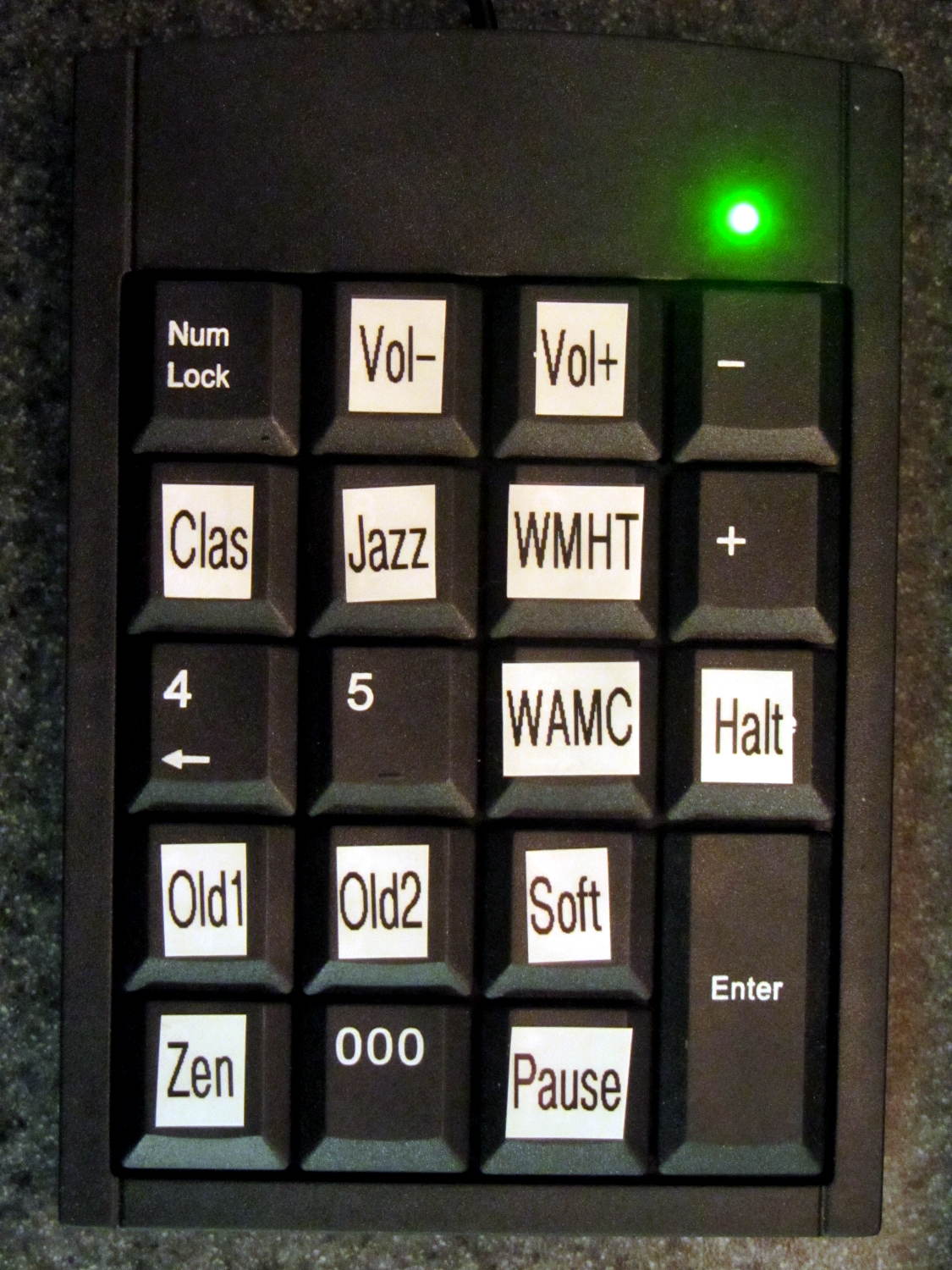
The keypad labels provide all the UI documentation there is:
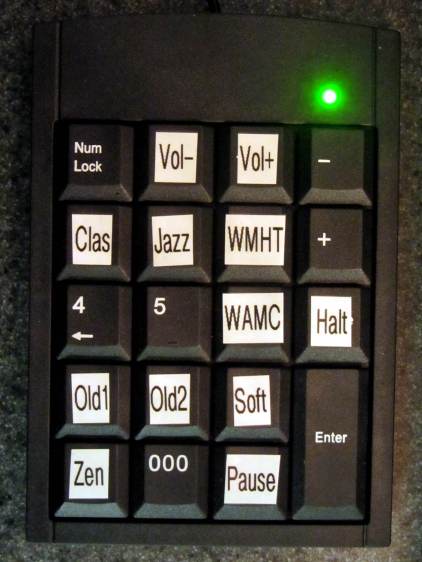
Numeric Keypad – stream labels The Python source code as a GitHub Gist:
This file contains hidden or bidirectional Unicode text that may be interpreted or compiled differently than what appears below. To review, open the file in an editor that reveals hidden Unicode characters. Learn more about bidirectional Unicode charactersfrom evdev import InputDevice,ecodes,KeyEvent import subprocess32 Media = {'KEY_KP7' : ['mplayer','http://relay.publicdomainproject.org:80/classical.aac'%5D, 'KEY_KP8' : ['mplayer','http://relay.publicdomainproject.org:80/jazz_swing.aac'%5D, 'KEY_KP9' : ['mplayer','http://live.str3am.com:2070/wmht1'%5D, 'KEY_KP6' : ['mplayer','http://pubint.ic.llnwd.net/stream/pubint_wamc'%5D, 'KEY_KP1' : ['mplayer','-playlist','http://dir.xiph.org/listen/5423257/listen.m3u'%5D, 'KEY_KP2' : ['mplayer','-playlist','http://dir.xiph.org/listen/5197460/listen.m3u'%5D, 'KEY_KP3' : ['mplayer','-playlist','http://dir.xiph.org/listen/5372471/listen.m3u'%5D, 'KEY_KP0' : ['mplayer','-playlist','http://dir.xiph.org/listen/5420157/listen.m3u'%5D } Controls = {'KEY_KPSLASH' : '/', 'KEY_KPASTERISK' : '*', 'KEY_KPDOT' : ' ' } k=InputDevice('/dev/input/keypad') print 'Starting mplayer' p = subprocess32.Popen(Media['KEY_KP7'],stdin=subprocess32.PIPE) print ' … running' for e in k.read_loop(): if (e.type == ecodes.EV_KEY) and (KeyEvent(e).keystate == 1): kc = KeyEvent(e).keycode if kc == 'KEY_NUMLOCK': continue print "Got: ",kc if kc == 'KEY_BACKSPACE': print 'Backspace = shutdown!' p = subprocess32.call(['sudo','halt']) break if kc in Controls: print 'Control:', kc p.stdin.write(Controls[kc]) if kc in Media: print 'Switching stream to ',Media[kc] print ' … halting' p.communicate(input='q') print ' … restarting' p = subprocess32.Popen(Media[kc],stdin=subprocess32.PIPE) print ' … running' print "Out of loop!" The
Mediadictionary relates keycodes with the command line parameters required to firemplayerat the streaming stations. With that running, theControlsdictionary turns keycodes intomplayerkeyboard controls.There’s no display: you have no idea what’s going on. I must start the program manually through an
sshsession and can watchmplayer‘s console output.Poking the
Haltbutton forcibly halts the RPi, after which you squeeze the Reset button to reboot the thing. There’s no indication that it’s running, other than sound coming out of the speakers, and no way to tell it fell of the rails other than through thesshsession.The loop blocks on events, so it can’t also extract stream titles from the (not yet implemented) mplayer stdout pipe / file and paste them on the (missing) display; that’s gotta go.
There’s a lot not to like about all that, of course, but it’s in the tradition of getting something working to discover how it fails and, in this case, how it sounds, which is even more important.

-
Subscribe
Subscribed
Have a WordPress.com account? Log in now.

