-
Samsung French Door Refrigerator Mullion Flipper
The vertical bar between the doors of the Samsung French Door refrigerator that Came With The House™ is called a “mullion” and the curvy doodad on top that moves it out of the way when you open the door is called a “mullion flipper”, which I learned while attempting to repair it:
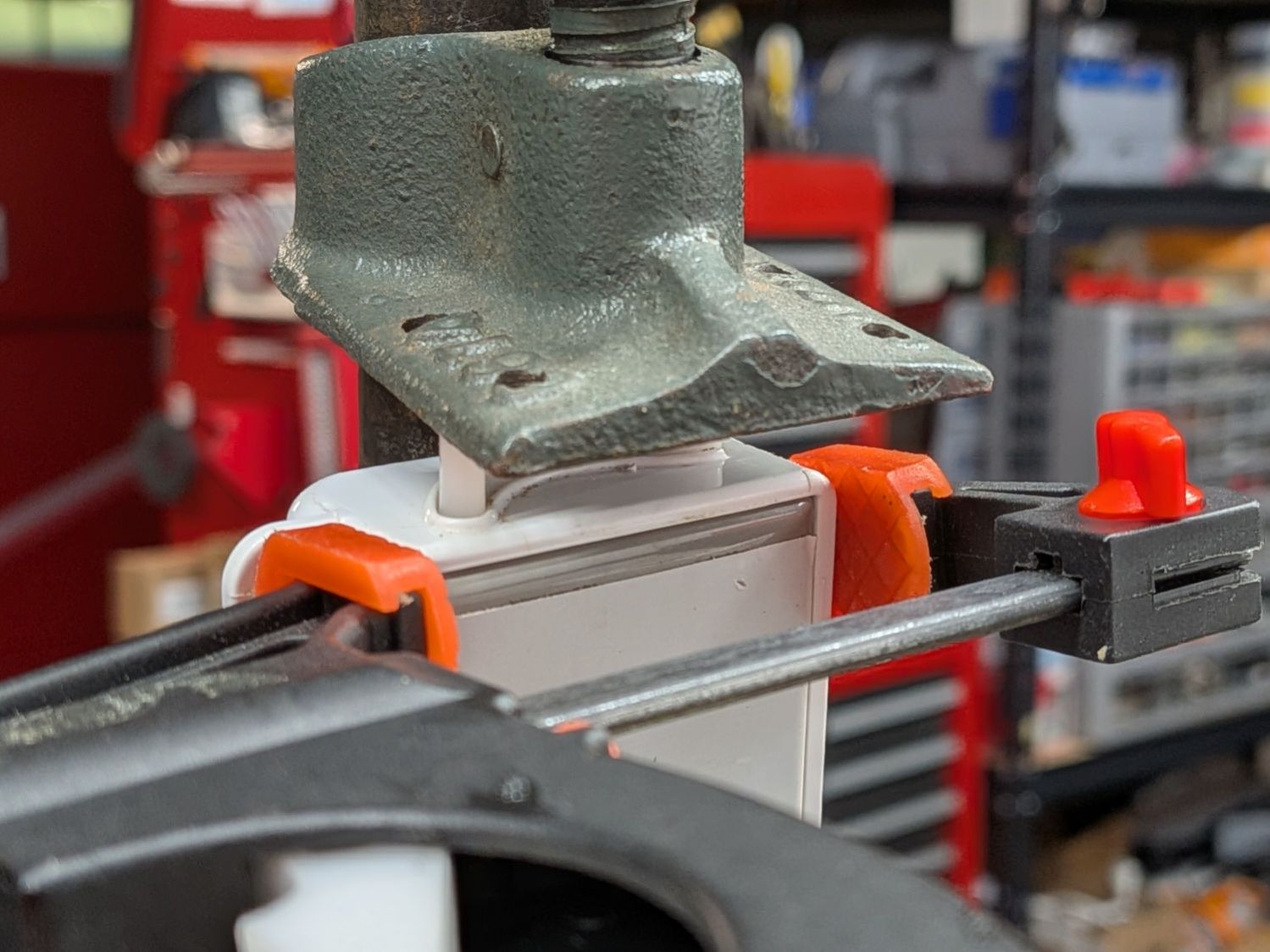
Samsung Refrigerator Mullion Flipper – regluing The entire top of the mullion broke off and, while a solvent bond can (ideally) be as strong as the original plastic, if the part broke once it will probably break again. Which happened in short order, despite all the clamping.
The official replaceable part is the entire mullion, but a more practical alternative is a cap fitting the top of the broken mullion, apparently either molded or 3D printed.
Having a 3D printer of my very own, a quick search brought forth a solid model of a mullion flipper that fit exactly:
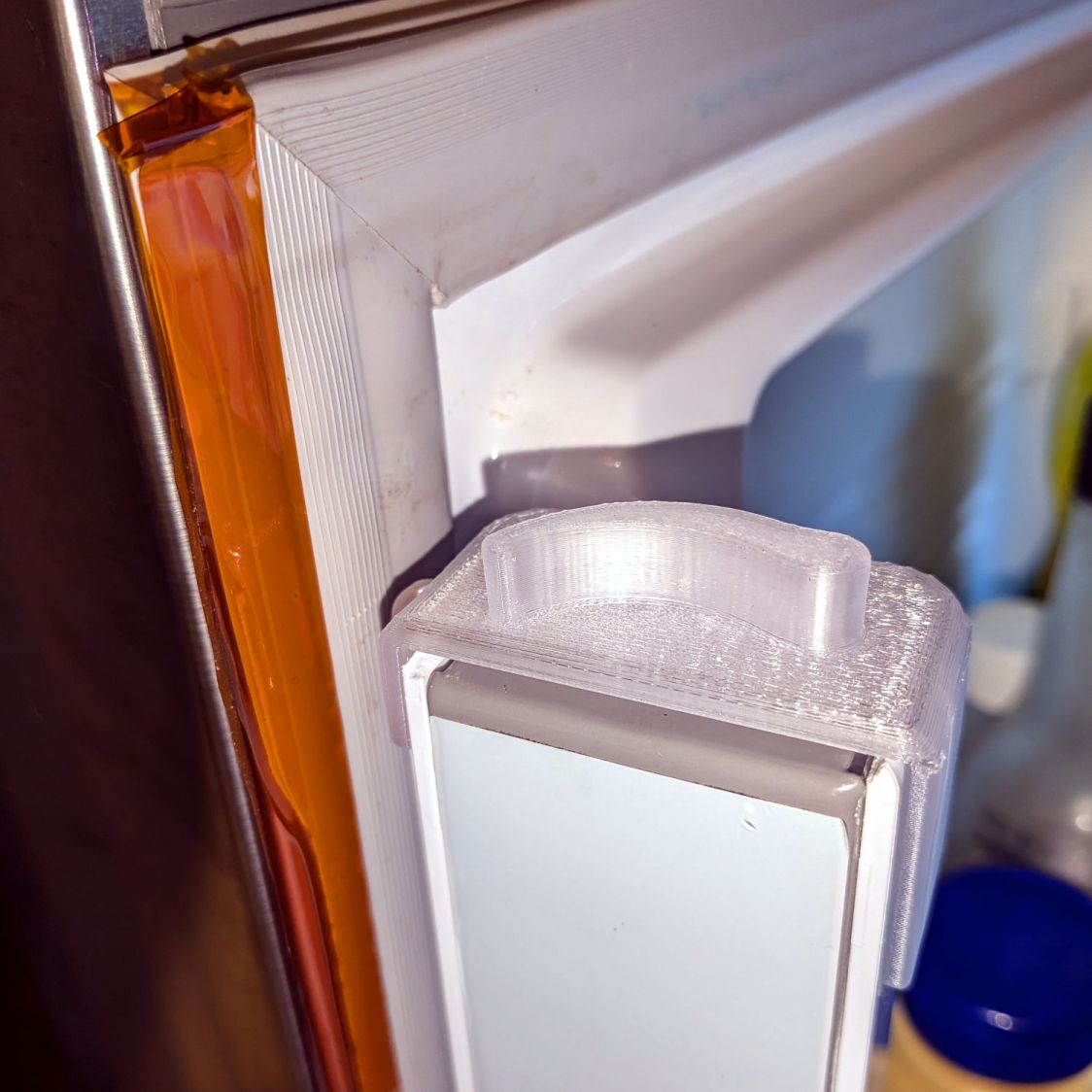
Samsung Refrigerator Mullion Flipper – 3D print top view It’s printed in clear PETG, which seemed a better match than white, and is held in place with a wrap of double-sided tape around the top, which may not be strictly necessary.
It flips the mullion just like the original:
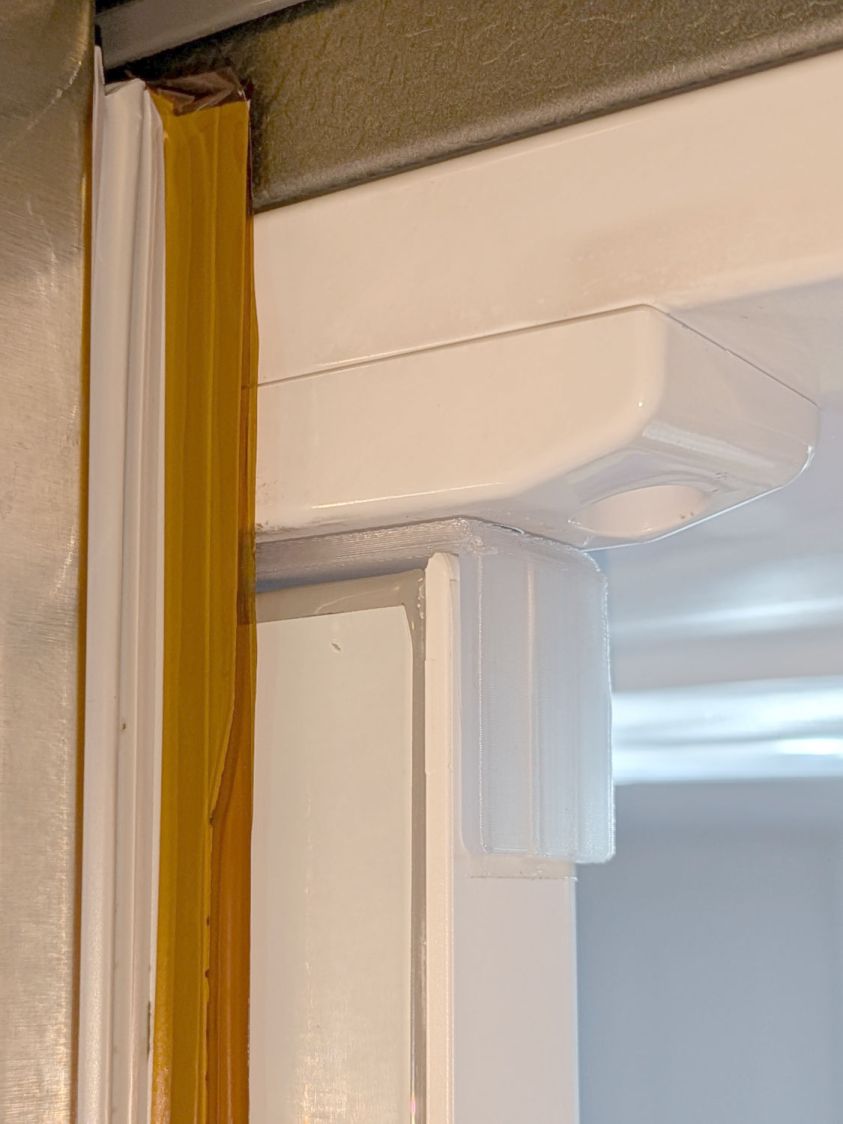
Samsung Refrigerator Mullion Flipper – 3D print outside view The yellow strip is 2 mil Kapton tape applied to both sides of the torn flexible seal running the length of the door, which we agreed was less awful than attempting to replace the entire seal on both doors. It must be trimmed slightly narrower than shown to avoid jamming on the other door.
Perusing previous posts will explain my overall low opinion of Samsung appliances.
-
Subscribe
Subscribed
Have a WordPress.com account? Log in now.

