The Smell of Molten Projects in the Morning

Ed Nisley's Blog: Shop notes, electronics, firmware, machinery, 3D printing, laser cuttery, and curiosities. Contents: 100% human thinking, 0% AI slop.

Category: Photography & Images

Taking & making images.

  • Red Oaks Mill Dam: Continued Crumbling

    Recent rains and snowmelt raised the level of the Mighty Wappingers Creek a bit:

    Red Oaks Mill Dam - 2014-04-06
    Red Oaks Mill Dam – 2014-04-06

    It’s not flood stage, but there’s plenty of water flowing over the dam:

    Red Oaks Mill Dam - crumbled top - 2014-04-06
    Red Oaks Mill Dam – crumbled top – 2014-04-06

    The crumbled rubble fill hardly disturbs the flow until the bottom falls out at the downstream edge:

    Red Oaks Mill Dam - crumbled top detail - 2014-04-06
    Red Oaks Mill Dam – crumbled top detail – 2014-04-06

    I once spotted a job offer for a live-in dam tender over in Wallkill, but it turned out to be Internet debris; they automated the process and no longer need a human. I want to live in the powerhouse next to a dam, but it’s not to be…

    Search for Red Oaks Mill dam to find other dam pix.

  • Chocolate Molds: Closeups

    An overall view of the mold:

    Tux Gradient 4x4 - mold separated
    Tux Gradient 4×4 – mold separated

    The PLA positive, after removing the silicone negative, showing the silicone below the surface:

    Tux Gradient - PLA positive detail
    Tux Gradient – PLA positive detail

    The corresponding silicone negative cavity, flipped top-to-bottom:

    Tux Gradient - silicone negative detail
    Tux Gradient – silicone negative detail

    The milk chocolate result, although probably not from the same cavity:

    Tux Gradient - milk chocolate detail
    Tux Gradient – milk chocolate detail

    The radial gradient on the tummy comes through clearly and, I think, pleasingly, even though it’s only a few layers tall. The threads defining the flipper just above (to the left, in these images) of the foot show where the flipper crosses the tummy and foot level. I didn’t expect the foot webbing grooves to get that ladder-like texture, but I suppose having non-slip foot treads would be an advantage.

    If you don’t mind the hand-knitted texture, which I don’t, this process seems perfectly workable.

  • The First Annual Dutchess Rail Trail Muster of Recumbent Riders

    Did a 38 mile end-to-end ride on the Dutchess Rail Trail yesterday in the company of a dozen recumbents drawn to The First Annual Dutchess Rail Trail Muster of Recumbent Riders

    Some of the group in the parking lot of the Hopewell Junction Depot:

    Recumbent Riders - Hopewell Junction Depot - 2014-04-05
    Recumbent Riders – Hopewell Junction Depot – 2014-04-05

    Rolling out:

    Recumbent Riders - Leaving Hopewell Junction Depot - 2014-04-05
    Recumbent Riders – Leaving Hopewell Junction Depot – 2014-04-05

    The ADA nubbly strips at North Grand Avenue remain missing in action:

    Recumbent Riders - North Grand Avenue Crossing - 2014-04-05
    Recumbent Riders – North Grand Avenue Crossing – 2014-04-05

    A highracer gingerly navigates the low-speed gauntlet to the Walkway Over the Hudson:

    Recumbent Riders - Walkway Over the Hudson Entrance - 2014-04-05
    Recumbent Riders – Walkway Over the Hudson Entrance – 2014-04-05

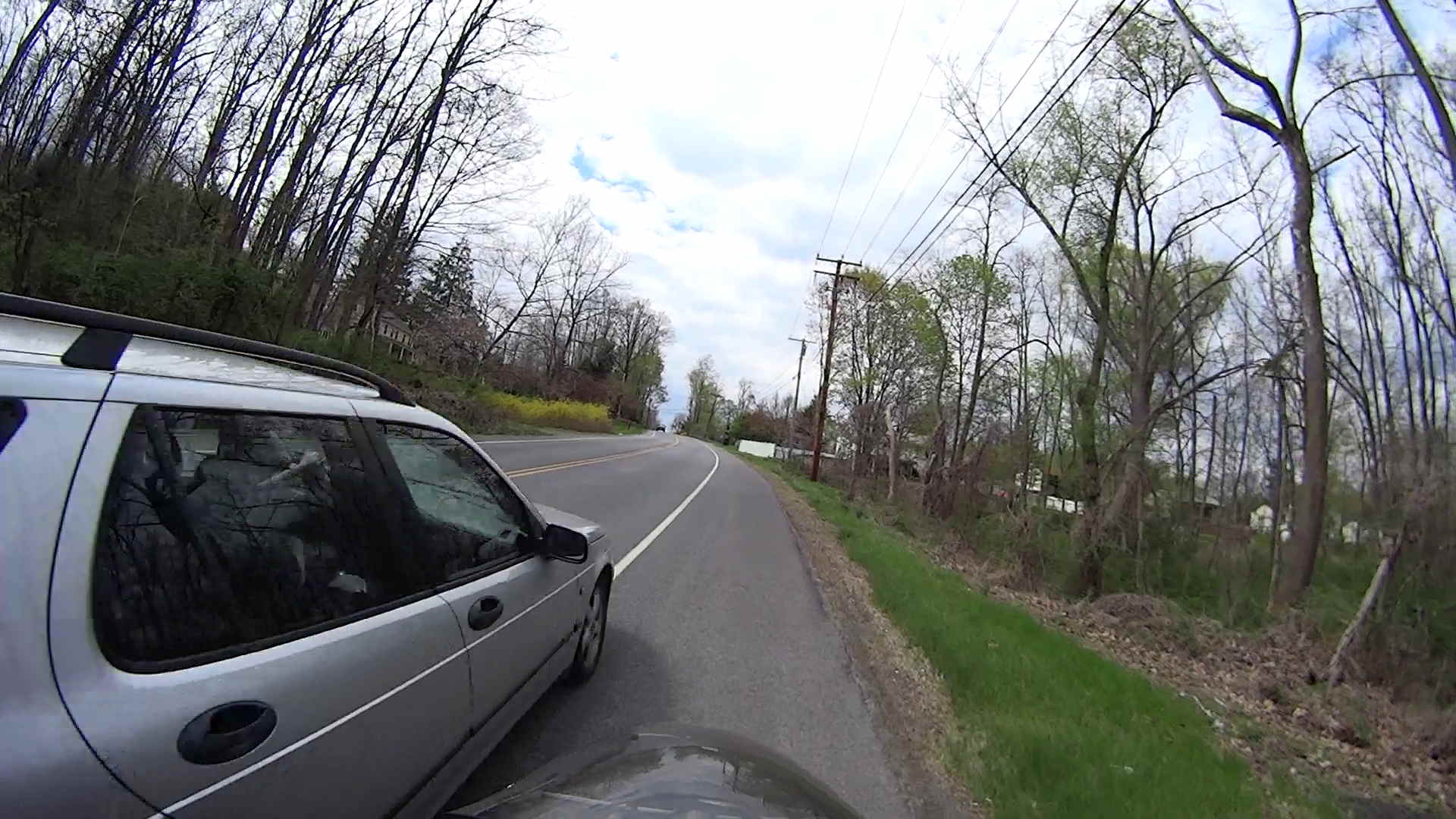
    The pix come from the Sony HDR-AS30V helmet camera video, set to 1920×1080 / 120° @ 60 frame/s. They’ve had a bit of refocusing and color adjustment, but nothing can dramatically improve them. The video looks better only because eyes aren’t as fussy with moving images. I’m not red-hot pleased with the resolution & compression, but the camera is what it is.

    The lens carried a smear on the upper-right quadrant that shows the sensitivity of the optical path.

    Memo to Self: Clean the lens and keep fingers off!

    That’s harder than it may seem. The Start button is on the back of the body, recessed far enough into the skeleton frame to require an index finger rather than a thumb, and it’s remarkably easy to touch the bulging fisheye lens with your (well, my) thumb; a touch is all it takes to create a nice smear.

    I started and ended at home, rather than at the Hopewell Junction end, but you get the general idea:

    DCRT Muster - GPS Track - 2014-04-05
    DCRT Muster – GPS Track – 2014-04-05
  • Long-duration Exposure: Neutral Density Filters vs. Color Shift

    The view through the front window (1950-vintage glass + storm window) at 1/500 s, f/4, ISO 100, auto-exposed to EV 0:

    Front yard - normal exposure
    Front yard – normal exposure

    The same view, using stacked 2 + 4 + 8 ND filters, at 1/3 s, f/4, ISO 100, auto-exposed to EV 0:

    Front yard - ND2-4-8 filters
    Front yard – ND2-4-8 filters

    That blur to the left of the mailbox is a passing car, which is the whole point of heavy ND filtering: you can use absurdly long shutter times and still get a decent exposure.

    I cannot explain the fact that the ND filters allegedly reduce the light by 14 stops, but the actual (auto) exposure increases by about 7 stops. They’re cheap non-coated K&F Concept Digital filters, of course, but …

    There’s an obvious color shift toward red / magenta.

    This is a placeholder so I can pick up the thought later on…

  • Strobe Photography: Control Program

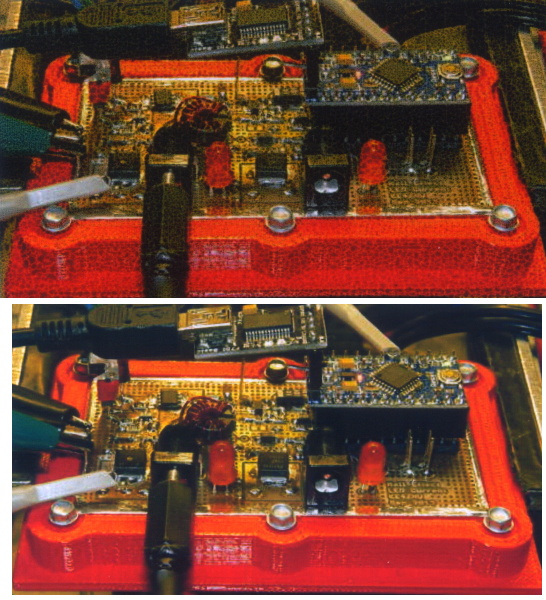
    A solderless breadboard sufficed for the simple circuitry behind the strobe controller:

    Strobe Photography - control breadboard
    Strobe Photography – control breadboard

    I used a separate 7.5 V supply for the Arduino Pro Mini to keep the relay noise out of the VCC circuit, but that’s probably not really necessary; you could back-drive the Pro Mini’s regulator with +5 V and it’d be perfectly happy. There’s a +5 V wall wart for the relay, LEDs, and so forth.

    Protip: you do not want to drive all the other circuitry through the Pro Mini’s tiny little regulator. Work out the power dissipation in the regulator caused by a 130 Ω relay, about 10 mA for the laser, 100 mA for the white LED, and whatever the Pro Mini draws. Yeah, some of those are intermittent loads, but work it out anyway.

    A 1.5 V bench supply powers the Xenon strobe in place of the AA alkaline cell I used at first. The boost circuit pins the supply at 3 A for a few seconds, then settles at about 350 mA (!) while idling; no wonder the poor little AA cells don’t last very long!

    The control program is also dead simple; it’s mostly a state machine that notices when the photocurrent drops to zero, then steps through a series of fixed delays while turning the laser, LED, and strobe outputs on and off.

    The default values highlight a falling object about 200 mm below the laser beam-break sensor, assuming you release the object just above the beam:

    Ball at 200 mm - detail
    Ball at 200 mm – detail

    The laser beam is at the 200 mm mark, so that ball passing 400 mm has dropped 200 mm.

    The quadrature encoder knob recycles the same interrupt handler I used earlier, with the shaft button selecting either the LED delay (pushed) or the Xenon strobe delay (released). There’s precious little error checking, as befits a quick hack job, so use at your own risk…

    The Arduino source code:

    // Optical flash triggering
    // Ed Nisley - KE4ANU - March 2014
    
    //----------
    // Pin assignments
    
    const byte PIN_KNOB_A = 2;			// knob A switch - must be on ext interrupt 2
    const byte PIN_KNOB_B = 4;			//  .. B switch
    const byte PIN_KNOB_SWITCH = A3;	//  .. shaft push switch
    
    const byte PIN_PHOTOCURRENT = A0;	// photodiode current input
    
    const byte PIN_LASER = 8;   		// laser drive -active
    const byte PIN_LED = 7;		   		// LED drive -active
    const byte PIN_FLASH = 12;			// Xenon flash relay -active
    
    const byte PIN_SYNC = 13;			// scope sync - and Arduino LED
    
    //----------
    // Constants
    
    enum FALLING_STATES {F_IDLE,F_WAIT,F_DETECT,F_PREFALL,F_LED,F_MD,F_FLASH,F_CLEAR};
    
    enum KNOB_STATES {KNOB_CLICK_0,KNOB_CLICK_1};
    
    //----------
    // Globals
    
    const unsigned long UPDATEMS = 250;	// update displays only this many ms apart
    
    volatile char KnobCounter = 0;
    volatile byte KnobState;
    
    byte Button, PrevButton;
    
    byte Falling = F_IDLE;				// cold start the detection state machine
    
    unsigned long FallStart;			// when we we detected the falling object
    
    unsigned int DetectLevel = 200;		// ADC reading for object detection
    
    unsigned int DelayLED = 1;			// ms from trigger detect to LED preflash
    
    unsigned int DelayFlash = 180;		//  ... to Xenon flash
    
    unsigned int DelayClear = 6000;		//  ... after impact to allow camera restart
    
    const byte PulseLED = 50;			// ms LED on to pass motion detection threshold
    const byte PulseFlash = 20;			// ms Xenon flash relay on
    
    const unsigned int RelayAdvance = 3;	// ms relay activation to Xenon flash
    
    unsigned long MillisNow;
    unsigned long MillisThen;
    
    //-- Helper routine for printf()
    
    int s_putc(char c, FILE *t) {
      Serial.write(c);
    }
    
    //-- Knob interrupt handler
    
    void KnobHandler(void)
    {
    	byte Inputs;
    	Inputs = digitalRead(PIN_KNOB_B) << 1 | digitalRead(PIN_KNOB_A);  // align raw inputs
    //	Inputs ^= 0x02;                             // fix direction
    
    	switch (KnobState << 2 | Inputs) {
    	case 0x00 : 				// 0 00 - glitch
            break;
    	case 0x01 : 				 // 0 01 - UP to 1
            KnobCounter++;
    		KnobState = KNOB_CLICK_1;
    		break;
    	case 0x03 : 				 // 0 11 - DOWN to 1
            KnobCounter--;
    		KnobState = KNOB_CLICK_1;
    		break;
    	case 0x02 : 				 // 0 10 - glitch
            break;
    	case 0x04 : 				 // 1 00 - DOWN to 0
            KnobCounter--;
    		KnobState = KNOB_CLICK_0;
    		break;
    	case 0x05 : 				 // 1 01 - glitch
            break;
    	case 0x07 : 				 // 1 11 - glitch
            break;
    	case 0x06 : 				 // 1 10 - UP to 0
            KnobCounter++;
    		KnobState = KNOB_CLICK_0;
    		break;
    	default :  					// something is broken!
            KnobCounter = 0;
    		KnobState = KNOB_CLICK_0;
    	}
    }
    
    //------------------
    // Set things up
    
    void setup() {
    
    	pinMode(PIN_SYNC,OUTPUT);
    	digitalWrite(PIN_SYNC,LOW);			// show we arrived
    
    	pinMode(PIN_KNOB_B,INPUT_PULLUP);
    	pinMode(PIN_KNOB_A,INPUT_PULLUP);
    	pinMode(PIN_KNOB_SWITCH,INPUT_PULLUP);
    
        pinMode(PIN_LASER,OUTPUT);
        digitalWrite(PIN_LASER,HIGH);
    
        pinMode(PIN_LED,OUTPUT);
        digitalWrite(PIN_LED,HIGH);
    
        pinMode(PIN_FLASH,OUTPUT);
        digitalWrite(PIN_FLASH,HIGH);
    
    	KnobState = digitalRead(PIN_KNOB_A);
    	Button = PrevButton = !digitalRead(PIN_KNOB_SWITCH);
    
    	attachInterrupt((PIN_KNOB_A - 2),KnobHandler,CHANGE);
    
    	Falling = F_IDLE;
    
    	Serial.begin(9600);
    	fdevopen(&s_putc,0);				// set up serial output for printf()
    
    	printf("Xenon Flash Trigger\r\nEd Nisley - KE4ZNU - March 2014\r\n");
    
    	MillisThen = millis();
    
    }
    
    //------------------
    // Go flash!
    
    void loop() {
    
    	MillisNow = millis();
    
    	if (KnobCounter) {
    		Button = !digitalRead(PIN_KNOB_SWITCH);
    		if (Button)
    			DelayLED += KnobCounter;
    		else
    			DelayFlash += KnobCounter;
    
    		DelayLED = min(DelayLED,DelayFlash - PulseLED);
    		printf("Knob: %d, LED: %d, Flash: %d\n",KnobCounter,DelayLED,DelayFlash);
    		KnobCounter = 0;
    	}
    
    	digitalWrite(PIN_SYNC,HIGH);
    
    	switch (Falling) {
    	case F_IDLE :								// turn on laser for object detection
    		digitalWrite(PIN_LASER,LOW);
    		printf("Laser on, stabilizing... ");
    		while (analogRead(PIN_PHOTOCURRENT) <= DetectLevel) {
    			printf("*");
    		}
    		printf("\nReady!\n");
    		Falling = F_WAIT;
    		break;
    	case F_WAIT :								// record starting time of beam break
    		if (analogRead(PIN_PHOTOCURRENT) < DetectLevel) {
    			FallStart = millis();
    			Falling = F_DETECT;
    		}
    		break;
    	case F_DETECT :								// turn off laser to signal detection
    		digitalWrite(PIN_LASER,HIGH);
    		Falling = F_PREFALL;
    		break;
    	case F_PREFALL :							// turn on LED to trigger camera motion detection
    		if ((millis() - FallStart) >= DelayLED) {
    			digitalWrite(PIN_LED,LOW);
    			Falling = F_LED;
    		}
    		break;
    	case F_LED : 								// turn off LED
    		if ((millis() - FallStart) >= (DelayLED + PulseLED)) {
    			digitalWrite(PIN_LED,HIGH);
    			Falling = F_MD;
    		}
    		break;
    	case F_MD :									// fire the strobe to take picture
    		if ((millis() - FallStart) >= (DelayFlash - RelayAdvance)) {
    			digitalWrite(PIN_FLASH,LOW);
    			Falling = F_FLASH;
    		}
    		break;
    	case F_FLASH :								// turn off strobe relay
    		if ((millis() - FallStart) >= (DelayFlash - RelayAdvance + PulseFlash)) {
    			digitalWrite(PIN_FLASH,HIGH);
        		printf("Flash with LED delay: %d, Xenon delay: %d ...",DelayLED,DelayFlash);
    			Falling = F_CLEAR;
    		}
    		break;
    	case F_CLEAR :								// wait for camera to recycle
    		if ((millis() - FallStart) >= DelayClear) {
    			printf("done\n");
    			Falling = F_IDLE;
    		}
    		break;
    	default :
    		printf("** Bad Falling state: %02X",Falling);
    		Falling = F_IDLE;
    	}
    
    	digitalWrite(PIN_SYNC,LOW);
    
    	if ((MillisNow - MillisThen) > UPDATEMS) {
    //		printf("State: %02X\n",Falling);
    		MillisThen = MillisNow;
    	}
    
    }
    
    
  • Strobe Photography: Delay vs. Position

    Small balls of modeling clay (2.2 g each, if you’re keeping score) make more tractable photographic targets than random benchtop clutter. The camera setup remains ISO 800, 1/10 s = 100 ms, f/8. The white LED blinks for 50 ms, starting 1 ms after the ball breaks the laser detector, and the Xenon strobe has a 1 µF capacitor.

    Firing the Xenon flash 125 ms after the beam breaks produces intermittent results, with most shots being completely dark. That suggests the motion detection + shutter lag is roughly what I estimated based on the falling stars. Firing the flash earlier than 125 ms produces uniformly black images, so the lower numbers probably came from variations in my freehand release.

    The ball at 125 ms:

    Ball at 125 ms
    Ball at 125 ms

    With the shutter set to 1/10 s = 100 ms, the shutter will close at about 220 ms and, indeed the results become intermittent at that time.

    The ball at 200 ms:

    Ball at 220 ms
    Ball at 220 ms

    The 10 mm white LED that trips the CHDK motion detection script is just to the right of the ball in that picture. The orange glow to the right of the flash reflector comes from the unit’s neon “ready” indicator, which remains on until the flash happens.

    Dropping the ball by hand introduces considerable position jitter, mostly due to position error, early beam breaking, and general clumsiness. For example, here’s a composite view of eight successive drops captured at 200 ms after the beam break:

    Ball at 200 ms - composite 47-54
    Ball at 200 ms – composite 47-54

    The lower seven images cover a range of 30 mm, with the outlier (most likely due to sticky clay on my fingers) 40 mm above the top of the cluster. That’s measured at the bottom of the balls, because that’s what breaks the beam.

    At 200 mm below the beam, the balls are traveling about 2 mm/ms (from v2 = 2ax), so the timing variation in the cluster is 15 ms and the top one is 20 ms off.

    Switching the camera to ISO 1600 produced black images; evidently that changes the shutter delay time by far more than I expected. I suspect the only way to be sure involves more drop tests with good light and that meter stick; I’m not that motivated right now.

    For what it’s worth, here’s a picture of the light output from the LED and Xenon flash, as captured by the 10AP photodiode aimed at the LED, with a card reflecting the flash toward the sensor:

    Flash Timing - 10AP photodiode
    Flash Timing – 10AP photodiode

    The top trace is the beam break signal from the transconductance amp going into the Arduino. The bottom trace is the photovoltaic output of the 10AP photodiode, showing the LED and strobe flashes. The strobe delay is at 180 ms with 4 ms of relay delay compensation; dialing it back to 3 ms wouldn’t change things very much at all.

  • Strobe Photography: Falling Objects!

    A black background does wonders to improve the presentation:

    Clay slab - 180 ms
    Clay slab – 180 ms

    That’s ISO 800, 1/10 s, f/8, 30 cm manual focus, with the flash about 20 cm away in the right foreground. The Xenon flash has a 1 µF capacitor giving a pulse width of about 100 µs. The LED visible on the lower right flashed 1 ms after the lump broke the laser beam.

    Rather than do science, I shoveled small objects through the aperture…

    Falling LED striplight
    Falling LED striplight
    Falling Sierpinski gasket
    Falling Sierpinski gasket
    Falling clay block
    Falling clay block
    Falling cotton swab
    Falling cotton swab
    Falling AA cell
    Falling AA cell
    Falling SDHC Card
    Falling SDHC Card
    Falling lock washer
    Falling lock washer

    That was fun…