The Smell of Molten Projects in the Morning

Ed Nisley's Blog: Shop notes, electronics, firmware, machinery, 3D printing, laser cuttery, and curiosities. Contents: 100% human thinking, 0% AI slop.

Category: Photography & Images

Taking & making images.

  • Cycliq Fly6 Camera: Copying the Most Recent Files

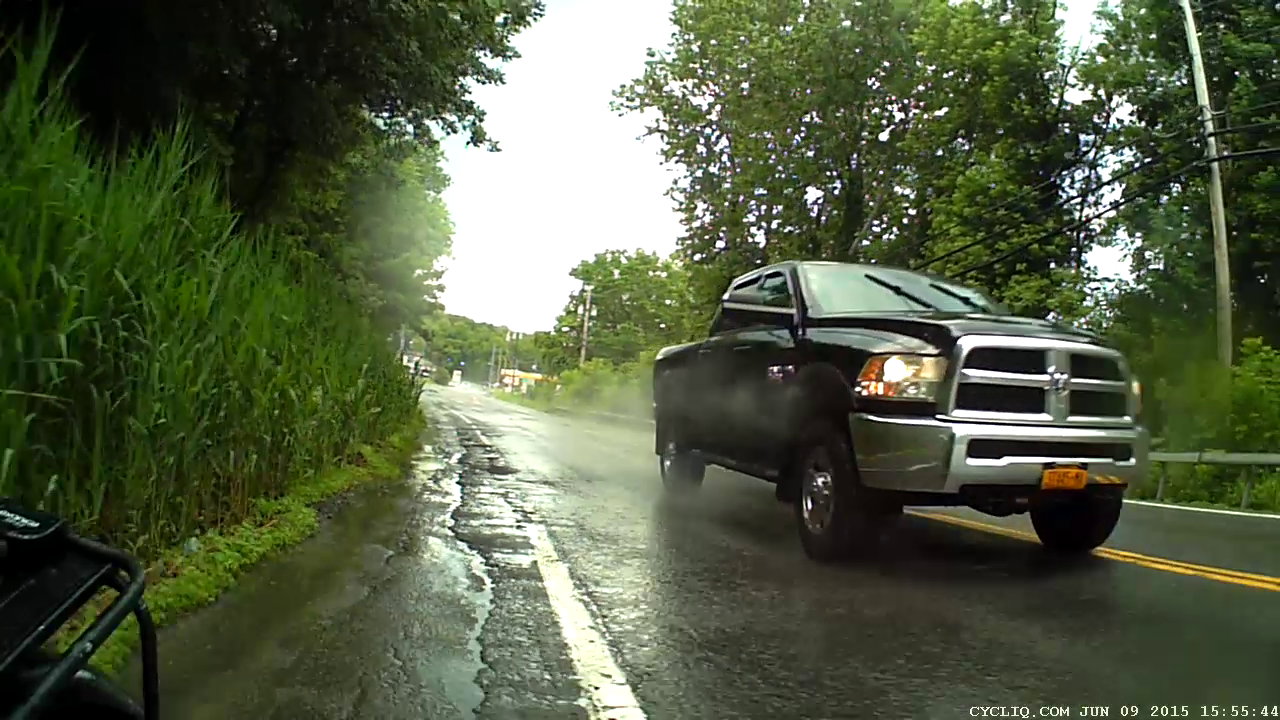
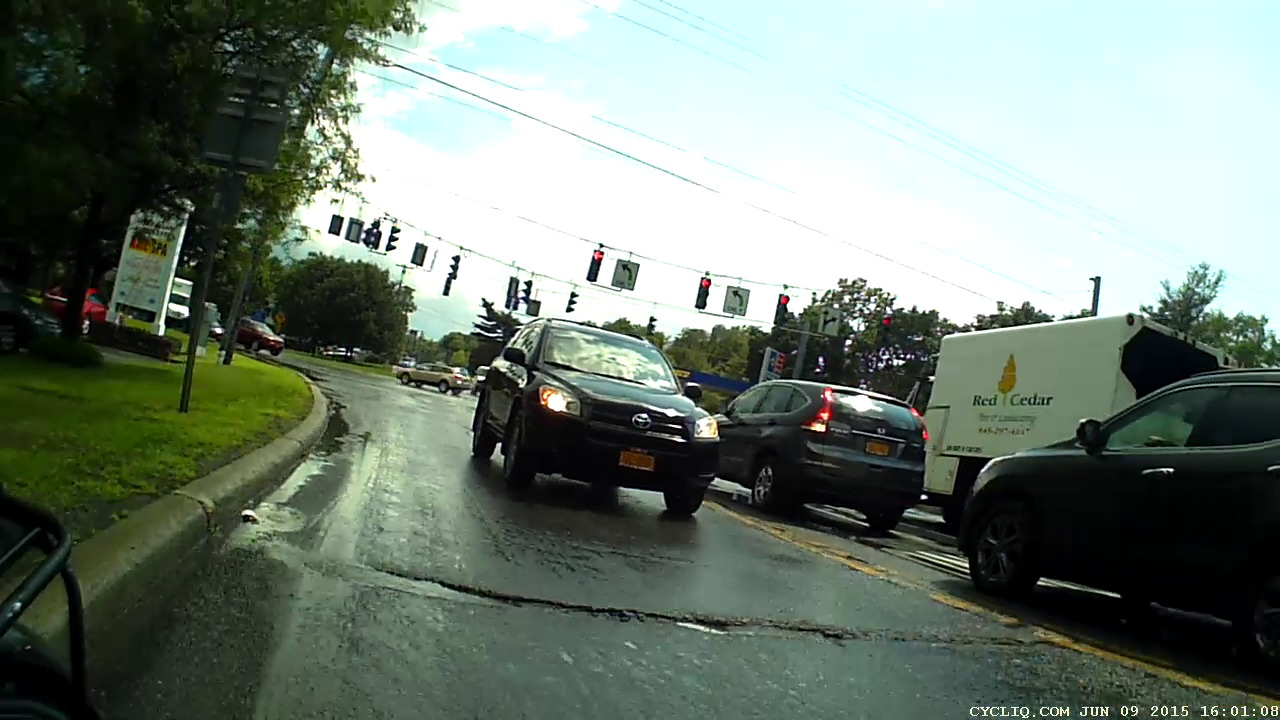
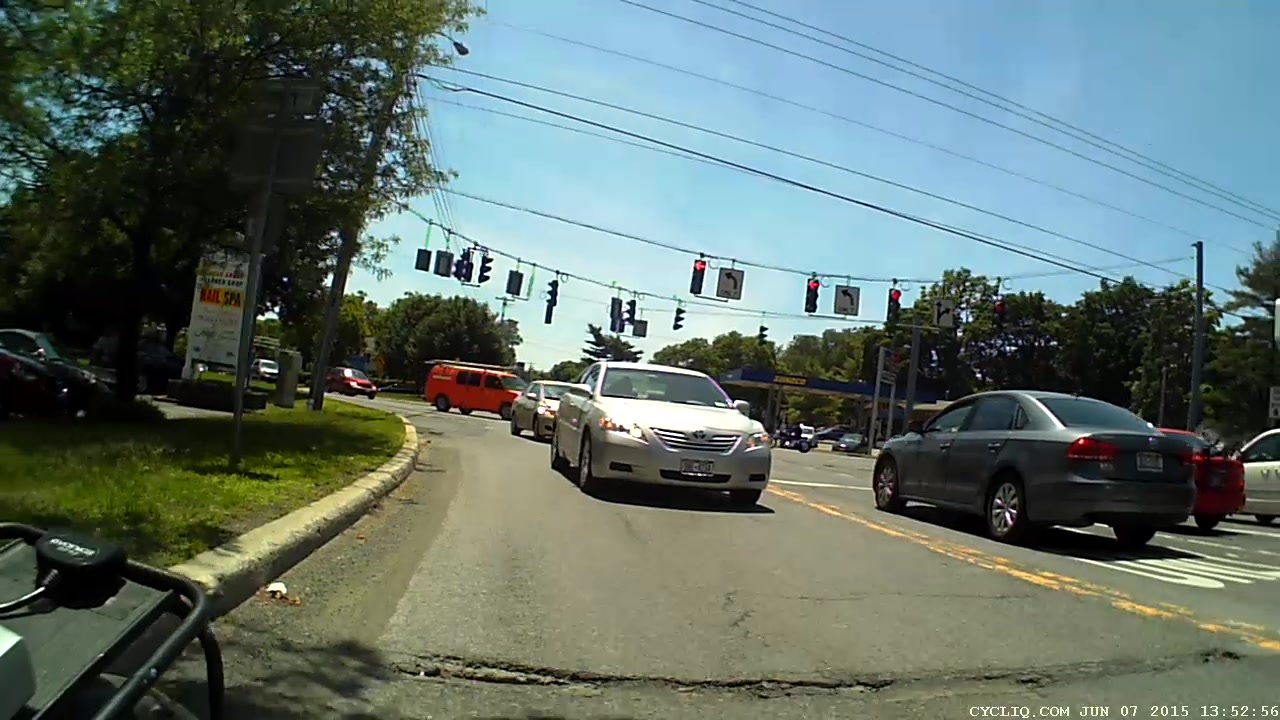
    Given Cycliq’s tech support recommendation to never, ever delete files from the camera’s MicroSD card, I’m now copying the files to the 500 GB network drive thusly:

    rsync -au --progress /media/ed/Fly6 /mnt/video/
    

    The Fly6 saws off a 400-800 MB file every 10.000 minutes, so a typical ride produces 4 GB of data.

    The Sony HDR-AS30V emits a 4.2 GB file every 22:43 minutes: call it 12 GB per ride.

    Somewhat to my surprise, both copy operations can proceed concurrently at 4 MB/s apiece. For unknown reasons, the drive doesn’t record the creation times for any data files:

    ll /mnt/video/Fly6/DCIM/10450608/
    total 4.2G
    -rwxr-xr-x 1 ed root 476M 2057-09-06 19:40 14350001.AVI
    -rwxr-xr-x 1 ed root 559M 2057-09-06 19:40 14450002.AVI
    -rwxr-xr-x 1 ed root 568M 2057-09-06 19:40 14550003.AVI
    -rwxr-xr-x 1 ed root 559M 2057-09-06 19:40 15040004.AVI
    -rwxr-xr-x 1 ed root 277M 2057-09-06 19:40 15140005.AVI
    -rwxr-xr-x 1 ed root 476M 2057-09-06 19:40 15240006.AVI
    -rwxr-xr-x 1 ed root 476M 2057-09-06 19:40 15340007.AVI
    -rwxr-xr-x 1 ed root 476M 2057-09-06 19:40 15440008.AVI
    -rwxr-xr-x 1 ed root 424M 2057-09-06 19:40 15540009.AVI
    

    The directories generally have the right dates, though, so maybe I’ve screwed up an obscure Samba / CIFS settings. The diratime option should be turned on by default.

  • Bicycle vs. Flying Objects

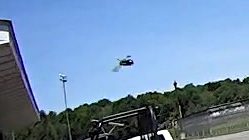
    A few minutes after we started riding, an insect collided with my helmet. About 3/60 second before impact:

    HDR-AS30V 1280x720-60 - Insect - crop
    HDR-AS30V 1280×720-60 – Insect – crop

    We paused in a park at the far end of the ride, rolled out, and another insect buzzed past:

    HDR-AS30V 1280x720-60 - Insect 2 - crop
    HDR-AS30V 1280×720-60 – Insect 2 – crop

    Both of those flew within a few inches of the lens, far inside the camera’s fixed-focus near point, and it’s a wonder they look as good as they do. Looking at successive frames reveals wingbeats, although they’re surely flapping much faster than frame rate and therefore heavily aliased.

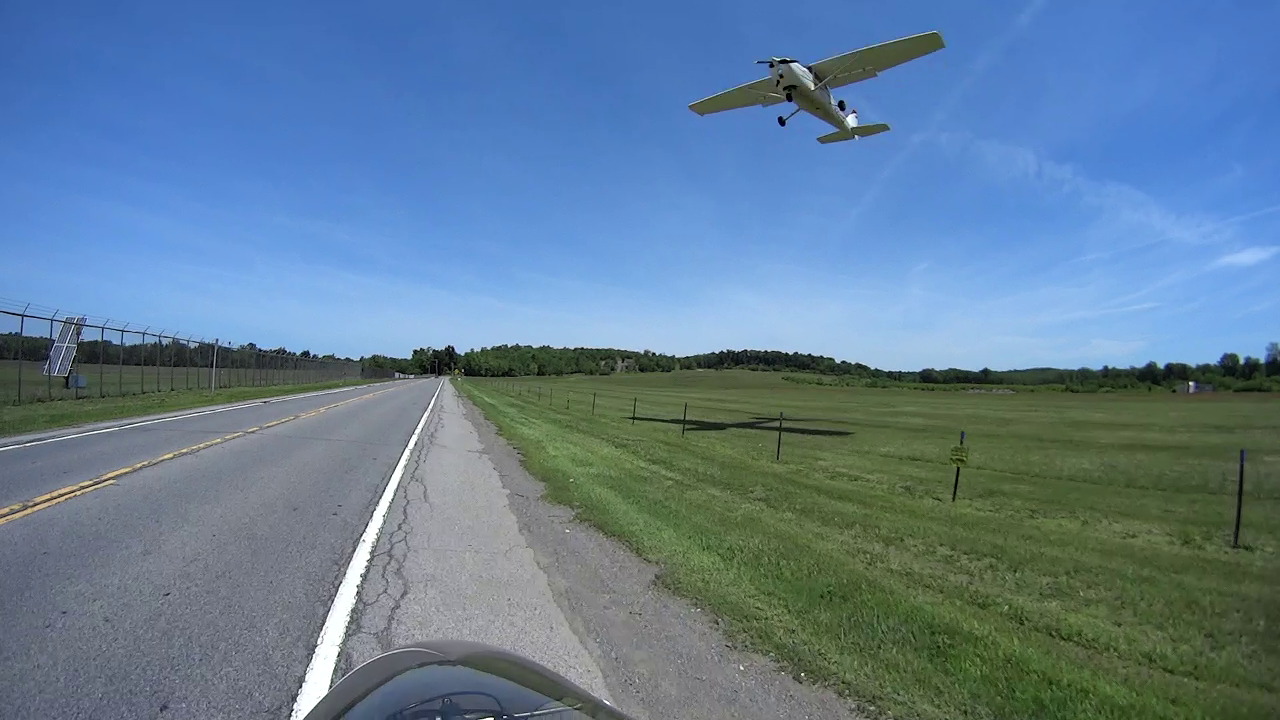
    Fortunately, a Gas Hawk didn’t come that close:

    Rt 376 - Dutchess Airport - landing
    Rt 376 – Dutchess Airport – landing

    All from the Sony HDR-AS30V in 1280×720 at 60 frame/s. The bug images were ruthlessly cropped to show the full-size dot-for-dot camera image, then stored with minimal compression.

    This isn’t the first time I’ve been buzzed on the bike, but it’s a record for one ride.

  • Action Camera vs. License Plates: Sony HDR-AS30V at 1280×720

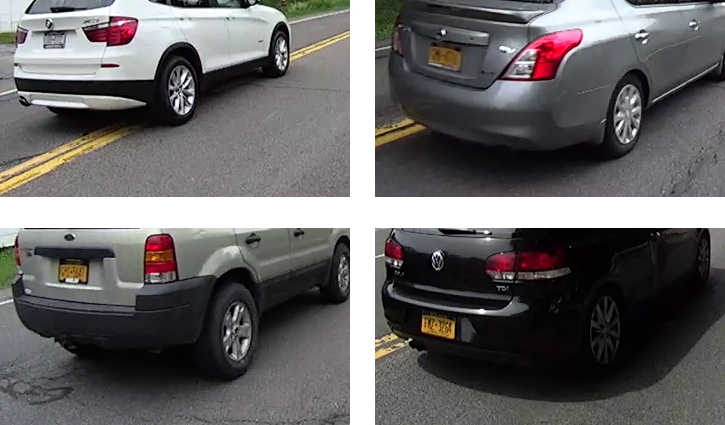
    With the Sony HDR-AS30V on my helmet set to 1280×720 at 120 frame/sec, the plates on passing cars remain barely readable (clicky for more dots):

    HDR-AS30V - license plates - 1280x720-120
    HDR-AS30V – license plates – 1280×720-120

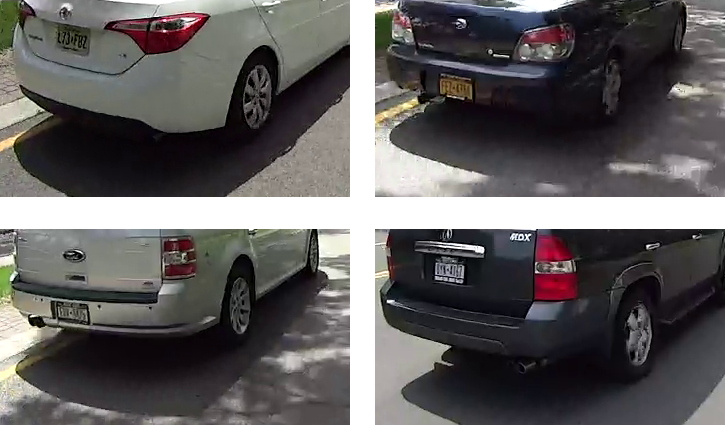
    Throttling the camera back to 60 f/s produces slightly better results:

    HDR-AS30V - license plates - 1280x720-60
    HDR-AS30V – license plates – 1280×720-60

    The differences seem due more to changing lighting conditions than frame rate: the camera definitely produces better results in bright, direct sunlight.

    These are about as good as it gets and, if you look carefully at the images, you can see plenty of compression artifacts that wipe out small details.

    Equal-size dot-for-dot crops from the original 1280×720 images, matted together, and very lightly compressed because there’s not much detail to compress…

  • Monthly Image: Sparrow Fledging Season

    We noticed far more sparrows than usual in the garden, some flying clumsily, then saw both adults feeding a nestling peering from the nesting box:

    Sparrow fledgling watching the world
    Sparrow fledgling watching the world

    Our presence interrupted the regular feeding pattern, stalling the male sparrow atop the utility pole with a tempting snack in his beak:

    Male sparrow with insect
    Male sparrow with insect

    Even when it’s time to leave, just thinking about growing up and joining the world makes you tired:

    Sparrow fledgling looking tired
    Sparrow fledgling looking tired

    May they all eat many garden insects!

    Taken with the Sony DSC-H5 and tele extender lens, zoomed all the way in, with a touch of manual focus and exposure override.

  • Sony HDR-AS30V: Still Image Quality

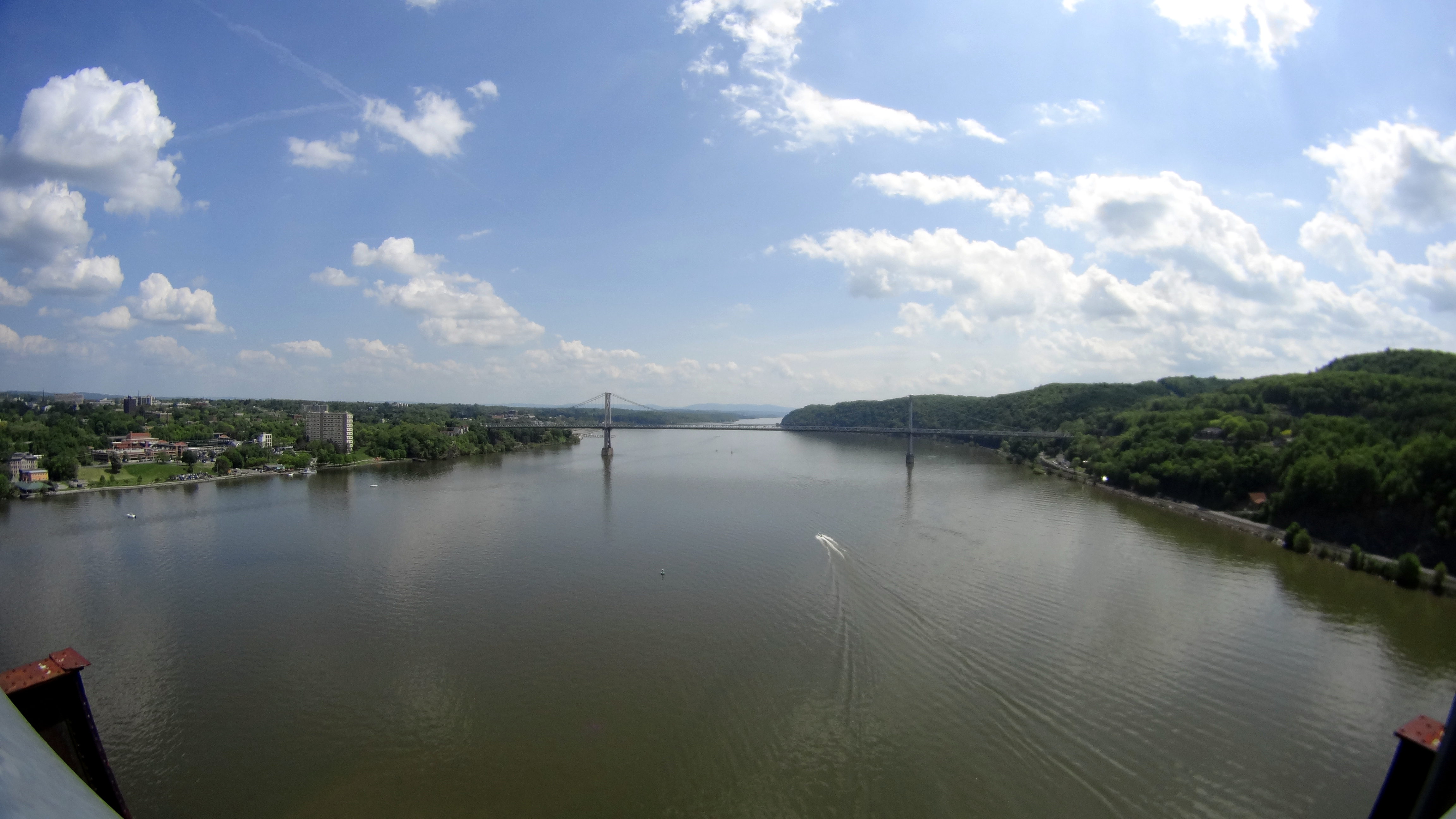
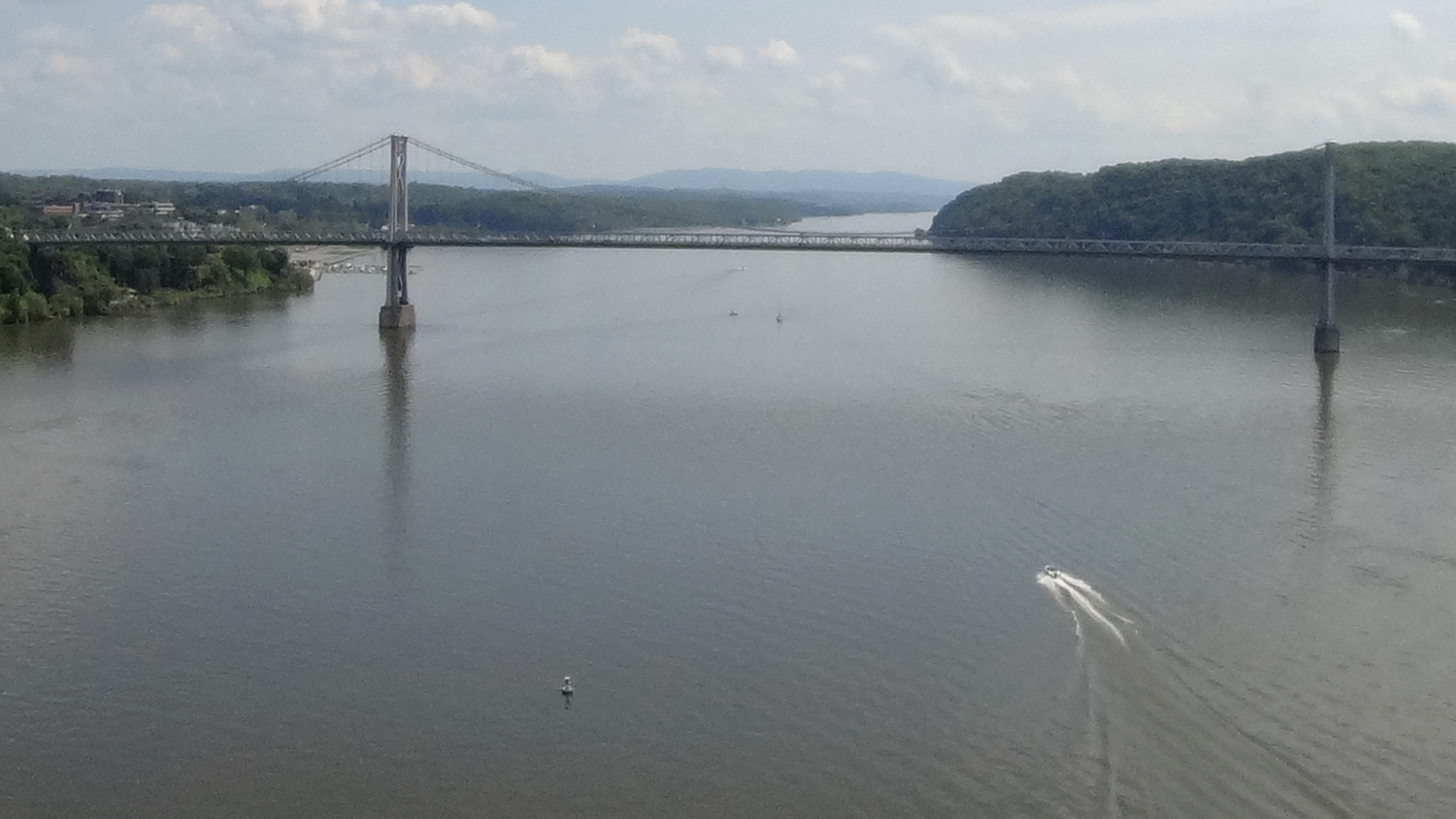
    Although I got the Sony HDR-AS30V action camera for my bike helmet and don’t like its aggressive video compression, it has the optics for good still pictures (clicky for more dots):

    Walkway South View - Sony HDR-AS30V still image
    Walkway South View – Sony HDR-AS30V still image

    A dot-for-dot crop from the middle at full size:

    Walkway South View - Sony HDR-AS30V still image - detail
    Walkway South View – Sony HDR-AS30V still image – detail

    The thing has absolutely no affordance for hand-holding, so perching it on the Walkway handrail 200 feet over the Hudson required tamping down my usual risk aversion.

    Both images have been slightly contrast-tweaked and lightly compressed from the original data, but not by enough to matter here. Generally, I apply ruthless compression to keep the image size under control, so these look a lot better than the usual pix around here.

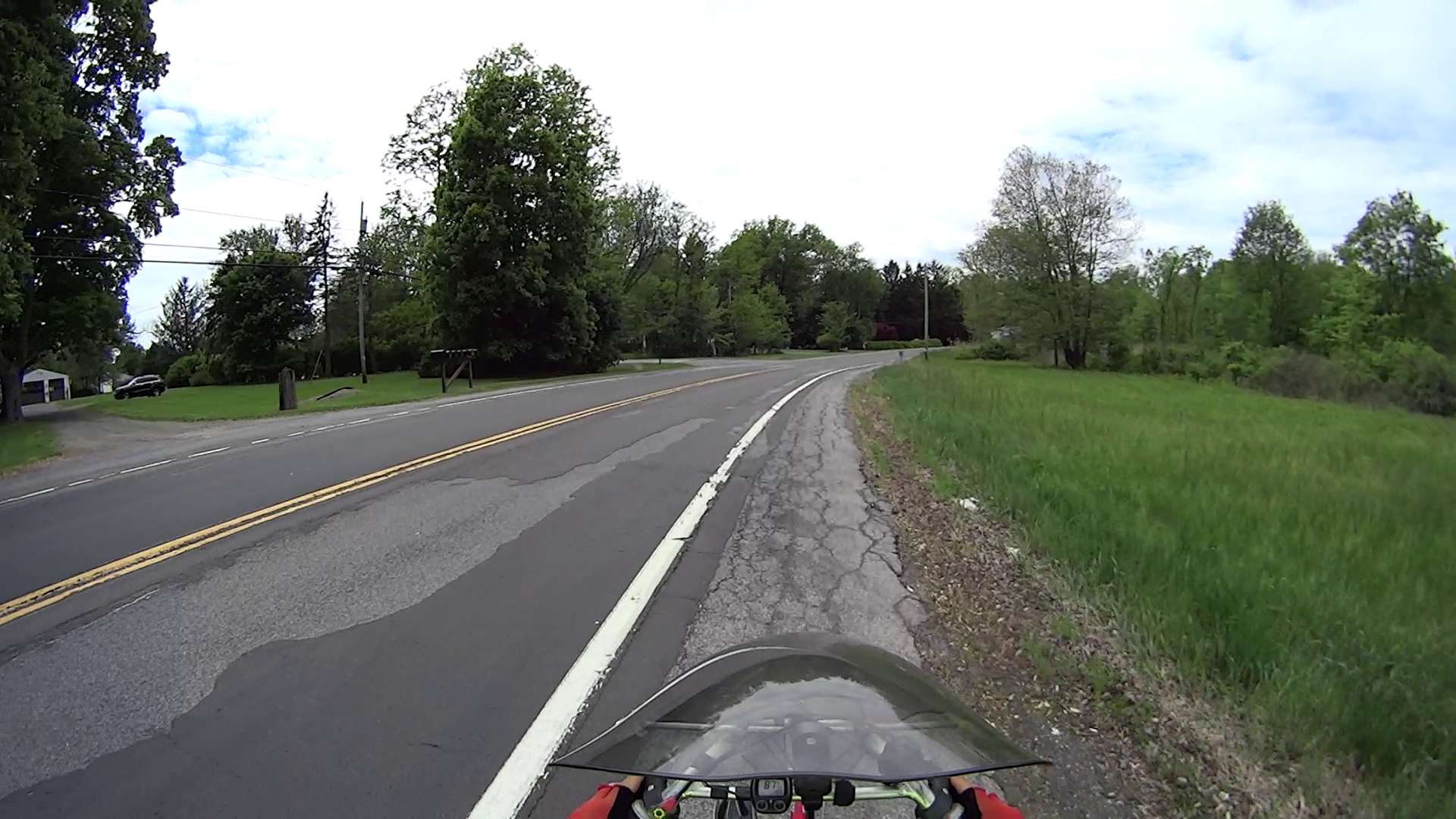
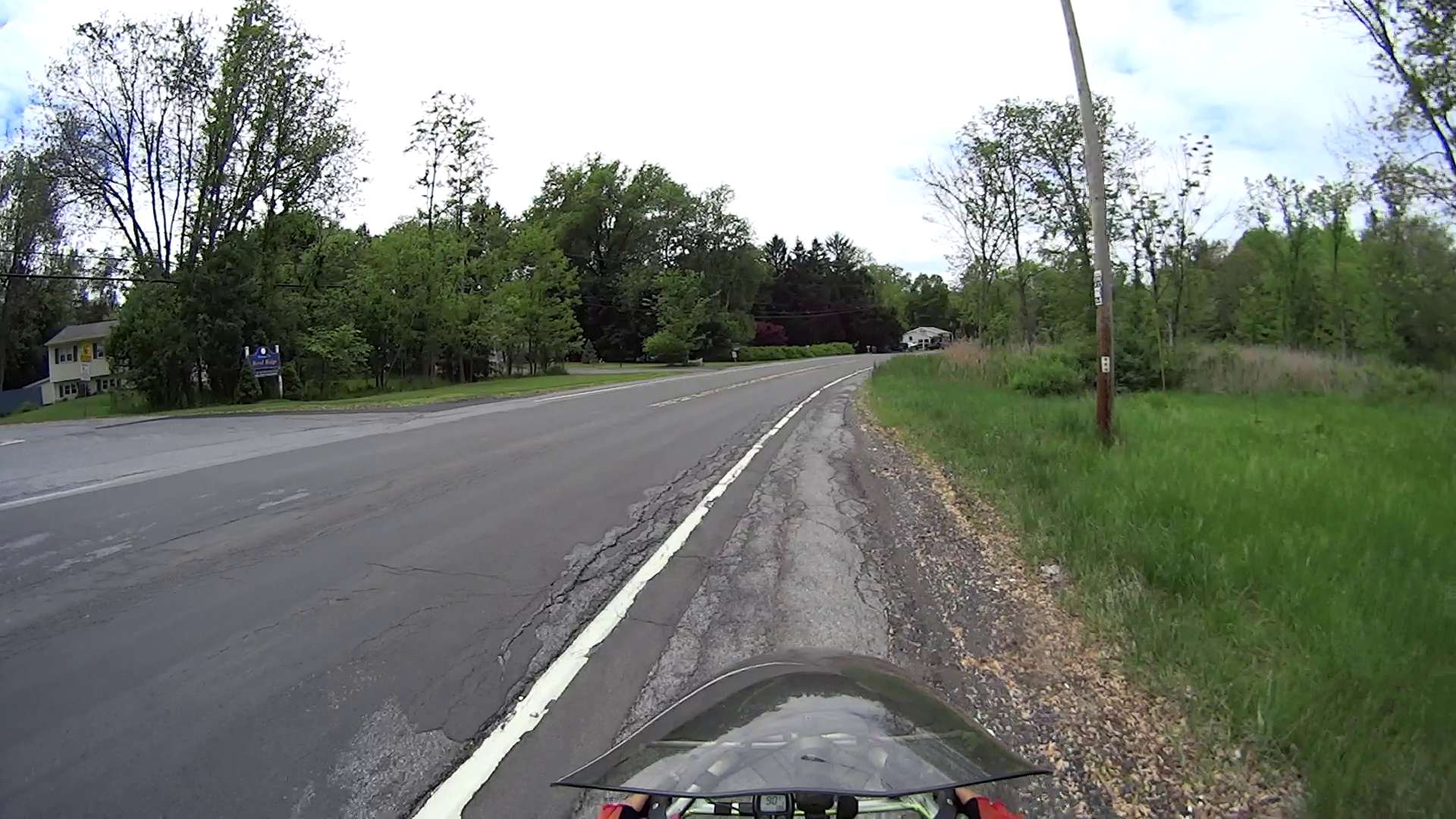
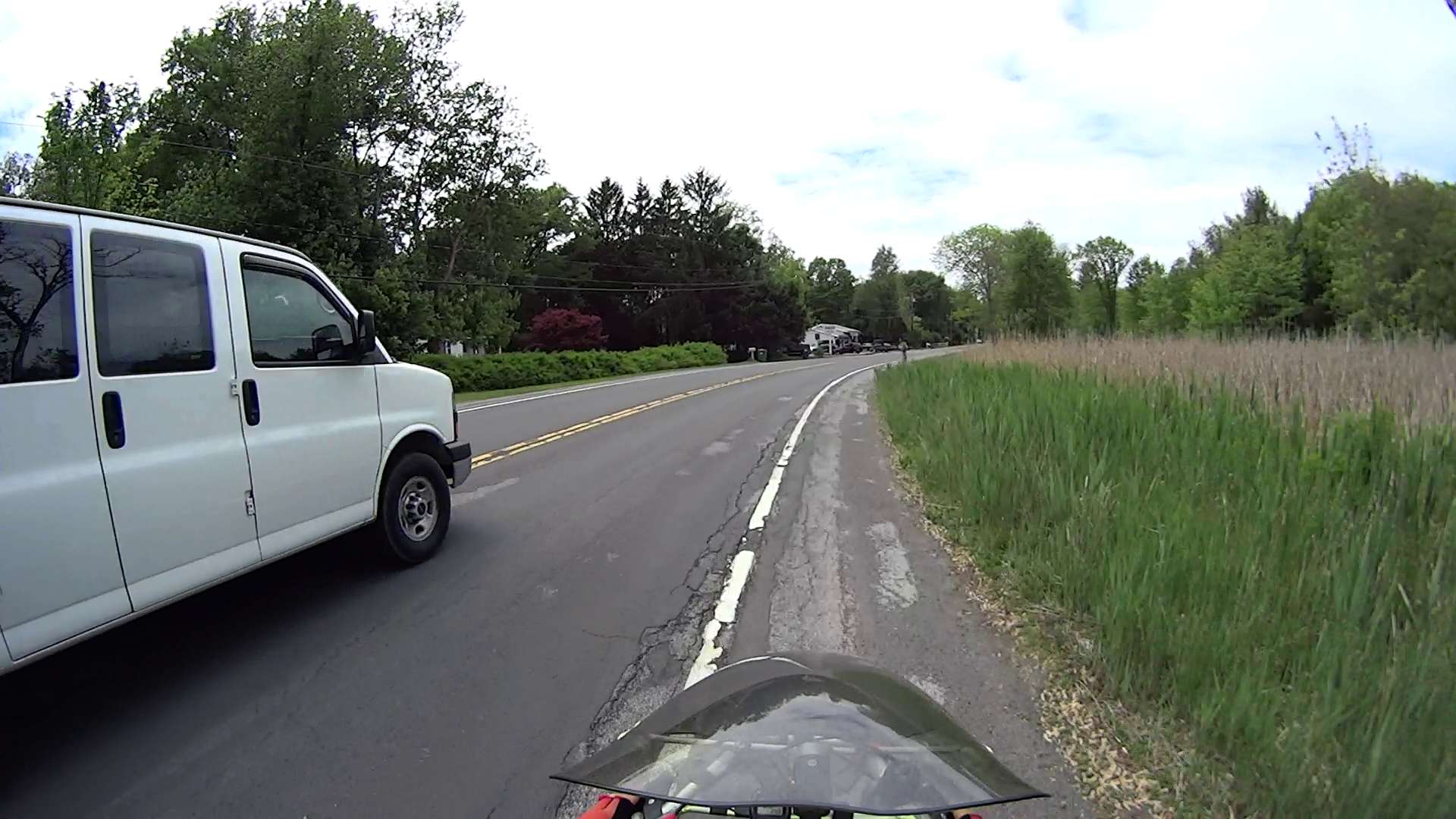
  • Road Conditions: Rt 376 Northbound – Diddell to New Hackensack

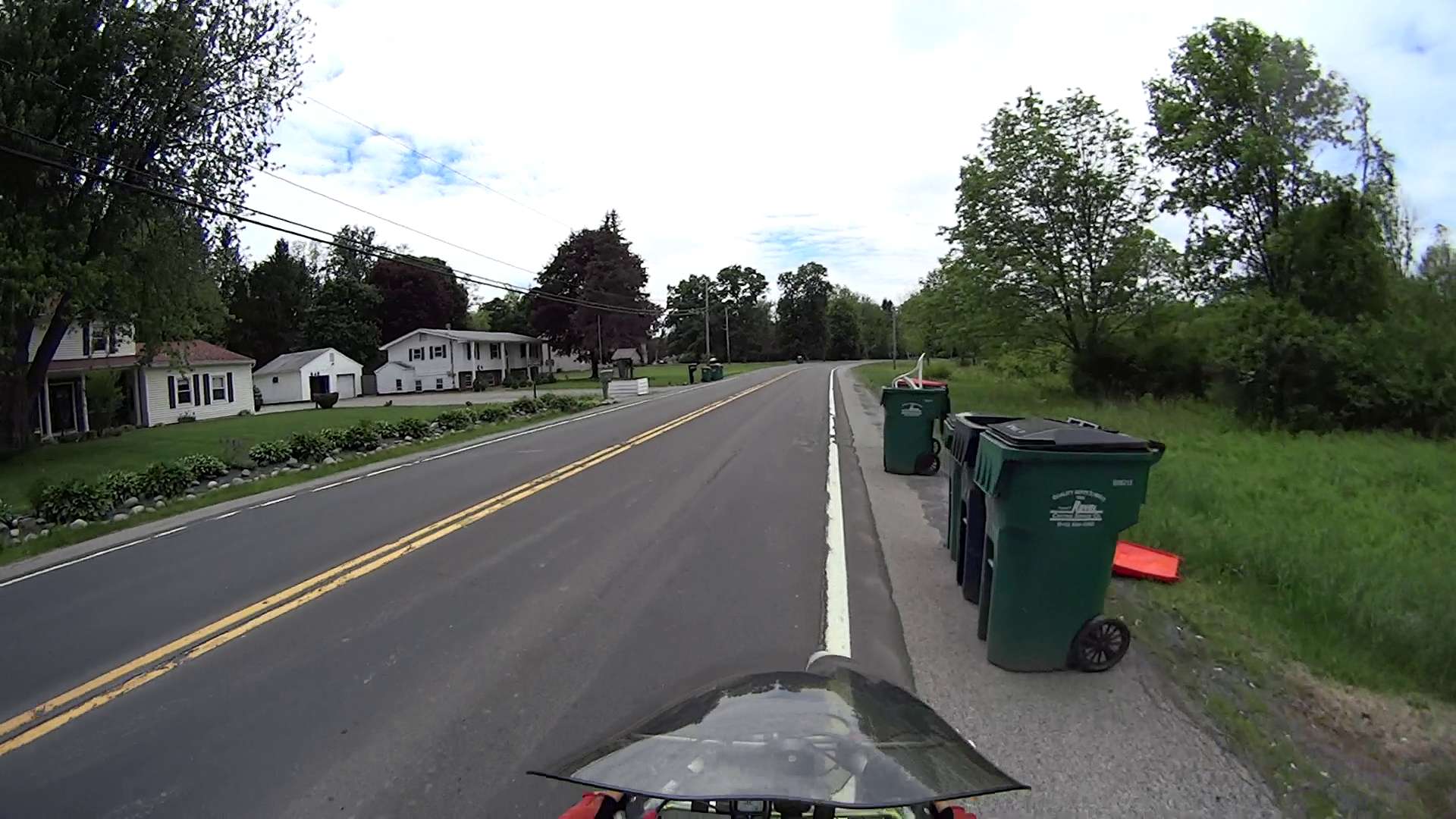
    Entering Rt 376 from Diddell Road after leaving the Dutchess Rail Trail:

    Rt 376 - Diddell to New Hackensack - 1
    Rt 376 – Diddell to New Hackensack – 1

    All of Rt 376 has thick gravel along the shoulder from the deteriorating asphalt.

    The wheel-trapping longitudinal cracks on the shoulder show where the previous surface extended beyond the bottom paving layer. Basically, you must ride to the right of the edge of the “new” cap over the travel lane and left of the parallel cracks:

    Rt 376 - Diddell to New Hackensack - 2
    Rt 376 – Diddell to New Hackensack – 2

    Sometimes, you must use the road surface. Fortunately, it’s not too bad at this spot:

    Rt 376 - Diddell to New Hackensack - 3
    Rt 376 – Diddell to New Hackensack – 3

    But it quickly returns to normal:

    Rt 376 - Diddell to New Hackensack - 4
    Rt 376 – Diddell to New Hackensack – 4

    In some places, the travel lane is developing longitudinal cracks, so moving off the shoulder will require taking the lane:

    Rt 376 - Diddell to New Hackensack - 5
    Rt 376 – Diddell to New Hackensack – 5

    Chooosing your line requires the ability to ride precisely between gravel, cracks, and traffic:

    Rt 376 - Diddell to New Hackensack - 6
    Rt 376 – Diddell to New Hackensack – 6

    I can ride along this plateau every time, but it seems unreasonable to expect that level of ability from every bicyclist:

    Rt 376 - Diddell to New Hackensack - 7
    Rt 376 – Diddell to New Hackensack – 7

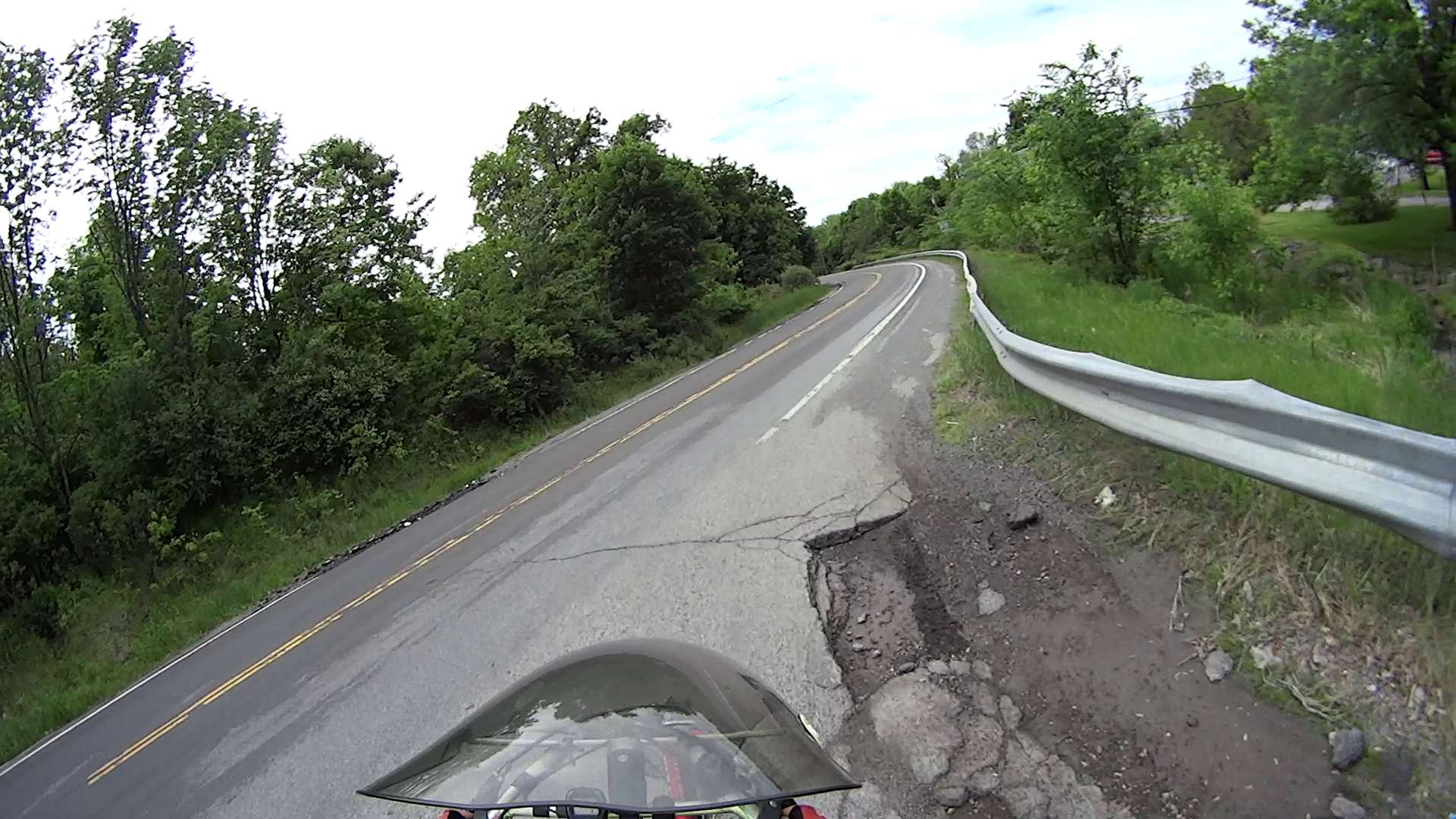
    In this spot, the potholes expose three layers of paving. The only “safe” line seems to be on the very edge of the “new” cap, just to the right of the potholes:

    Rt 376 - Diddell to New Hackensack - 8
    Rt 376 – Diddell to New Hackensack – 8

    The “new” cap didn’t adhere to the previous asphalt very well, perhaps because the thickness dropped below the spec. I’m crossing the travel lane to reach the left turn storage lane at the New Hackensack signal, having avoided a drain grate that occupies the ever-narrowing shoulder:

    Rt 376 - Diddell to New Hackensack - 9
    Rt 376 – Diddell to New Hackensack – 9

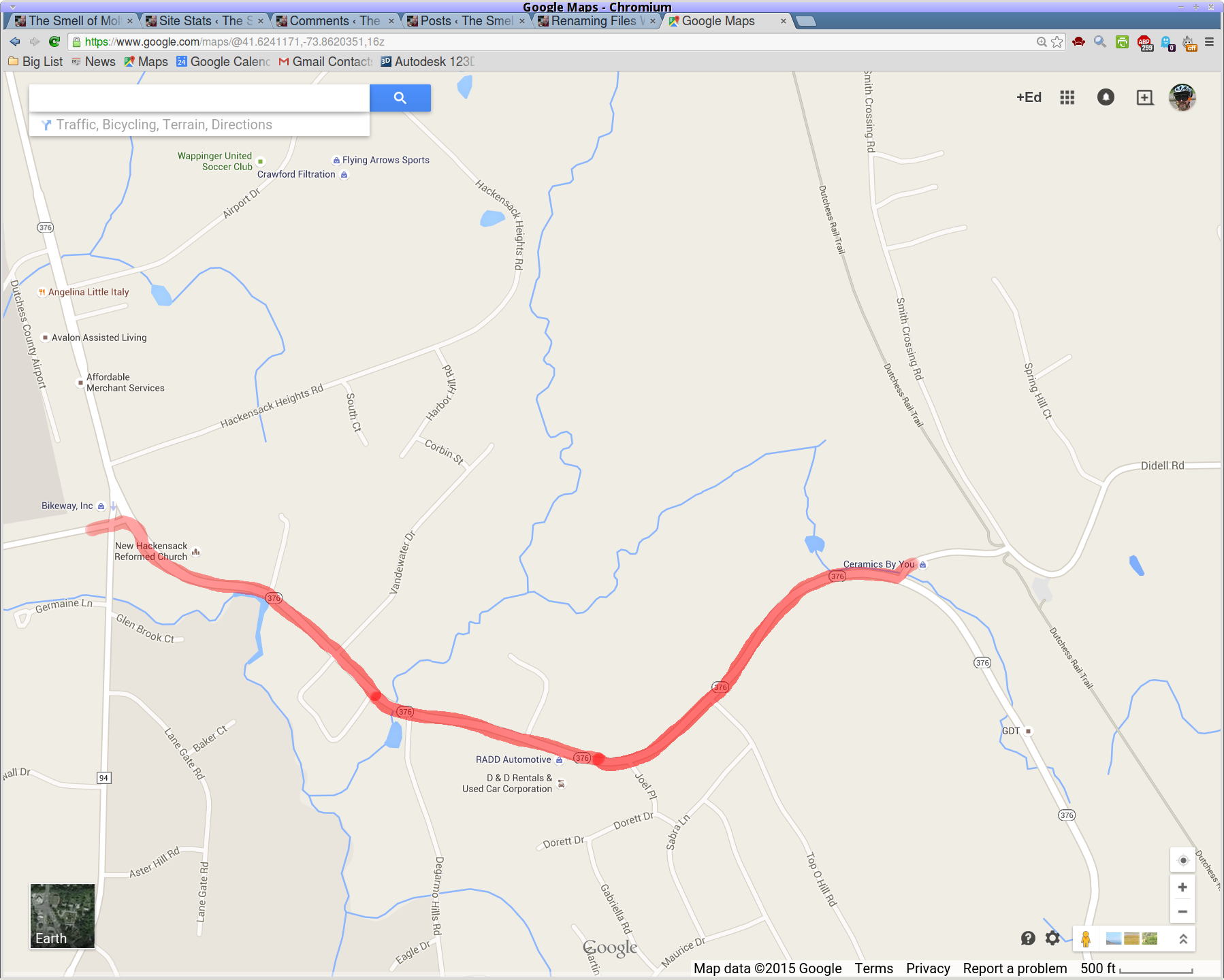
    A map showing the route:

    Rt 376 - Diddell to New Hackensack - map
    Rt 376 – Diddell to New Hackensack – map

    [Edit: A comment from someone who shall remain anonymous:

    This person has found an amusing way to get attention to potholes: he just adds a penis drawing to the pothole with spray paint.

    https://www.minds.com/blog/view/643183911223963656

    Well, there goes my PG rating…]

  • Extract-copying A Video Clip

    The magic incantation to extract a few seconds of video from a longer clip and set the output file to use the same codecs:

    avconv -ss 00:00:01 -i /mnt/video/2015-05-30/08420001.AVI -codec copy -t 5 08420001-clip.avi
    

    The parameter order matters: the -ss must come before the -i input file name and the -t must come after it. Otherwise, avconv will copy the entire file before extracting the clip, which can be tedious.

    The Fly6 camera produced a video file containing ten minutes of variations on this theme:

    Fly6 - 0842001.AVI - Video compression failure
    Fly6 – 0842001.AVI – Video compression failure

    The top of the image looked pretty good, but then the decompression stalls and smears a single, slowly degenerating, line down the rest of the frame. The other files from that trip looked just fine.

    As it turned out, extracting a few seconds with avconv or binary-copying the first few megabytes with dd produced playable copies: the original file tripped vlc’s decompression, but the source data was in the file and the copies worked.

    Soooo, I could recover the video. Not that it was particularly important, but knowing how might matter some day.

    Video is weird.

    The Cycliq tech support folks recommend regularly formatting the MicroSD card using the Official SD Association Program (Windows-only, of course), not erasing any video files, and generally letting the camera handle the card. This whole affair seems remarkably fragile.