Ed Nisley's Blog: Shop notes, electronics, firmware, machinery, 3D printing, laser cuttery, and curiosities. Contents: 100% human thinking, 0% AI slop.
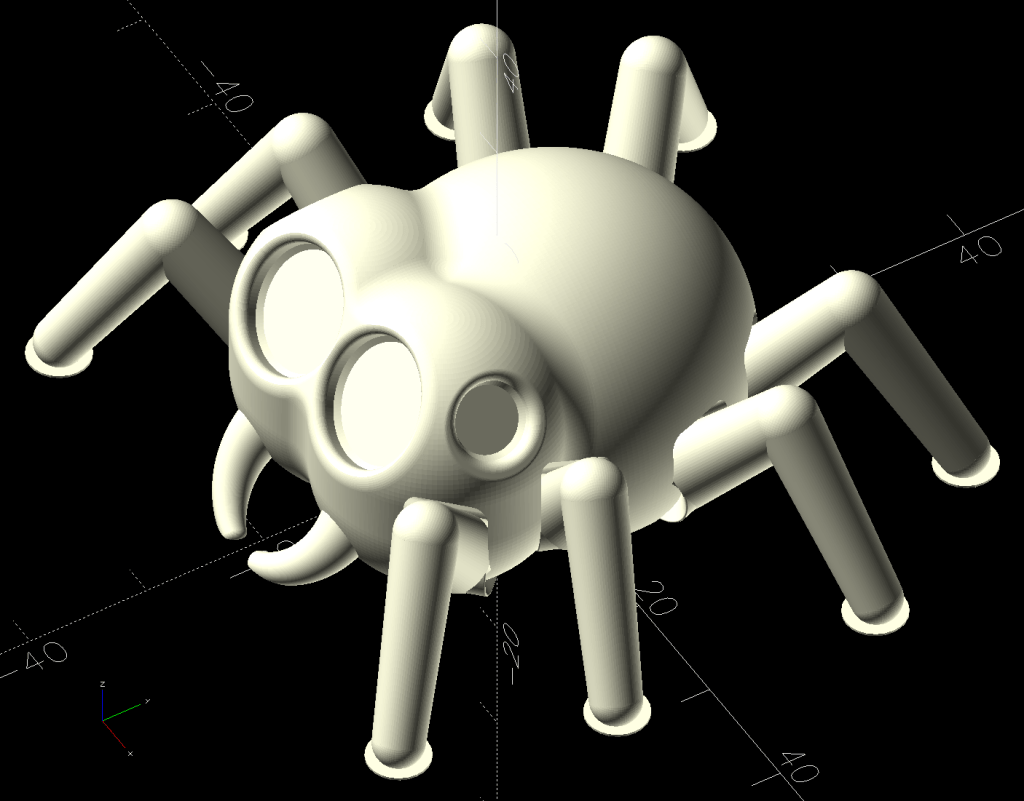
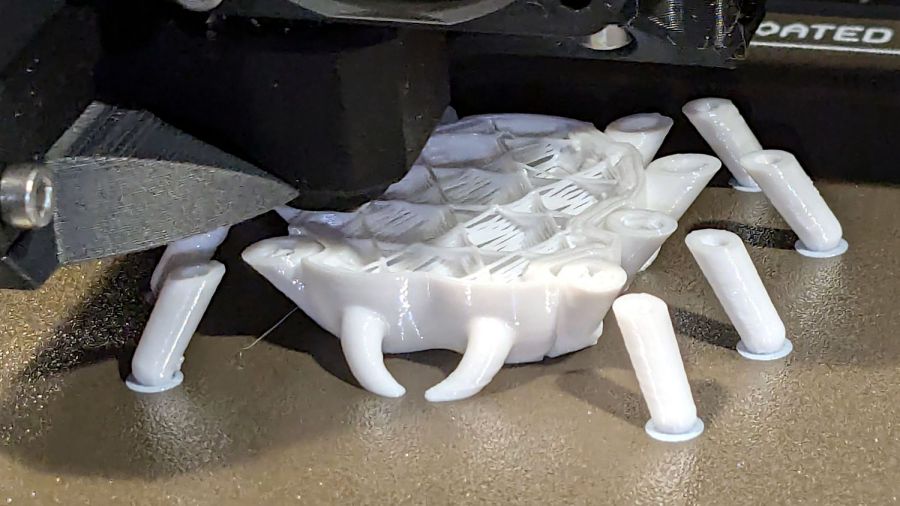
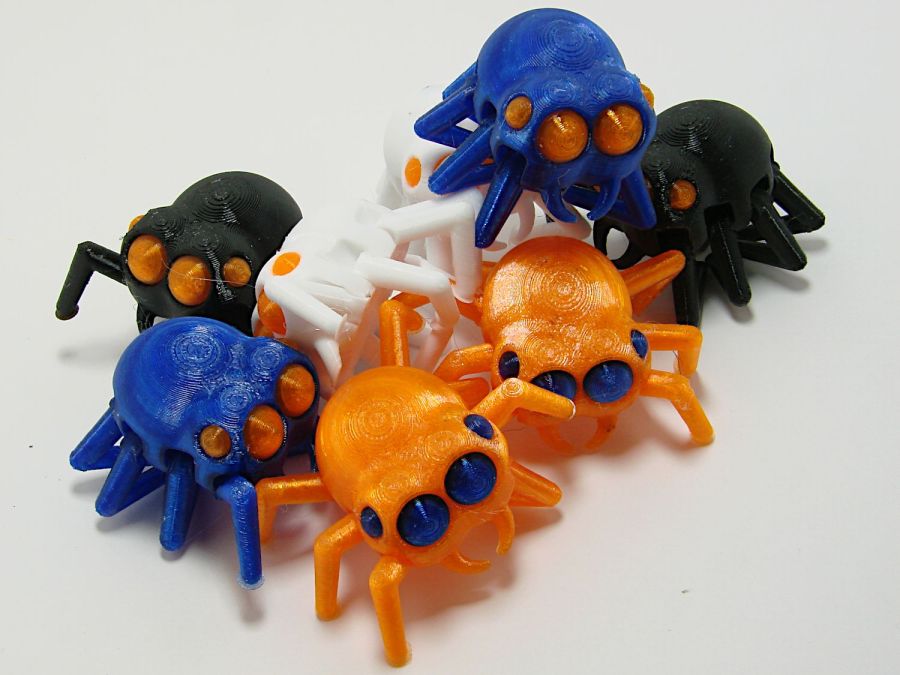
The model is the Steampunk Octopus (in retrospect, the lower-vertex NixFix version should print better with its under-engine braces). The tests were to see how well its articulated tentacles printed and whether I understood how PrusaSlicer’s Multimaterial Painting worked. The answers: “Perfectly” and “Undo is my copilot”.
They’re both in PETG, with the orange eyes & features painted onto the STL model using the Smart Fill tool type to select surface facets joined within a given angle. Getting that right requires some fiddling, because you (well, I) can inadvertently select & flood a nearby area.
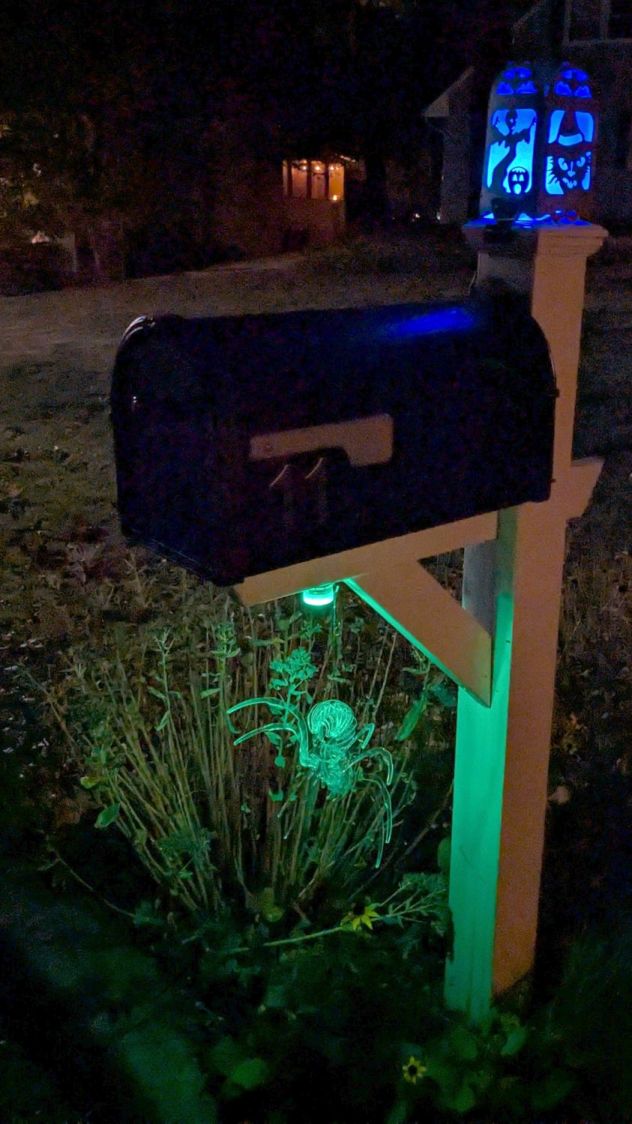
With Halloween fast approaching, they should be useful:
In the process of fixing something else, I discovered my favorite desktop razor knife had a loose blade. There being nothing like a new problem to take one’s mind off all one’s previous problems, I obviously had to fix it before proceeding:
Razor Knife – broken collet thread
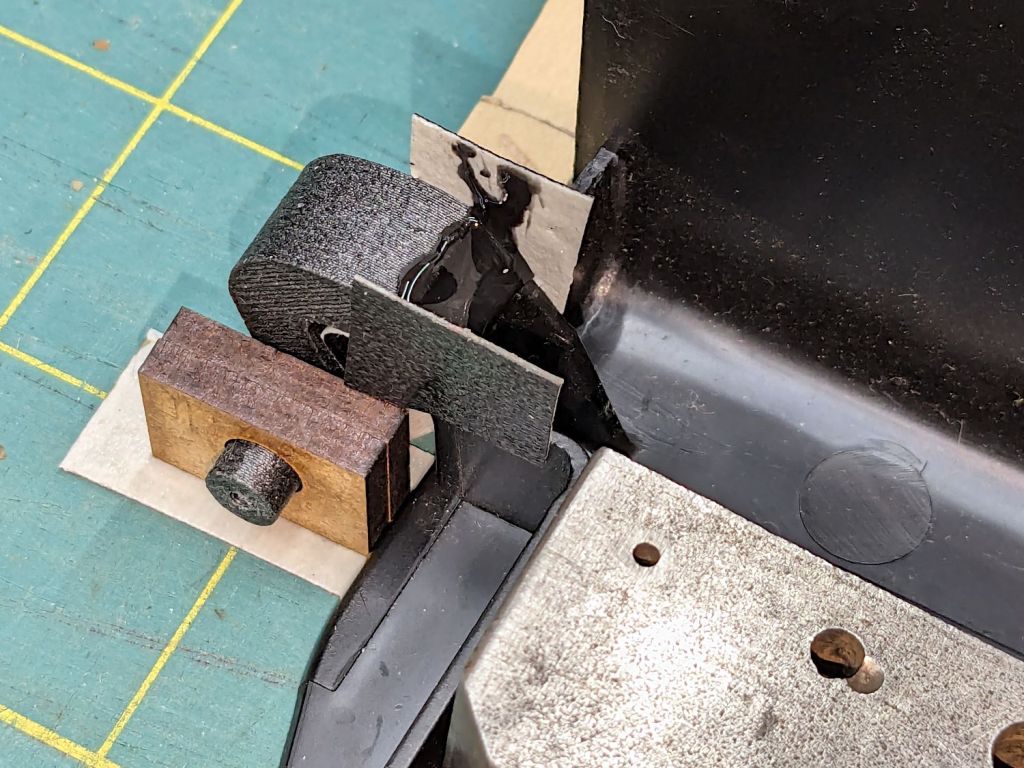
Come to find out the plastic screw tightening the blade collet had snapped. The remaining stub stuck out from the red ribbed nut just far enough to prevent sliding the nut out of the black plastic body, but jamming a small screwdriver through the body got enough traction to unscrew the stub. It’s threaded 8-32, despite being old enough to be Made in Taiwan.
The red plastic feels like HDPE or a similar un-glue-able material, so it was going to need a mechanical splice. A tiny 2-56 setscrew falls in the class of things my buddy Eks describes as “If your design needs those, you’re doing it wrong”, but sometimes you gotta do what you gotta do.
The little wrench in the background measures 28 mils for 0-80 setscrews, of which I have none and don’t expect to get any.
Anyhow, facing, drilling, and tapping the stub proceeded handily:
Razor Knife – setscrew in thread stub
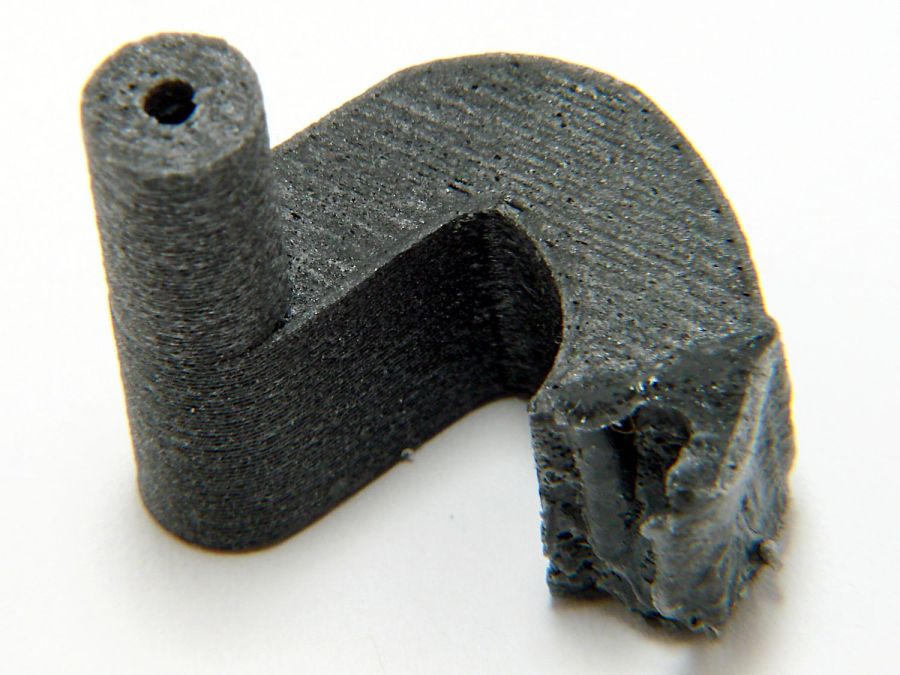
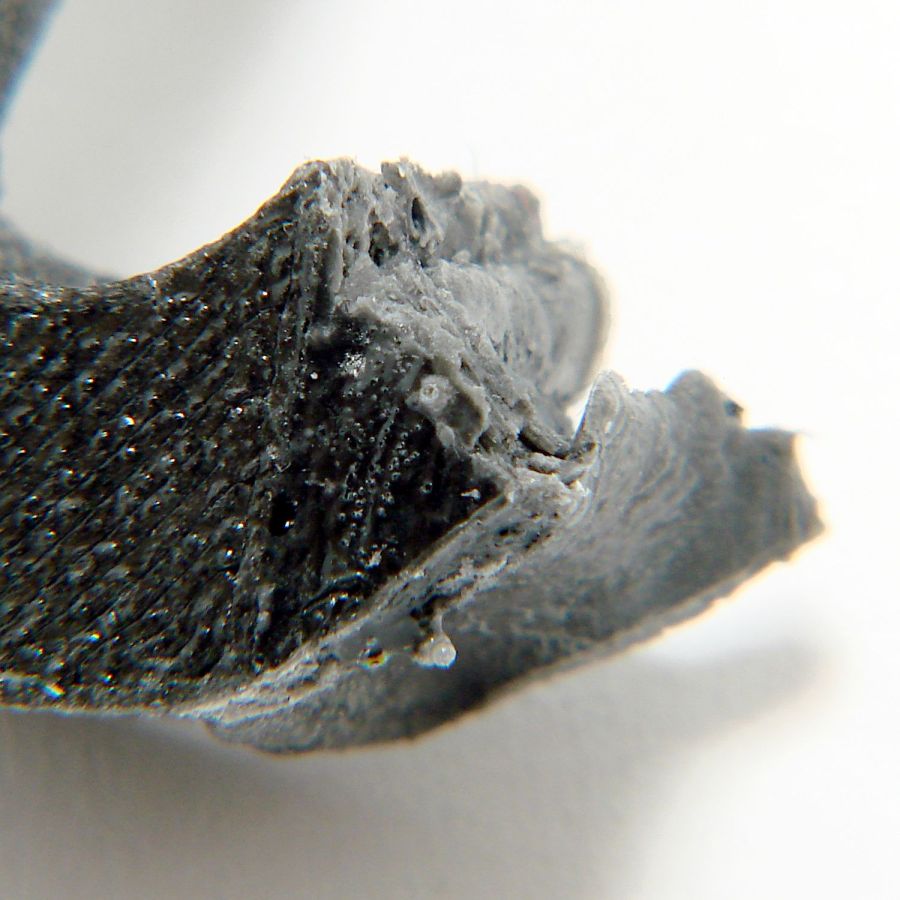
You’d think I hadn’t faced off the end, but you’d be wrong. As far as I can tell, the end of the screw would be happy to break for as long as I’d be willing to try cutting it. Perhaps this indicates why it broke and suggests this repair will be temporary, at best.
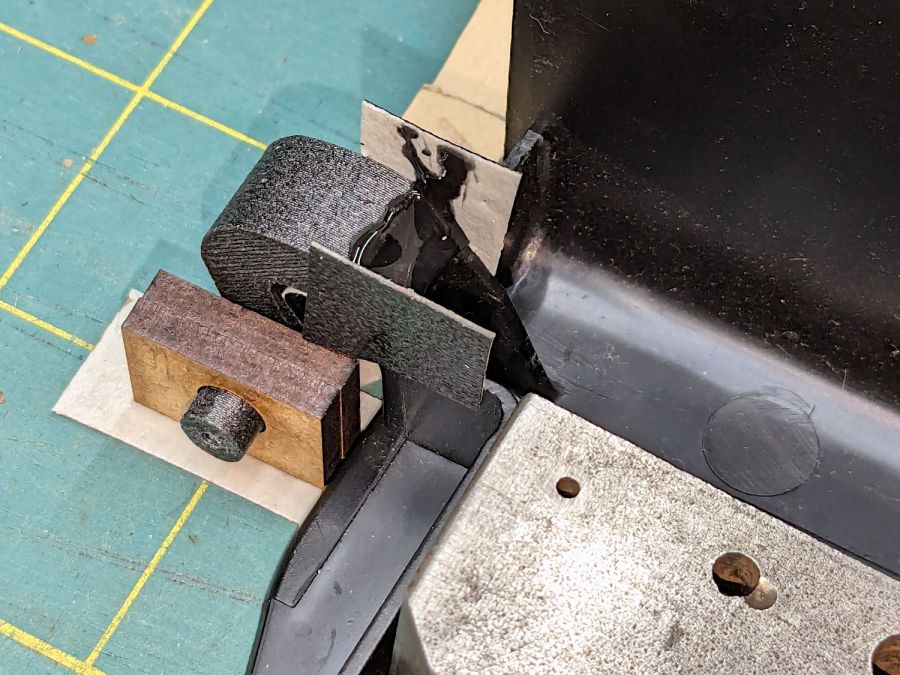
Doing the same to the collet required a clamp to fit its slightly oblong body:
That’s aggressive stick-out for a little plastic rod, but sissy cuts saved the day; it faced / drilled / tapped easily enough:
Razor Knife – collet repair parts
Despite the non-glue-able plastic, I tucked some JB PlasticBonder into the recesses, screwed everything together, and coerced the 8-32 threads into alignment inside the plastic nut:
Razor Knife – collet thread alignment
Reassemble in reverse order after the adhesive set up:
The fixture in the lower left is just an MDF square with a 15 mm post of more MDF glued in the middle to align the pieces. The white disk is the adhesive sheet, cut to 119 mm OD to leave half a millimeter clear around the outer edge, thus avoiding embarrassing stickiness.
Peel one side of the adhesive sheet and drop it over the post sticky side up:
Double-faced DVD coaster – adhesive sheet ready
Drop one of the DVDs over it, label side down:
Double-faced DVD coaster – first disc on adhesive
Lift it off, peel the other side of the adhesive sheet, put it over the post sticky side up, and drop the other DVD on top:
Double-faced DVD coaster – finished
The data side of the discs has a 0.3 mm raised rim just inside the track zone, so they don’t sit exactly flat on the table and expect a slightly concave lower surface on the mug / glass / cup. Neither of those seem like dealbreakers thus far, although I’m sure somebody will object.
A ring or two of general-purpose glue, along the lines of E6000 urethane, would be significantly less fussy than cutting adhesive sheets.
A bit less than a year ago I engraved Guilloche patterns on a stack of DVDs, stuck foam on their data sides, and defined the result to be coasters:
Laser cut CDs – Foam vs MDF-cork backing – detail
Perhaps unsurprisingly, those grooves turned out to be excellent stress raisers, to the extent that the two most-used coasters (we’re not talking heavy use) have developed cracks:
Laser-engraved DVD A – stress cracks
The parallel lines are part of the logo / pattern / design printed on the label side of the disc, which seems to have wrinkled after being glued to the foam layer. The cracks radiate outward from the laser-scarred zone around the hub.
The other one is worse:
Laser-engraved DVD B – stress cracks
None of the discs glued to rigid backing plates show anything more than minor cracks, so I think a combination of stress raising and slight flexing is really bad for cheap coaster-like objects.
No great loss, easily outweighed by knowing what not to do next time …
Flushed with success after building a Keychain Pill Tube with orange PETG, I tried dark gray carbon-fiber PETG with the same settings:
Pill Tube – first PETG-CF
In real life, it’s a much darker gray.
It’s not only furry, it’s overstuffed: the threads didn’t engage at all.
Running a few single-thread calibration squares suggested an Extrusion Multiplier around 0.6 would produce the proper thread width. Making it so and trying again worked perfectly:
Pill tube – PETG-CF adjustments
Not only did the cap screw on easily enough, the exterior finish improved and most of the stringing went away.
However, the Mighty Dragorn of Kismet (who nerd-sniped me into getting the MK4 in the first place) observed that he’d been running PETG-CF with stock PETG settings and getting good dimensional results without further tuning.
After a few more gyrations, I did what I should have done first:
Eryone PETG-CF Temperature Tower
The label on the spool suggests a 230 °C to 250 °C extrusion temperature and 235 °C seems like the sweet spot between overly stringy and terrible bridging, although I’d never expect PETG to cross that kind of gap without some support. The 35° overhangs on the left look surprisingly good at any temperature.
With that set up, running solid calibration squares showed Dragorn was right: 1.0 EM works the way you’d expect and 0.65 EM produces under-filled surfaces:
MK4 Eryone PETG-CF 1.0 0.65 EM – top
The hand-knitted surface is more visible at a more oblique angle:
MK4 Eryone PETG-CF 1.0 0.65 EM – edge
The 0.2 mm layers look about the same on both squares.
Comparing plain PETG at 1.0 EM with those:
MK4 eSun PETG 1.0 EM – Eryone PETG-CF 1.0 0.65 EM
Set up a square with walls three threads thick:
Thinwall box – 3x 0.45 mm – slicer preview
With PrusaSlicer set to produce 0.45 mm thread widths, the walls should measure exactly 1.35 mm = 3×0.45 mm thick:
PETG = 1.30 mm (1.29 to 1.30)
PETG-CF = 1.40 mm (1.37 to 1.40)
While I think you could tweak the EM for both materials, it’s unlikely to make any practical difference on typical objects.
So it looks like a slightly lower temperature with 1.0 EM will produce good outside dimensions for the carbon fiber filaments, while models with precise thin sections will require careful tuning.
The last time around, I used Cart Coins to verify platform alignment (a.k.a. “leveling”) on the Makergear M2. The Prusa MK4 does mesh probing to ensure accurate alignment, so these new Cart Coins exercised the MMU3 and gave me some giveaways for a recent dinner:
TroCraft Eco is within 0.1 mm of the proper thickness
Laser-cut coins proceed with great speed
Normally you’d export the finished layout as an SVG, but OpenSCAD ignores “holes” within shapes, so I exported it as a PNG to serve as a binary height map:
Import the PNG into OpenSCAD using surface()
Resize it to 20 mm wide and 1.7 mm tall
Knock it out of a 24 mm OD × 1.6 mm tall cylinder (which is why the extra 0.1 mm)
Add the PNG again as a separate 1.6 mm object to refill the hole
Whereupon out pops a solid model:
Cart Coin – solid model
Export that as a 3mf file to keep the two objects aligned, import it into PrusaSlicer, then get multi-material on it:
Cart Coin – PrusaSlicer layout
There’s a fourth group with different colors in hiding. I printed 12 identical coins at a time, mostly so I could keep track of what was happening, and it ended well enough.
The black coins with the translucent retina-burn orange cart look surprisingly good.
But this is way faster:
They’re the size of a US quarter, because that’s what unlocks shopping carts around here. Feel free to tweak the parameters for your locale.
One of Mary’s gardening cronies suggested Sting-Kill might reduce her dramatic swelling [^1] after a bee / wasp / insect sting. Because it must be applied immediately after the sting, the swab must be on hand in the garden or on a bike ride, but the glass vial inside seem entirely too fragile to survive amid the usual clutter of a purse / pocketbook / belt pack / bike pack.
Well, I can fix that:
Pill tube – PETG default
It’s a KeyChain Pill Tube from Printables, enlarged 20% in the XY plane to fit the Sting-Kill swab, with the white applicator end fitting neatly into the domed screw-on lid for a bit of cushioning.
The solid model looks about like you’d expect:
Pill Tube – slicer preview
Despite that preview, I printed it with a brim. PETG sticks tenaciously to the Textured PEI steel sheet and a brim wasn’t really needed; just pop the parts off the platform when cool.
Somewhat to my astonishment, the threads screwed together easily, smoothed out after a few on-and-off cycles, and it’s ready for a moment we both hope will never occur.
[^1] Mary did tote an EpiPen back in the day, but a few near misses indicated she’s no longer quite as sensitized. She does swell up something powerful and we’re hoping immediately applying a Sting-Kill will help knock it down.