The Smell of Molten Projects in the Morning

Ed Nisley's Blog: Shop notes, electronics, firmware, machinery, 3D printing, laser cuttery, and curiosities. Contents: 100% human thinking, 0% AI slop.

Category: Home Ec

Things around the home & hearth

  • Cusinart Smart Stick Blender Motor Coupler

    Cusinart Smart Stick Blender Motor Coupler

    When our stick blender (Cusinart CSB-77, with an instruction manual dated 2011) failed, I dropped fifteen bucks on the shortest one we could find, which turned out to be inconveniently long for the shorter member of the user community. The old one recently emerged from the depths of the bench for triage; the failure was in the coupler between the motor and the blade shaft, but required complete disassembly before trying to repair it.

    Pry out two obvious plastic plugs, remove two screws holding the top of the handle together, pull the handle apart, and reveal a PCB with a discrete diode bridge and an open-frame switch:

    Stick blender coupler - PCB
    Stick blender coupler – PCB

    Fortunately, the wire colors matched my preconception. Unsolder the wires to get that side of the handle off.

    Un-bend the tab holding the metal shell to the plastic frame and pull it off, whereupon the frame halves unsnap to release the motor:

    Stick blender coupler - shell removed
    Stick blender coupler – shell removed

    The white nylon (?) coupler on the motor shaft pries off the splined motor shaft:

    Stick blender coupler - motor shaft splines
    Stick blender coupler – motor shaft splines

    That black ring inside the coupler should be on the blade shaft:

    Stick blender coupler - blade shaft
    Stick blender coupler – blade shaft

    It apparently got jammed in the coupler when the shaft’s drive dogs / splines (barely visible down inside) ripped up the coupler. I don’t know if that was a sudden failure or the end result of gradually accumulating damage, but the inside of the coupler was badly chewed up.

    Dismantling the blade unit requires prying three plastic clips back, one at a time, while pushing upward on the intricate black plastic fitting around the shaft:

    Stick blender coupler - blade housing clips
    Stick blender coupler – blade housing clips

    That let me ease a drop of oil down the shaft to what looks and feels like a plastic sleeve bearing near the blade end of the housing; oil should not be needed on a plastic bearing, but it definitely improved the bearing’s attitude. The snap ring securing the shaft is far enough away to prevent me from even trying to remove it, because I know there is no way I can reinstall it:

    Stick blender coupler - blade shaft snap ring
    Stick blender coupler – blade shaft snap ring

    Some Xacto knife action removed the shredded plastic to reveal the remains of four slots for the blade shaft’s two drive dogs / splines:

    Stick blender coupler - OEM coupler end view
    Stick blender coupler – OEM coupler end view

    Measuring All. The. Things. produced a reasonable solid model of the slots:

    Stick Blender drive coupler - splines - solid model
    Stick Blender drive coupler – splines – solid model

    Removing those from a model of the coupler defined the shape:

    Stick Blender drive coupler - PrusaSlicer
    Stick Blender drive coupler – PrusaSlicer

    As usual, having one in hand let me check the fit and, after a few tweaks, the next one was Just Right™.

    The other end of the coupler is a simple cylinder sized for a firm press fit on the motor shaft splines:

    Stick blender coupler - new coupler detail
    Stick blender coupler – new coupler detail

    My coupler is chunkier than the OEM coupler, because there was enough room in there and PETG-CF, being weaker than nylon, needs all the help it can get:

    Stick blender coupler - new coupler installed
    Stick blender coupler – new coupler installed

    It’s one of the few things I’ve printed with 100% infill. If when that plastic fails, I’ll try something else.

    Put the little rubber ring on the blade shaft and reassemble everything in reverse order:

    Stick blender coupler - mating ends
    Stick blender coupler – mating ends

    The blender works as well as it ever did, while the halves couple and uncouple the way they should, so we’ll declare victory and keep the new blender as a backup.

    The OpenSCAD source code as a GitHub Gist:

    // Stick Blender drive coupler
    // Ed Nisley – KE4ZNU
    // 2025-05-16
    include <BOSL2/std.scad>
    Layout = "Show"; // [Show,Build,Splines]
    /* [Hidden] */
    HoleWindage = 0.2;
    Protrusion = 0.1;
    NumSides = 3*3*4;
    ID = 0;
    OD = 1;
    LENGTH = 2;
    ShellOA = [5.0,14.0,28.0]; // ID=motor shaft
    MixerSocket = [6.6,0,17.2]; // passes rubber retainer
    Retainer = [3.0,6.5,5.5]; // ID=mixer shaft,OD=rubber ring
    RetainerRebate = [Retainer[ID],3.9,1.5]; // … fits under shaft lip
    DriveSocket = [6.7,8.8,12.0]; // OD=notch OD
    DriveNotch = [(DriveSocket[OD] – DriveSocket[ID])/2,1.5,DriveSocket[LENGTH]]; // … drive notch shape on +X
    DriveChamfer = -DriveNotch.y;
    $fn = NumSides;
    //———-
    // Define Shapes
    module Splines() {
    render()
    for (a = [0:90:270])
    zrot(a)
    right(DriveSocket[ID]/2 – Protrusion)
    cuboid(DriveNotch + [Protrusion,0,0],chamfer=DriveChamfer,edges=[TOP+FWD,TOP+BACK],anchor=LEFT+BOTTOM);
    }
    module Coupler() {
    difference() {
    tube(ShellOA[LENGTH],id=ShellOA[ID],od=ShellOA[OD],anchor=BOTTOM);
    up(ShellOA[LENGTH] – MixerSocket[LENGTH])
    cyl(Retainer[LENGTH],d=Retainer[OD],anchor=BOTTOM);
    up(ShellOA[LENGTH] + Protrusion)
    cyl(DriveSocket[LENGTH] + Protrusion,d=DriveSocket[ID],anchor=TOP);
    up(ShellOA[LENGTH] – DriveNotch[LENGTH] + Protrusion)
    Splines();
    }
    }
    //———-
    // Build things
    if (Layout == "Splines")
    Splines();
    if (Layout == "Show")
    Coupler();
    if (Layout == "Build")
    Coupler();

  • Whirlpool Clothes Dryer Thermal Switches

    Whirlpool Clothes Dryer Thermal Switches

    The venerable (circa 1993) Whirlpool clothes dryer (LER443AQ0) that Came With The House™ failed in action: the drum occasionally stopped turning (and, fortunately, heating) while the control timer continued ticking along. The symptoms suggested one of the many thermal switches / thermostats / fuses was bad, but because the problem was intermittent, the only practical alternative was replacing all the things.

    Which, it turns out, costs about ten bucks from the usual source. I remain unconvinced paying an order of magnitude more for what look to be identical parts will, in fact, bring either different parts or higher quality.

    The wiring diagram, which I consulted only after the fact, shows it was most likely the “Not Resettable” Thermal Fuse in series with the drum motor, because the other contestants are in series with the heater and the Operating Thermostat would trip when the blower stopped blowing:

    Whirlpool dryer - wiring diagram - detail
    Whirlpool dryer – wiring diagram – detail

    The fact that the Thermal Fuse should not “reset” after it trips seems worrisome, but failures are like that.

    All those parts are accessible only through the rear cover, but you should definitely vacuum out as much fuzz as possible before popping the cover (with vacuum in hand):

    Whirlpool dryer - heater duct top
    Whirlpool dryer – heater duct top

    Of course, all the old parts show fine continuity, because intermittent:

    Whirlpool dryer - thermal switches
    Whirlpool dryer – thermal switches

    With the new parts in place, the dryer has chugged through half a dozen loads without incident: so all’s well that ends well.

  • Humidifier Float Clip Replacement

    Humidifier Float Clip Replacement

    This being the end of the humidifcation season, I tried to set the longsuffering Sears Humidifier’s water level float to dry the thing out. After a few days, it became obvious that wasn’t working and I eventually found the clip intended to hold the float at the top of its travel had broken:

    Humidifier float clips - on float
    Humidifier float clips – on float

    Building the retina-burn orange replacement started with a scan of the original:

    Humidifier float clip
    Humidifier float clip

    The black segment at the bottom is a shadow due to the scanner’s light bar being offset from the imaging sensor.

    Using GIMP, duplicate the remaining part of the latch, flip it left-to-right, then align it at the proper position:

    Humidifier float clip - repaired
    Humidifier float clip – repaired

    The latch is the only tricky part and the ID of the ring is easy to locate, so (still in GIMP):

    • Trace the edge of the whole shape
    • Using Quick Mask mode, remove all but the latch
    • Convert the selection to a path
    • Export it as an SVG file

    Then import it into OpenSCAD and eyeballometrically translate the shape to put the ring ID at the origin:

      color("Red")
        translate([-23.6,-42.6])
          import("Humidifier float clip - cabinet latch.svg");


    Which looks like this:

    Float clip - 2D latch
    Float clip – 2D latch

    Then glom a perfect ring onto it:

    Float clip - 2D model parts
    Float clip – 2D model parts

    Extrude half an inch upward:

    Float clip - extruded model
    Float clip – extruded model

    And It Just Works™:

    Humidifier float clip - installed
    Humidifier float clip – installed

    There being no obvious affordance to get the ring over the two bumps in the float, I applied Channellock pliers to the float while easing the ring into place.

    Re-rebuilding the hinges sits behind a few other things going on around here …

  • Auto Side Marker Bulb: FAIL

    Auto Side Marker Bulb: FAIL

    Six years ago I replaced the W5W incandescent front side marker bulbs in our 2015 Subaru Forester with amber LED bulbs:

    Side Marker bulbs - failed adhesive
    Side Marker bulbs – failed adhesive

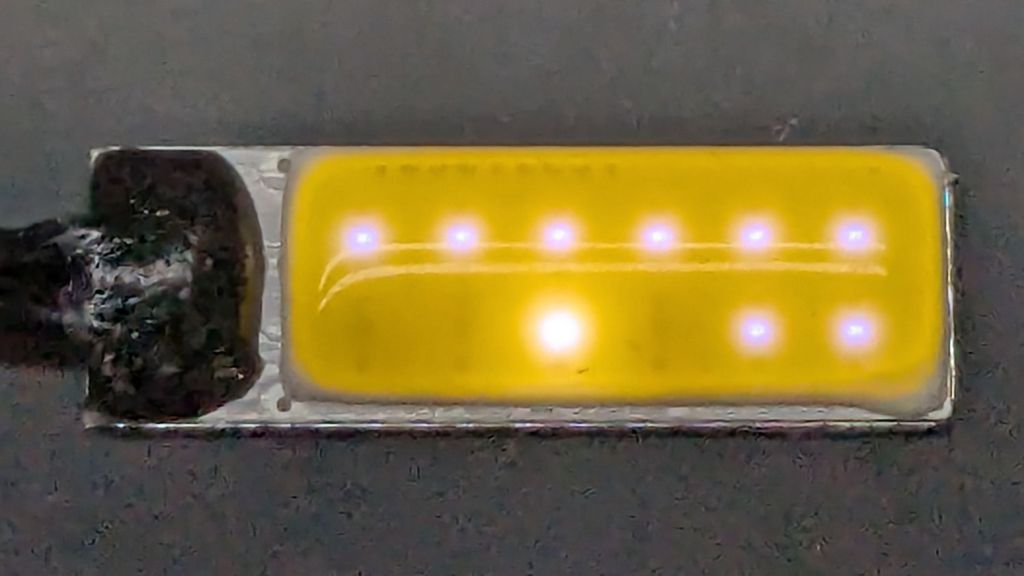
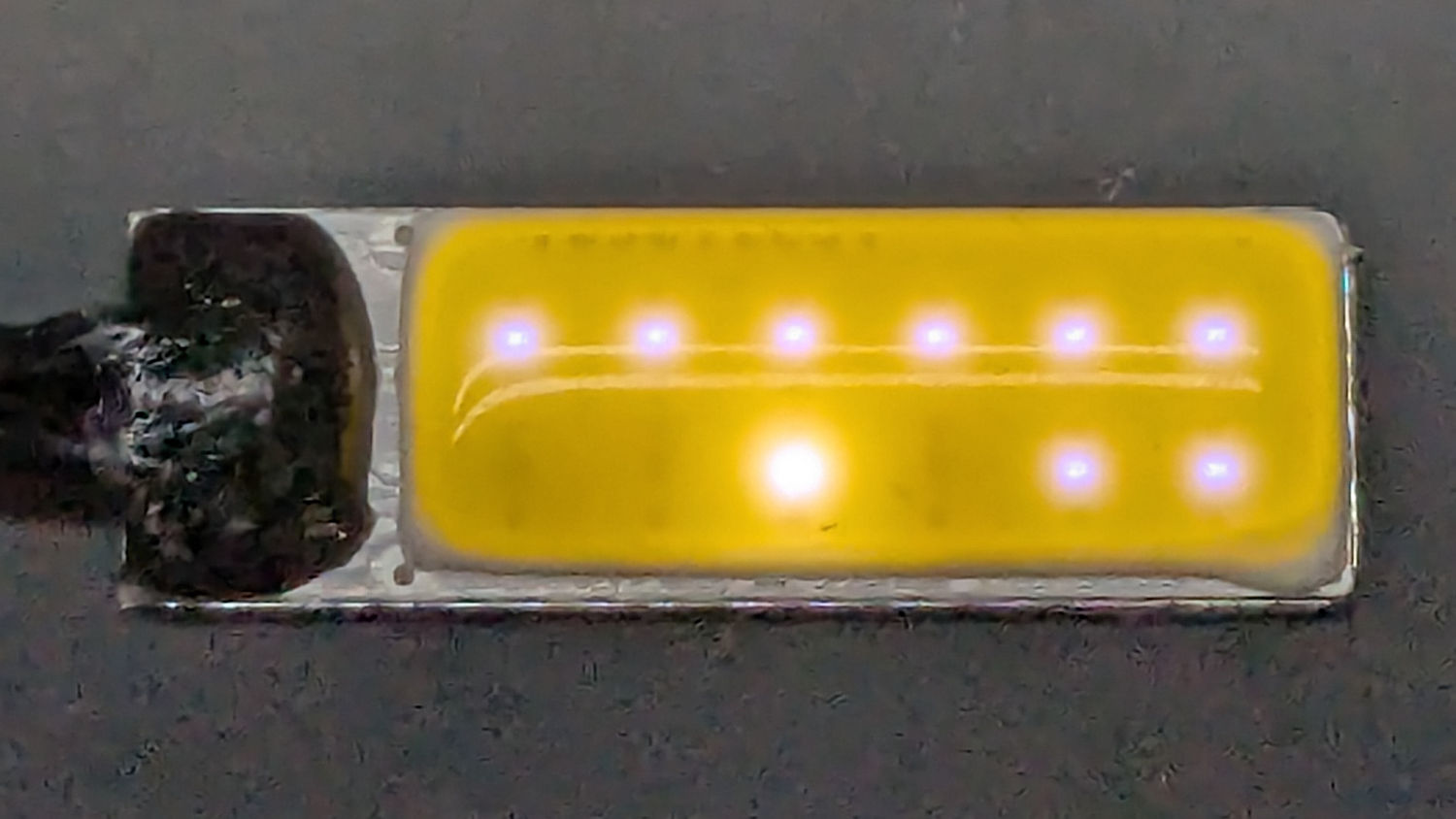
    The adhesive holding the LED PCB to the aluminum “heatsink” has fossilized and the strip on the right is peeling off (with the left one not far behind), which likely accounted for its loss of light output and flickering.

    Tearing it apart reveals the LED layout and what looks like a bridge rectifier or a big resistor (to fool the CAN bus?) on a tiny PCB jammed inside the shell:

    Side Marker bulbs - rectifier
    Side Marker bulbs – rectifier

    The other side of the PCB could be a buck converter:

    Side Marker bulbs - buck converter
    Side Marker bulbs – buck converter

    In round numbers, we’ve driven 18000 miles at an average of maybe 40 mph over those years; call it 450 hours. However, the side marker lights aren’t on unless the headlights are on; we do very little night driving, which means those LED bulbs are the usual crap.

    I replaced both front bulbs with a different design sporting two LED chips and we’ll see how long those last.

  • Medicare Advantage Mail Merge: FAIL

    Medicare Advantage Mail Merge: FAIL

    A postcard arrived last week telling me to call a special number for special deals on Medicare Advantage plans. Being that type of guy, I managed to read the microscopic Fine Print and found this amusing blooper amid the disclaimers weasel wording:

    Medicare Advantage mail spam
    Medicare Advantage mail spam

    Inserting insurance carrier names should have happened before printing the card, so [CarrierA] and [CarrierB] are either placeholders or mail-merge variables.

    Also, you’re seeing the contrast-blown and magnified version of the postcard. The original Fine Print had faint orange ink on light green cardstock: colors having different hues with the same saturation and value to minimize legibility. In general, folks eligible for Medicare Advantage plans have trouble reading Fine Print, so the choice was not accidental.

    Not a compelling value proposition, as they say.

  • Power Outage

    Power Outage

    This housing development was the second in Poughkeepsie to have underground utilities and, to put it mildly, a lot has rotted out over the last 70 years.

    Over the weekend, one phase of the AC power flickered and eventually failed completely, with the other phase supplying a steady 120 VAC. Central Hudson (Gas & Electric) crews located long-lost buried boxes in places not matching their maps:

    Power Outage - flooded box
    Power Outage – flooded box

    Then they pumped / bailed enough water to repair / lengthen the wires:

    Power Outage - corroded wiring
    Power Outage – corroded wiring

    I’ve never before seen anybody work on live wires underwater.

    They installed above-ground boxes to simplify The Next Time.

    Some improvisation was required:

    Power Outage - improvised cocoa stirring
    Power Outage – improvised cocoa stirring

    Gotta say, cold Fireball Cocoa tastes different than hot Fireball Cocoa.

  • Champion Hose Nozzle: Needs a Washer?

    Champion Hose Nozzle: Needs a Washer?

    An email discussion suggested the Champion hose nozzle might, once upon a time, have had a washer between the conical and cylindrical sections.

    So I made one:

    Champion hose nozzle - rubber washer
    Champion hose nozzle – rubber washer

    The details:

    • OD = ½ inch
    • ID = 9/32 inch
    • 2.5 mm stamp pad rubber

    It sealed perfectly, but, just before shutting off, the washer vibrated in the water flow and gave off an ear-shattering (even to my deflicted hearing) howl.

    Perhaps a stiffer and thinner washer with a slightly larger OD would work better.

    A quick check of similar nozzles in the Box o’ Hydraulics shows none of them feel like they have a compliant washer in there, but any sufficiently old rubber will have long since fossilized.

    This seems like a good job for a 3D printed washer with a conical face, made from slightly squishy TPU plastic to ease it past the nozzle’s internal threads. All I need is the ability to print TPU …