Ed Nisley's Blog: Shop notes, electronics, firmware, machinery, 3D printing, laser cuttery, and curiosities. Contents: 100% human thinking, 0% AI slop.
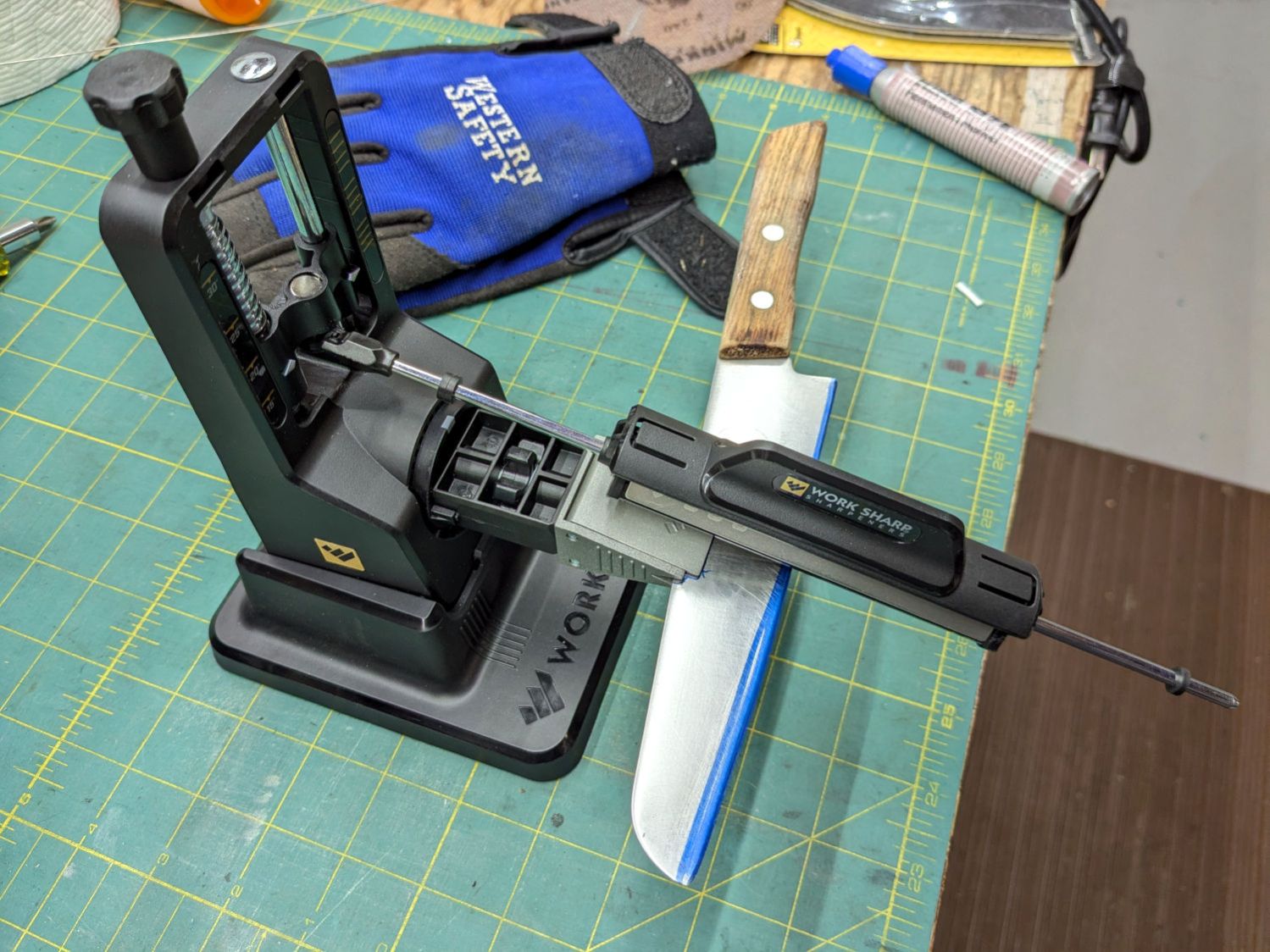
Protip: Wear gloves, because you’re working in front of an unprotected and eventually very sharp blade.
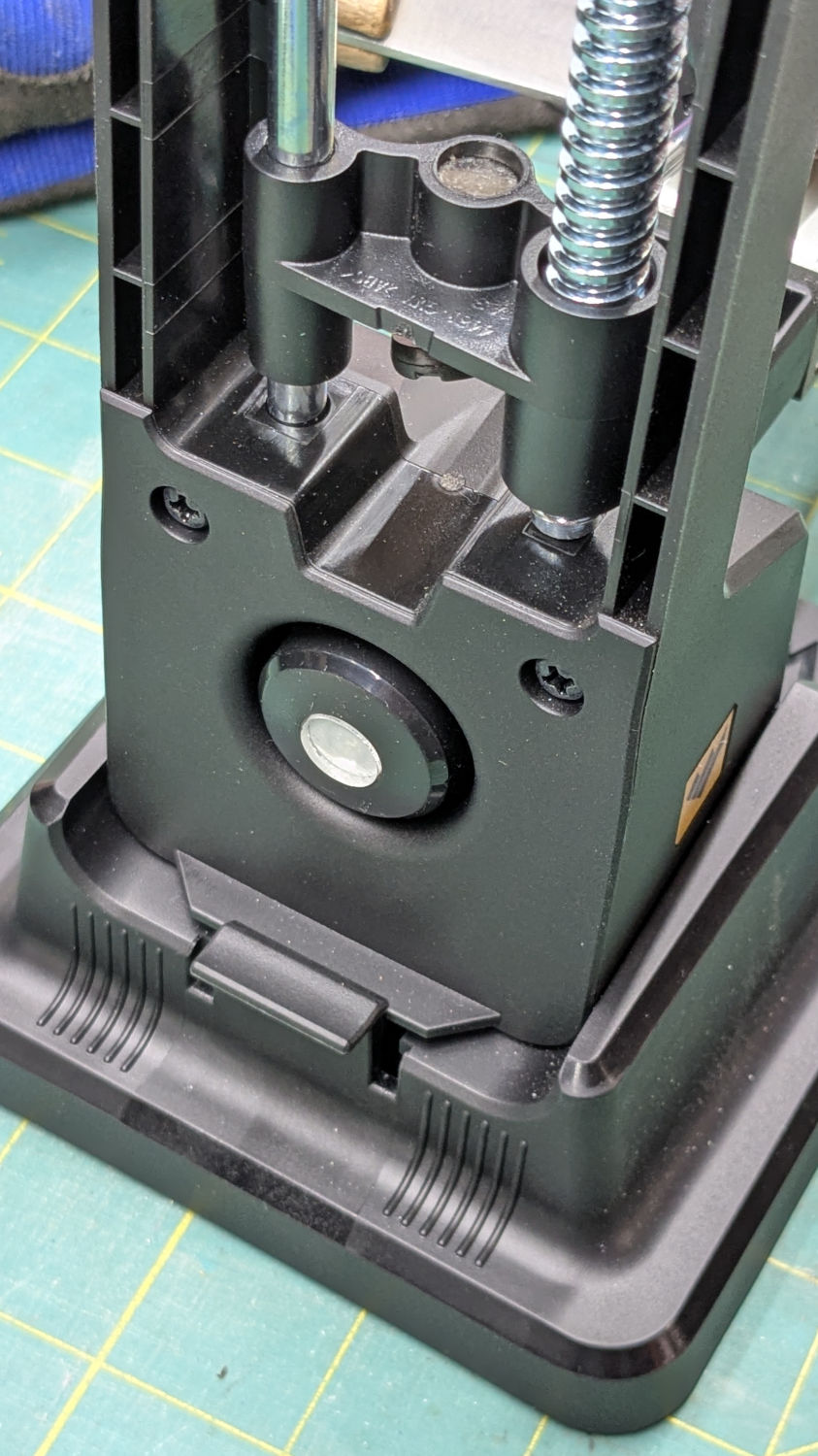
The blade-holding clamp snaps magnetically into a rotating chuck so you can flip the knife over, at least if it’s not quite as long as that one. The chuck index has a spring-loaded release button:
Work Sharp Knife Sharpener – rear view
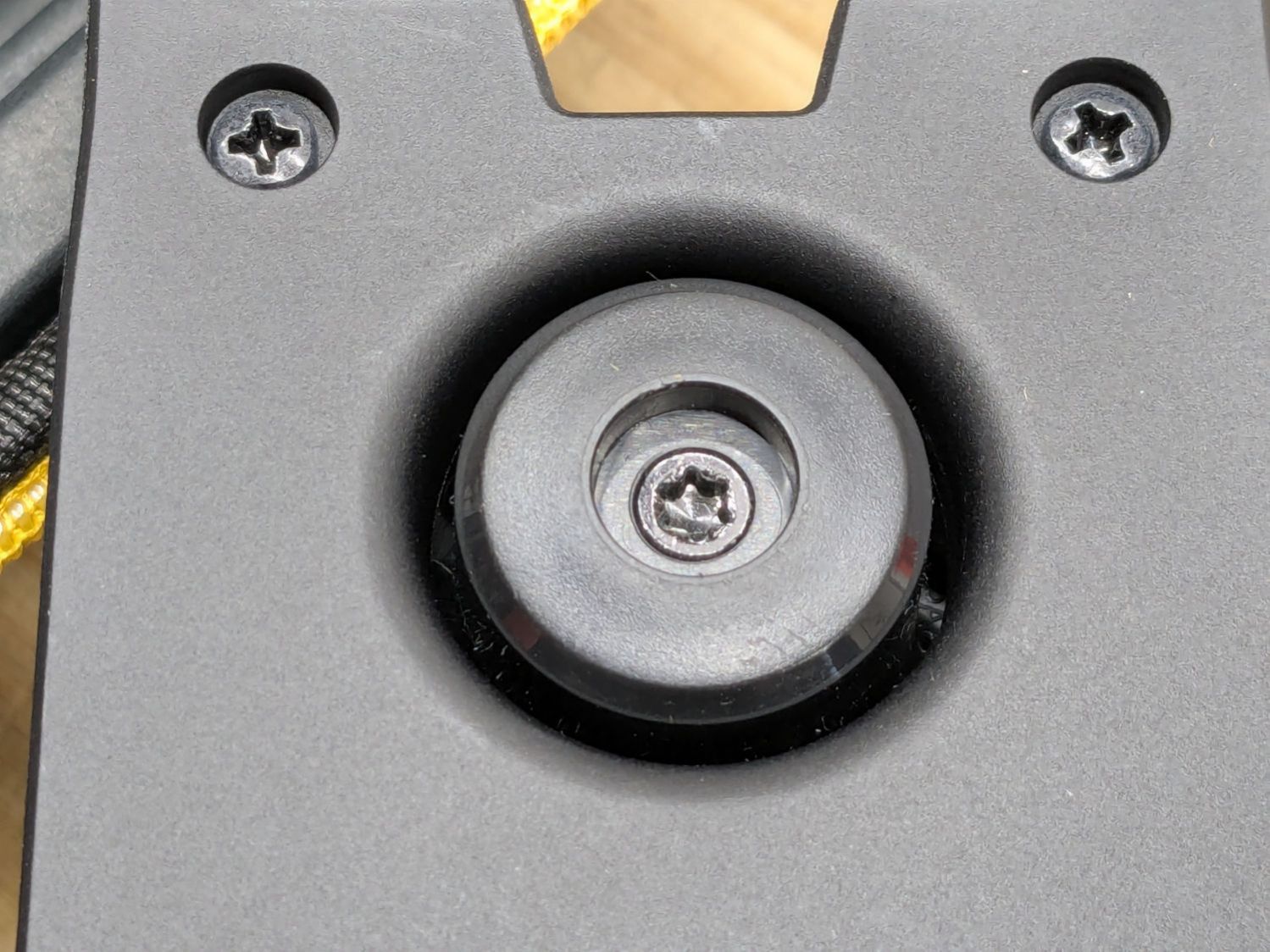
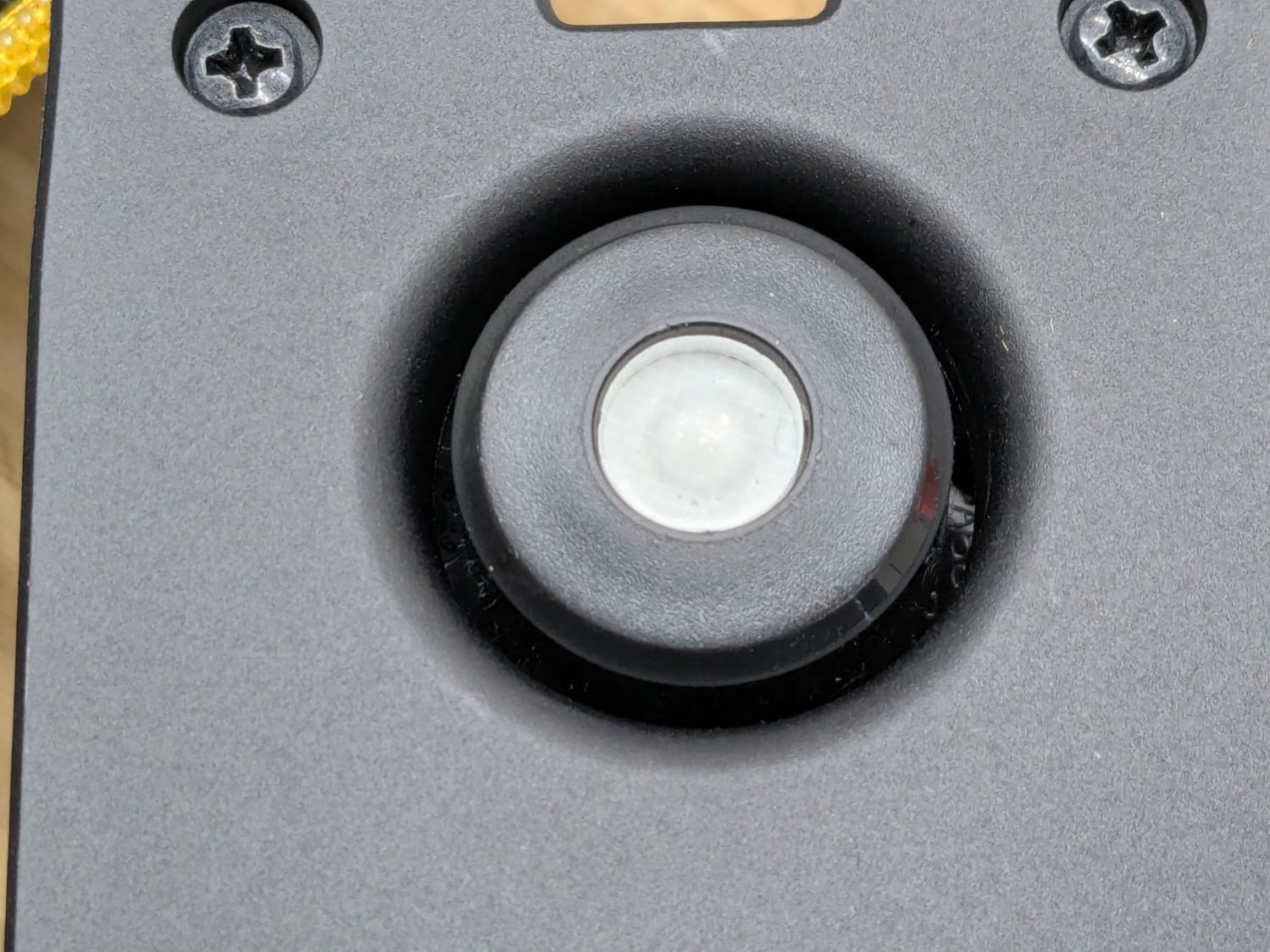
The spring is powerful and the button arrived with a recess around the screw holding the chuck together:
Work Sharp Knife Sharpener clamp button – as received
Pressing the button hard enough to release the chuck hurt my index finger, but their Tech Support said it’s like that and that’s the way it is. Turning the screw adjusts the spring compression, but I think this situation calls for “more secure” rather than “easy to push”.
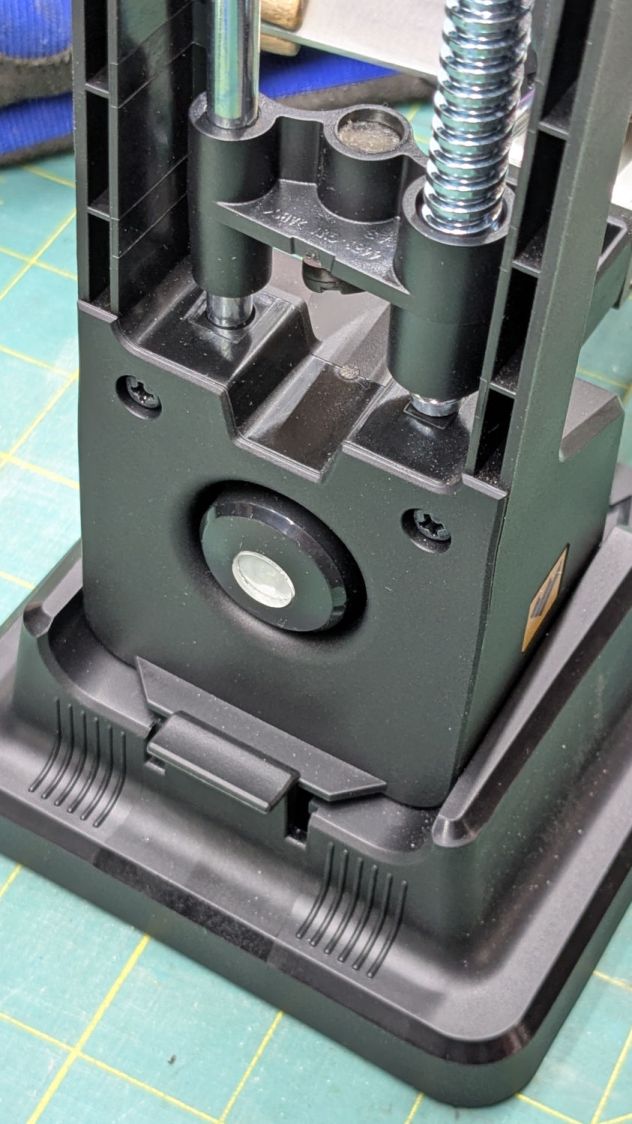
Fortunately, I have a laser cutter and know how to use it:
Work Sharp Knife Sharpener clamp button – filled
Despite appearances, it’s a 10 mm disk of 4.3 mm clear acrylic stuck to the screw head with a snippet of white double-sided tape and flush with the surrounding plastic surface.
A smooth button makes my index finger much happier …
The Fiskars PowerGear lopper Mary uses in the garden had occasionally encountered a tomato cage wire and the blade had a few dents. We recently had a bunch of knives / blades / tools sharpened by somebody who knows what he’s doing and, while the lopper blade is now deadly sharp, grinding the dents out changed its shape enough that it no longer met the opposing plastic (probably glass-filled nylon) anvil.
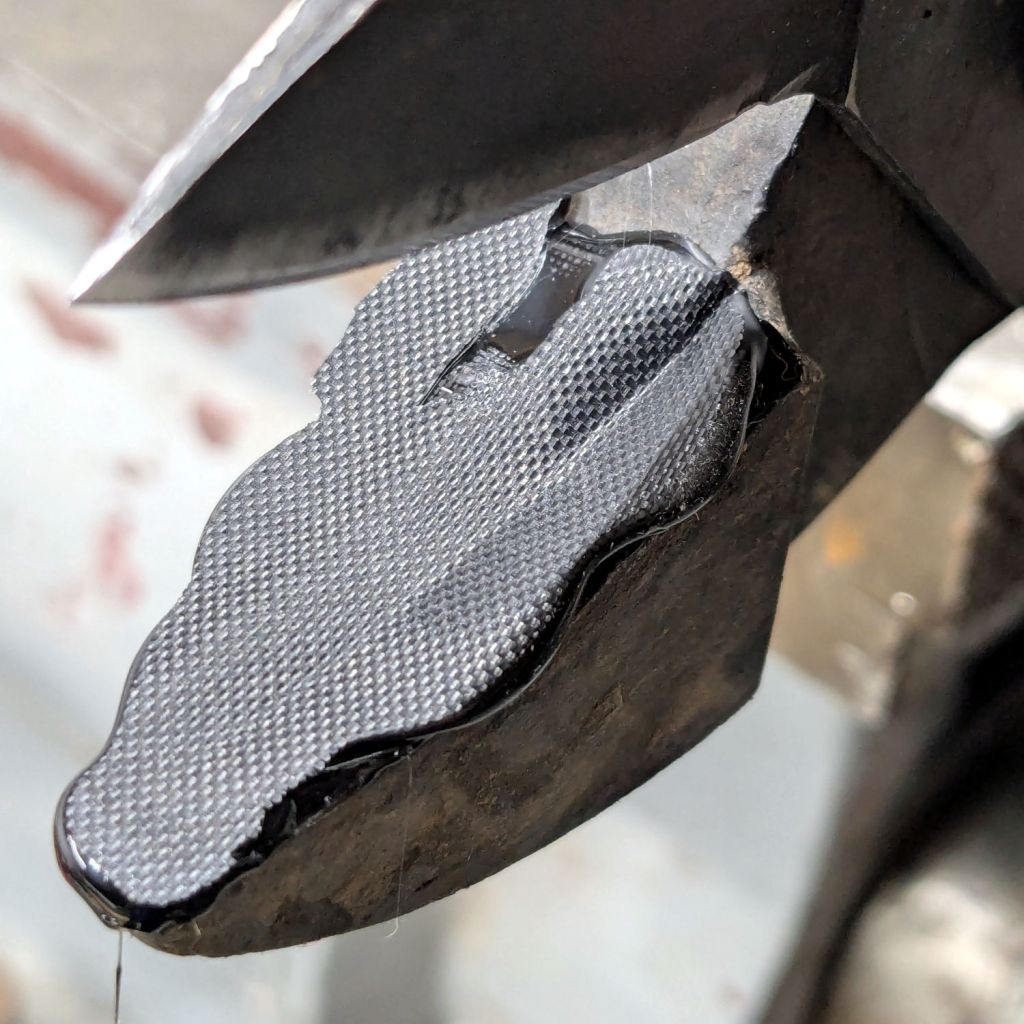
For lack of anything smarter, I cleaned the anvil, spread a layer of hot-melt glue over the surface, squished it flat with a snippet of PTFE fabric, and closed the jaws:
Fiskars lopper jaw repair – silicone cloth indent
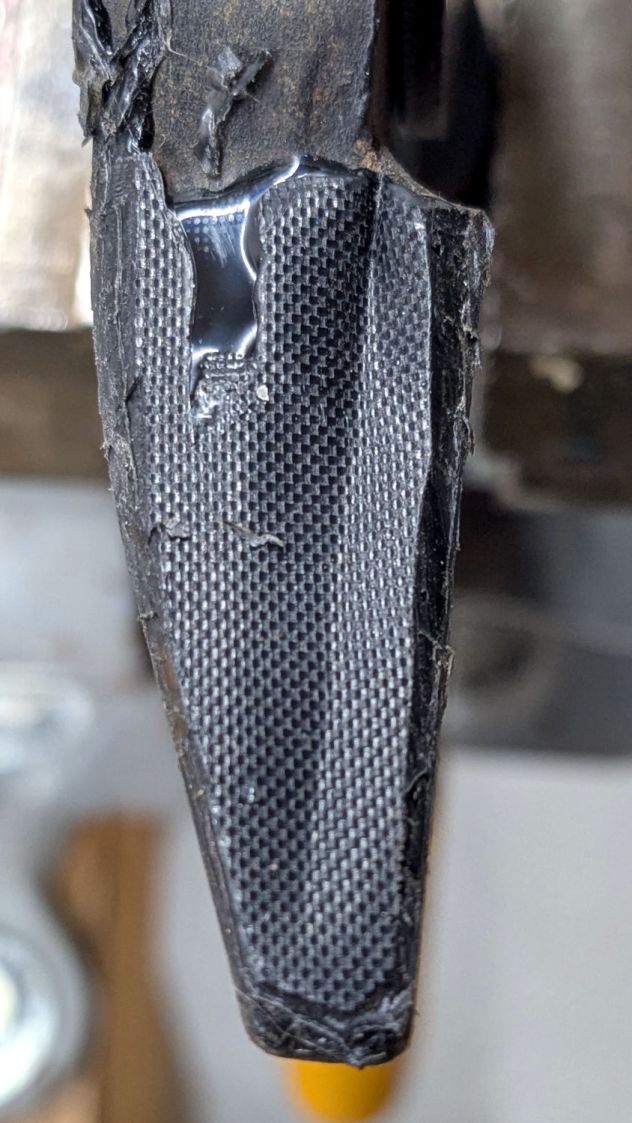
Which left a blobular layer on both sides of the now perfectly matched blade channel:
Fiskars lopper jaw repair – blade indent
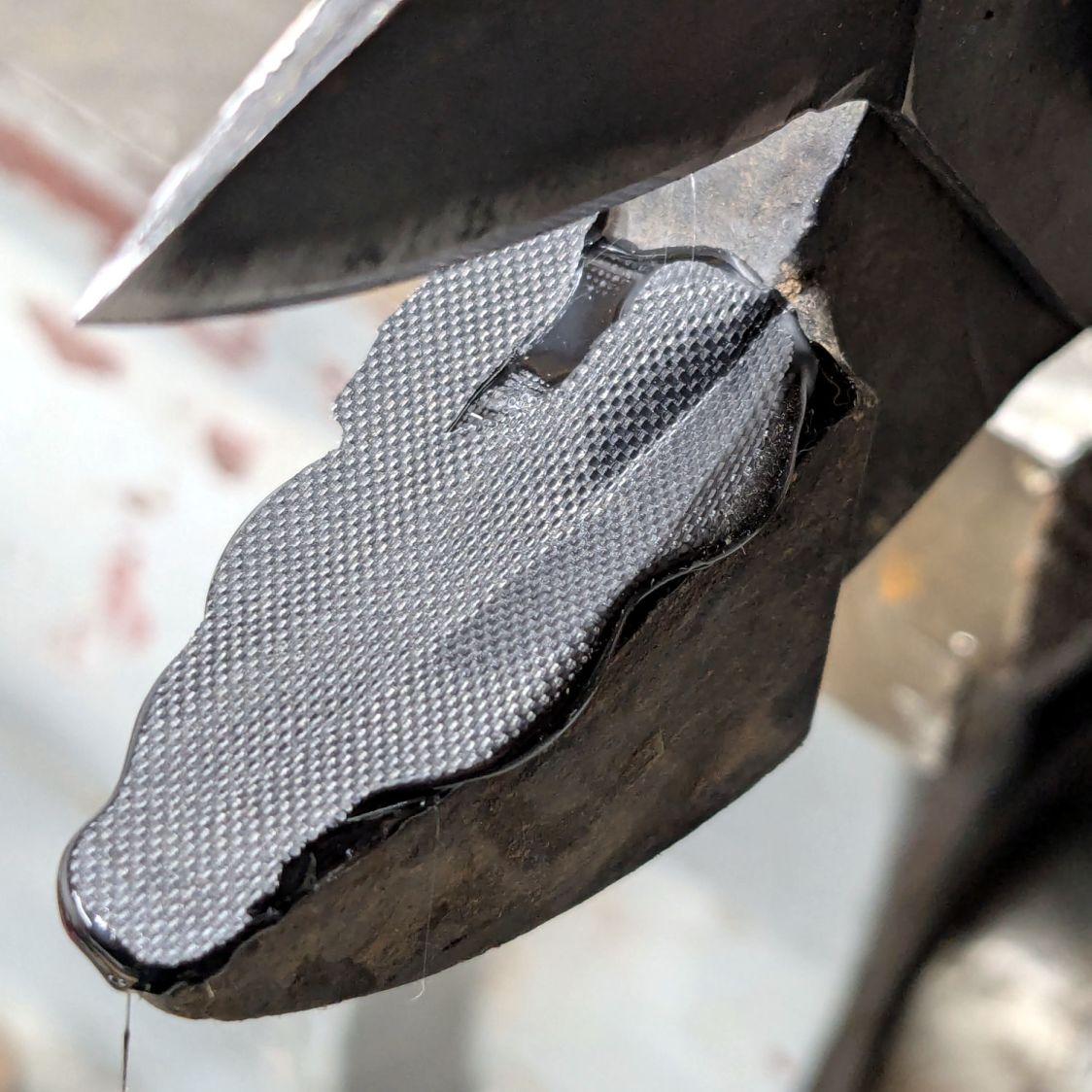
Trimming off the blobs made it slightly more presentable:
Fiskars lopper jaw repair – trimmed edges
The textured surface definitely looks great, even if the rest looks like the hack job it is.
I’m hoping the glue layer has enough traction on the anvil to survive the duty it gets in the garden, where Mary uses it to harvest cabbages & suchlike. I’m sure the occasional cage wire will test its resolve, but we’ll know more next summer.
Cleaning the baseboard radiator fins before moving the houseplants back to their winter abode by the living room window made sense, so I took the trim covers off and vacuumed a remarkable accumulation of fuzz off the top and out from between the fins. The covers had an equally remarkable accumulation of sawdust along their bottom edge, apparently deposited when the previous owners had the floor sanded before they moved in a decade ago.
If you happen to live in a house with baseboard radiators, I’m guessing you never looked inside, because nobody (else) does.
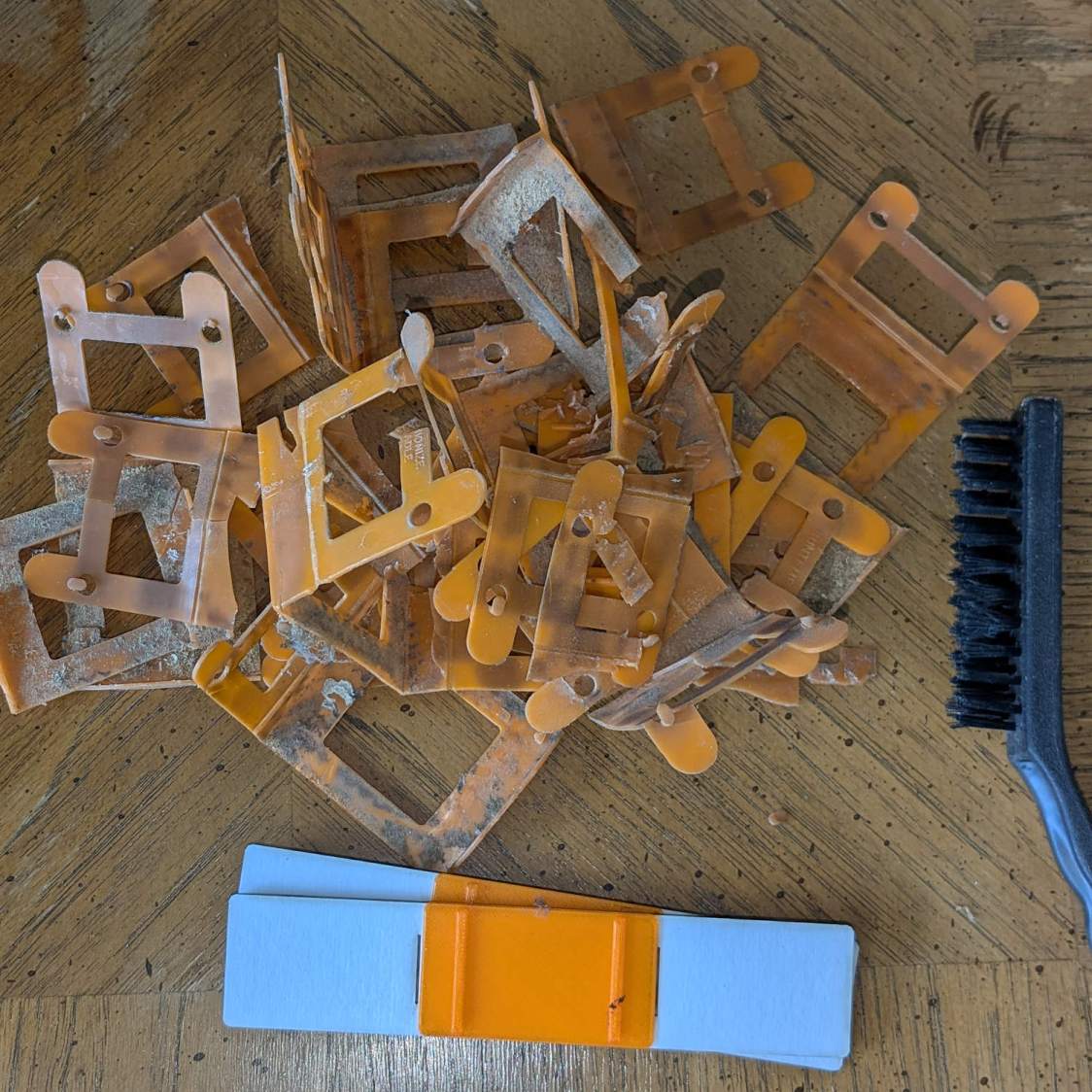
Anyhow, the radiator fins should rest on plastic carriers atop the bent-metal struts also supporting the trim covers, so that they slide noiselessly when the copper pipe expands & contracts during the heating cycle. Over the last six decades, however, the plastic deteriorated and most of the carriers were either missing or broken to the point of uselessness:
Baseboard Radiator Sled – old vs new
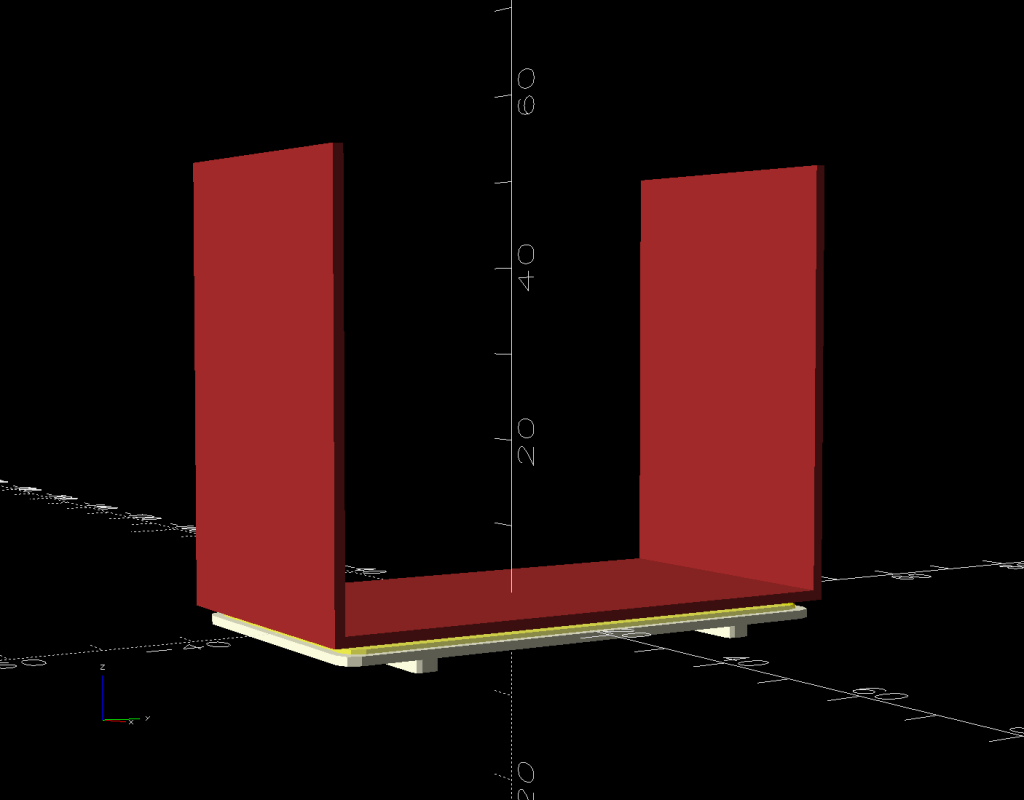
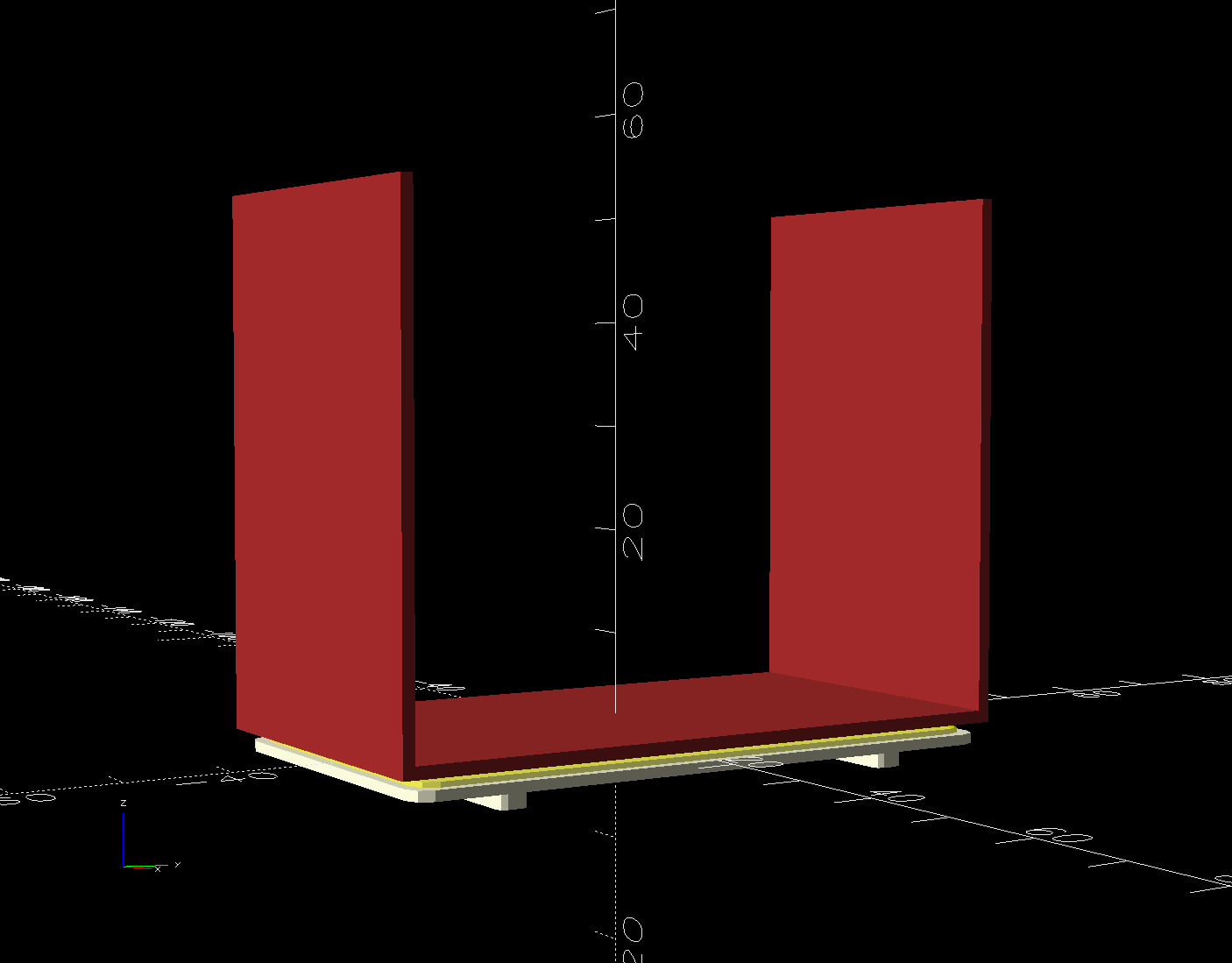
The shapes on the bottom are replacements made with a 3D printed base (“sled”) and a chipboard wrap around the radiator preventing the fins from contacting the strut:
Baseboard Radiator Sled – OpenSCAD show
Although it was tempting to 3D print the whole thing, because plastic, I figured there was little point in finesse: chipboard would work just as well, was much faster to produce, and I need not orient the shapes to keep the printed threads in the right direction.
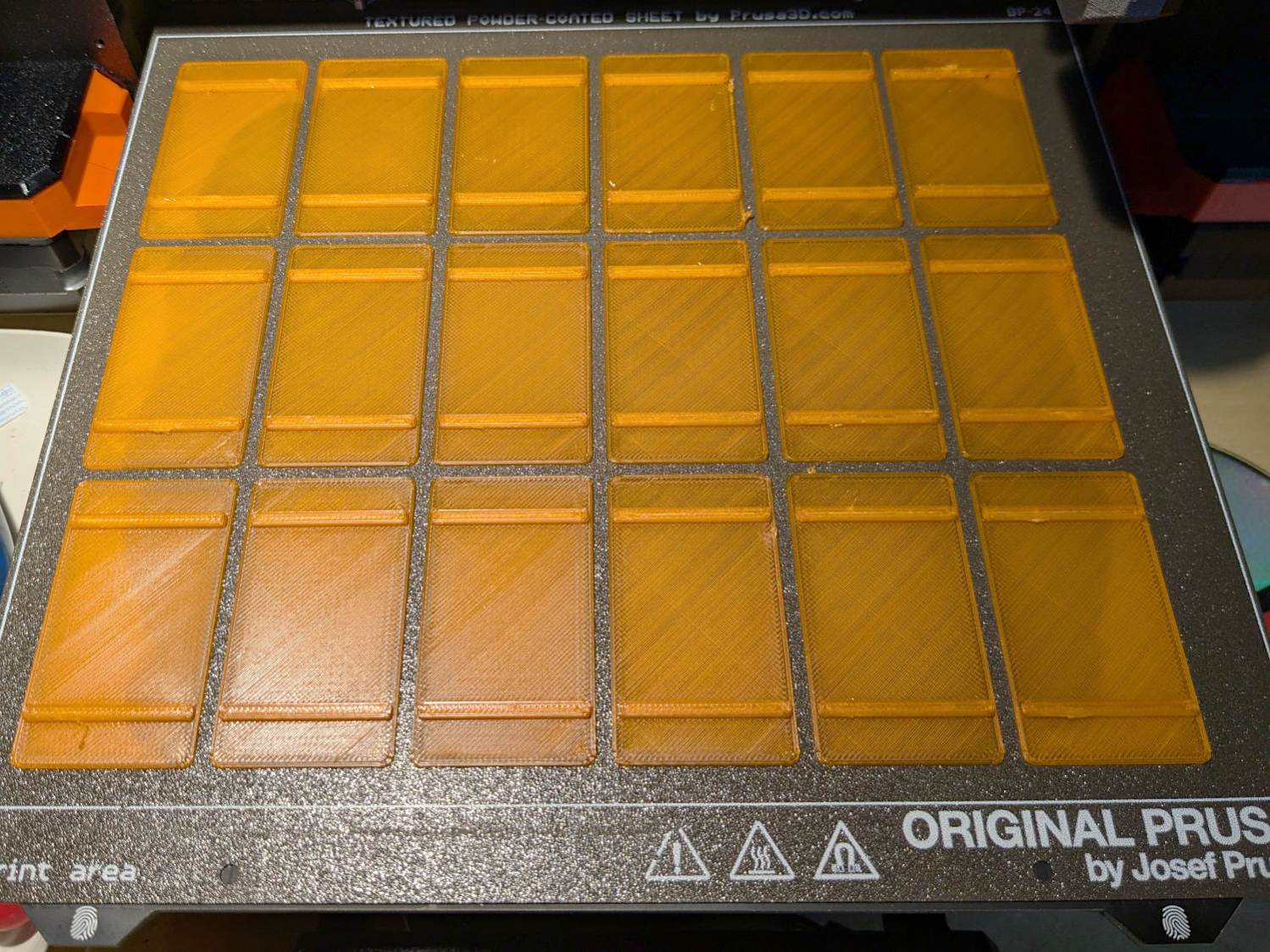
The Prusa MK4 platform was just big enough for the number of sleds I needed:
Baseboard Radiator Sled – printed
The sleds along the left and right edges lost traction as the printing progressed, but everything came out all right.
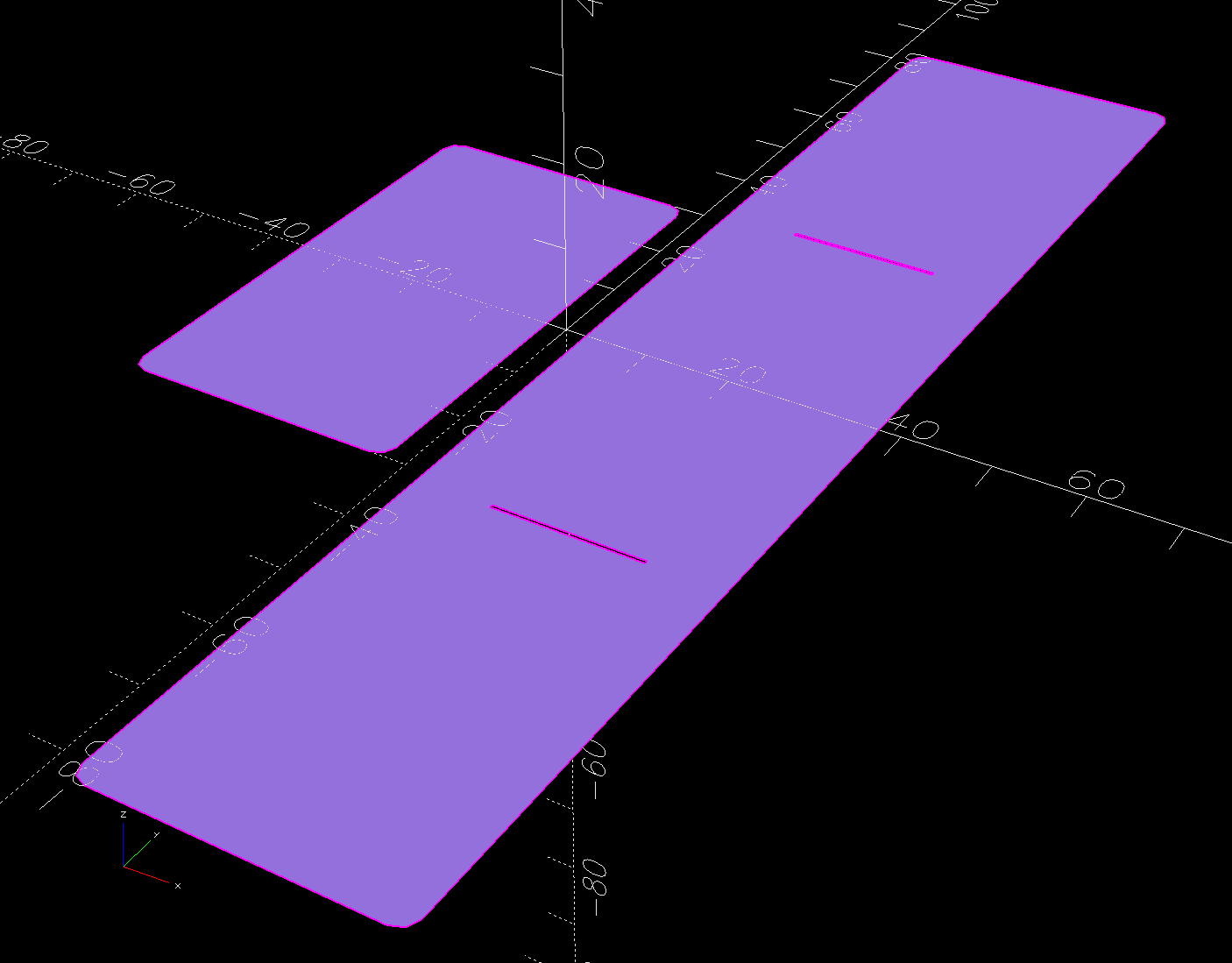
The OpenSCAD program also produces 2D SVG shapes for the chipboard wraps and adhesive rectangles sticking them to the sleds:
Baseboard Radiator Sled – OpenSCAD SVGs
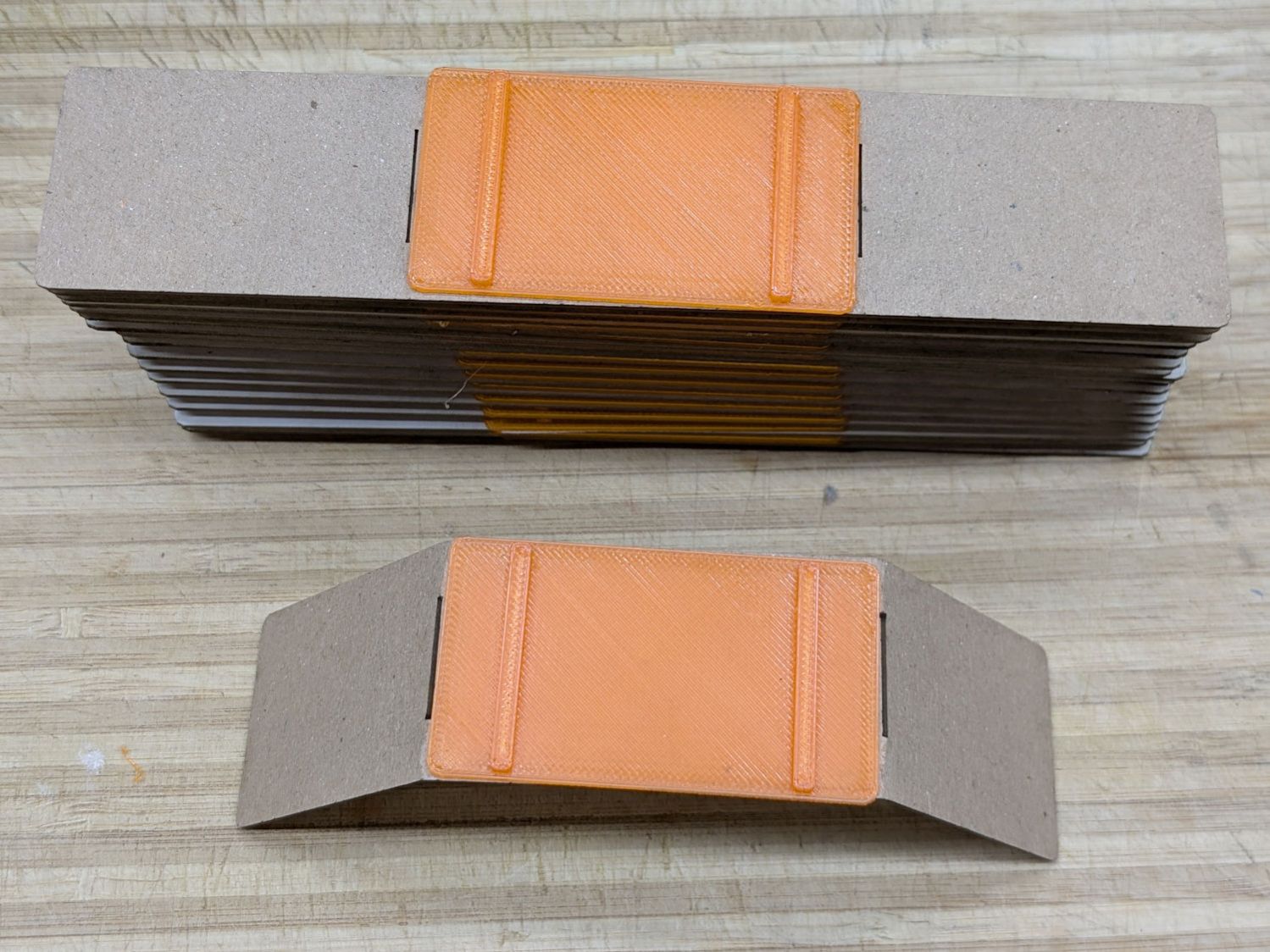
Import those into LightBurn, duplicate using the Grid Array, Fire The Laser, then assemble:
Baseboard Radiator Sled – assembly
The slits encourage the chipboard to bend in the right direction at the right place, so I didn’t need any fancy tooling to get a decent result.
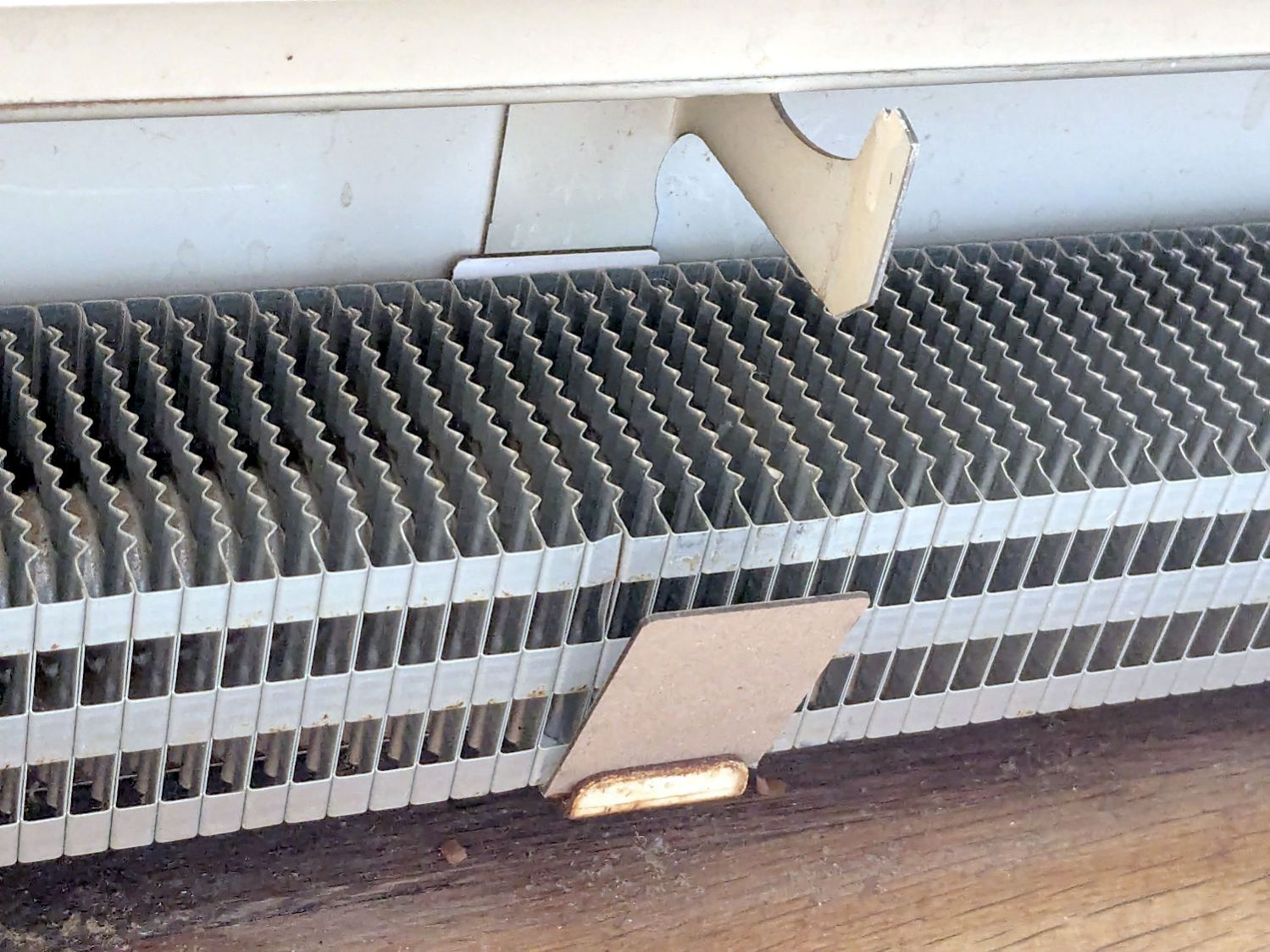
A few rather unpleasant hours crawling around on the floor got the struts bent back into shape and the sleds installed under the fins:
Baseboard Radiator Sled – installed
Protip: Gloves aren’t just a good idea, they’re essential.
The trim cover presses the angled chipboard where it should go against the fins. The covers carry shadows of the plastic carriers, suggesting the clearance was tighter than it should have been and thermal cycling put more stress on the plastic than expected. We’ll never know.
Although I’ll make more for the other baseboards as the occasion arises, I hope to never see these again …
This file contains hidden or bidirectional Unicode text that may be interpreted or compiled differently than what appears below. To review, open the file in an editor that reveals hidden Unicode characters.
Learn more about bidirectional Unicode characters
The first step in adding a filter bag to the dryer vent requires a convenient way to attach it. Because we live in the future, a couple of hours of 3D printing produced something that might work:
Clothes Dryer Vent Filter Snout – installed
It’s made of TPU, which is bendy enough to ease two tabs into the two outermost slots you can see and a corresponding pair of tabs into slots on the wall side.
The solid model shows the part snapped inside the vent:
Clothes Dryer Vent Filter Snout – OpenSCAD show
The flared bottom takes something like three hours to print (TPU likes slooow extrusion), so I did the top ring first to verify the tab fit:
Clothes Dryer Vent Filter Snout – OpenSCAD build
Both parts come from hull() surfaces wrapped around quartets of thin circles at the proper positions; the difference() of two slightly different hulls produces thin shells.
A thin layer of JB PlasticBonder urethane adhesive, which bonds TPU like glue, holds the two parts together. I used the tan variant and, while it’s not a perfect match, it definitely looks better than black. Not that it matters in this case.
Mary will sew up a bag with a drawstring holding it to the snout. If everything survives the performance tests, printing the whole snout in one four-hour job will both make sense and eliminate an uneven joint that’s sure to be a lint-catcher.
This file contains hidden or bidirectional Unicode text that may be interpreted or compiled differently than what appears below. To review, open the file in an editor that reveals hidden Unicode characters.
Learn more about bidirectional Unicode characters
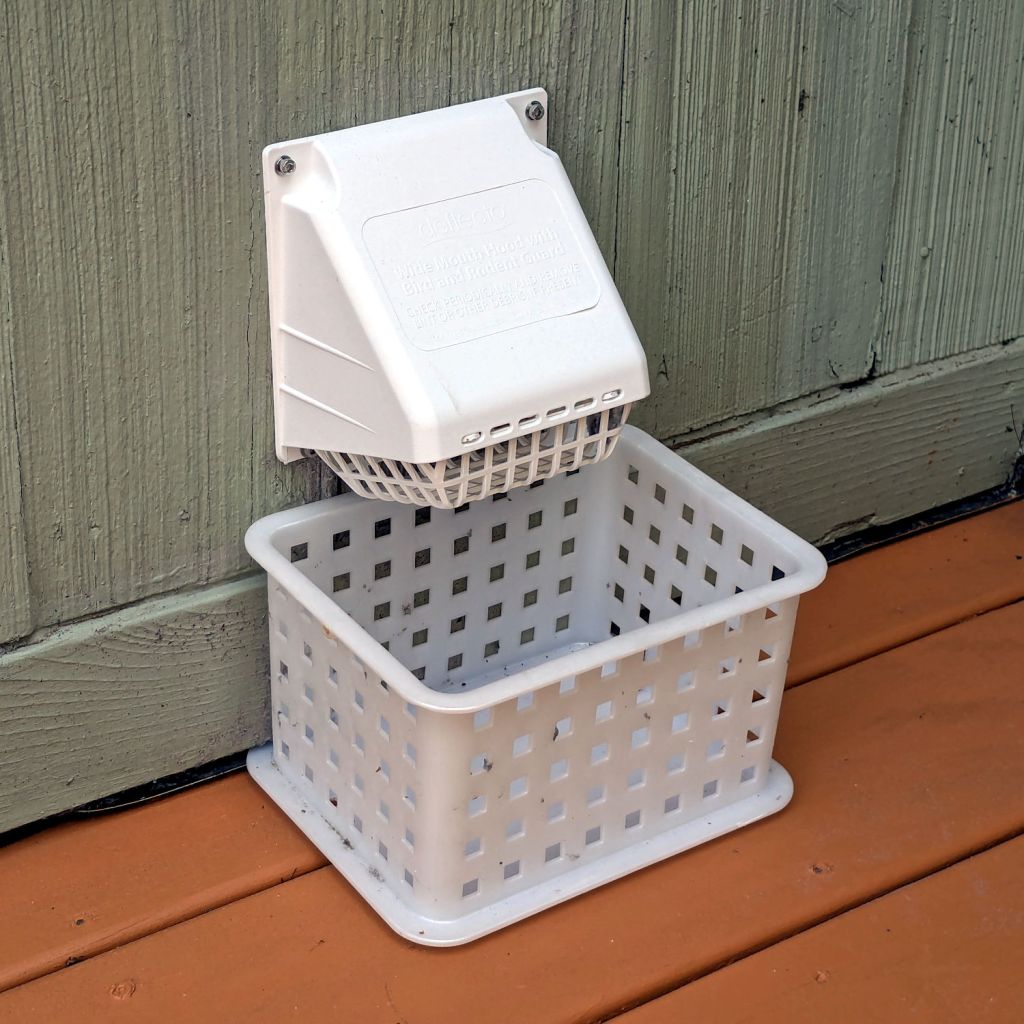
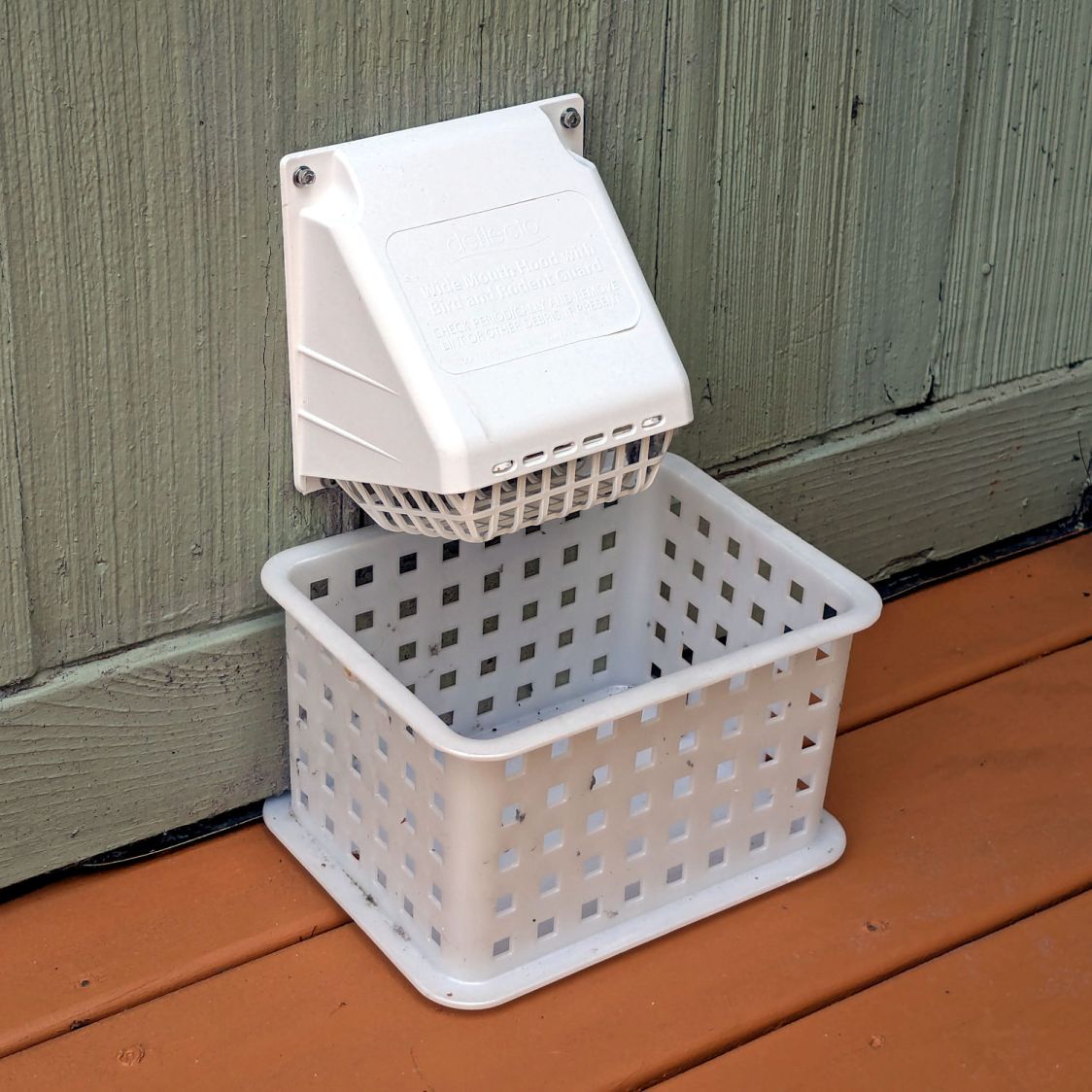
After the deck stain cured for a few days, I replaced the dryer vent:
Dryer vent
The alert reader will note it’s held to the siding with four stainless steel 4 mm socket-head cap screws, for which I’m not going to apologize one little bit.
They fit into a quartet of threaded wood inserts driven into the siding, because the previous vent had small steel screws that pulled out many years ago.
I used a 4-¼ inch oscillating hole saw to embiggen the original 4.000 inch hole through the wall that doesn’t fit contemporary “4 inch” dryer vent pipe. The 4.000 inch hole in the interior seal plate also needed embiggening.
We must add a filter bag of some sort, as the dryer really wants to coat the deck in fuzz, but that’s in the nature of fine tuning.
There are no other pictures, as this was a ten minute job that burned an entire afternoon …
A year after using up the rest of the stain that Came With The House™, I pressure-washed the worst deck staining job into submission:
Deck restaining – pressure washed
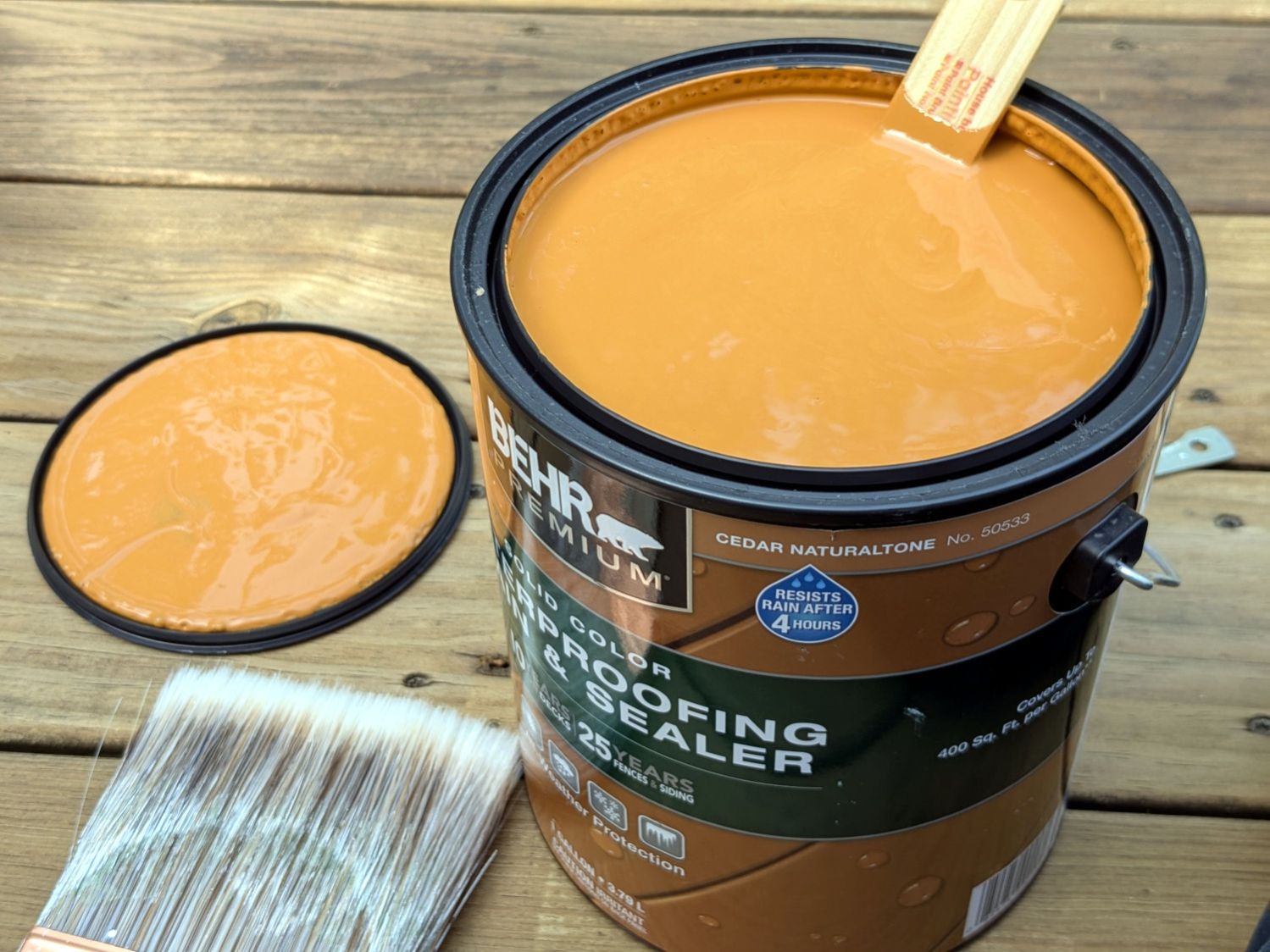
Given the variegated ugly remaining, a “solid” color seemed appropriate. Based on web color samples, we independently decided “Cedar Naturaltone” was the least awful choice:
Deck restaining – Behr Cedar Naturaltone
I am not an expert on woods, but IMO that ain’t close to any real substance named “cedar”.
The instructions insist two thin coats will produce a better outcome than one thick coat, so I did my best:
Deck restaining – starting
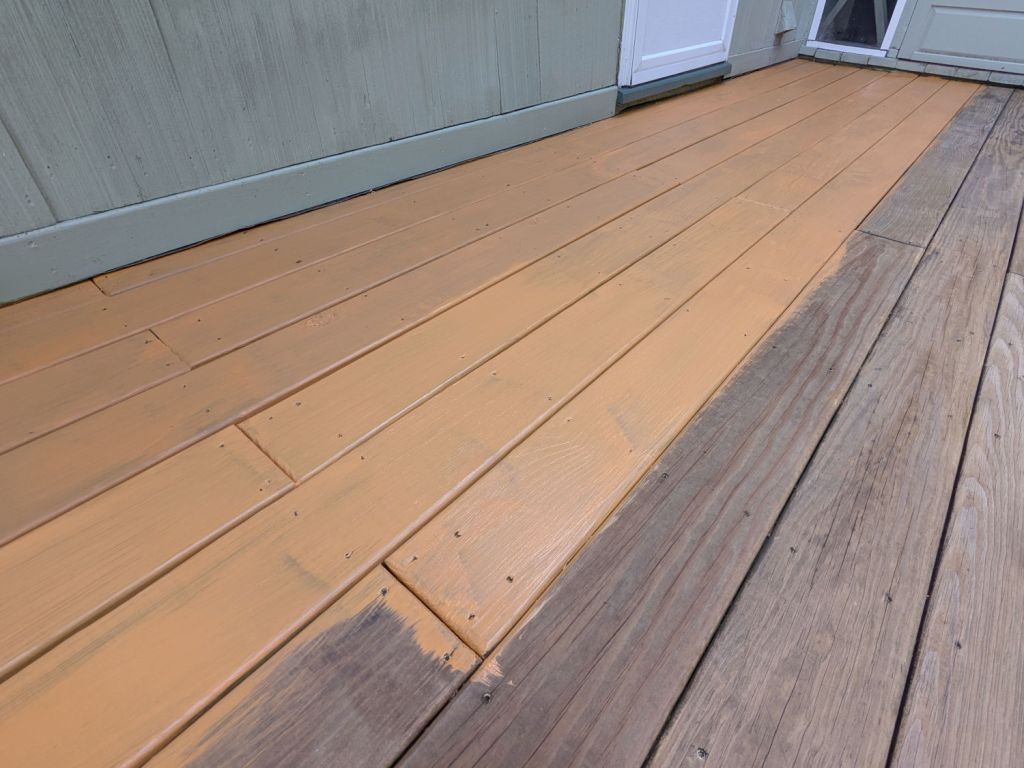
The first coat dried slightly less orange than I feared:
Deck restaining – first coat
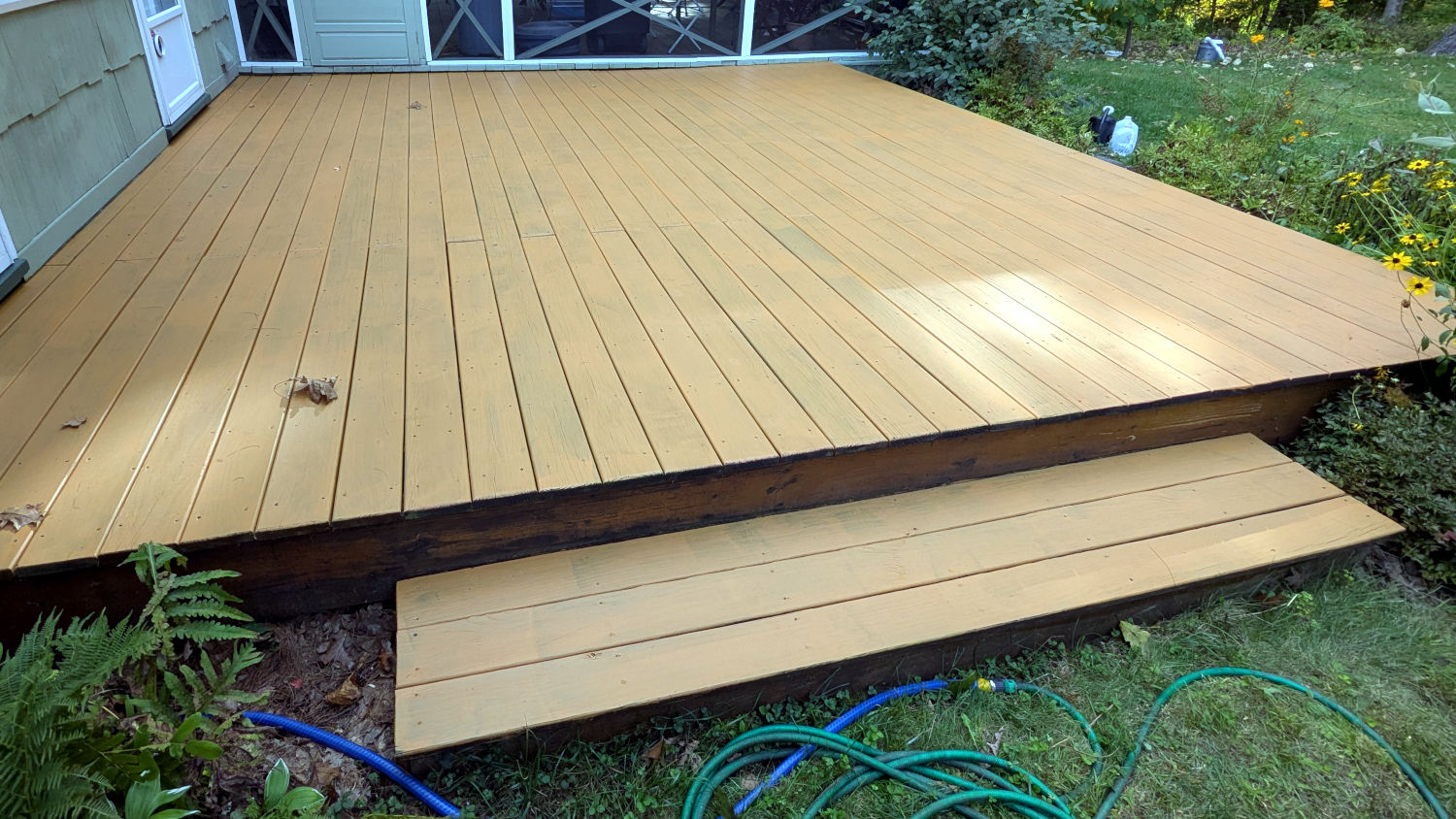
After the second coat, it’s not really pumpkin out there, but it’s pretty close. The phone camera + GIMP seem unable to cope with the situation, so trust me when I say that’s a sheet of pure white EVA foam:
Deck restaining – not pumpkin
I suspect the stain / paint will outlive the deck structure, but now it’s uniformly ugly.
For reasons not relevant here, after Having Been Advised to not walk barefoot on our wood floors, I picked up a pair of beach / pool sandals with comfy soles. Although they have a white logo, they’re black and essentially invisible in the dark when I need them most.
Start by taking a photo of the logo on the clamped-flat upper strap:
UnderArmour logo – flattened
Use GIMP to select the white area, clean it up a little, convert the selection into a path, export it as an SVG file, import into LightBurn, scale to match reality, and Fire The Laser:
UnderArmour logo – GITD tape cutting
That’s a roll of glow-in-the-dark tape which is almost certainly a lethal combination of PVC and phosphorescent stuff, so hold your breath while it cuts.
It’s “actually a “kiss cut” through the tape, but not through the backing paper, letting the whole thing hang together after the operation.
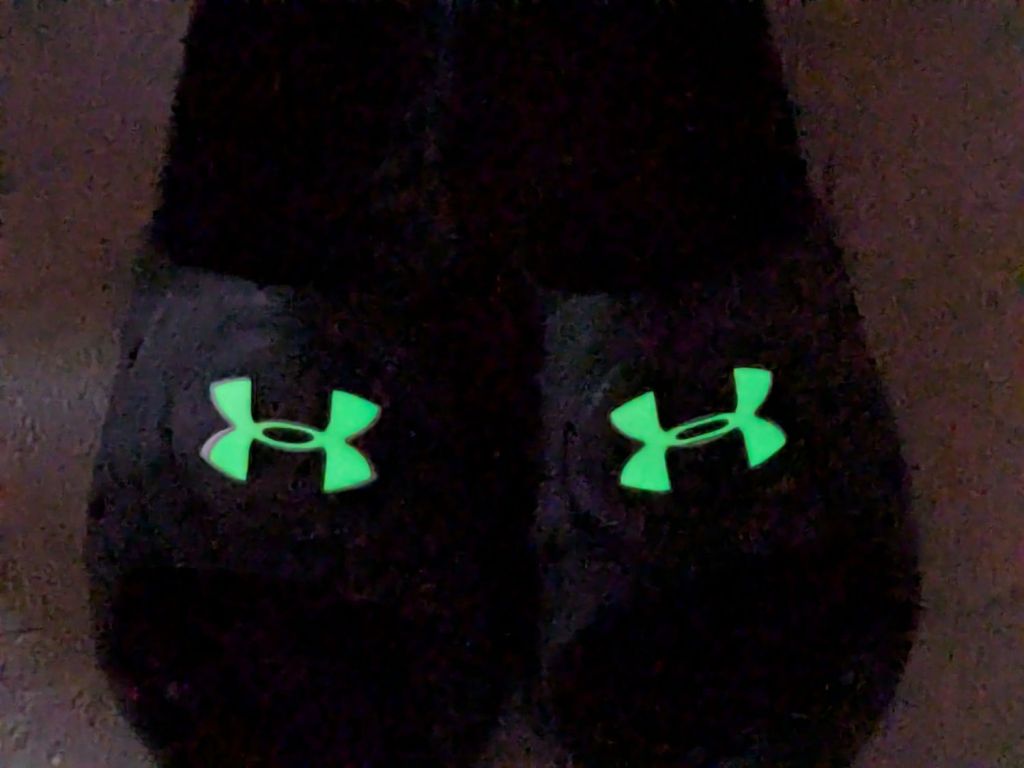
Peel-n-stick on the (still flattened) sandals, expose them to light, and It Just Works:
UnderArmour logo – glowing
The fit isn’t perfect, perhaps due to insufficient flattening, but it’s close enough for my simple needs.