The Smell of Molten Projects in the Morning

Ed Nisley's Blog: Shop notes, electronics, firmware, machinery, 3D printing, laser cuttery, and curiosities. Contents: 100% human thinking, 0% AI slop.

Author: Ed

  • Kenmore 158 UI: Button Rework

    Simplifying the Kenmore 158 UI’s buttons definitely improved the user experience:

    Kenmore 158 Controller - Simplified Buttons
    Kenmore 158 Controller – Simplified Buttons

    The trick depends on specifying the colors with HSB, rather than RGB, so that the buttons in each row have the same hue and differ in saturation and brightness. The Imagemagick incantations look like this:

    • Disabled: hsb\(${HUE}%,50%,40%\)
    • Unselected: hsb\(${HUE}%,100%,70%\)
    • Selected: hsb\(${HUE}%,100%,100%\)

    For whatever reason, the hue must be a percentage if the other parameters are also percentages. At least, I couldn’t figure out how to make a plain integer without a percent sign suffix work as a degree value for hue.

    Anyhow, in real life they look pretty good and make the selected buttons much more obvious:

    Kenmore 158 UI - Simplified buttons - contrast stretch
    Kenmore 158 UI – Simplified buttons – contrast stretch

    The LCD screen looks just like that; I blew out the contrast on the surroundings to provide some context. The green square on the left is the Arduino Mega’s power LED, the purple dot on the right is the heartbeat spot.

    The new “needle stop anywhere” symbol (left middle) is the White Draughts Man Unicode character: ⛀ = U+26C0. We call them checkers here in the US, but it’s supposed to look like a bobbin, as you must disengage the handwheel clutch and stop the main shaft when filling a bobbin; the needle positioning code depends on the shaft position sensor.

    Weirdly, Unicode has no glyphs for sewing, not even a spool of thread, although “Fish Cake With Swirl” (🍥 = U+1F365) came close. Your browser must have access to a font with deep Unicode support in order to see that one…

    You can’t say I didn’t try:

    Unicode characters - bobbin-like shapes
    Unicode characters – bobbin-like shapes

    The script that generates all the buttons:

    ./mkBFam.sh NdDn  9 ⤓
    ./mkBFam.sh NdUp  9 ⤒
    ./mkBFam.sh NdAny 9 ⛀ 80 80 40
    ./mkBFam.sh PdOne 33 One 120 80
    ./mkBFam.sh PdFol 33 Follow 120 80
    ./mkBFam.sh PdRun 33 Run 120 80
    ./mkBFam.sh SpMax 83  🏃 80 80 40
    ./mkBFam.sh SpMed 83  🐇 80 80 40
    ./mkBFam.sh SpLow 83  🐌
    montage *bmp -tile 3x -geometry +2+2 Buttons.png
    display Buttons.png
    

    The script that generates all the versions of a single button:

    # create family of button images
    # Ed Nisley - KE4ZNU
    # March 2015
    
    [ -z $1 ] && FN=Test || FN=$1
    [ -z $2 ] && HUE=30  || HUE=$2
    [ -z $3 ] && TXT=x   || TXT=$3
    [ -z $4 ] && SX=80   || SX=$4
    [ -z $5 ] && SY=80   || SY=$5
    [ -z $6 ] && PT=25   || PT=$6
    [ -z $7 ] && BDR=10  || BDR=$7
    
    echo fn=$FN hue=$HUE txt=$TXT sx=$SX sy=$SY pt=$PT bdr=$BDR
    
    echo Working ...
    
    echo Shape
    
    echo Buttons
    echo  .. Disabled
    convert -size ${SX}x${SY} xc:none \
      -fill hsb\(${HUE}%,50%,40%\) -draw "roundrectangle $BDR,$BDR $((SX-BDR)),$((SY-BDR)) $((BDR-2)),$((BDR-2))" \
      ${FN}_s.png
    convert ${FN}_s.png \
      -font /usr/share/fonts/custom/Symbola.ttf  -pointsize ${PT}  -fill gray20  -stroke gray20 \
      -gravity Center  -annotate 0 "${TXT}"  -trim -repage 0x0+7+7 \
      \( +clone -background navy -shadow 80x4+4+4 \) +swap \
      -background snow4  -flatten \
      ${FN}0.png
    
    echo  .. Enabled
    convert -size ${SX}x${SY} xc:none \
      -fill hsb\(${HUE}%,100%,70%\) -draw "roundrectangle $BDR,$BDR $((SX-BDR)),$((SY-BDR)) $((BDR-2)),$((BDR-2))" \
      ${FN}_s.png
    convert ${FN}_s.png \
      -font /usr/share/fonts/custom/Symbola.ttf  -pointsize $PT  -fill black  -stroke black \
      -gravity Center  -annotate 0 "${TXT}"  -trim -repage 0x0+7+7 \
      \( +clone -background navy -shadow 80x4+4+4 \) +swap \
      -background snow4  -flatten \
      ${FN}1.png
    
    echo  .. Pressed
    convert -size ${SX}x${SY} xc:none \
      -fill hsb\(${HUE}%,100%,100%\) -draw "roundrectangle $BDR,$BDR $((SX-BDR)),$((SY-BDR)) $((BDR-2)),$((BDR-2))" \
      ${FN}_s.png
    convert ${FN}_s.png \
      -font /usr/share/fonts/custom/Symbola.ttf  -pointsize ${PT}  -fill black  -stroke black \
      -gravity Center  -annotate 0 "${TXT}"  -trim -repage 0x0+7+7 \
      \( +clone -background navy -shadow 80x4+4+4 -flip -flop \) +swap \
      -background snow4  -flatten \
      ${FN}2.png
    
    echo BMPs
    for ((i=0 ; i <= 2 ; i++))
    do
     convert ${FN}${i}.png -type truecolor ${FN}${i}.bmp
    # display -resize 300% ${FN}${i}.bmp
    done
    
    rm ${FN}_s.png ${FN}?.png
    
    echo Done!
    
  • MakerGear M2: Platform Z-axis Switch Repeatability

    Having run off four quick prints with identical settings, I measured the thickness of the skirt threads around each object:

    Skirt Thread Consistency
    Skirt Thread Consistency

    They’re all slightly thicker than the nominal 0.25 mm layer thickness, but centered within ±0.02 mm of the average 0.27 mm. Tweaking the G92 offset in the startup G-Code by 0.02 would fix that.

    The 0.29 mm skirt surrounded the first object, which had a truly cold start: 14 °C ambient in the Basement Laboratory. After that, they’re pretty much identical.

    Some informal measurements over a few days suggests the actual repeatability might be  ±0.05 mm, which is Good Enough for layers around 0.20 to 0.25 mm.

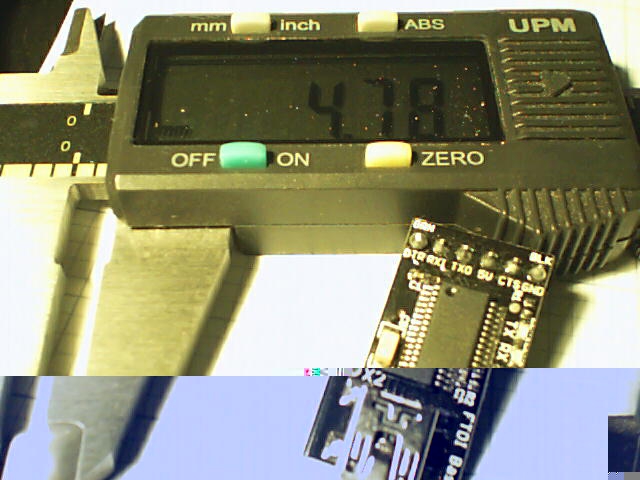
    The larger skirt suggests that the platform has a slight tilt, but the caliper resolution is only 0.01 mm.

    When I realigned everything after installing the V4 hot end, the last set of thinwall boxes looked like this:

    Thinwall Calibration Cubes - 5 copies
    Thinwall Calibration Cubes – 5 copies

    Their heights were:

    4.96 5.01
    4.98
    4.91 4.92

    Not enough to worry about, in any event, sez I…

  • RPi: Time-lapse Photos

    The Raspberry Pi doc provides a recipe for the simplest possible time-lapse webcam: fire fswebcam once a minute from a cron job.

    The crontab entry looks much like their example:

    * * * * * /home/ed/bin/grabimg.sh 2>&1
    

    I put all the camera details in the ~/.config/fswebcam.conf config file:

    # Logitech C130 / C510 camera
    device v4l2:/dev/video0
    input 0
    resolution 1280x720
    set sharpness=128
    jpeg 95
    set "power line frequency"="60 hz"
    #no-banner
    

    That simplifies the ~/bin/grabimg.sh script:

    #!/bin/bash
    DATE=$(date +"%Y-%m-%d_%H.%M.%S")
    fswebcam -c /home/ed/.config/fswebcam.conf /mnt/samba/webcam/$DATE.jpg
    

    The output directory lives on a Samba-shared USB stick jammed in the back of the Asus router, so I need not putz with a Samba server on the RPi.

    Manually mounting the share, which for the moment is the /testfolder/webcam directory on the USB stick:

    sudo mount -t cifs -o user=ed //gateway/testfolder/webcam /mnt/samba
    

    I’m pretty sure automagically mounting the share will require the same workarounds as on my desktop box, but this fstab entry is a start:

    #-- ASUS router Samba share
    //gateway/testfolder/webcam	/mnt/samba	cifs	auto,uid=ed,credentials=/root/.gateway-id 0 0
    

    That requires a corresponding credentials file with all the secret info:

    domain=WHATSMYNET
    username=ed
    password=pick-your-own
    

    This is mostly a test to see how long it takes before something on the RPi goes toes-up enough to require a manual reboot. Disabling the WiFi link’s power saving mode seems to keep the RPi on the air all the time, which is a start.

  • Lurid Filament Colors vs. Monochrome Images

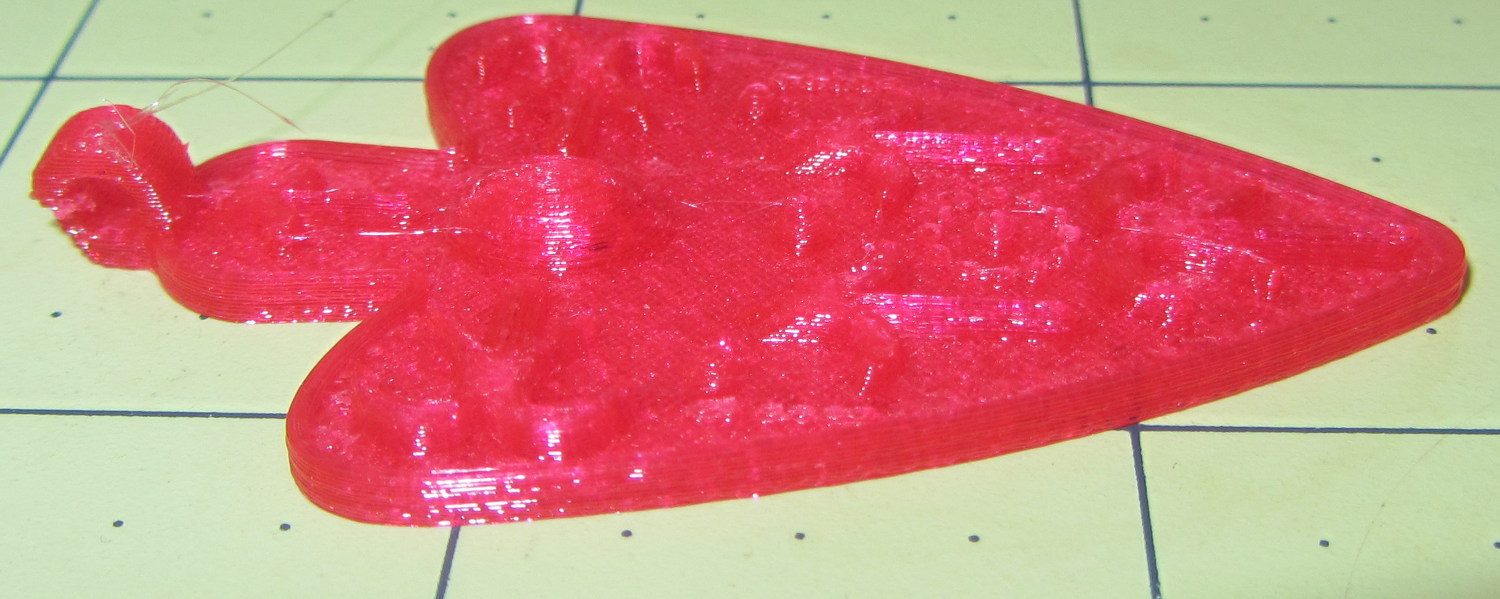
    An experiment with images of an object made with translucent magenta PETG…

    The Slic3r preview of the object looks like this, just so you know what you should be seeing:

    Necklace Heart - Slic3r Preview
    Necklace Heart – Slic3r Preview

    It’s pretty much a saturated red blob with the Canon SX230HS in full color mode:

    Necklace Heart - Slic3r Preview
    Necklace Heart – Slic3r Preview

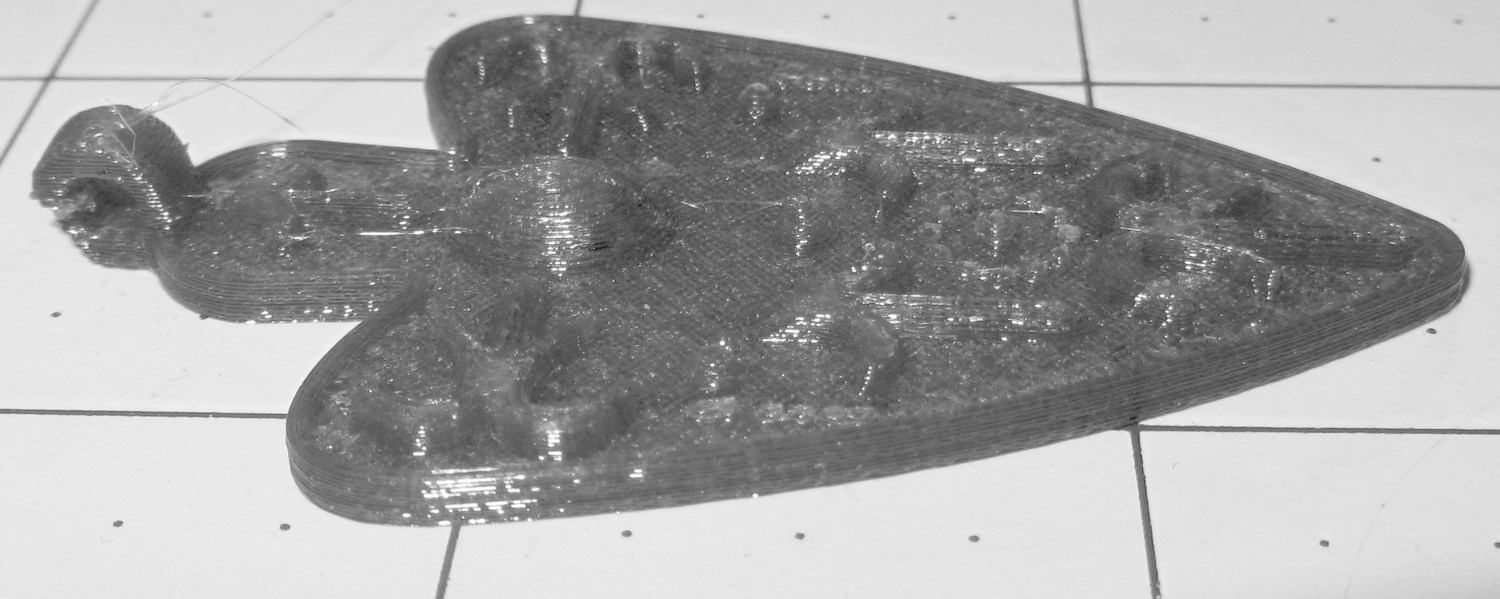
    Unleashing The GIMP and desaturating the image based on luminosity helps a lot:

    Necklace Heart - magenta PETG - desaturate luminosity
    Necklace Heart – magenta PETG – desaturate luminosity

    Desaturating based on either lightness or average, whatever that is, produced similar results.

    Auto level adjustment plus manual value tweaking brings out more detail from that image:

    Necklace Heart - magenta PETG - desaturated - adjusted
    Necklace Heart – magenta PETG – desaturated – adjusted

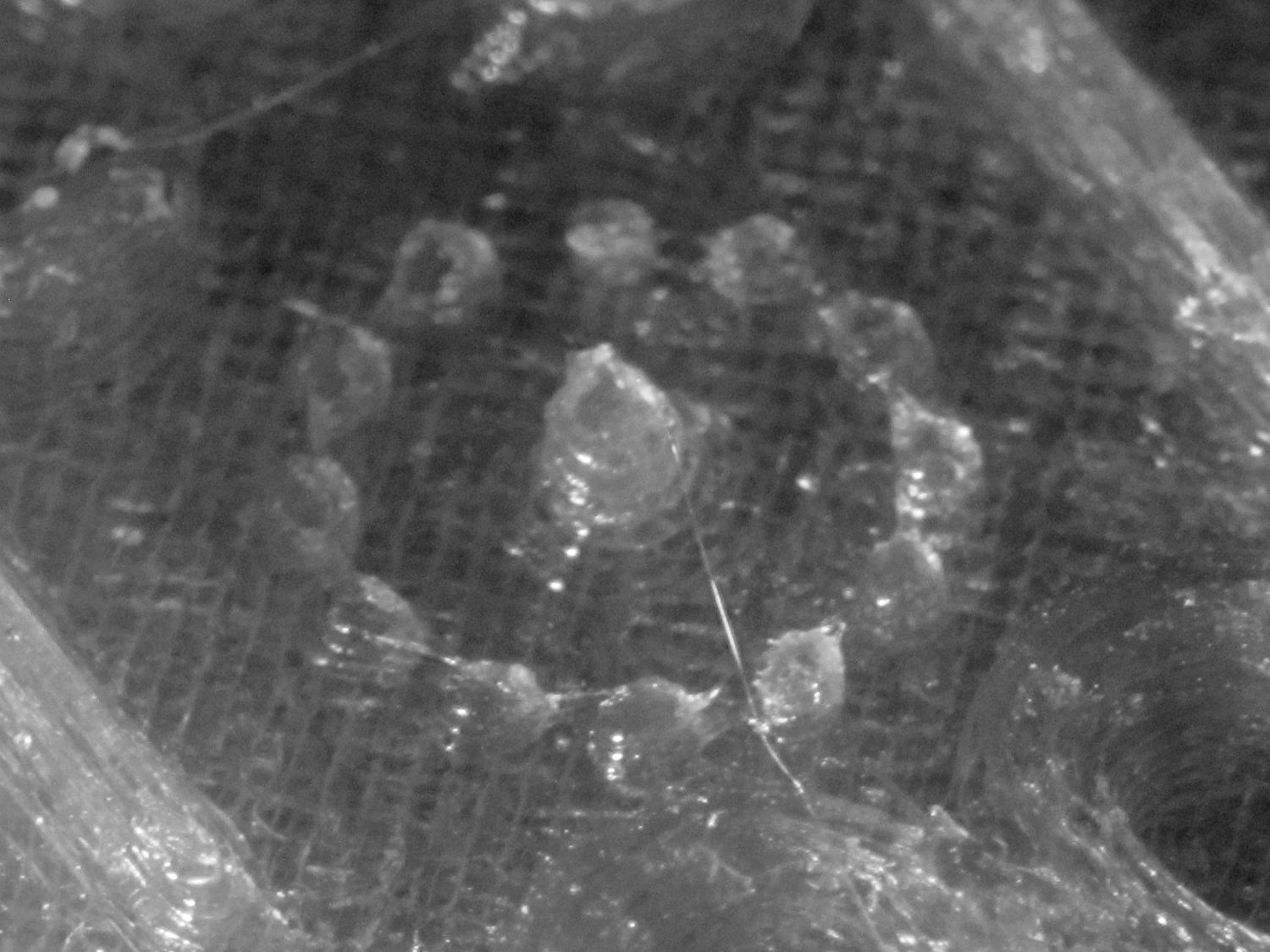
    I also tried using the camera in its B&W mode to discard the color information up front:

    Necklace Heart - circle detail
    Necklace Heart – circle detail

    It’s taken through the macro adapter with the LEDs turned off and obviously benefits from better lighting, with an LED flashlight at grazing incidence. You can even see the Hilbert Curve top infill.

    The object of the exercise was to see if those tiny dots would print properly, which they did:

    Necklace Heart - dots detail
    Necklace Heart – dots detail

    Now, admittedly, PETG still produces fine hairs, but those dots consist of two layers and two thread widths, so it’s a harsh retraction test.

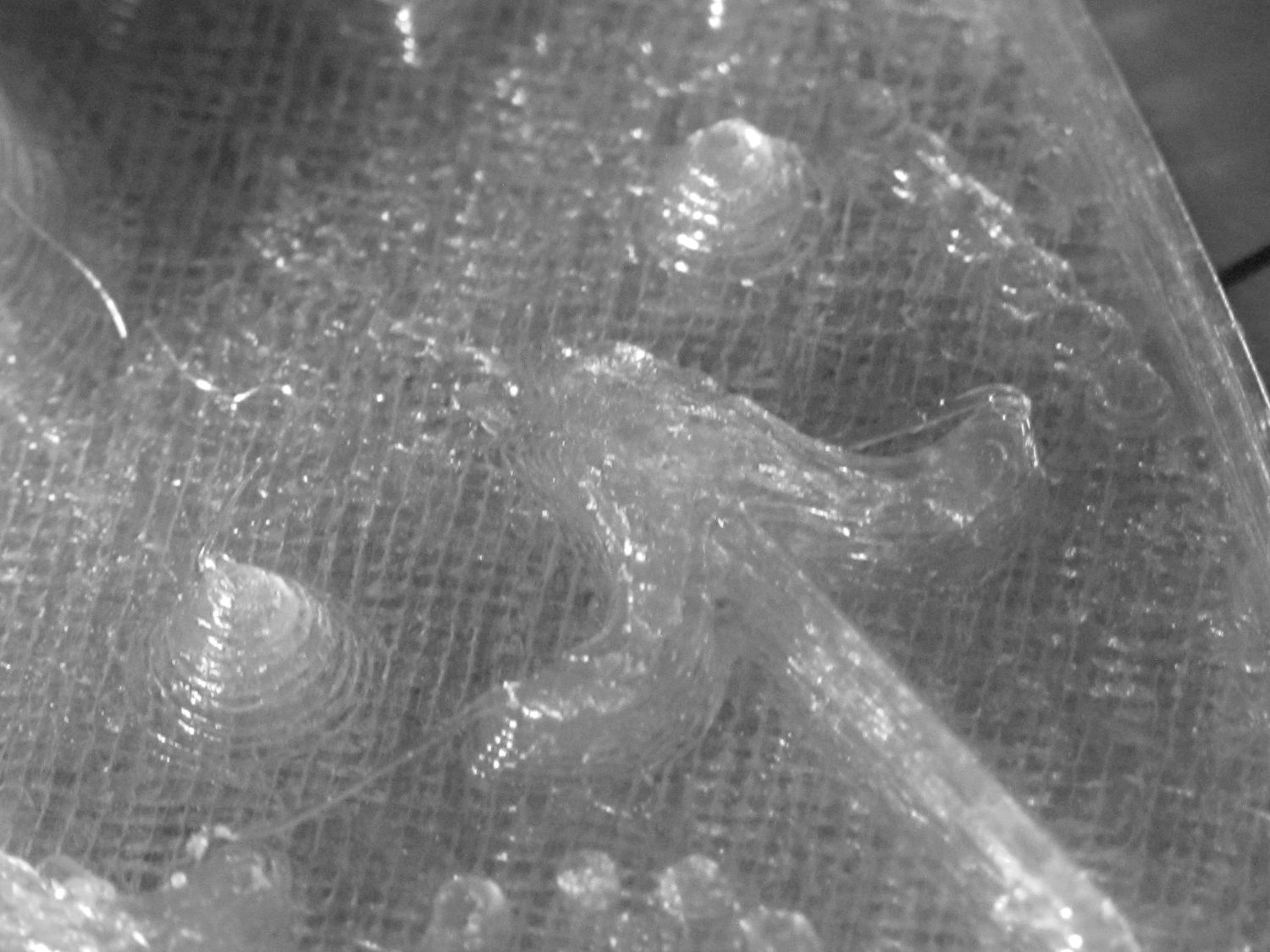
    A look at the other side:

    Necklace Heart - detail
    Necklace Heart – detail

    All in all, both the object and the pix worked out much better than I expected.

    Leaving the camera in full color mode and processing the images in The GIMP means less fiddling with the camera settings, which seems like a net win.

  • RPi: Logitech QuickCam for Notebook vs. fswebcam

    Combining the camera data I collected a while ago with a few hours of screwing around with this old Logitech camera:

    Logitech QuickCam for Notebook Plus - front
    Logitech QuickCam for Notebook Plus – front

    I’m convinced it’s the worst camera I’d be willing to use in any practical application.

    The camera offers these controls:

    fswebcam --list-controls
    --- Opening /dev/video0...
    Trying source module v4l2...
    /dev/video0 opened.
    No input was specified, using the first.
    Available Controls Current Value Range
    ------------------ ------------- -----
    Brightness 128 (50%) 0 - 255
    Contrast 128 (50%) 0 - 255
    Gamma 4 1 - 6
    Exposure 2343 (8%) 781 - 18750
    Gain, Automatic True True | False
    Power Line Frequency Disabled Disabled | 50 Hz | 60 Hz
    Sharpness 2 0 - 3
    Adjusting resolution from 384x288 to 320x240.
    

    Putting the non-changing setup data into a fswebcam configuration file:

    cat ~/.config/fswebcam.conf
    # Logitech QuickCam for Notebook Plus -- 046d:08d8
    device v4l2:/dev/video0
    input gspca_zc3xx
    resolution 320x240
    scale 640x480
    set sharpness=1
    #jpeg 95
    set "power line frequency"="60 hz"
    

    Trying to use 640×480 generally produces a Corrupt JPEG data: premature end of data segment error, which looks no better than this and generally much worse:

    Logtech 08d8 - 640x480
    Logtech 08d8 – 640×480

    The top of the picture looks pretty good, with great detail on those dust particles, but at some point the data transfer coughs and wrecks the rest of the image. I could crop the top half to the hipster 16:9 format of 640×360, but the transfer doesn’t always fail that far down the image.

    The -R flag that specifies using direct reads instead of mmap, whatever that means, doesn’t help. In fact, the camera generally crashes hard enough to require a power cycle.

    Delaying a second with -D1 and / or skipping a frame with -S1 don’t help, either.

    The camera works perfectly at 640×480 using fswebcam under Xubuntu 14.04 on a Dell Latitude E6410 laptop, so I’m pretty sure this is a case of the Raspberry Pi being a bit underpowered for the job / the ARM driver taking too long / something totally obscure. A random comment somewhere observed that switching from Raspbian to Arch Linux (the ARM version) solved a similar video camera problem, so there’s surely room for improvement.

    Dragorn of Kismet reports that the Raspberry Pi USB hardware doesn’t actually support USB 2.0 data rates, which also produces problems with Ethernet throughput. The comments in that slashdot thread provide enough details: the boat has many holes and it’s not a software problem.

    For lack of anything more adventurous, the config file takes a 320×240 image and scales it up to 640×480, which looks about as crappy as you’d expect:

    Logtech 08d8 - 320x240 scaled
    Logtech 08d8 – 320×240 scaled

    Even that low resolution will occasionally drop a few bytes along the way, but much less often.

    The picture seems a bit blown out, so set the exposure to the absolute minimum:

    fswebcam -c ~/.config/fswebcam.conf --set exposure=781 "Logitech 08d8 - expose 781.jpg"
    

    Which looks like this:

    Logitech 08d8 - expose 781
    Logitech 08d8 – expose 781

    Given that’s happening a foot under a desk lamp aimed well away from the scene, the other end of the exposure scale around 18000 produces a uselessly burned out image. I think a husky neutral-density filter would be in order for use with my M2’s under-gantry LED panels. The camera seems to be an early design targeting the poorly illuminated Youtube / video chat market segment (I love it when I can talk like that).

    There’s probably a quick-and-dirty Imagemagick color correction technique, although Fred’s full-blown autocorrection scripts seem much too heavy-handed for a Raspberry Pi…

  • It Wasn’t Quite Touching, So Ship It

    Picked up a Prime Switched Outlet to help tame the U2711 monitor’s DisplayPort incompatibility and, being that type of guy, had to open it up to see what’s inside.

    Good thing I did:

    Prime Switched Outlet - stray wire strand
    Prime Switched Outlet – stray wire strand

    Admittedly, white is neutral, so that stray wire would should just pop the GFI, but, still …

    You can wind up with events like this:

    Burnt outlet expander
    Burnt outlet expander
  • Red-Bellied Woodpecker

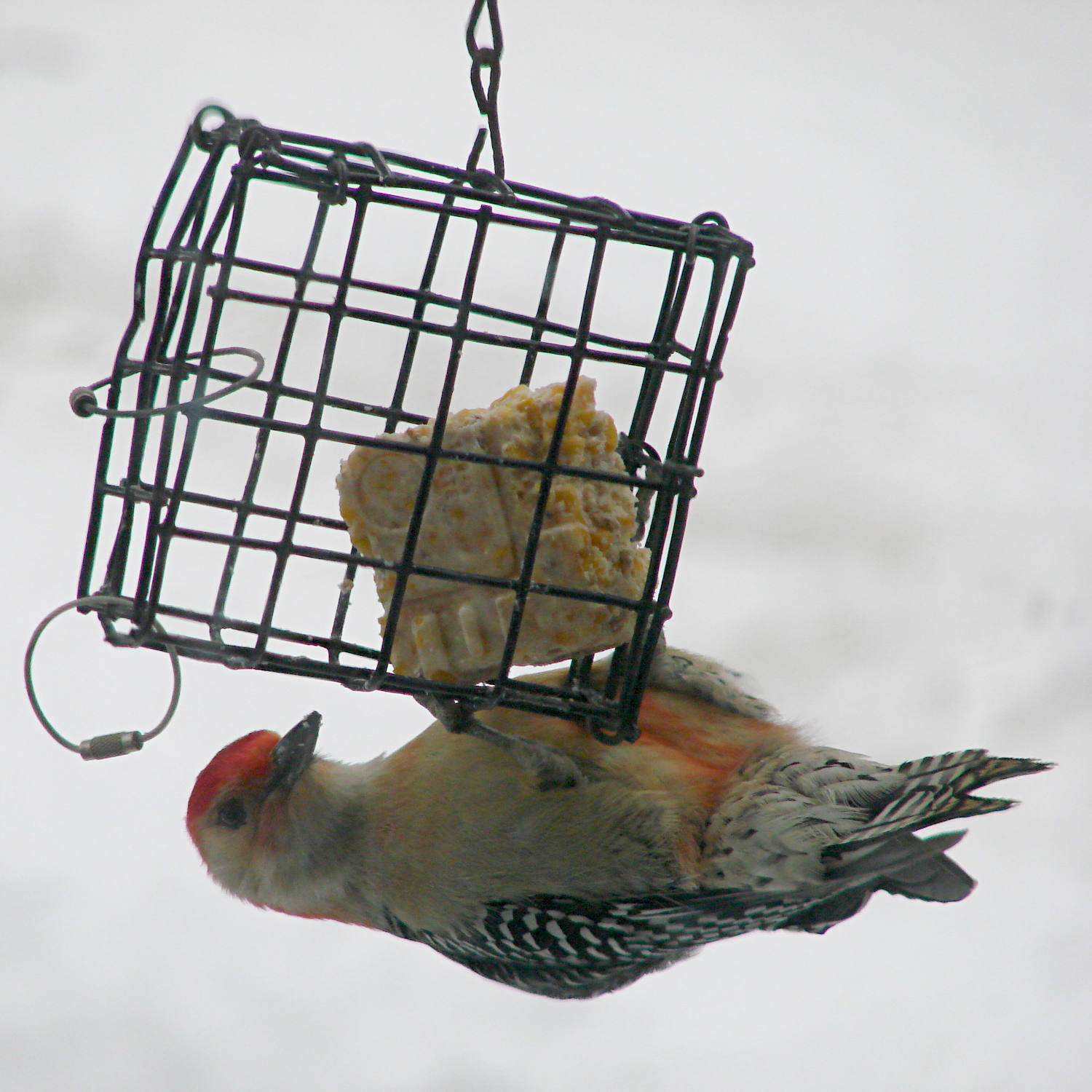
    Woodpeckers generally perch with their tummies against a tree, so it took me a long time to understand why Red-bellied Woodpeckers have that name:

    Red-bellied Woodpecker - suet feeder
    Red-bellied Woodpecker – suet feeder

    The bright red nape and head seemed entirely sufficient to me, but another woodpecker claimed that name first…