Being that type of guy, I want a visible indication that the firmware continues trudging around the Main Loop. The standard Arduino LED works fine for that (unless you’re using hardware SPI), but the Adafruit 2.8 inch Touch-screen TFT LCD shield covers the entire Arduino board, so I can’t see the glowing chip.
Given a few spare pixels and the Adafruit GFX library, slap a mood light in the corner:
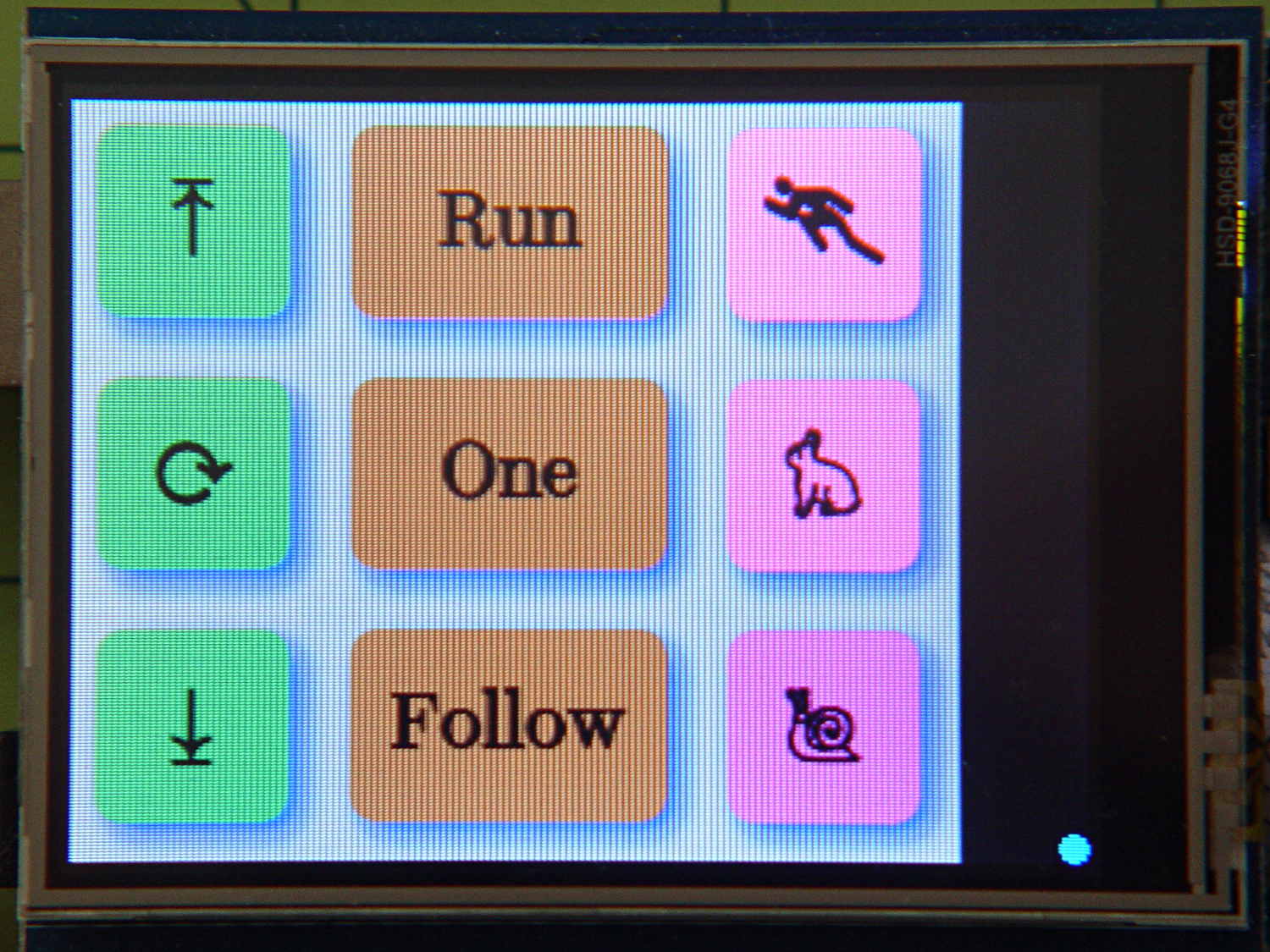
The library defines the RGB color as a 16 bit word, so this code produces a dot that changes color every half second around the loop() function:
#define PIN_HEARTBEAT 13

unsigned long MillisThen,MillisNow;
#define UPDATEMS 500

... snippage ...

void loop() {
	MillisNow = millis();

... snippage ...

	if ((MillisNow - MillisThen) > UPDATEMS) {

		TogglePin(PIN_HEARTBEAT);
		tft.fillCircle(315,235,4,(word)MillisNow);			// colorful LCD heartbeat

		MillisThen = MillisNow;
	}
}
millis() produces an obvious counting sequence of colors. If that matters, you use random(0x10000).
A square might be slightly faster than a circle. If that matters, you need an actual measurement in place of an opinion.
Not much, but it makes me happy…
There’s an obvious extension for decimal values: five adjacent spots in the resistor color code show you an unsigned number. Use dark gray for black to prevent it from getting lost; light gray and white would be fine. Prefix it with a weird color spot for the negative sign, should you need such a thing.
Hexadecimal values present a challenge. That’s insufficient justification to bring back octal notation.
In this day and age, color-coded numeric readouts should be patentable, as casual searching didn’t turn up anything similar. You saw it here first… [grin]
Now that I think about it, a set of tiny buttons that control various modes might be in order.
 The Smell of Molten Projects in the Morning