-
Furnace Water Fill Valve Refurbishment
The water fill valve (a.k.a. water shutoff valve) for the gas furnace is inconveniently located behind the furnace and water heater:
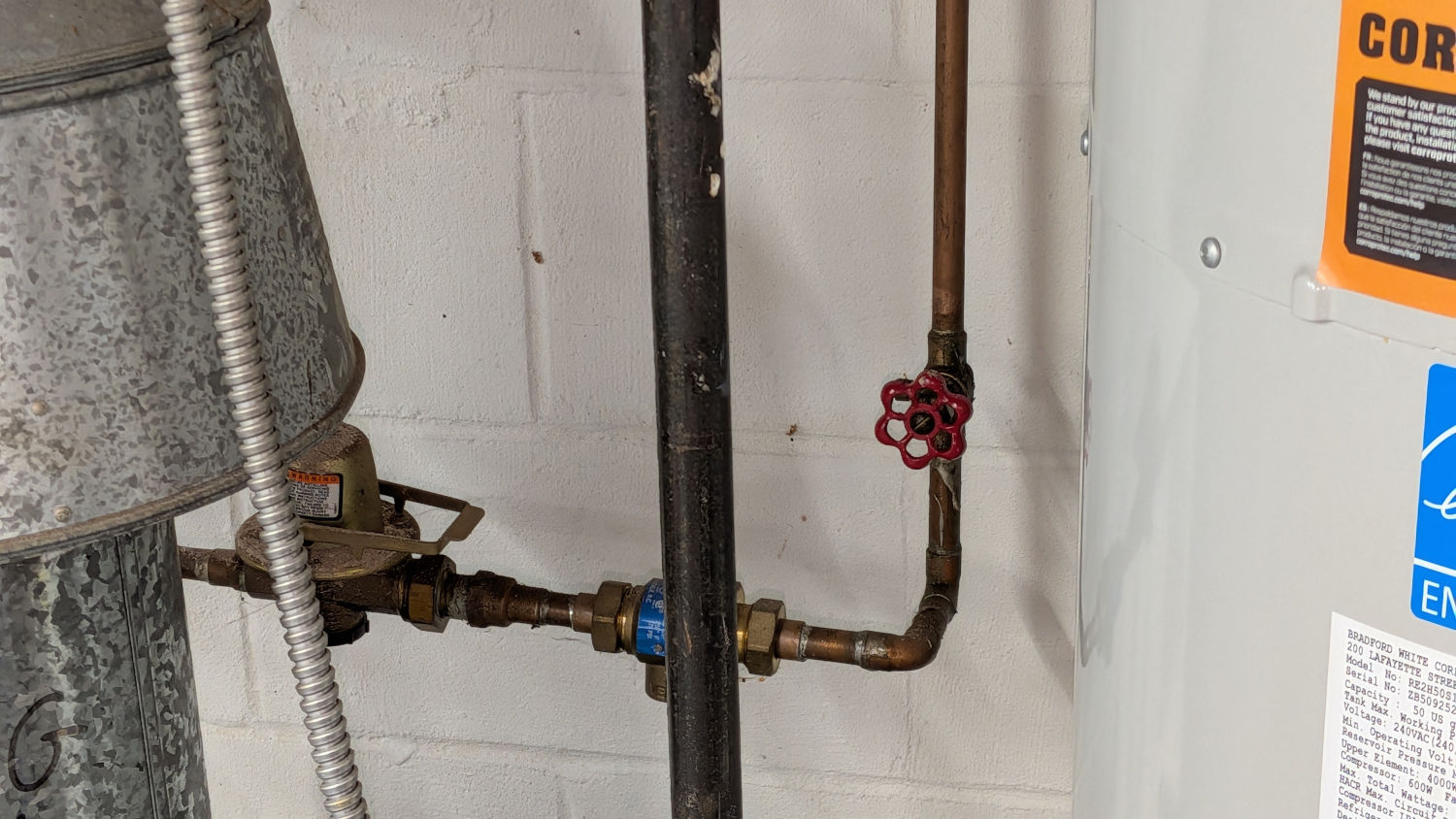
Furnace fill valve location After a few days of dripping Kroil penetrating oil on the valve body threads, the Greater Adjustable Wrench eased it just enough to convince me it would come apart, whereupon a search through the Big Box o’ Tubing disgorged a length of flexy silicone tube snugly fitting the valve drain port.
With the water turned off downstream of the house filter and the pipes depressurized, the tube directed most of the water into a bucket perched atop the furnace, with a scrap towel catching most of the remainder while unscrewing the valve. I clamped a rubber disk over the body while replacing the washer:
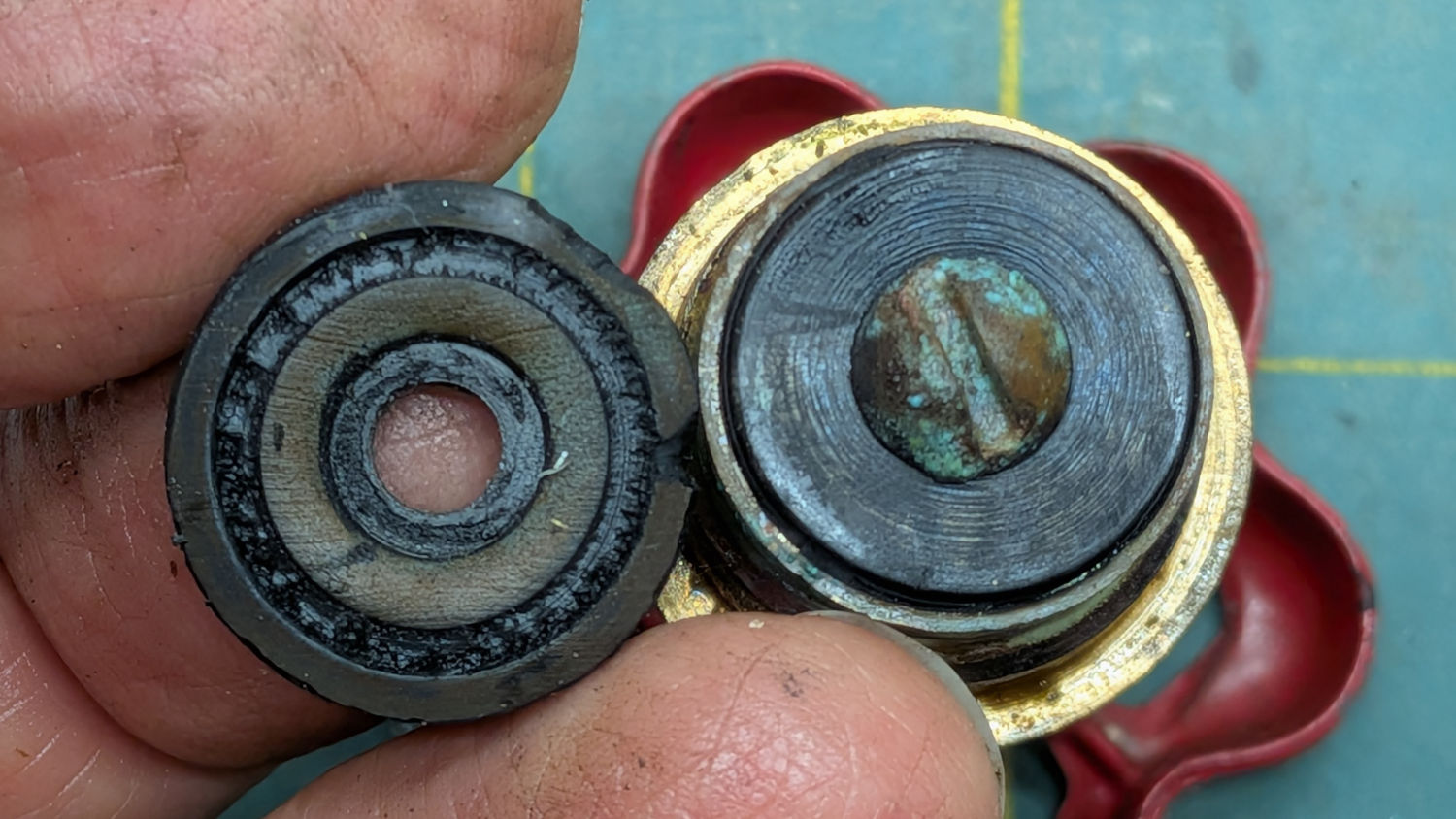
Furnace fill valve – ancient washer Maybe that washer isn’t 60-some years old, but it’s definitely well beyond its Best Used By date. For the record, the fill valve uses the same 3/8L washer as the zone drain valves.
While I had it apart, I replaced the gasket, which was of course different from the drain valves:
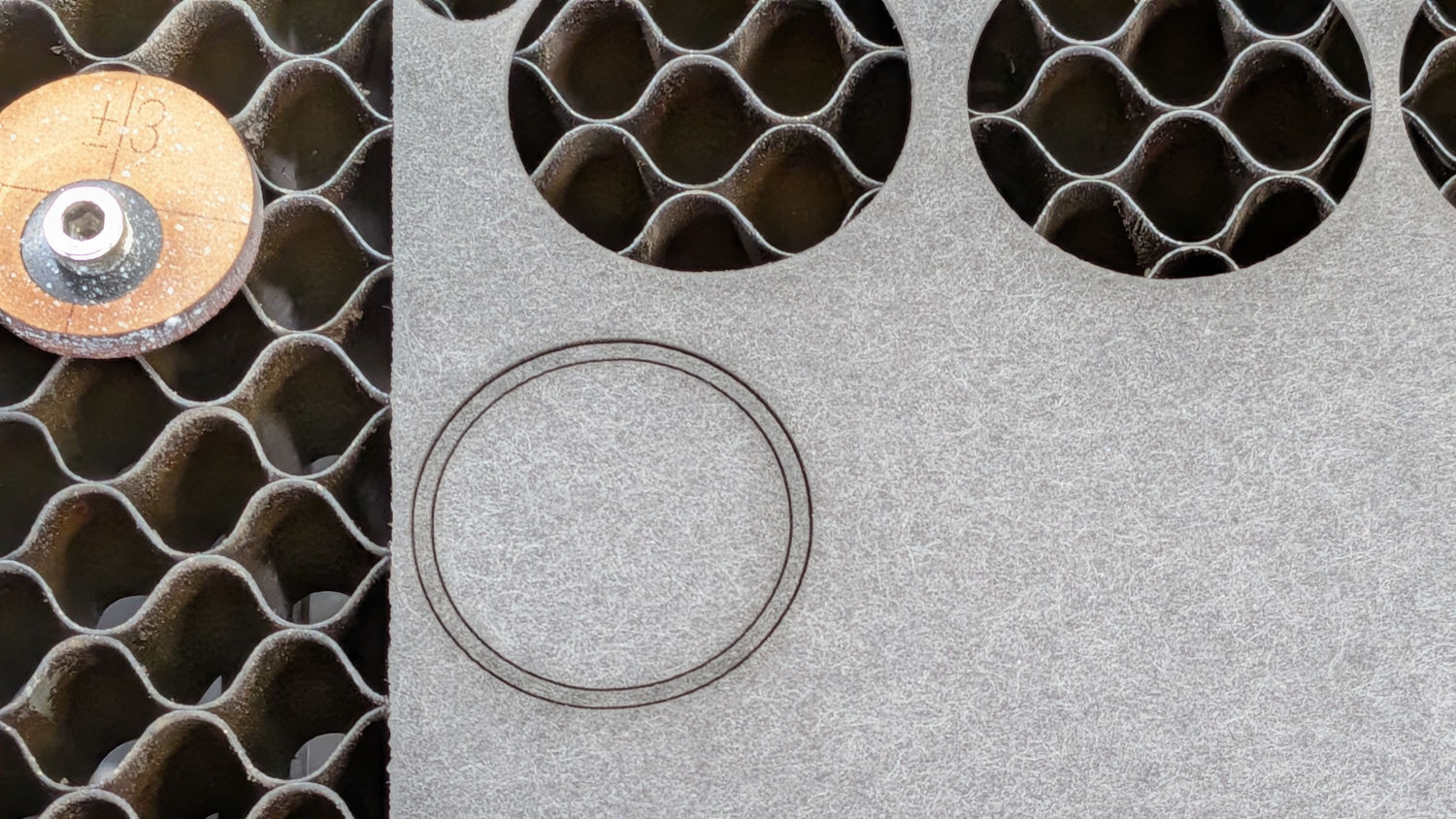
Furnace fill valve – gasket That was 25.4 mm OD, 22.7 ID, for a measured 1.3 mm width. The recess machined into the valve body limits the OD and the ID could go down to 22.0 mm. The gasket sheet is 0.8 mm thick, which seems to work well enough.
Reassemble in reverse order, wipe up various spills, turn the fill valve on to repressurize the furnace, close the valve, and the water pressure now remains at 12 psi as it should.
To the best of my knowledge & belief, every hot water baseboard furnace in all of our houses has operated with the water fill valve open: the pressure reducing valve sees normal water pressure upstream and regulates the boiler pressure, with a reverse flow check valve preventing backflow into the house plumbing as needed.
The Bell & Gossett instructions for the pressure reducing valve say, clearly and specifically, without asterisks or evasions, that you fill the furnace / boiler to the 12 psi regulated pressure, then close the fill valve. The furnace runs as a closed system, with the expansion tank keeping the pressure more-or-less constant at 12 psi.It’s possible the pressure reducing valve is gradually failing, but it doesn’t matter with the water fill valve closed.
-
Subscribe
Subscribed
Have a WordPress.com account? Log in now.

