-
PolyDryer Humidity: September
After six months to see how much moisture entered from the 50%RH (±5%RH) basement air:
2026-09-07 Filament %RH Weight – g Wt gain – g Gain % PETG White 26 56.2 6.2 12.4% Gel PETG Black 28 57.3 7.3 14.6% Gel PETG Orange 34 54.1 4.1 8.2% Alumina PETG Clear 37 54.4 4.4 8.8% Alumina PETG-CF Blue 38 54.0 4.0 8.0% Alumina PETG-CF Gray 34 56.4 6.4 12.8% Gel PETG-CF Black 25 56.3 6.3 12.6% Gel PETG Blue 38 55.9 5.9 11.8% Alumina TPU Clear 34 56.3 6.3 12.6% Alumina TPU Black 32 55.2 5.2 10.4% Alumina Sorted by relative humidity:
PETG-CF Black 25 56.3 6.3 12.6% Gel PETG White 26 56.2 6.2 12.4% Gel PETG Black 28 57.3 7.3 14.6% Gel TPU Black 32 55.2 5.2 10.4% Alumina PETG Orange 34 54.1 4.1 8.2% Alumina PETG-CF Gray 34 56.4 6.4 12.8% Gel TPU Clear 34 56.3 6.3 12.6% Alumina PETG Clear 37 54.4 4.4 8.8% Alumina PETG-CF Blue 38 54.0 4.0 8.0% Alumina PETG Blue 38 55.9 5.9 11.8% Alumina Fairly obviously, there is no correlation between the humidity level and the amount of adsorbed water.
The silica gel beads were rather dark, not that that means much:
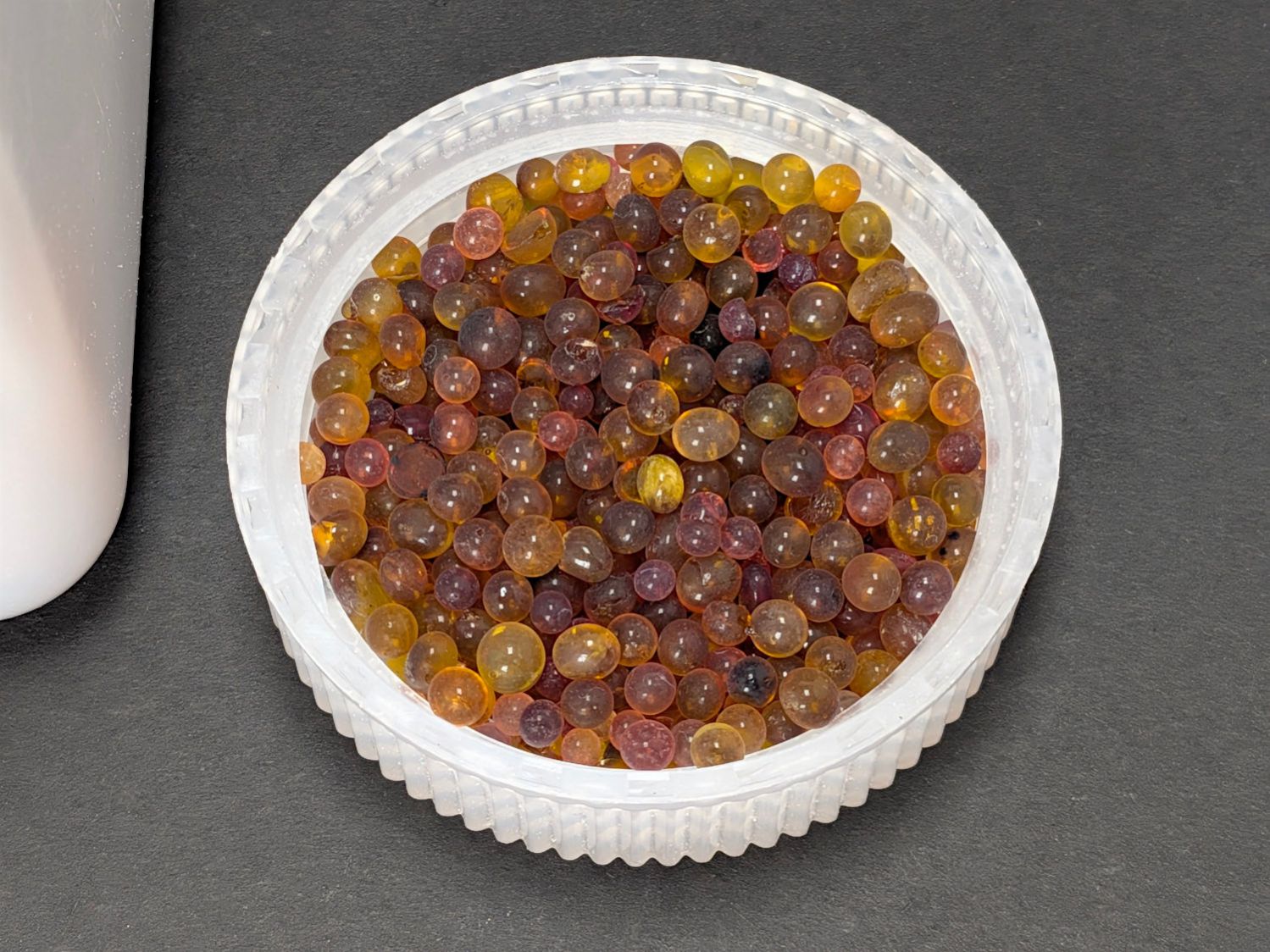
Silica Gel beads – 2026-09-07 All the boxes now contain 50 g of alumina beads.
-
Subscribe
Subscribed
Have a WordPress.com account? Log in now.

