-
Bandsaw Worklight: LED Cable Clips
Adapting the sewing machine cable clips for larger USB cables:
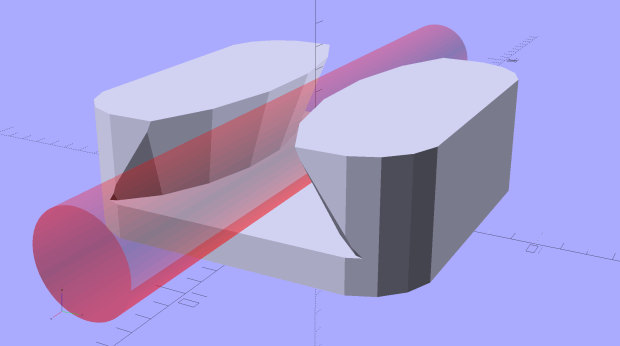
LED Cable Clips – solid model The calculation positioning the posts wasn’t quite right; they now touch the cable OD at their midline and converge slightly overhead to retain it.
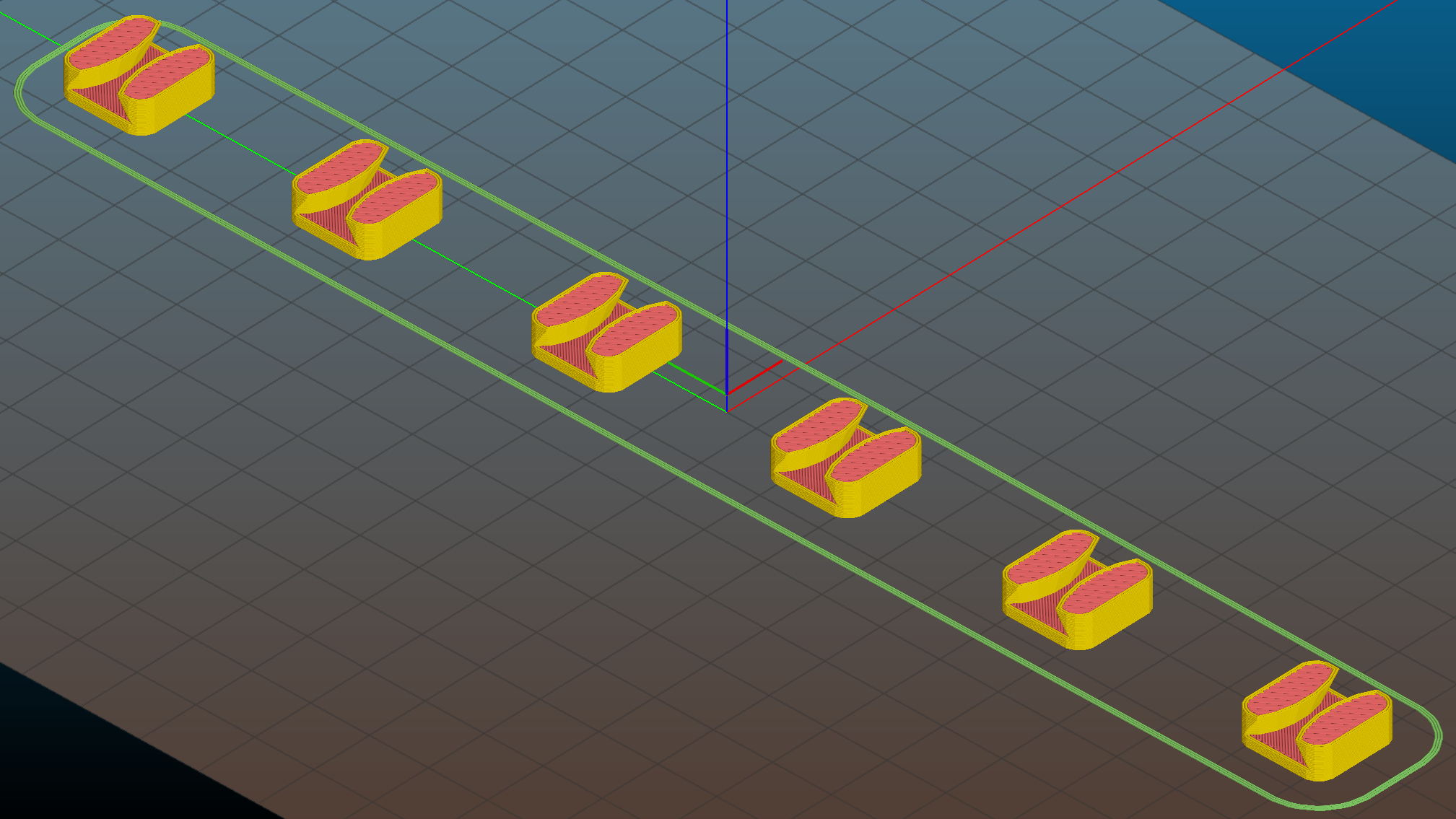
They’re great candidates for sequential printing:
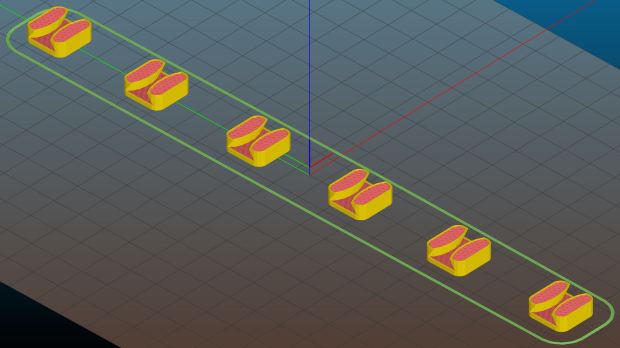
LED Cable Clips – Slic3r – sequential print With the basement at 14 °C, any cooling is too much: the platform heater can’t keep the bed above the thermal cutout temperature, the firmware concludes the thermistor has failed, and shuts the printer off. So I popped the four finished clips off the platform, removed the skirt, unplugged the fan, rebooted that sucker, and restarted the print.
One clip in the front keeps the cable away from the power switch and speed control directly below the gooseneck mount:
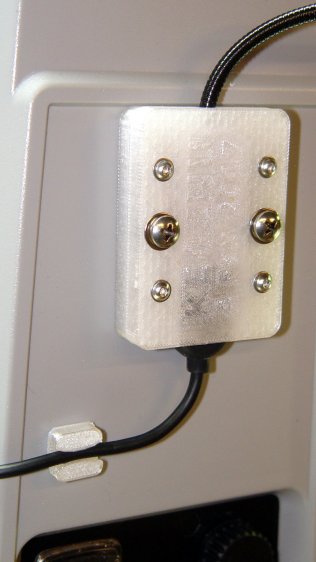
USB Gooseneck Mount – cable clip A few clips in the back route the cable from the COB LED epoxied directly onto the bandsaw frame away from the motor enclosure:
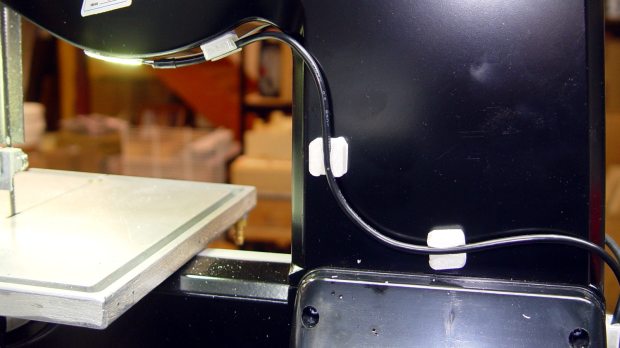
Bandsaw platform COB LED – cable clips They’re mounted on double-sided foam tape. The COB LED on the frame isn’t anything to write home about, but you can see the foam tape peeking out around the clip base:
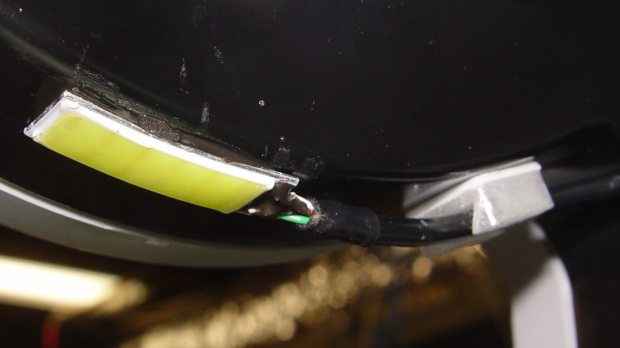
Bandsaw platform COB LED Unlike those LED filaments, it seems you can gently bend the aluminum substrate under a COB LED.
The bandsaw platform now has plenty of light: a fine upgrade!
Yeah, you can buy stick-on cable anchors, but what’s the fun in that? These fit exactly, hold securely, and work just fine.
The OpenSCAD source code as a GitHub Gist:
This file contains hidden or bidirectional Unicode text that may be interpreted or compiled differently than what appears below. To review, open the file in an editor that reveals hidden Unicode characters. Learn more about bidirectional Unicode characters// LED Cable Clips // Ed Nisley – KE4ZNU – October 2014 // February 2017 – adapted for USB cables Layout = "Show"; // Show Build //- Extrusion parameters must match reality! ThreadThick = 0.25; ThreadWidth = 0.40; HoleWindage = 0.2; // extra clearance Protrusion = 0.1; // make holes end cleanly function IntegerMultiple(Size,Unit) = Unit * ceil(Size / Unit); //———————- // Dimensions Base = [15.0,15.0,6*ThreadThick]; // base over sticky square CableOD = 3.8; BendRadius = 5.0; CornerRadius = Base[0]/5; CornerSides = 4*4; NumSides = 6*3; //– Oval clip with central passage module OvalPass() { intersection() { hull() for (i=[-1,1], j=[-1,1]) translate([i*(Base[0]/2 – CornerRadius),j*(Base[1]/2 – CornerRadius),0]) rotate(180/CornerSides) cylinder(r=CornerRadius,h=Base[2] + 1.00*CableOD,$fn=CornerSides,center=false); union() { translate([0,0,Base[2]/2]) // oversize mount base scale([2,2,1]) cube(Base,center=true); for (j=[-1,1]) // bending ovals translate([0,j*(Base[1]/2 – 0.125*(Base[1] – CableOD)/2),(Base[2] – Protrusion)]) resize([Base[0]/0.75,0,0]) cylinder(d1=0.75*(Base[1]-CableOD), d2=(Base[1]-CableOD)/cos(0*180/NumSides), h=(CableOD + Protrusion), center=false,$fn=NumSides); } } if (Layout == "Show") color("Red",0.3) translate([0,0,Base[2] + CableOD/2]) rotate([0,90,0]) cylinder(d=CableOD,h=2*Base[0],center=true,$fn=48); } //———————- // Build it OvalPass();



-
Subscribe
Subscribed
Have a WordPress.com account? Log in now.

