-
Prusa MK4 Nozzle Tool Mod
Contemplating a 0.8 mm nozzle to print more-transparent things, I ran off an Official MK4 Nozzle Replacement Tool to stabilize the heater block while applying a wrench to the nozzle:
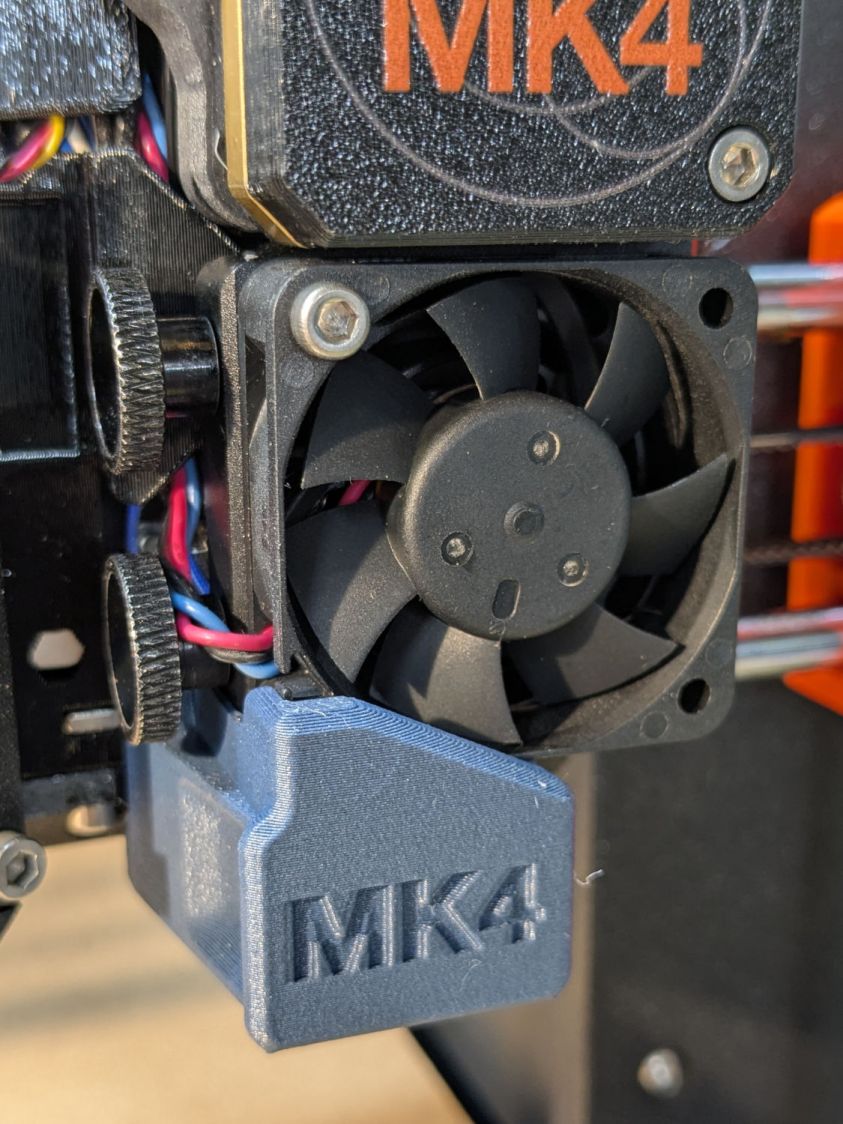
Prusa MK4 Nextruder Tool – without inlet scoop For obvious reasons, it doesn’t fit with the inlet scoop I installed as part of blinging the MK4:
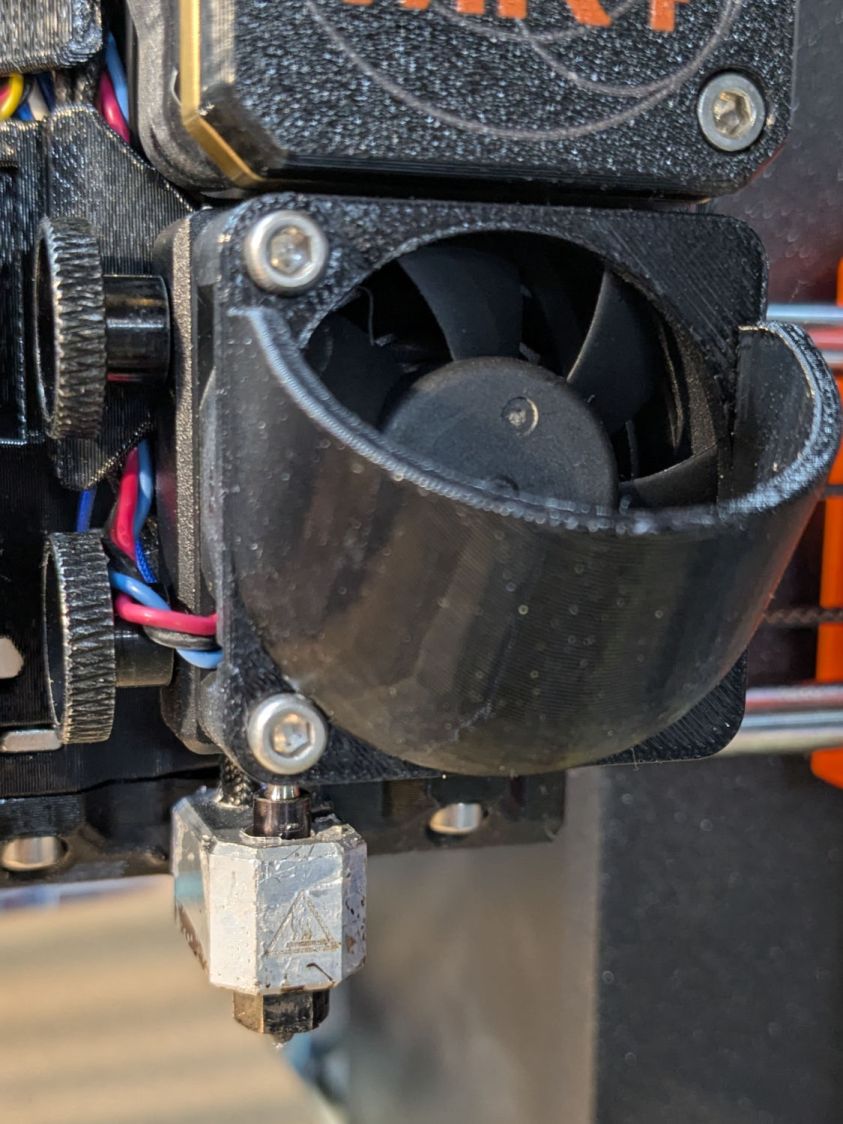
Prusa MK4 Nextruder Tool – inlet scoop installed Removing the scoop is a matter of removing those two cap screws, which is no big deal, but a little flush-cutter action made that problem Go Away forever:
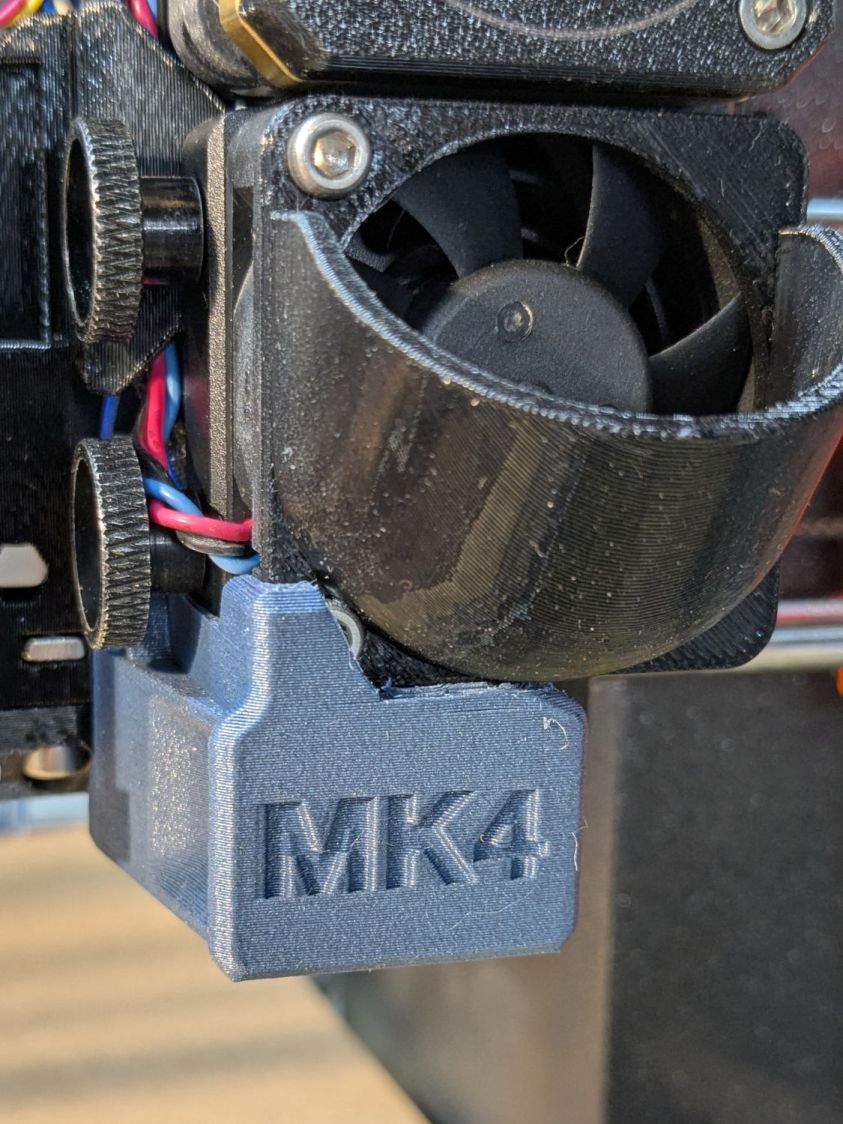
Prusa MK4 Nextruder Tool – inlet scoop mod Yeah, I should have modified the solid model. Maybe next time.
A version of the tool fits extruders covered with an Official Prusa Silicone Sock thermal insulator, but they were out of stock when I was in the mood. My heater wears a knockoff sock:
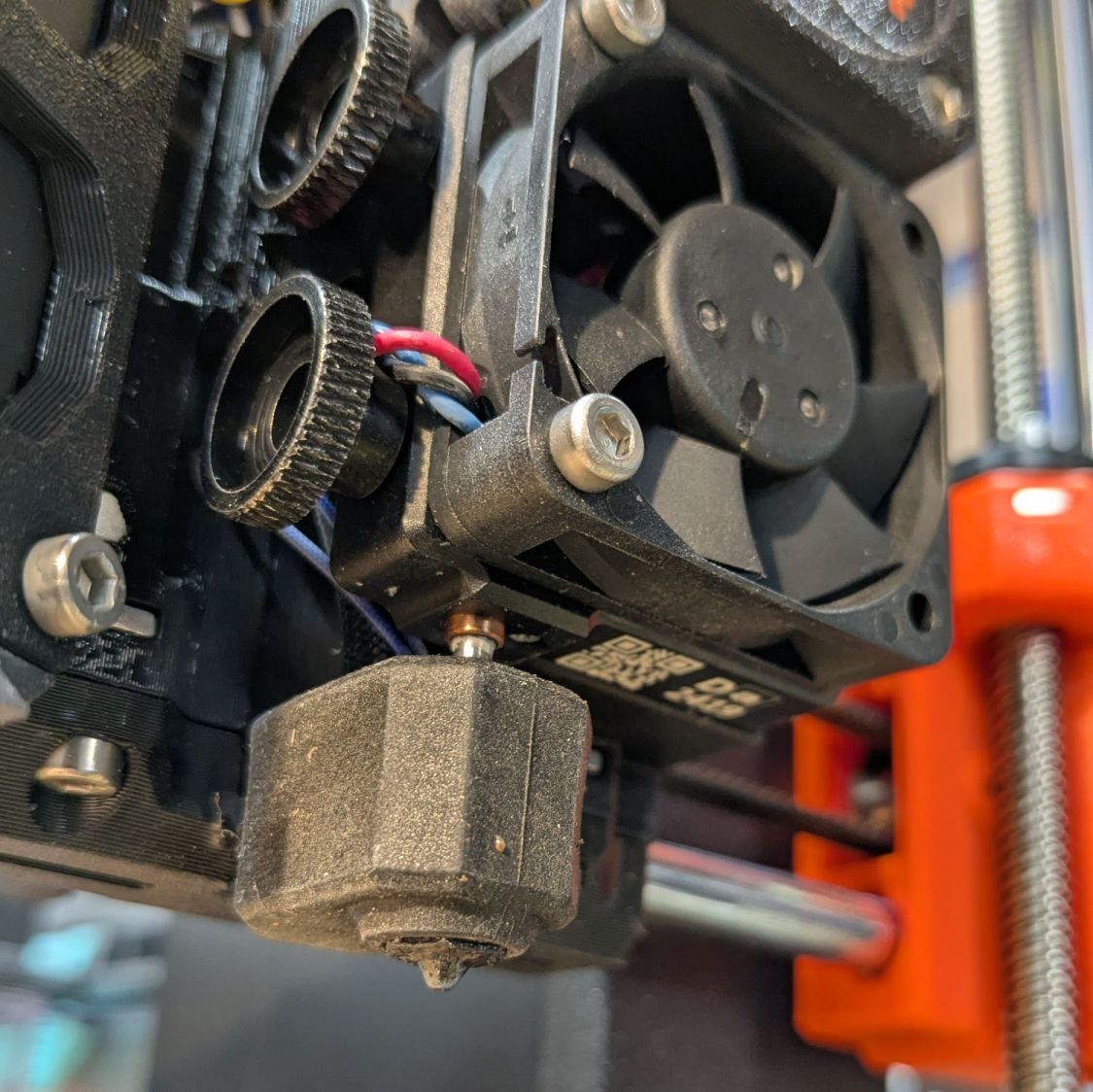
Prusa MK4 Nextruder Tool – silicone sock vs nozzle Unlike the Official Sock, there’s no way to get a wrench on the nozzle with that one installed, but removing the sock is no big deal.
I apparently installed the nozzle / heater block slightly higher than specified, so the tool didn’t quite fit. Loosening those two thumbscrews and lowering the nozzle to fit the tool solved that problem. Fortunately, the automatic bed leveling routine corrects for nozzle height differences on the fly.
The scoop is back on the fan, the sock once again surrounds the heater, and I can easily swap in the 0.8 mm nozzle when the time comes.
-
Subscribe
Subscribed
Have a WordPress.com account? Log in now.

