-
Knitted Spider: Eyemaxxing
A 3D printed spider with a knitted texture seemed a sufficient oxymoron to justify its existence:
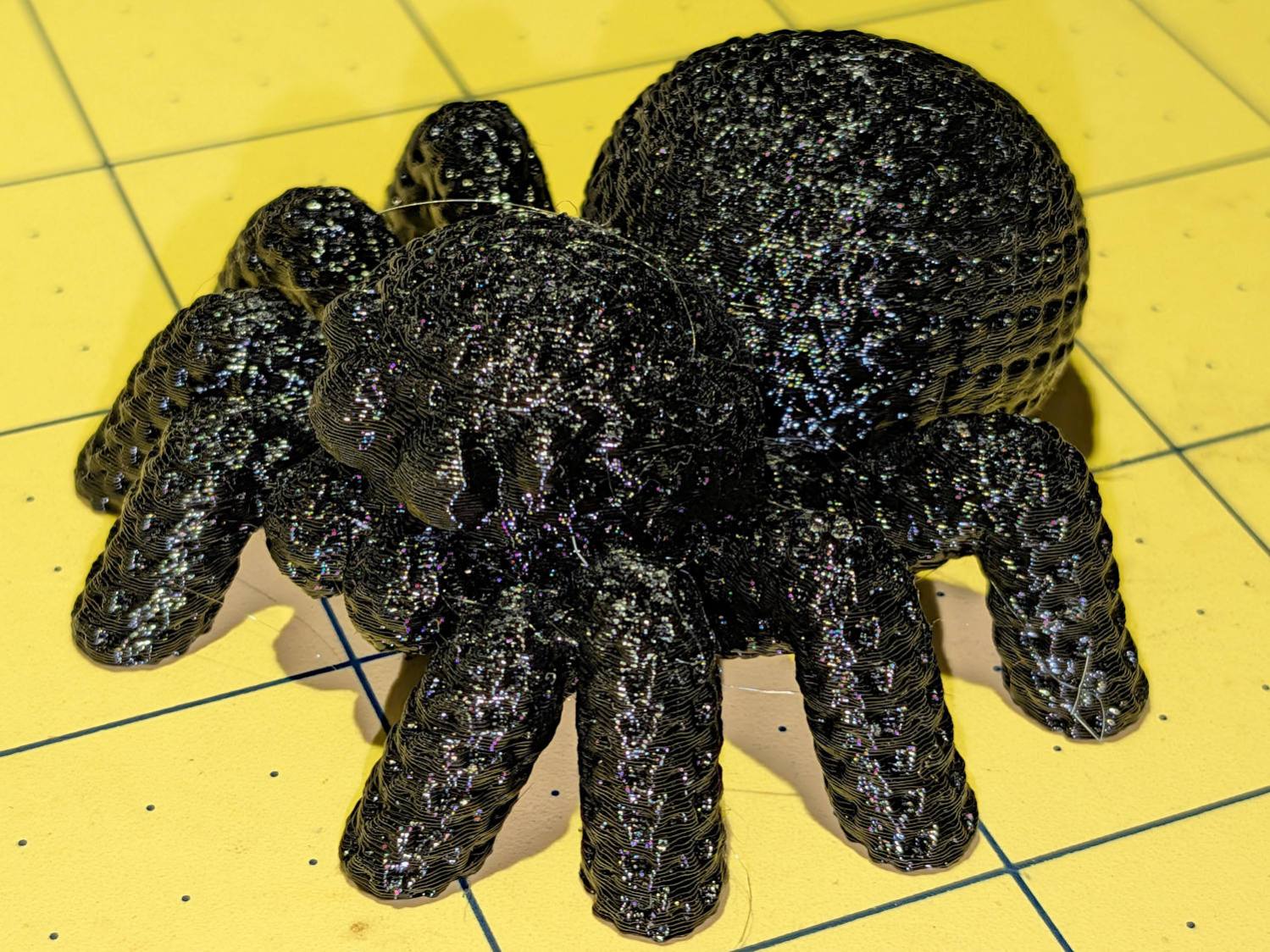
Knitted Spider – black eyes But all-black looked rather somber, even for an All Hallow’s Eve decoration, so I used PrusaSlicer’s Multi-Material Painting to print the eyes in retina-burn orange:
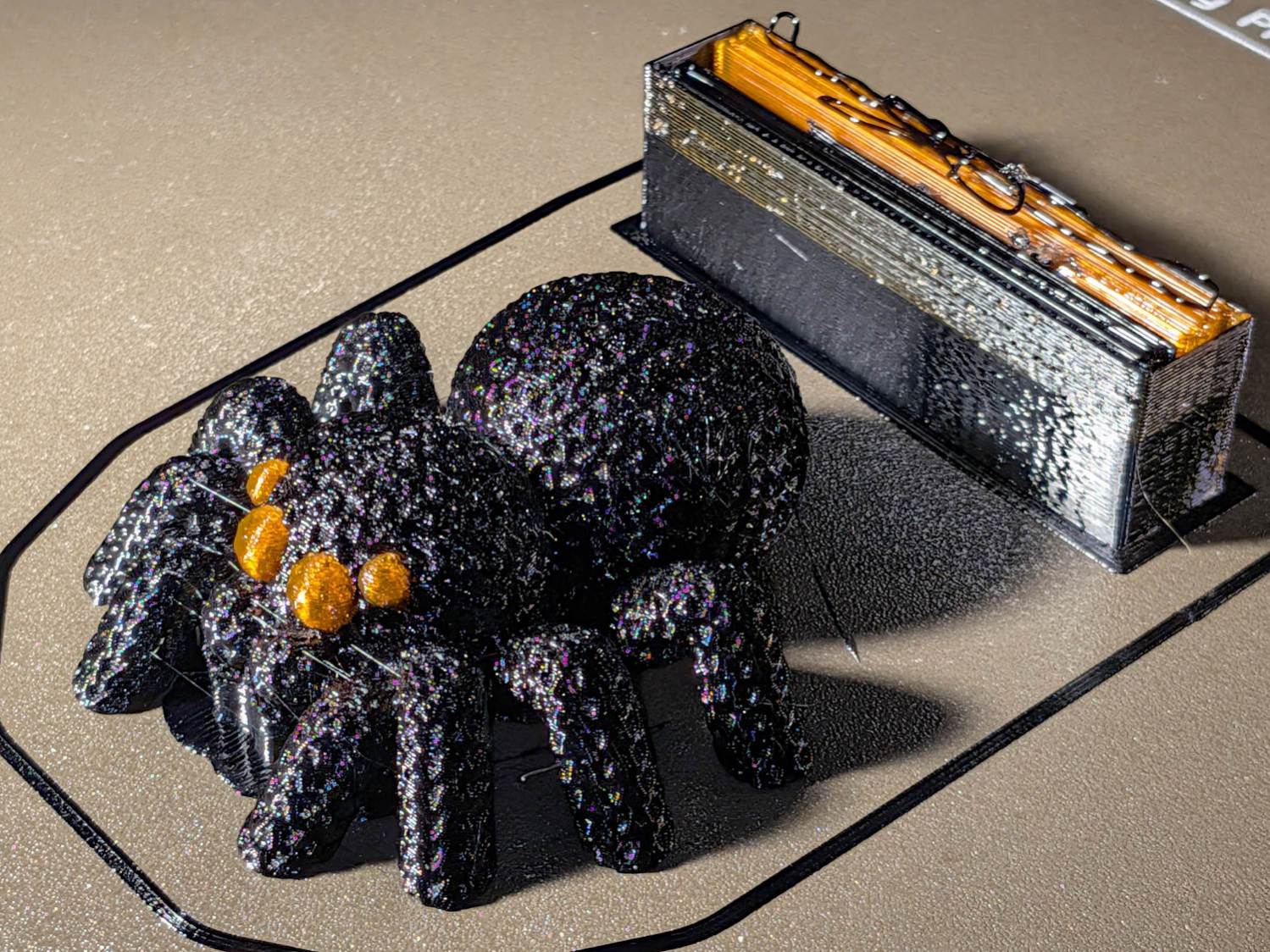
Knitted Spider – orange eyes – wipe tower The chunky wipe tower shows the cost of switching filaments for a quartet of little eyes. The new Prusa INDX extruder design reduces that waste, but I’m not going there.
You can see the block of painted-on support under the palps, which worked better than overenthusiastic automatic support generation.
The consensus suggested the spider suffered from insufficient eye, so I upleveled it to maximum spider spec:
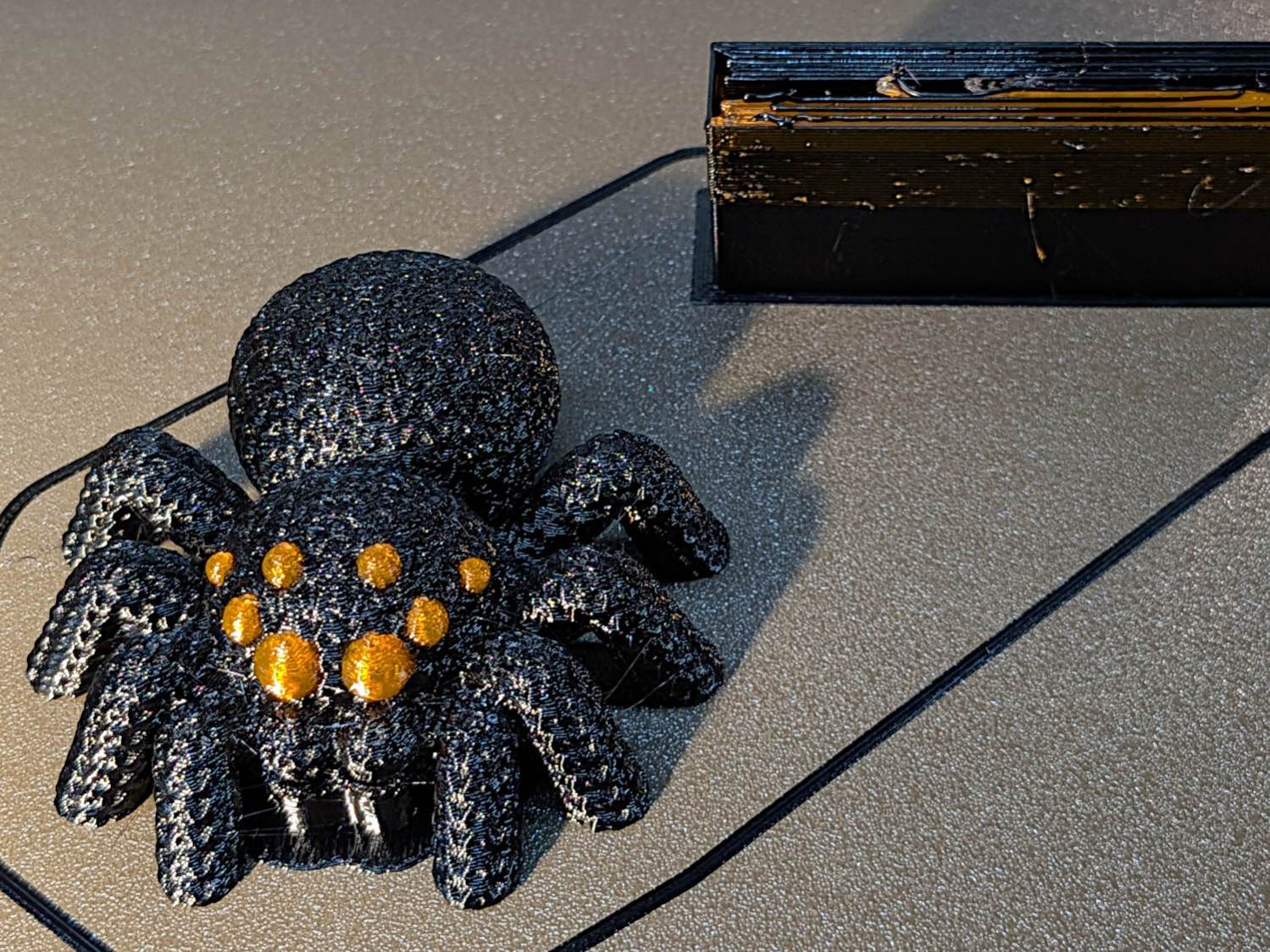
Knitted Spider – 8 eyes – on platform Which looks like evolution in action:
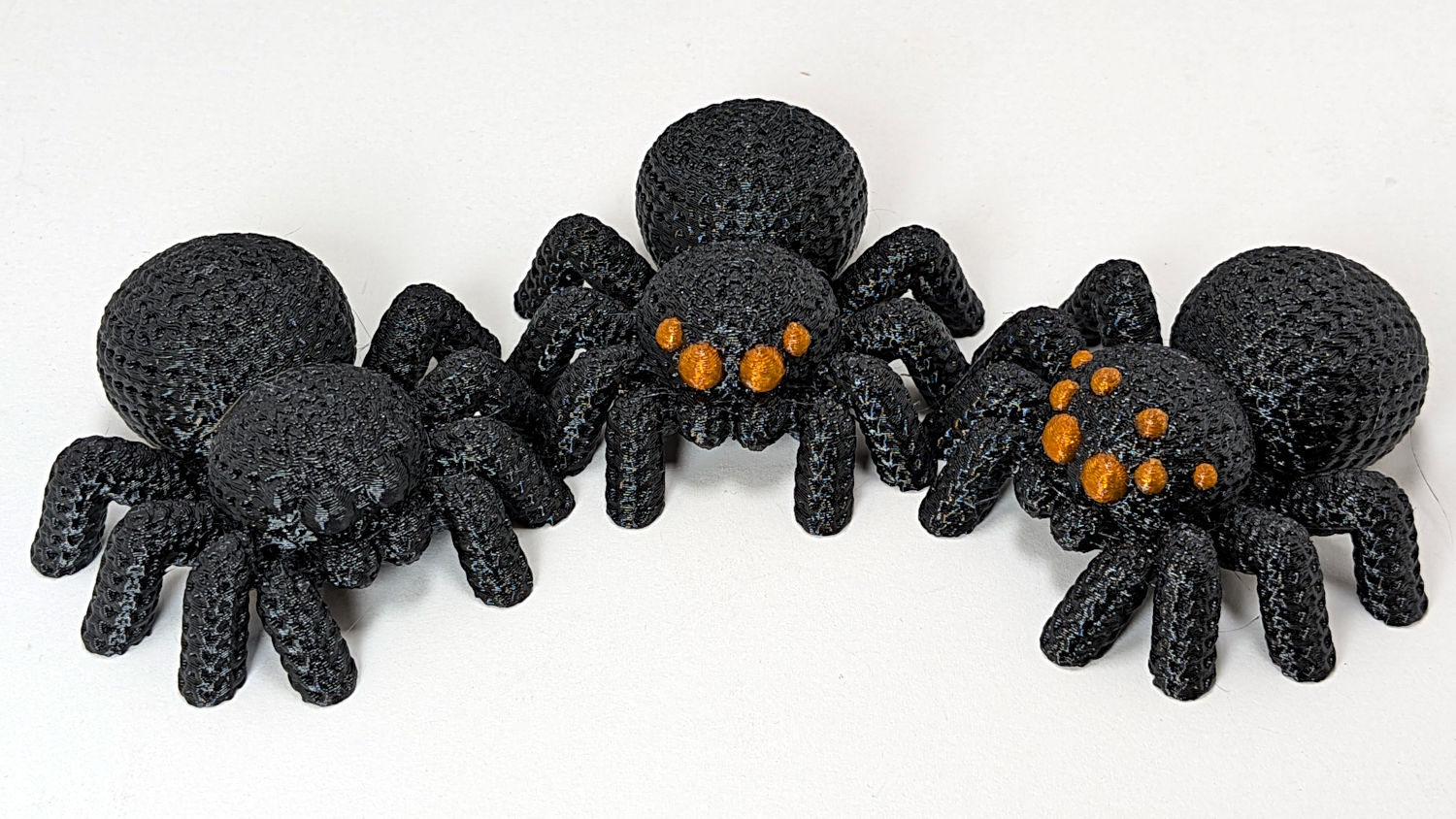
Knitted Spider – iteration The additional eyes came from a trivial OpenSCAD / BOSL2 sphere:
include <BOSL2/std.scad>
spheroid(d=5.0,style="icosa");
Which is both small and large enough to have a useful number of facets:
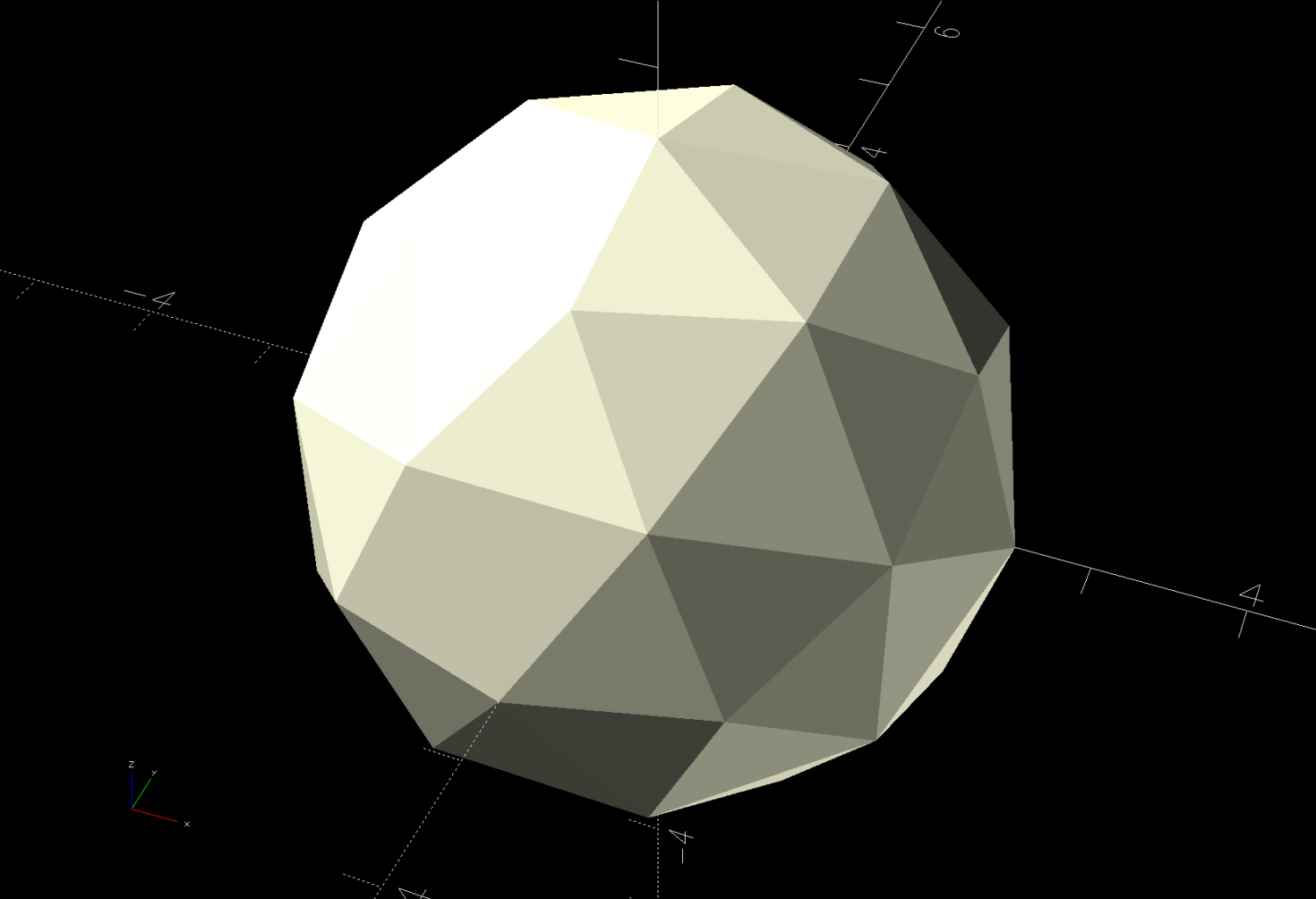
Knitted Spider – 5mm icosa sphere eye model Those facets will come in handy for Multi-Material Painting.
Adding the sphere to the spider model turned out to be trickier than I imagined, because PrusaSlicer requires object to sit flat on the platform, but merging the sphere and spider models got it done:
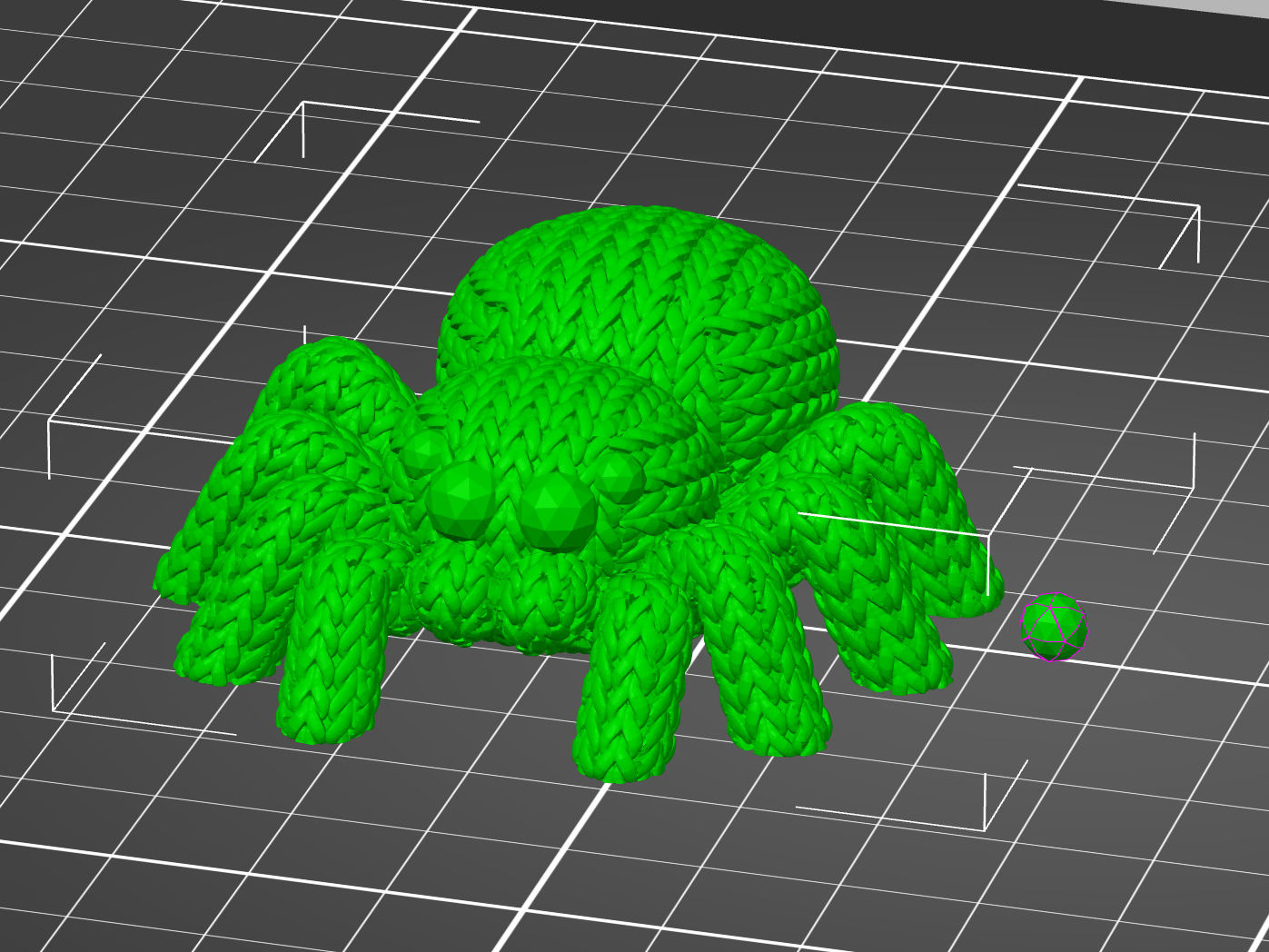
Knitted Spider – merged models Then you can use the Move tool to haul the sphere into place:
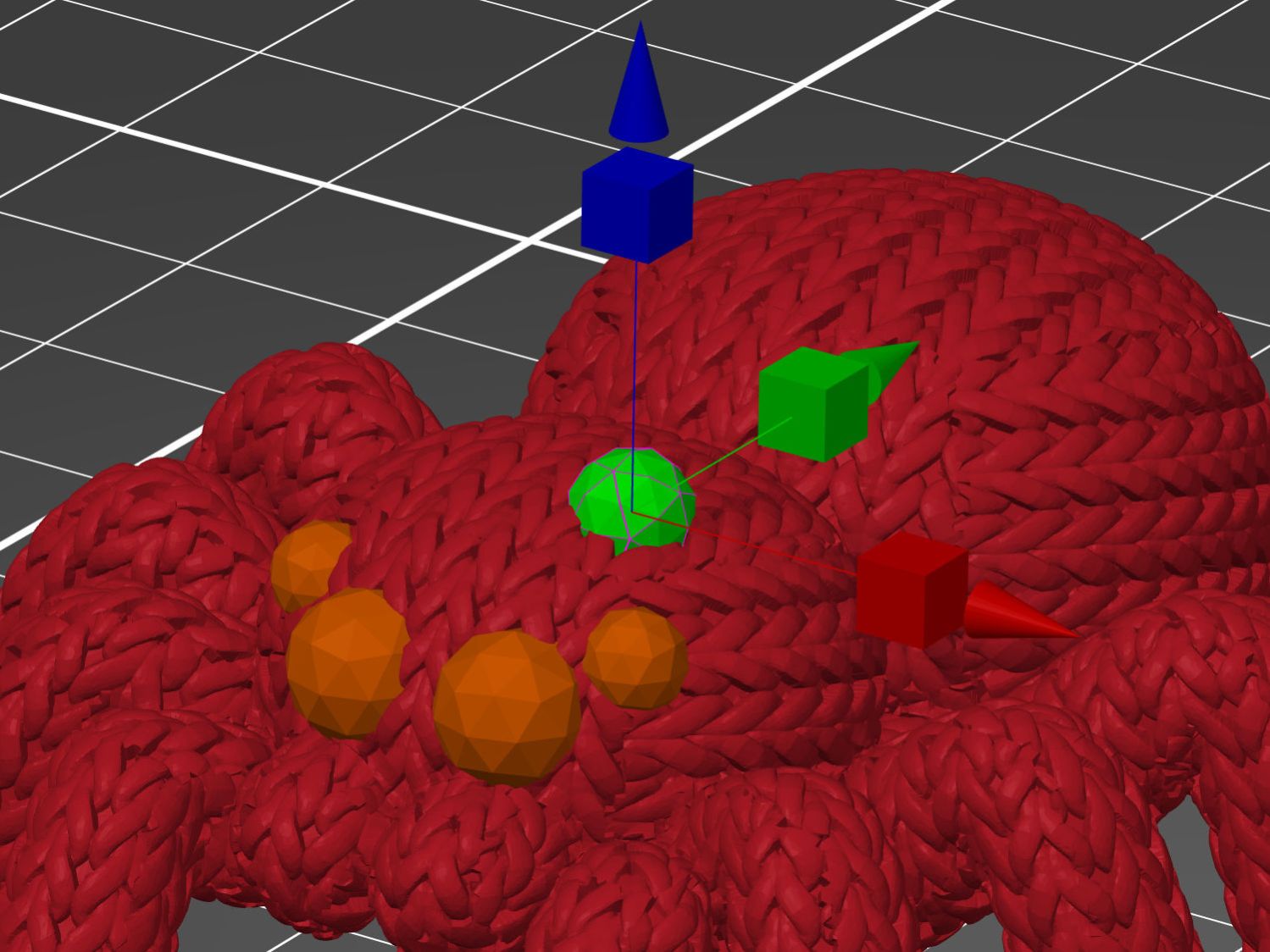
Knitted Spider – eye positioning Use the Scale tool to reduce it to a suitable size.
With the eye in place, copy-n-paste creates a duplicate Merged sphere at the same coordinates, which you chivvy into its proper spot. Repeat as needed for more eyes!
The sphere facets are far below the 0.4 mm nozzle’s resolution, but they simplify painting the eye with “Smart Fill” angle settings:
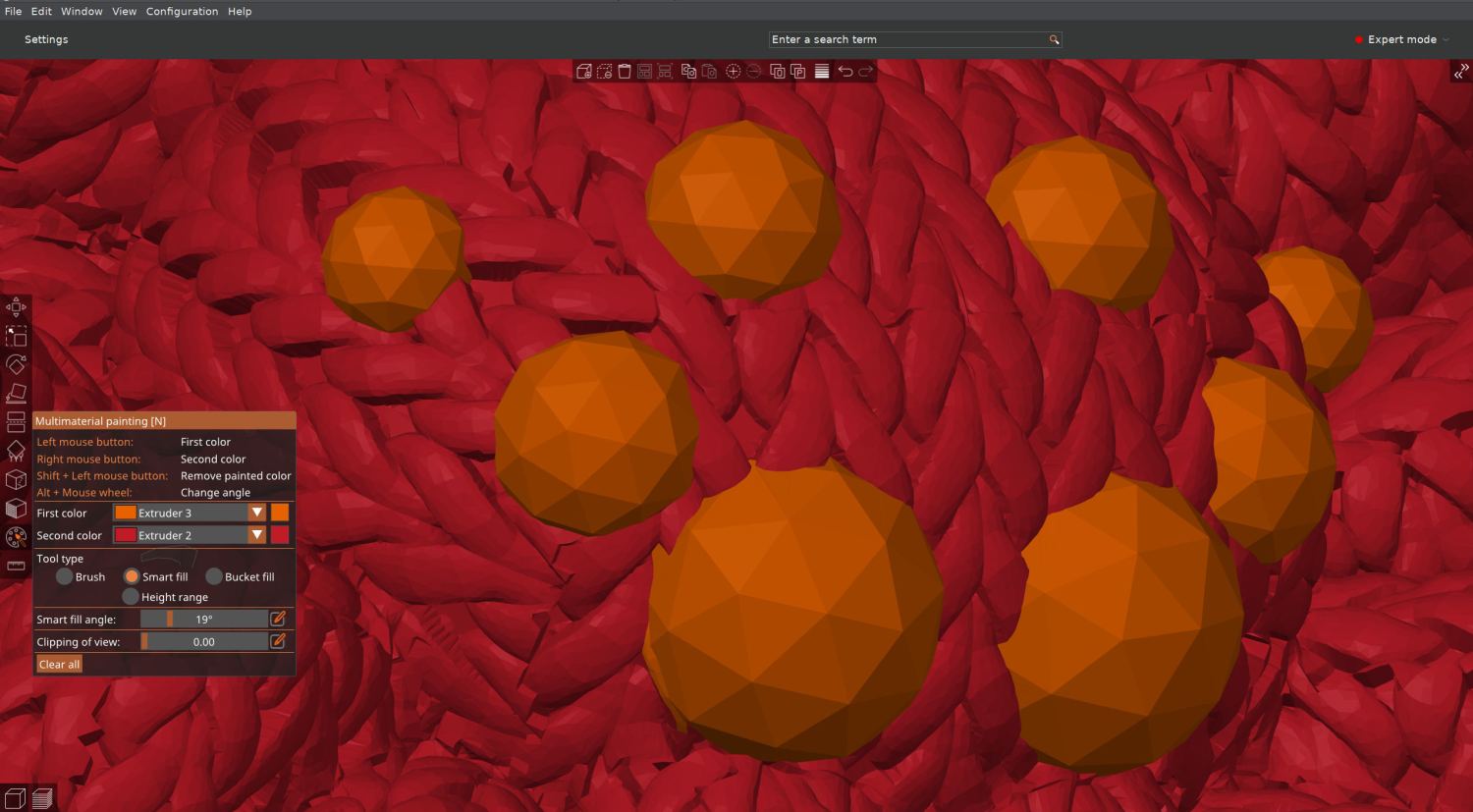
Knitted Spider – 8 eyes – slicer material painting I had initially thought to just drop separate spheres in place and assign them to the orange extruder, but the slicer (quite properly) treats them as separate objects and creates balls sitting in sockets.
Instead, the eyes must become part of the spider’s shape, have their exterior surfaces painted, then get sliced. In order to do that, I exported the 8-eyed spider as a new STL file and imported it back for painting & slicing:
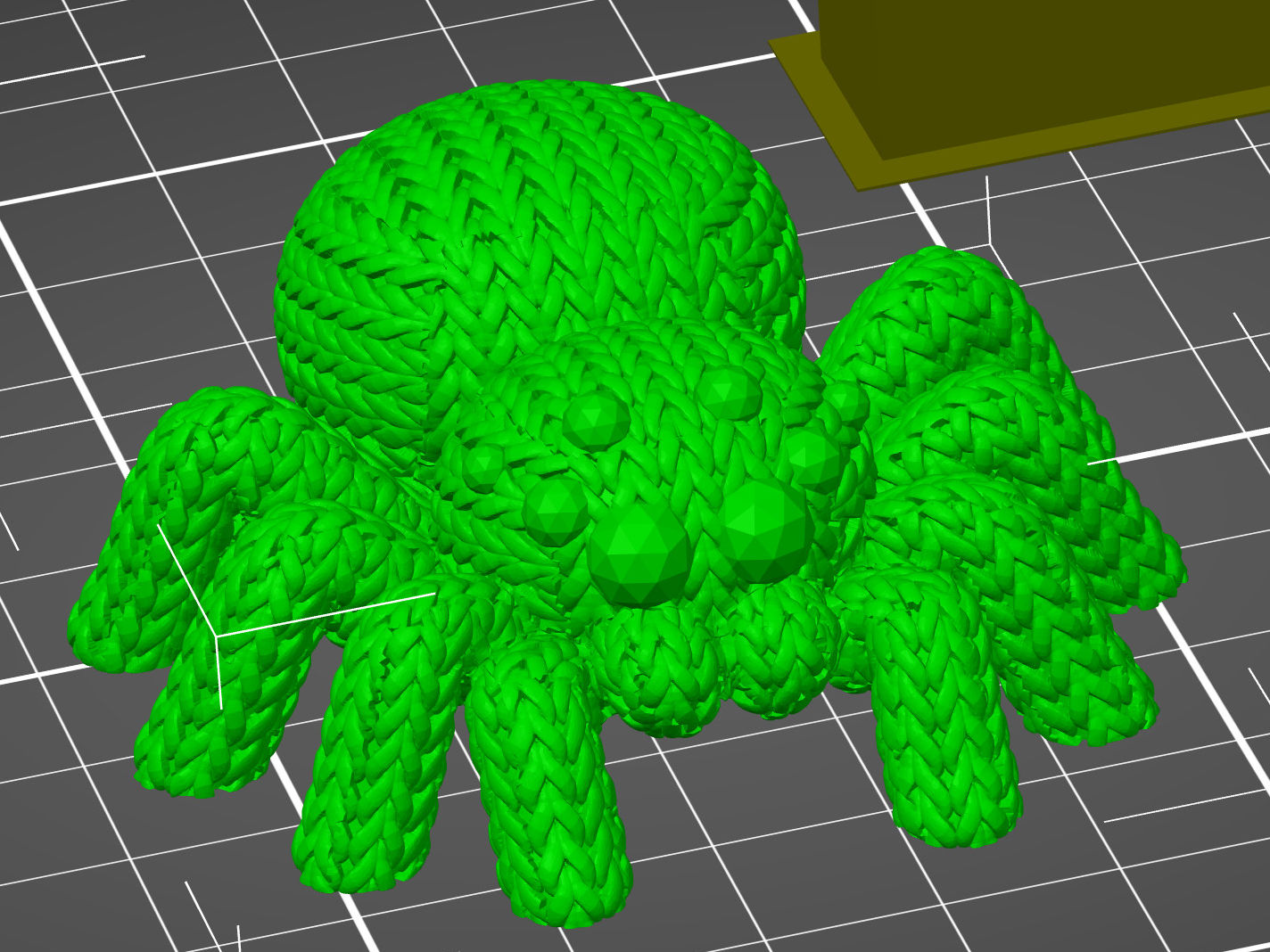
Knitted Spider – 8 eyes – slicer model The original single-color spider prints in an hour and adding any number of eyes doubles the time, so those MMU3 tool changes are expensive. Although the printer is reliable, the auto-retract spools I set up sometimes retract the filament beyond the feed gear inside the MMU3, which the firmware detects and calls for manual intervention. It’s best to be puttering in the basement while the printer buzzes away.
-
Subscribe
Subscribed
Have a WordPress.com account? Log in now.

