-
Laser-marked Hole Drilling Spots
While setting up to drill holes in the aluminum base for the running light buck converter, I wondered if laser-marking the spots directly from the solid model would work better than my usual fumbling around.
The solid model:
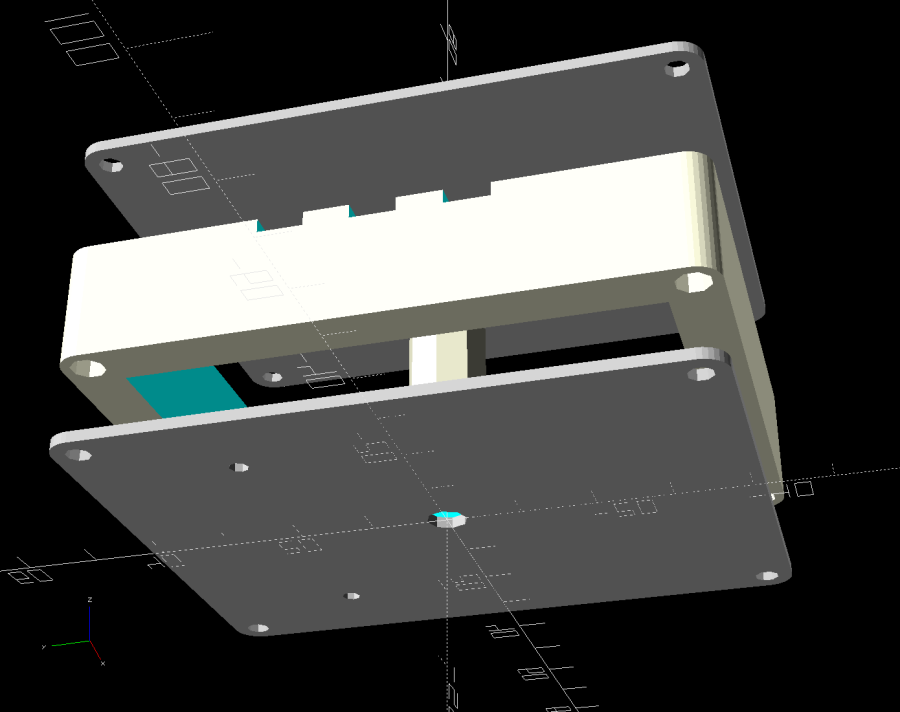
Running Light – power box – bottom view Export projections of the pieces from OpenSCAD as an SVG file:

Running Light – power box – Projection view Import into LightBurn, set up for a very fast, very light cut and Fire The Laser:

Laser-marked hole spots – masking tape That’s in ordinary masking tape on a hard-anodized sheet of aluminum from the pile, which looked better than I expected.
The same aluminum covered with blue tape:
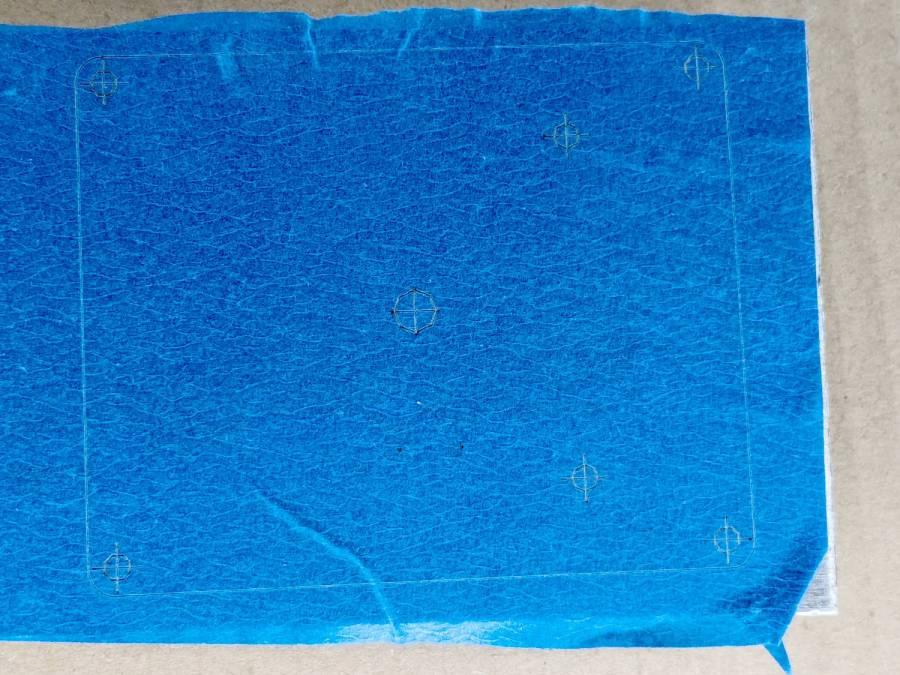
Laser-marked hole spots – blue tape – hard anodize Which looks much better in person than it does in the photo.
On a soft aluminum sheet from the Basement Warehouse Zone:

Laser-marked hole spots – blue tape – sheet aluminum The dark outline is a comfort mark hand-drawn around a chipboard test piece to verify the layout fit between random holes drilled in the sheet during its previous life.
A closer look at a corner hole:
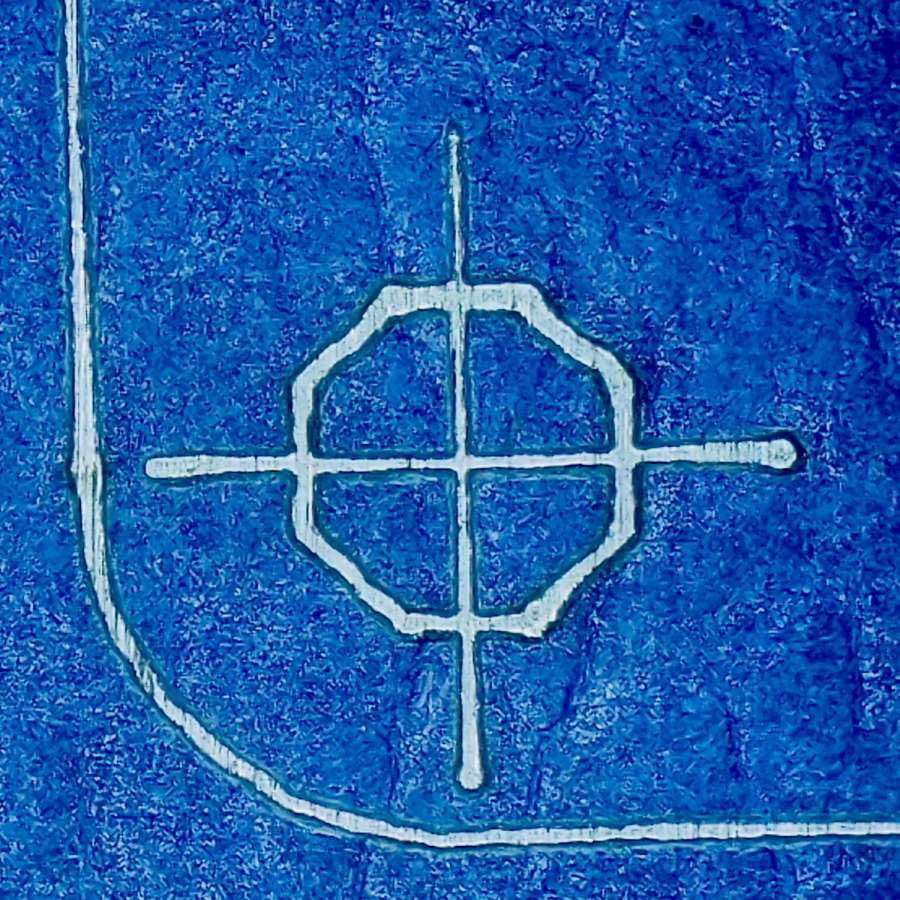
Laser-marked hole spots – blue tape – hard anodize – detail 1 And the center hole:

Laser-marked hole spots – blue tape – hard anodize – detail 2 The holes appeared in the right places after center-punching by eye, but the fragility of those four little tape leaves around the center point must be experienced to be believed.
And, yes, those are deliberately low-polygon approximations to a circle, because I’m a low-poly kind of guy.
I really need an optical center punch if I do more such silliness. The box with those HP plotter digitizing sights recently came to hand, so I suppose I should make something.
-
Subscribe
Subscribed
Already have a WordPress.com account? Log in now.
 The Smell of Molten Projects in the Morning