-
Another Circumferential Seat-Frame Clamp
This is another step along the way to getting our daughter’s radio firmly mounted to her Tour Easy, not tucked into one of the panniers. The general idea is to use a water bottle holder for the radio, with a seat wedge pack from an upright bike cushioning the radio. The secret ingredient is a circumferential clamp that mounts the holder to the lower rail of the bike’s seat frame.
This clamp is basically the same as the ones on our bikes, but I doodled up a sketch with some illegible dimensions that almost matches the actual clamp; we may both find it useful the next time.
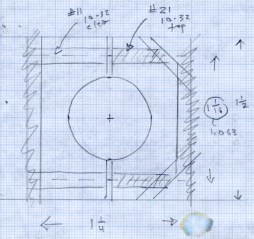
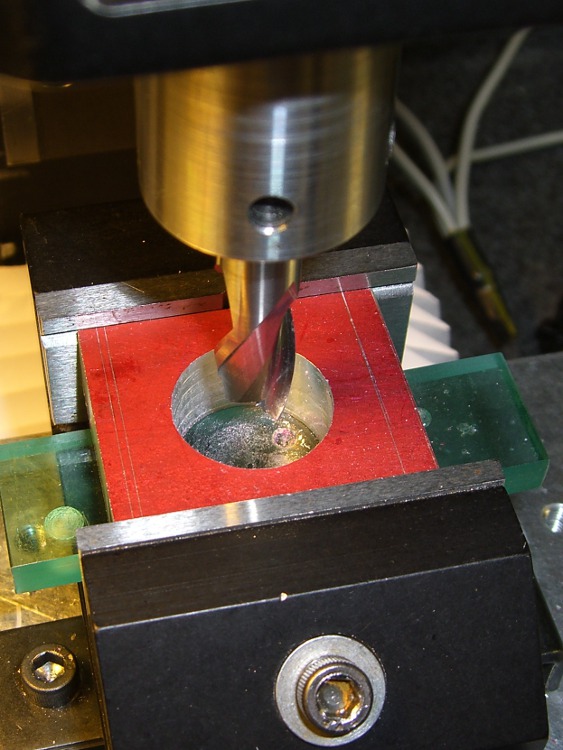
Clamp layout sketch Machining the clamp is straightforward: bandsaw a block of about the right size, square it up in the mill, helix-mill the clamp hole …
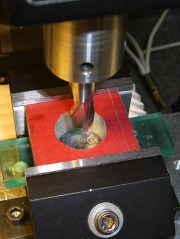
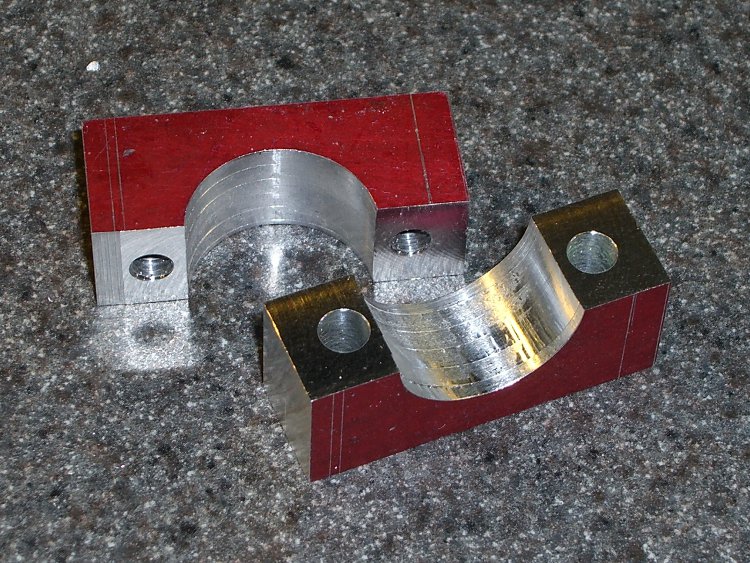
Helix-milling the clamp hole Drill the clearance and tapping holes for the screw, bandsaw it in half, clean up the cut edges …
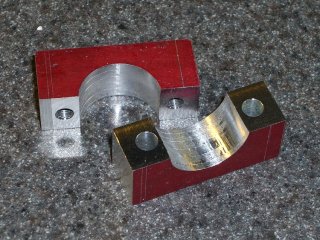
Finished clamp parts Obviously, I didn’t put those nice bevels on the front side.
Both previous water bottle holders required a spreader plate between the clamp screws and the holder’s screws, but this time the holder had a nice aluminum plate all by itself. It just fit on the Sherline and a bit of manual CNC center-drilled the curved plate and poked a jobber-length drill through the holes …
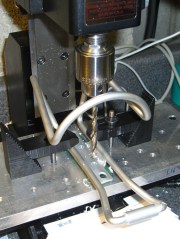
Drilling holder for clamp screws And then it fit perfectly on the bike …
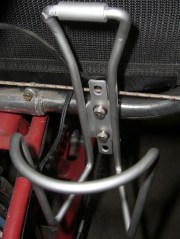
Mounted holder A side view …
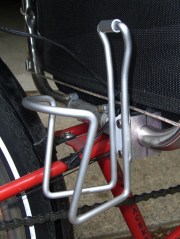
Mounted holder – side view Now, to find a wedge pack big enough for the HT and small enough to fit in the holder!



-
Subscribe
Subscribed
Already have a WordPress.com account? Log in now.
 The Smell of Molten Projects in the Morning