-
Pull Saw Blade Sheath
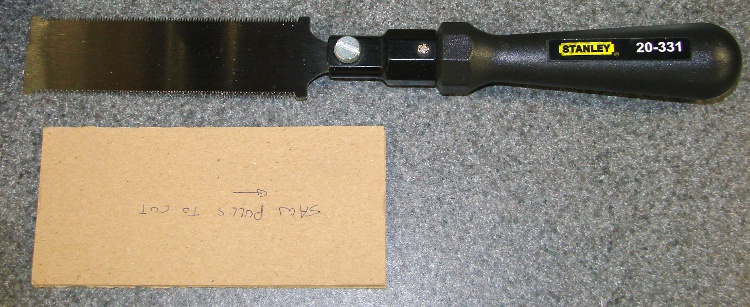
Trimming some poster frame edges brought this useful tool out of hiding. It’s an ordinary Stanley 20-331 flush-cut flexible-blade pull saw that I’d used while installing laminate flooring in the kitchen & laundry room some years ago; it cuts the bottom of moulding like nothing else.
Anyhow, what’s of interest here is the simple cardboard sheath I made to keep those delicate little teeth from getting bashed up in the tool drawer.
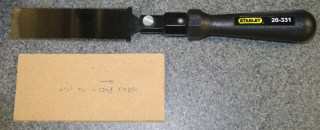
Saw and sheath Here’s a closer end view. It’s nothing more than two large sheets of thin cardboard (think cereal box or maybe consumer electronics box) separated by two narrow sheets. The blade’s thinner than any practical cardboard you’ll find, so just do it. It’s held together with yellow wood glue, because that’s what I had nearby when I built it.
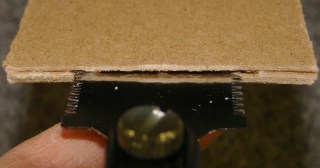
Saw sheath end view The note written on the sheath reminds both my shop assistant and me which way the cutting happens. Sometimes, we need all the help we can get.
For what it’s worth, the new Stanley 20-331 listing shows a similar saw blade with a Fat Max handle. This is the older version, from back when thin was in.

-
Subscribe
Subscribed
Already have a WordPress.com account? Log in now.
 The Smell of Molten Projects in the Morning