-
Prusa MK4 Bling
While figuring out an X Axis homing problem (about which, more later), I printed a bunch of add-ons for the Prusa MK4, all from printables.com.
Stipulated: Using something other than black PETG and PETG-CF would make them more like bling.
The heatsink fan gets a scoop inlet to keep fingers and tools farther from the blades:

Prusa MK4 – fan cover – fan duct The small upward duct on the right side directs the exhaust air away from the platform. This is apparently critical for very high-temperature plastics like ABS and PC, but I did have one print fail due to excessively cold breezes on the platform.
I made three different ducts in case I break one:
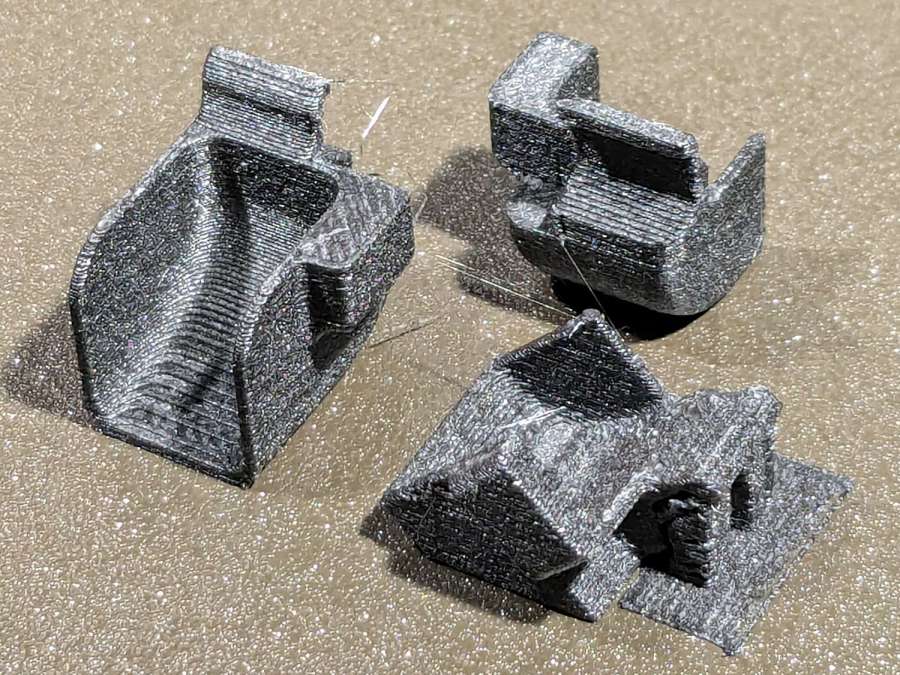
Prusa MK4 – fan ducts on platform The aluminum extrusions now have dust covers:
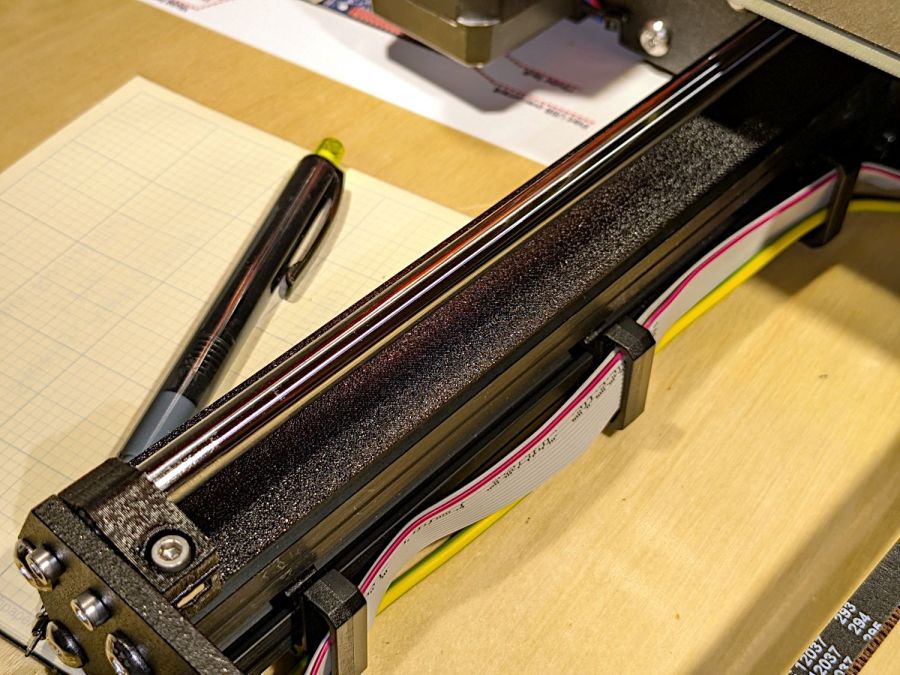
Prusa MK4 – Extrusion cover – front There’s also an angled heater cable connector cover, with a matching cover on the electronics box routing the cable rearward to dress it away from the hulking extruder cable:
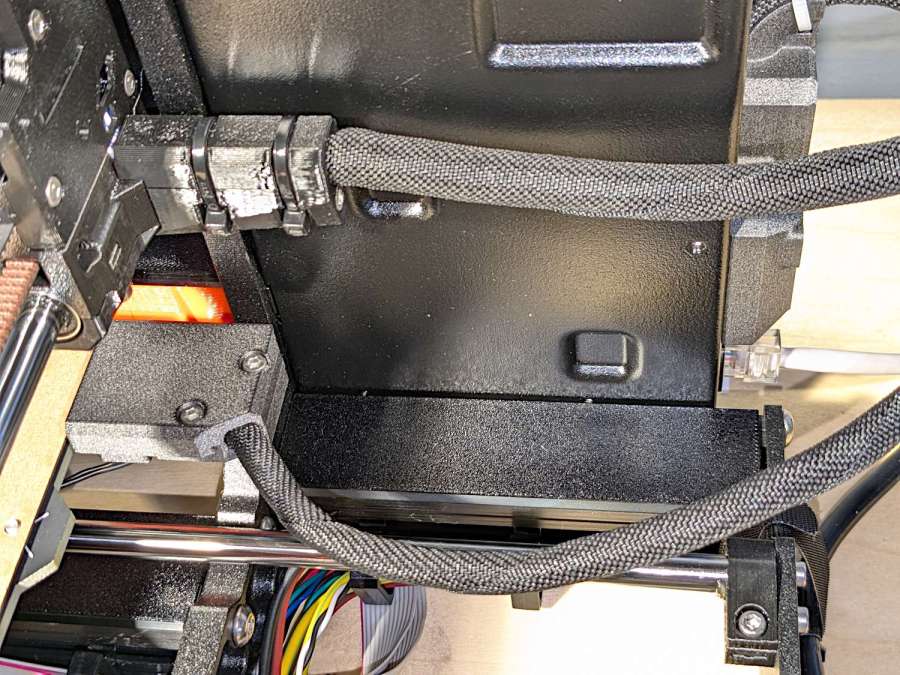
Prusa MK4 – Extrusion cover – rear And the Z axis stepper mounts have tidy dust covers:
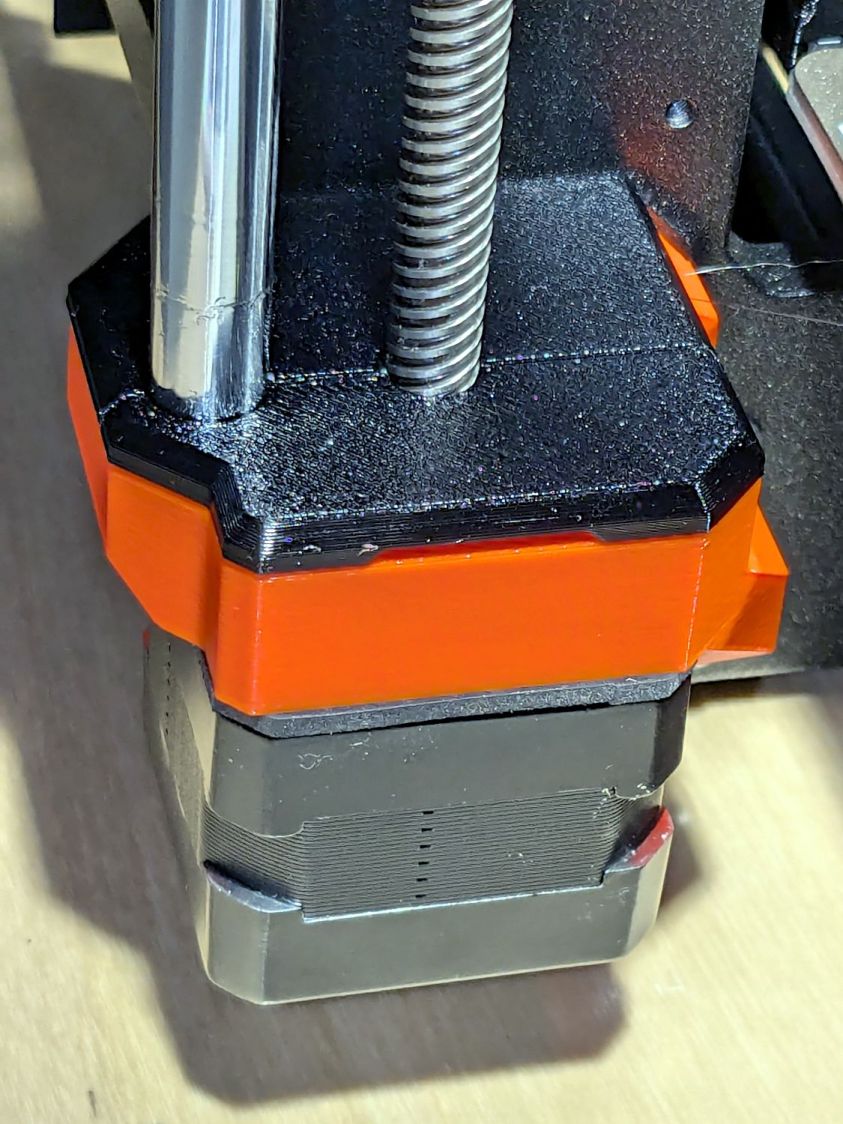
Prusa MK4 – Z axis motor cover None of which are necessary, but they’re all easy to print while thinking of other things.
-
Subscribe
Subscribed
Have a WordPress.com account? Log in now.

