-
3D Printing Demo at the HV Boy Scout CamporALL: Image Processing
More than five hours of stand-up comedy condensed into two minutes of frenzied video showing activity like this:
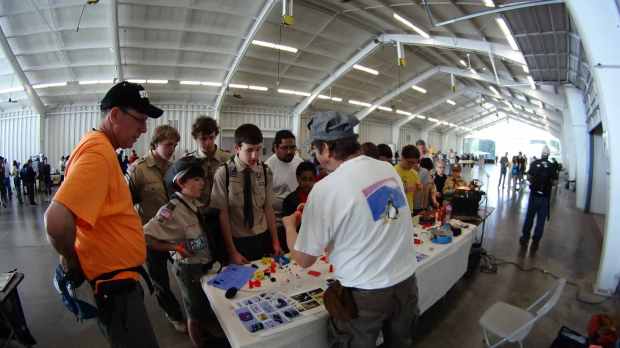
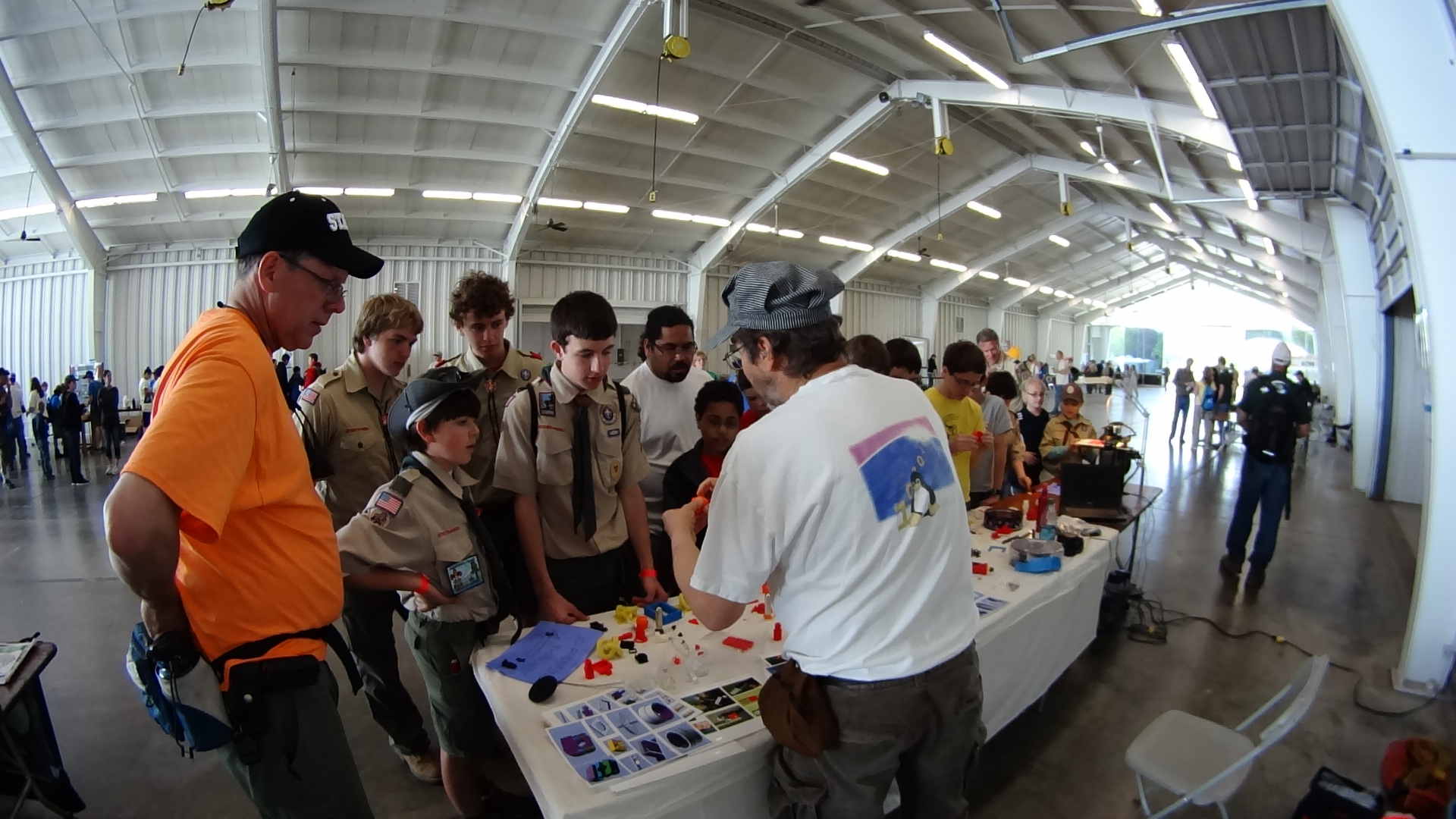
3D Printing Demo – HV Scout CamporALL 2014 The Sony HDR-AS30V perched atop a tripod behind the table, where only one errant Scout bumped it, recording one image every 5 seconds. The non-adjustable focus seems biased for selfies, but the compression definitely produces softer images in subdued lighting conditions, so it’s hard to say.
Each NP-BX1 battery lasts about 2.5 hr in that mode and I brought all three, but simply forgot to install the third one. As a result, we don’t get to see the last 2+ hours… it was a long day.
The “image processing” behind the movie went a little something like this, modulo a few edits to elide my blundering around:
sudo mount /dev/sdb1 /mnt/backup
sudo mount -o uid=ed /dev/sdd1 /mnt/part
mkdir /mnt/backup/Video/2014-05-17
rsync -au /mnt/part/DCIM/100MSDCF/ /mnt/backup/Video/2014-05-17
rsync -au /mnt/part/DCIM/101MSDCF/ /mnt/backup/Video/2014-05-17
cd /tmp
mkdir Video
cd Video
sn=1 ; for f in /mnt/backup/Video/2014-05-17/*JPG ; do printf -v dn 'dsc%05d.jpg' "$(( sn++ ))" ; cp -a $f $dn ; done
mkdir Shrink
for f in *jpg ; do convert $f -resize 50% Shrink/$f ; done
cd Shrink/
avconv -r 30 -i dsc%05d.jpg -q 5 3DPrinting-q5.mp4
mv 3DPrinting-q5.mp4 "3D Printing Demo - HV Scout CamporALL 2104.mp4"
One could, of course, do all that in fewer steps, if one knew the answers ahead of time, which
shouldmay apply when I refer back to this post.Using
rsync -auto copy the files from the camera to the 2 TB backup drive neatly solves the problems that occur when the camera’s USB port abruptly disconnects itself during the copy:rsynccan recover without losing or trashing any files. Alas, after the camera disconnects, it requires a power cycle to recover its wits.The USB camera connection reads data at 6 MB/s. Removing the MicroSD card and jamming it in the card-reader slot on my monitor runs at 18 MB/s. Apart from the fact that the MicroSD card seems so flimsy, I wonder how long the spring-detent latch inside the camera will continue working. On the other paw, when the USB port finally breaks, it’ll take the GPS assist data path along with it.
Not shown: the
rename 'y/A-Z/a-z/' *JPGthat converts the original filenames to lowercase, which I did after the fact. Because blundering around, OK?The 3964 original 1920×1080 images, hot from the camera, weigh in at 2.2 GB and the half-size video emerged at 118 MB. The default
avconvquality setting produces surprisingly crappy results, so I used-q 5. Some after-the-fact fiddling showed that-qscale 5produces the same file size with about the same apparent quality.None of that matters, because Youtube set the maximum resolution to 480 and applied ruthless compression. Now I know better…
-
Subscribe
Subscribed
Have a WordPress.com account? Log in now.

