-
Extracting Video Frames and Overlaying Text
The
avconvincantation required to put text on frames extracted from a video file looks like this (it’s all on one line, so you’ll need some side scrolling action):avconv -ss 00:11:47 -i /mnt/backup/Video/2014-09-08/MAH00070.MP4 -t 1 -f image2 -q 1 -vf "drawtext=fontfile=/usr/share/fonts/truetype/ttf-dejavu/DejaVuSansMono.ttf : text='2014-09-08 10\:58\:47' : fontcolor=white : fontsize=60 : box=1 : boxcolor=black@0.7 : x=1200 : y=30" MAH00070-001147-%03d.jpg
That’s applying some hints to the rather succinct
drawtextdoc.The
-ss 00:11:47sets the starting time relative to the beginning of the file, so it’s an offset that, when added to the file start time in the Exif metadata, produces the actual time-of-day. The extracted frames begin at the closest “seek point”, which I presume will be pretty close to the specified second. The-accurate_seekoption may be relevant. Verifying all that could be tricky.The
-t 1specifies the duration. Each second produces 60 frames, numbered from001to060in the output filename, as defined by the%03din the output filename format string.The
-vf "drawtext="gibberish does the actual text overlay, with all the parameters tucked inside the double quotes.You must escape all colons in the
textstring (as'10\:58\:47', note the single quotes), because unescaped colons separate thedrawtextoptions.The
fontsizeseems to be in pixels with an upper limit of 72.The
boxcolorrectangle just barely covers the characters; there’s no way to enlarge it just a few more pixels to make a nice frame. The fraction at the end ofblack@0.7string produces 70% opacity.I manually added the actual starting time (10:47) to the offset time for each segment (previewed with
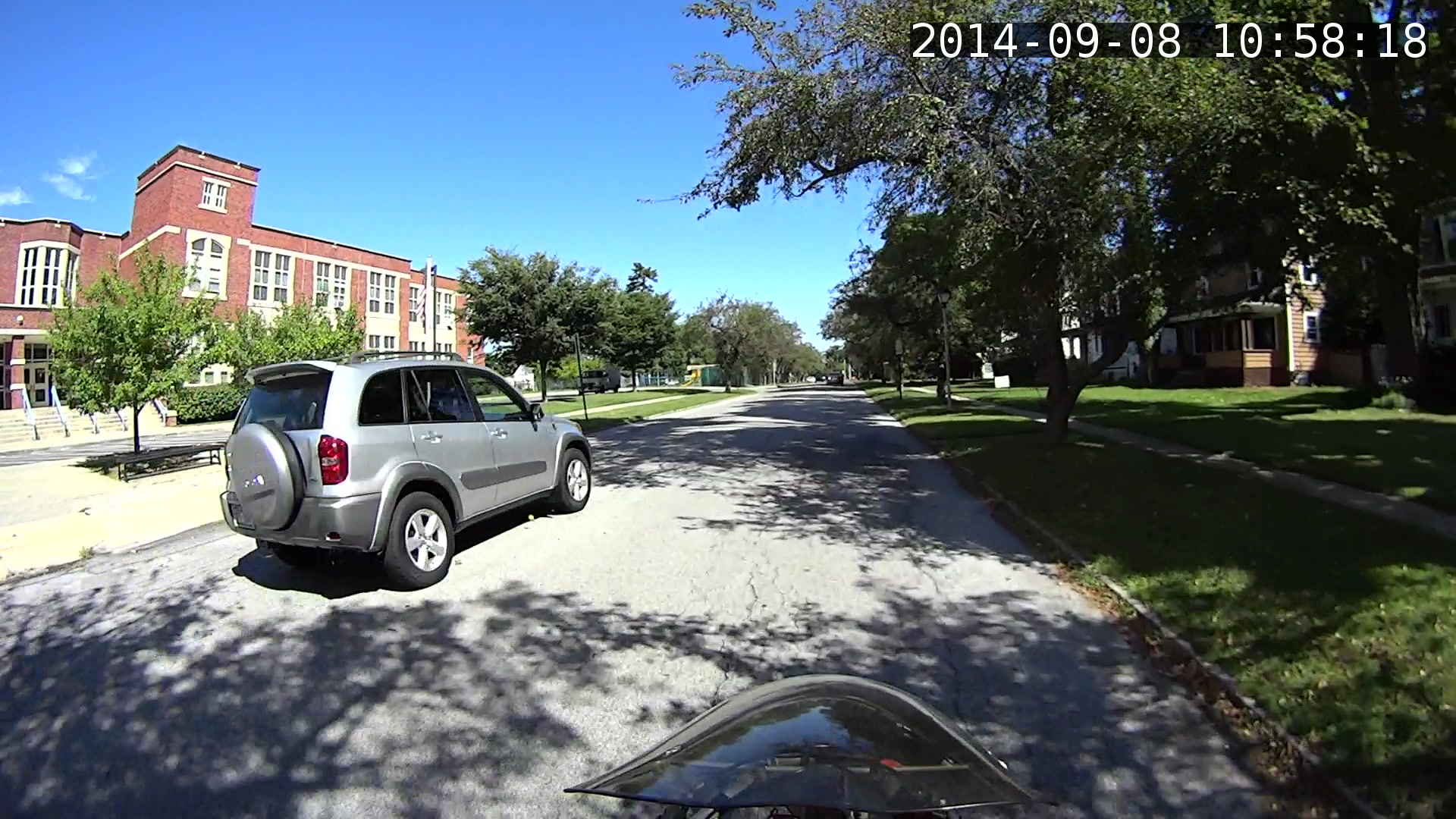
vlc), jammed that into theavconvcommand, and extracted some interesting frames from a recent ride…I get plenty of clearance while approaching an intersection, which is pleasant:
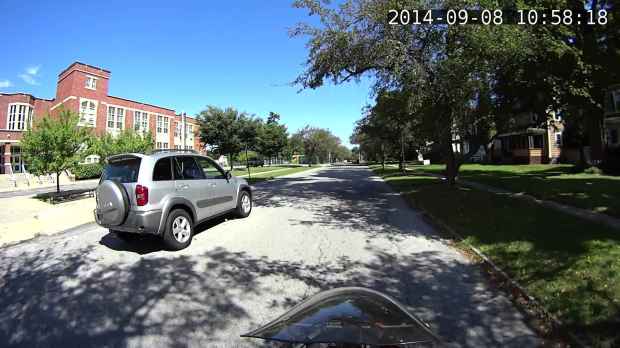
MAH00070-001118-047 Absorbed in something on the passenger seat while I’m trackstanding the ‘bent and watching the brake lights:
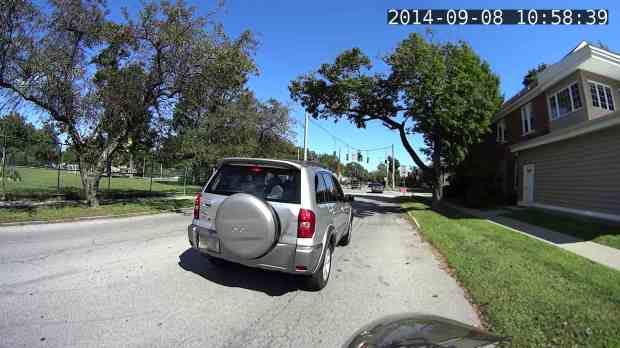
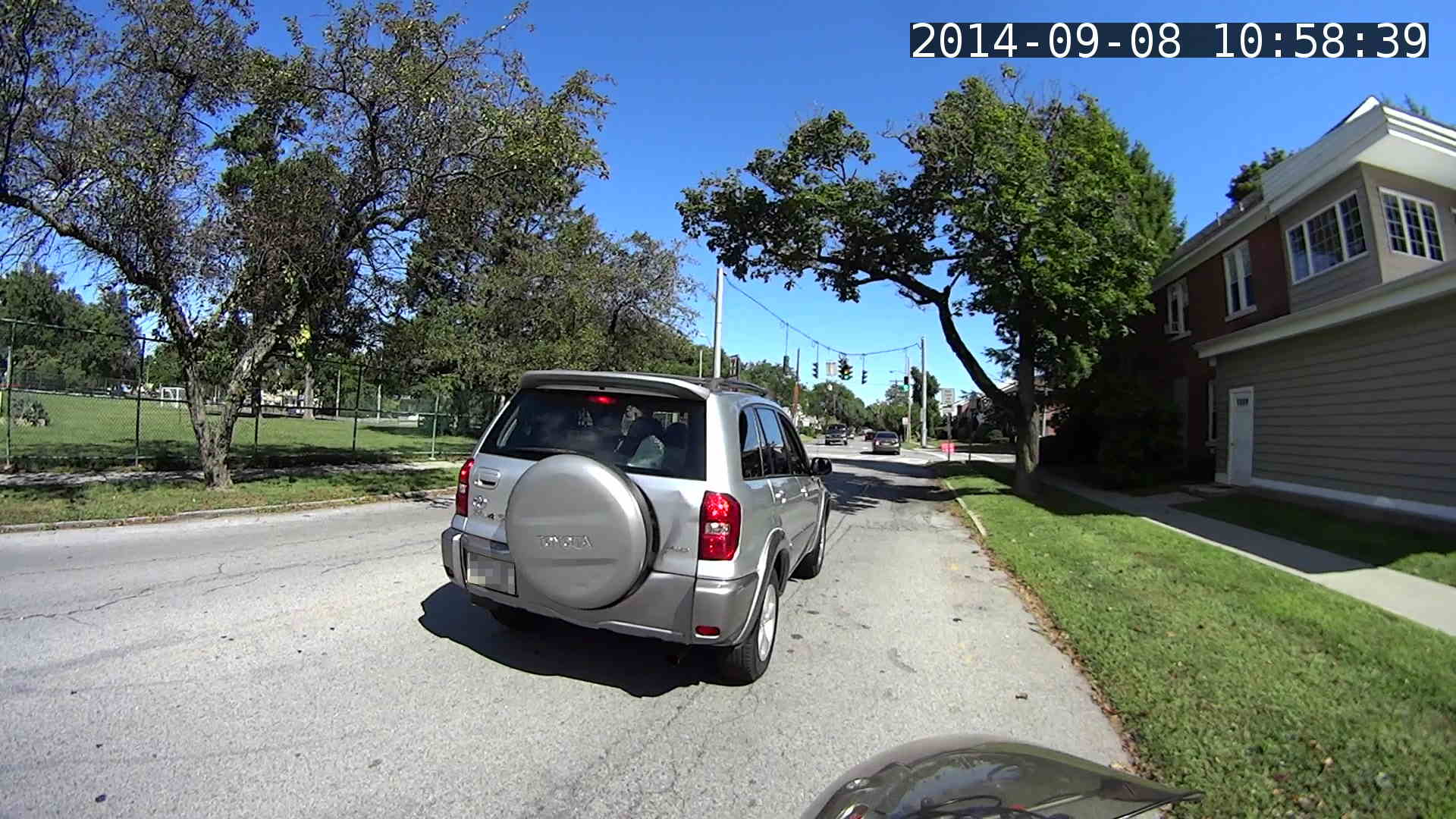
MAH00070-001139-017 The turn signal goes on just after acceleration commences:
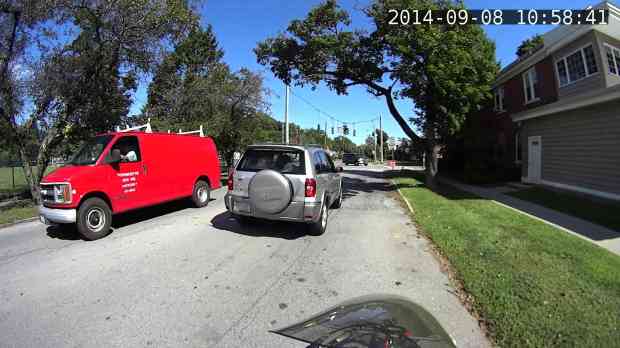
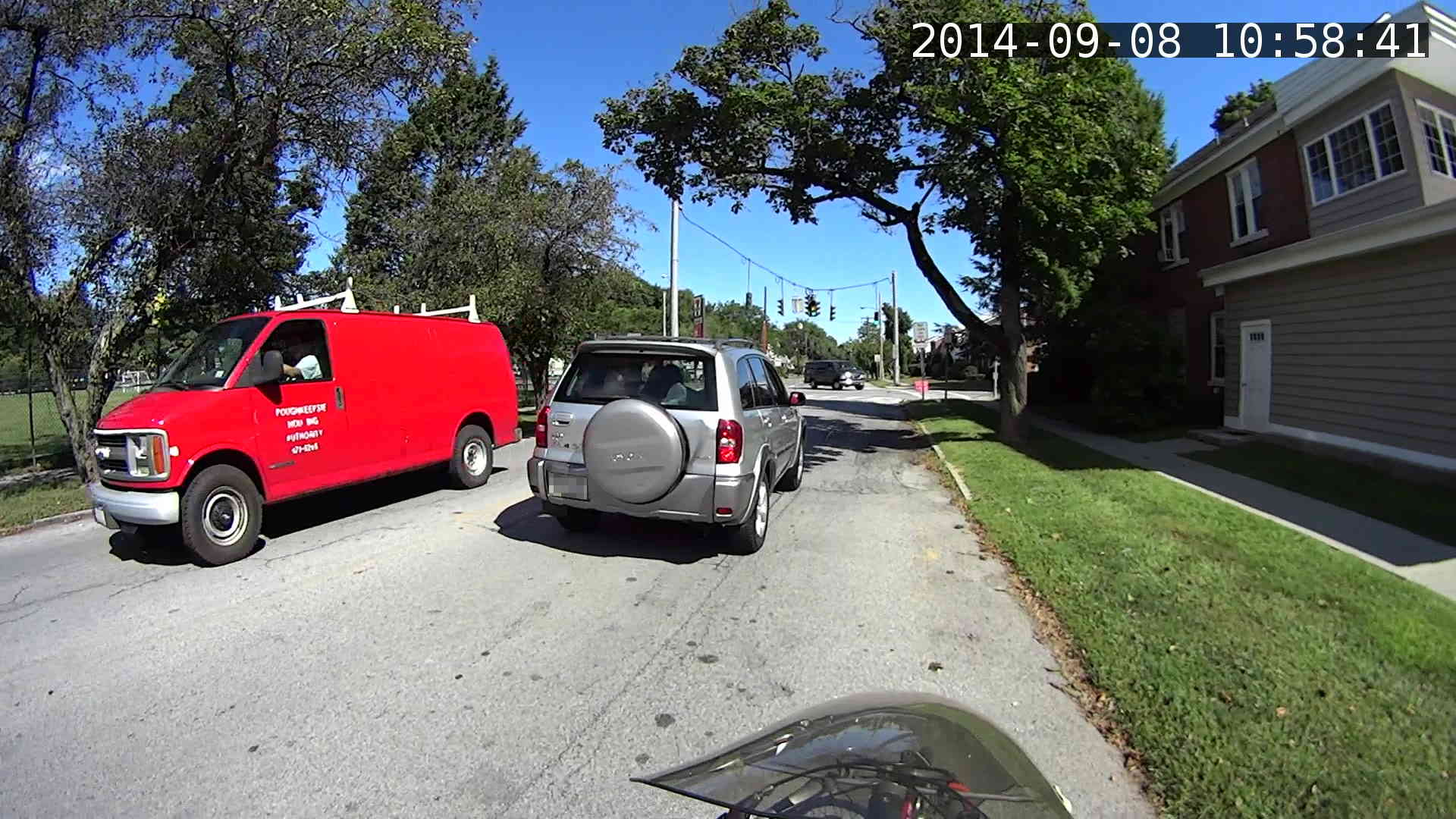
MAH00070-001141-017 Because I never pass on the right, I didn’t participate in a classic right hook:
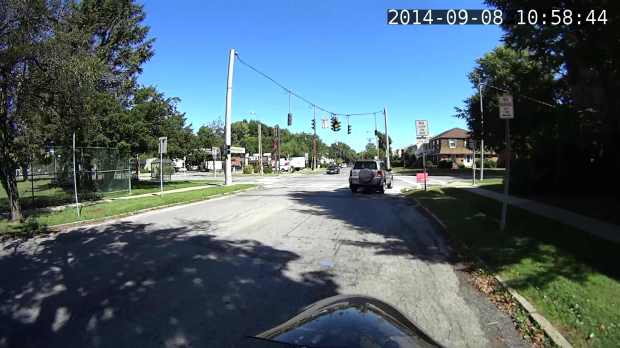
MAH00070-001144-050 The traffic signal goes yellow as I cross the walk ladder, with the tail of the SUV visible beyond the crosswalk on the right. The green-to-yellow transition takes 10 frames = 1/6 second and this image shows the half-intensity point of both incandescent bulbs:
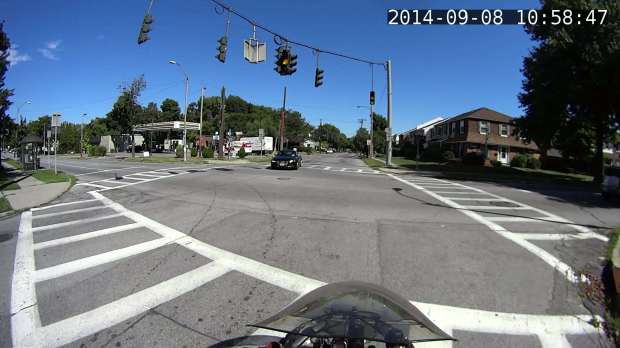
MAH00070-001147-041 The rest of the ride seemed less eventful.
Frankly, that’s way too much handwork for the results in the upper-right corner. I think a better way starts with extracting unannotated frames from the video, then slapping timestamps on them using ImageMagick, calculating and feeding it the appropriate values for each frame.
Putting the annotation up in the sky seems better than near the bottom corners, if only because images of the pavement might actually be useful. The timestamp needs the frame number and I think splitting it into two shorter sections (date and time) in the left and right upper corners might work better.


-
Subscribe
Subscribed
Have a WordPress.com account? Log in now.

