-
IBM L191p Monitor Stand Disassembly
Our Larval Engineer expressed a need for some monitors, so I dispatched a pair of IBM L191p panels from the heap. Despite reusing a gargantuan box from the Dell U2713HM monitor, I had to disassemble the struts from their swiveling base to fit everything inside.
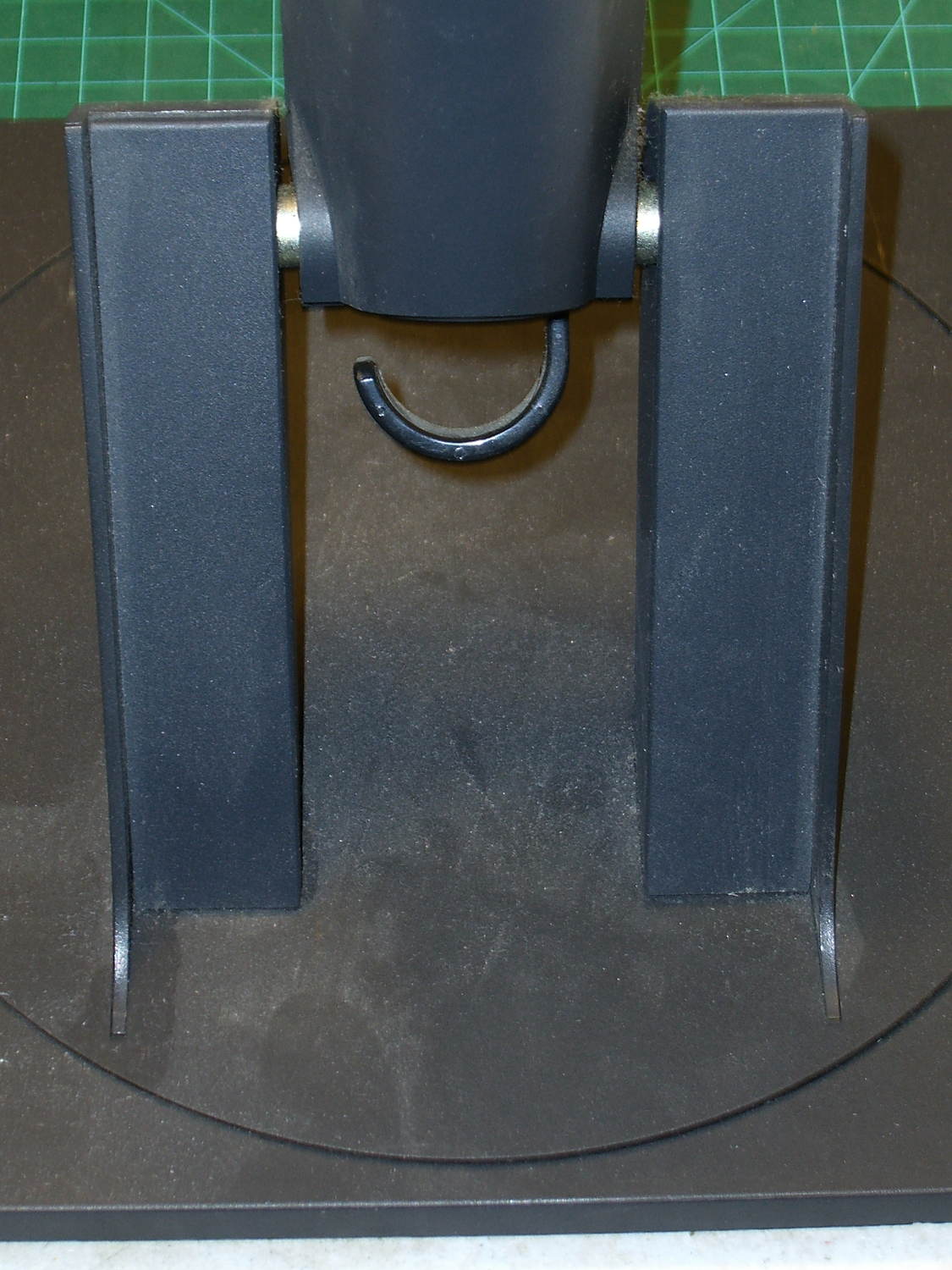
The intact base has no obvious affordance to remove the covers:
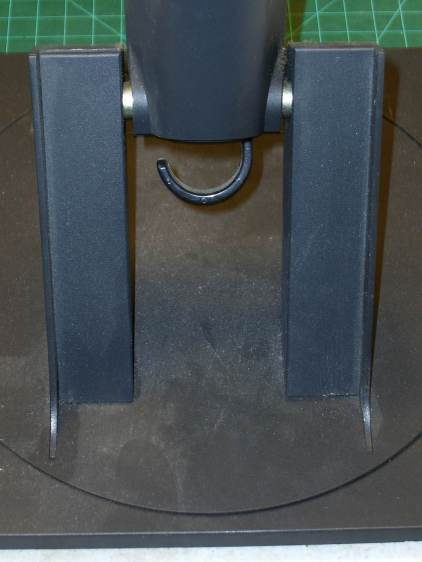
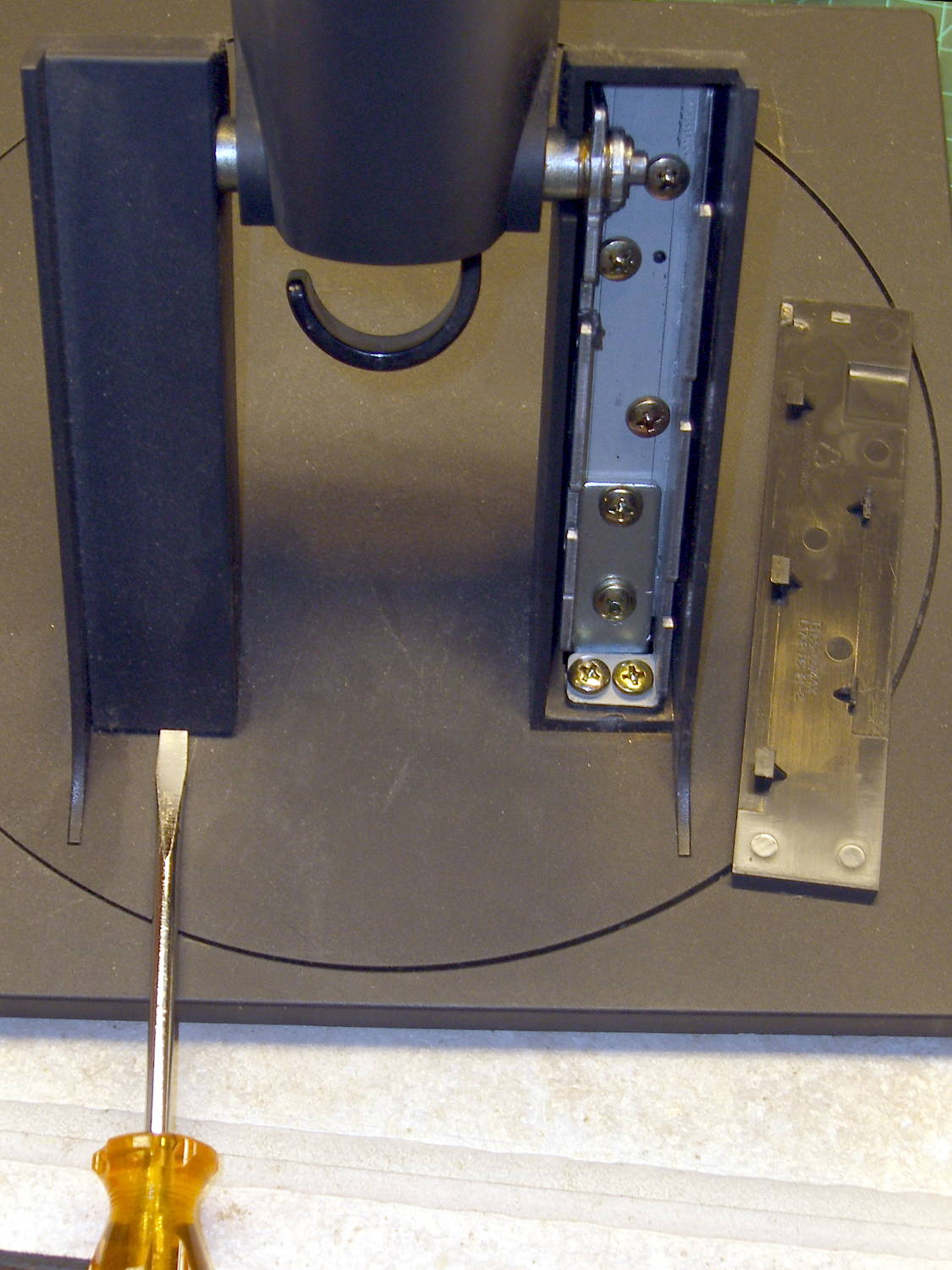
L191p Monitor Stand – struts intact After taking the bottom apart, I discovered that you just poke a screwdriver under each cover and it slides upward and off:
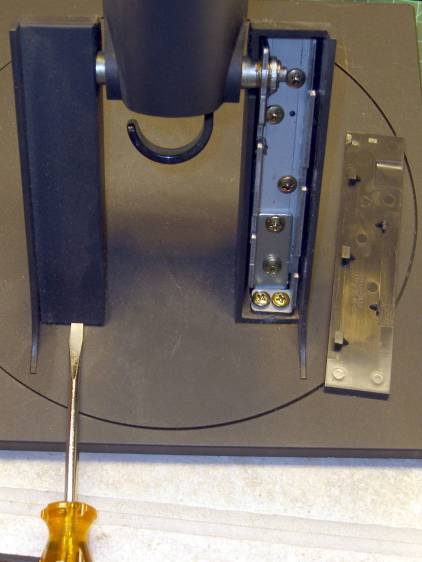
L191p Monitor Stand – struts cover removal Duh & similar remarks.
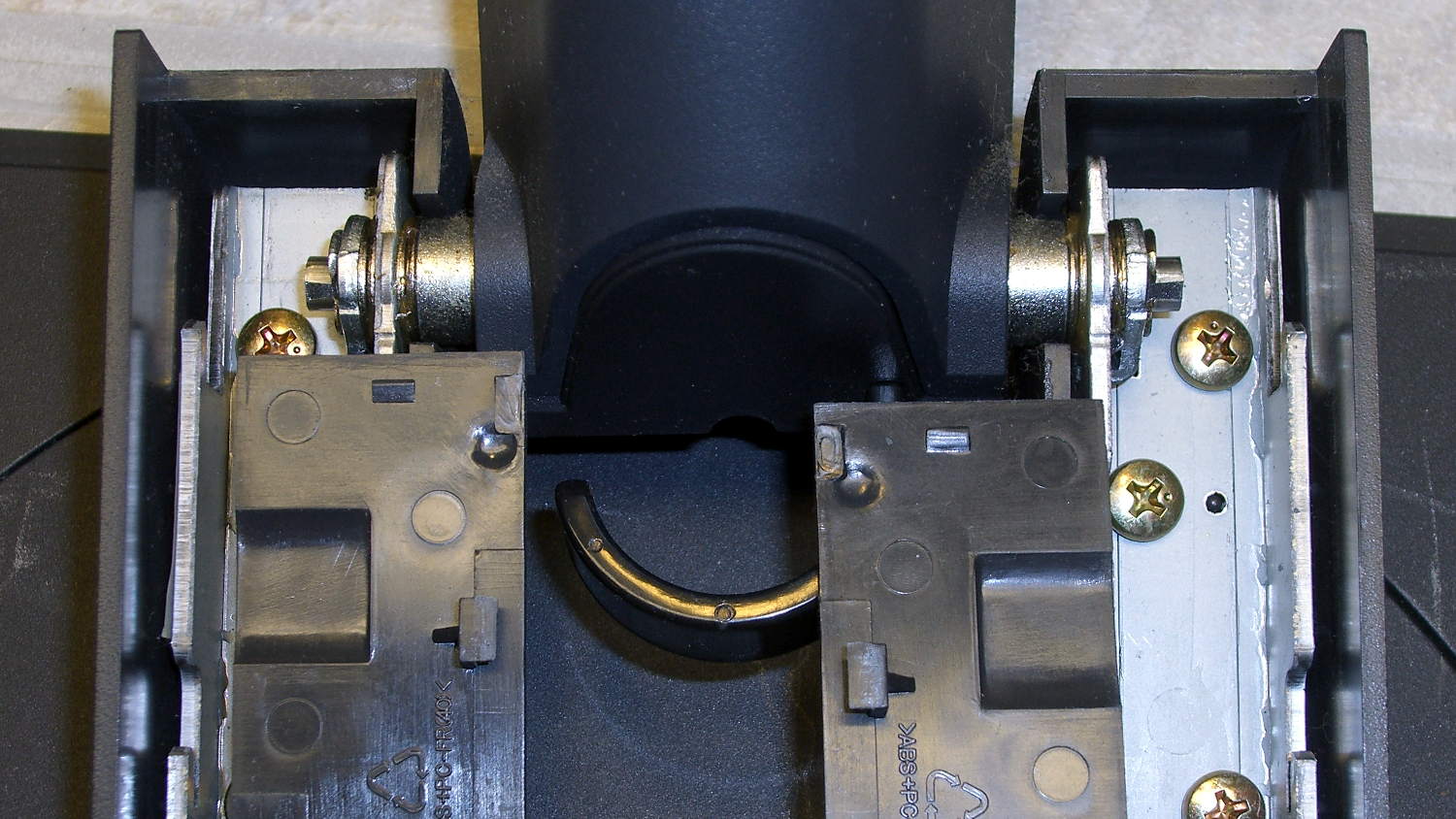
The two covers are not interchangeable:
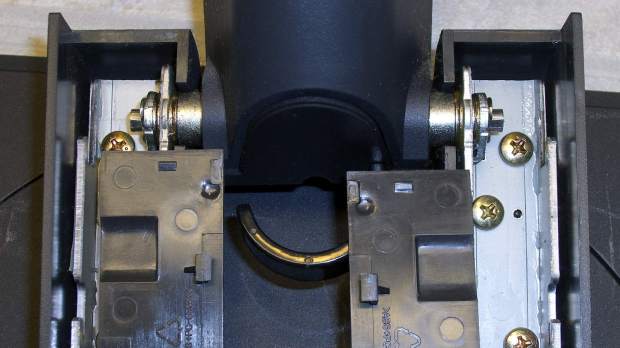
L191p Monitor Stand – struts cover handedness detail Removing two pairs of screws from each strut releases them from the base:
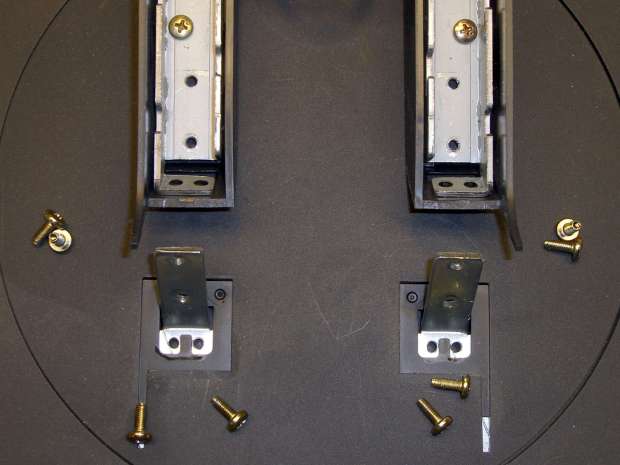
L191p Monitor Stand – struts disassembled The projecting horns on the outboard side of those struts are exactly as delicate as you think.
I put a piece of thick cardboard sheathed in closed-cell foam between the LCD screens that separated their bezels (minus cutouts for the buttons), then taped them together face-to-face. Add foam peanuts, drop in the monitors, nestle struts beside monitors, add rigid foam blocks all around and between, put flat bases atop monitors with a foam slab protecting those strut brackets, over-stuff the box with more peanuts, forcibly tape the thing closed, and it survived the trip in good order.
A pair of 1280×1024 monitors isn’t worth insuring these days, though.

-
Subscribe
Subscribed
Have a WordPress.com account? Log in now.

