-
RPi: Logitech Camera Data
After installing things like imagemagick and mjpg_streamer on the Raspberry Pi, I exhumed a quartet of Logitech cameras from the heap to see how they worked. None bear any identification, apart from a tag on the cable, so here’s what I found out for later reference.
They’re all reasonably good for still pictures, if you don’t mind terrible initial exposures. The default program works OK:
fswebcam -d /dev/video0 -r 320x240 image.jpg
On the other hand, getting any streaming video requires searching through the parameter space, which wasn’t helped by the total lack of documentation. The Arch Linux wiki has a useful summary of camera & drivers, with pointers to additional lists-of-lists. The OctoPrint repo documents the mjpg-streamer plugin parameters.
So, we begin…
This camera, one of two identical cameras in the heap, has a clip that used to fit on the upper edge of a laptop display:
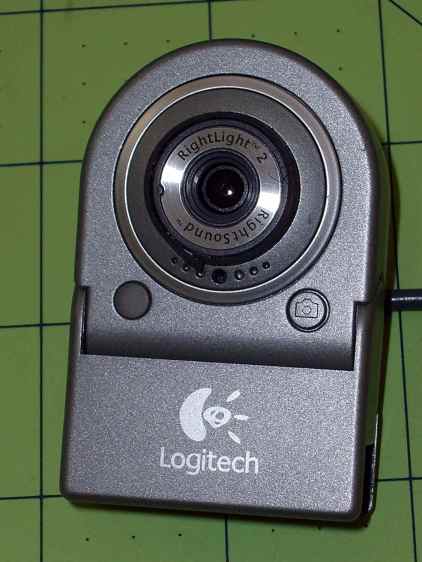
Logitech QuickCam for Notebook Plus – front One has a tag:
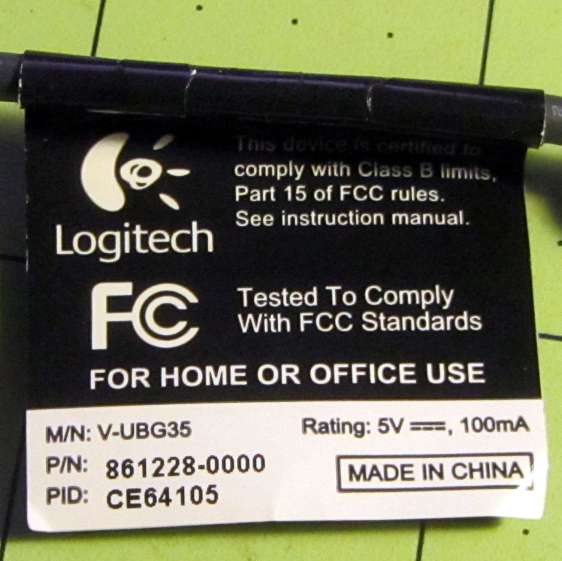
Logitech QuickCam for Notebook Plus – tag To make the tag data more useful for search engine inquiries:
- M/N: V-UBG35
- P/N: 861228-0000
- PID: CE64105
From lsusb:
Bus 001 Device 008: ID 046d:08d8 Logitech, Inc. QuickCam for Notebook Deluxe
With Raspbian on the RPi, 640×480 video tears and stutters, leaving 320×240 as the least-worst alternative:
mjpg_streamer -i "/usr/local/lib/input_uvc.so -r 320x240" -o "/usr/local/lib/output_http.so -w /usr/local/www"
The cameras don’t support YUYV at all and the video quality is mediocre, at best, but they do have a manual focus ring that lets you snuggle the camera right up against the subject.
This ball camera:
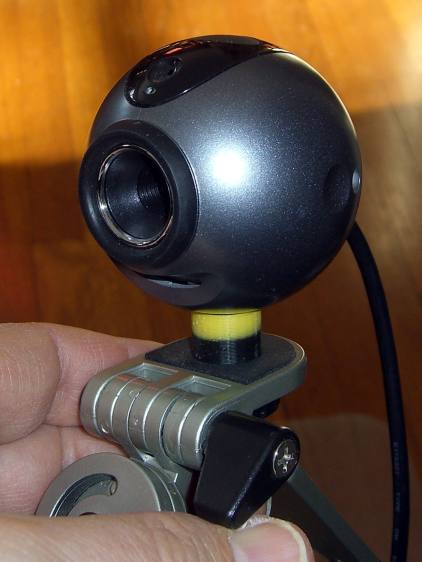
Logitech QuickCam Pro 5000 – on tripod Has a tag:
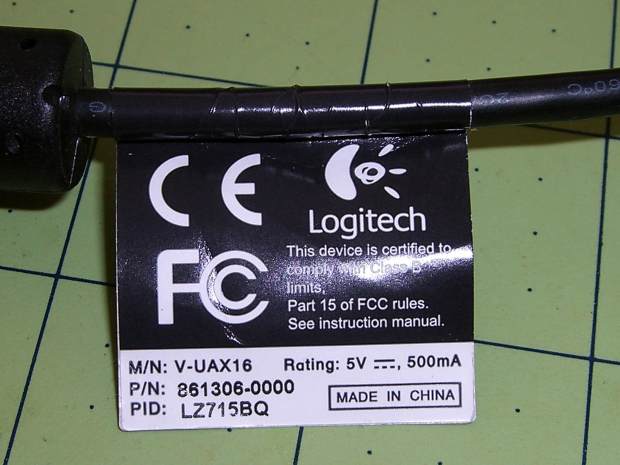
Logitech QuickCam Pro 5000 – tag Which reads:
- M/N: V-UAX16
- P/N: 861306-0000
- PID: LZ715BQ
From lsusb:
Bus 001 Device 009: ID 046d:08ce Logitech, Inc. QuickCam Pro 5000
It requires YUYV at 320×240 (on the Pi) and nothing else works at all:
mjpg_streamer -i "/usr/local/lib/input_uvc.so -r 320x240 -y" -o "/usr/local/lib/output_http.so -w /usr/local/www"
It produces even worse video than the Notebook camera.
This HD 720p camera has C130 scrawled on the front in my handwriting:
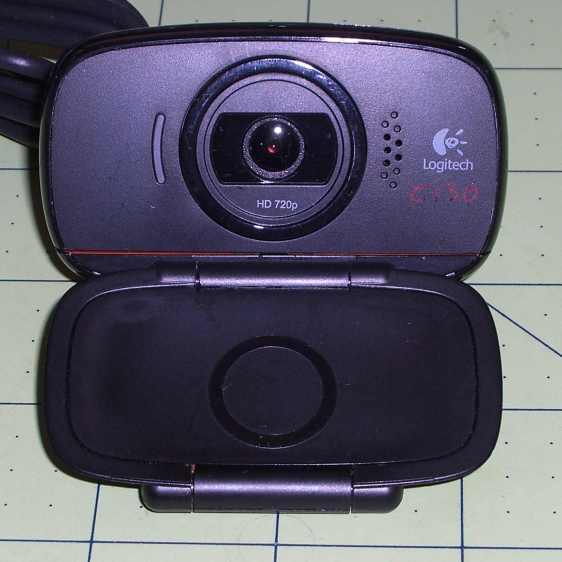
Logitech HD Webcam C510 – front And a tag:
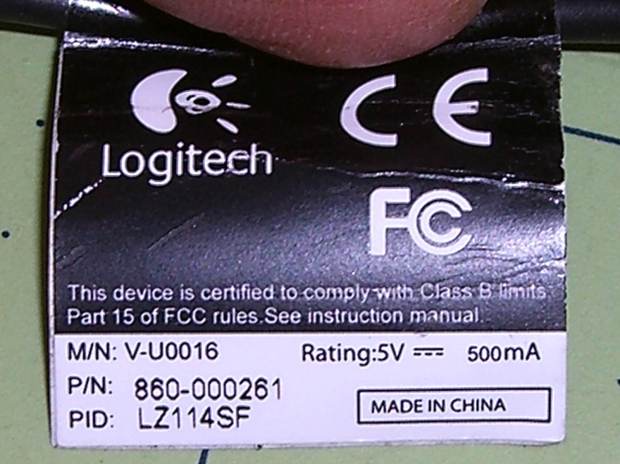
Logitech HD Webcam C510 – tag Bearing this text:
- M/N: V-U0016
- P/N: 860-000261
- PID: LZ114SF
The scrawled C130 doesn’t match up with what lsusb reports:
Bus 001 Device 010: ID 046d:081d Logitech, Inc. HD Webcam C510
It produces very nice results in many resolutions, using YUYV mode, although I think its native resolution is 1280×720 and that works perfectly on the Pi:
mjpg_streamer -i "/usr/local/lib/input_uvc.so -r 1280x720 -y" -o "/usr/local/lib/output_http.so -w /usr/local/www"
Video over USB is mysterious…


-
Subscribe
Subscribed
Have a WordPress.com account? Log in now.

