-
Lurid Filament Colors vs. Monochrome Images
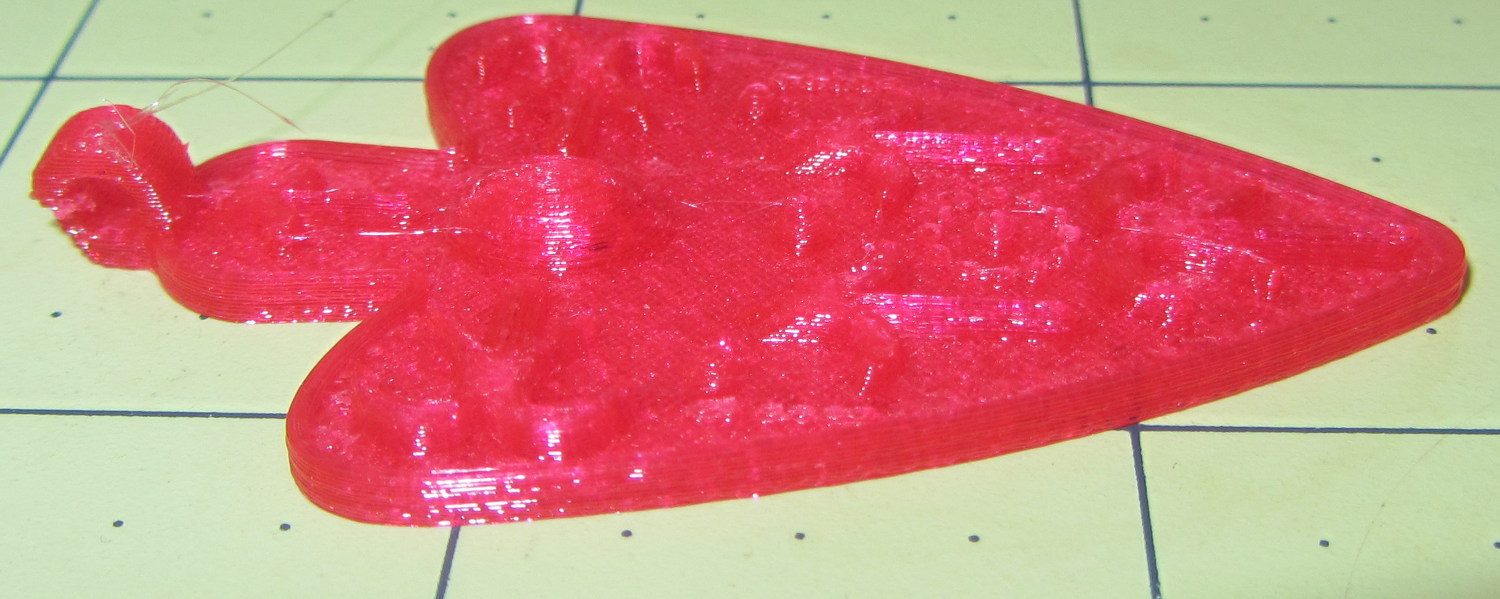
An experiment with images of an object made with translucent magenta PETG…
The Slic3r preview of the object looks like this, just so you know what you should be seeing:
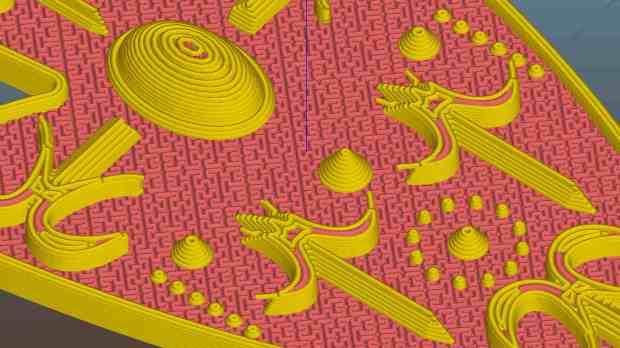
Necklace Heart – Slic3r Preview It’s pretty much a saturated red blob with the Canon SX230HS in full color mode:
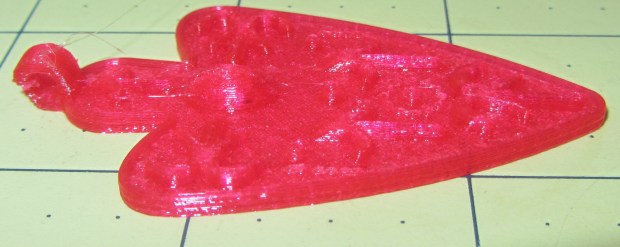
Necklace Heart – Slic3r Preview Unleashing The GIMP and desaturating the image based on luminosity helps a lot:
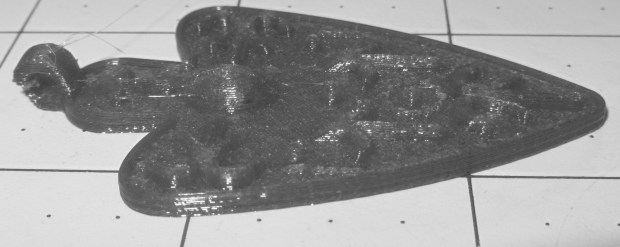
Necklace Heart – magenta PETG – desaturate luminosity Desaturating based on either lightness or average, whatever that is, produced similar results.
Auto level adjustment plus manual value tweaking brings out more detail from that image:
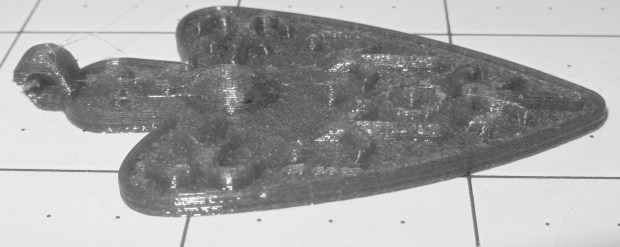
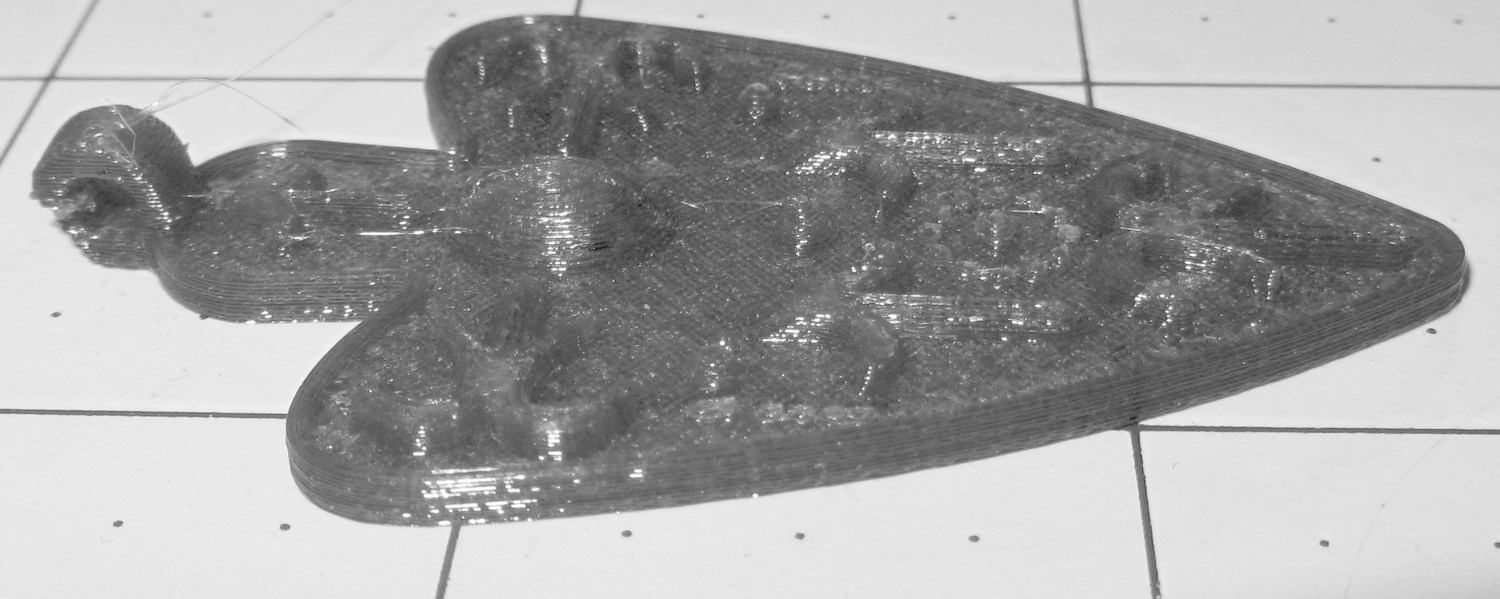
Necklace Heart – magenta PETG – desaturated – adjusted I also tried using the camera in its B&W mode to discard the color information up front:
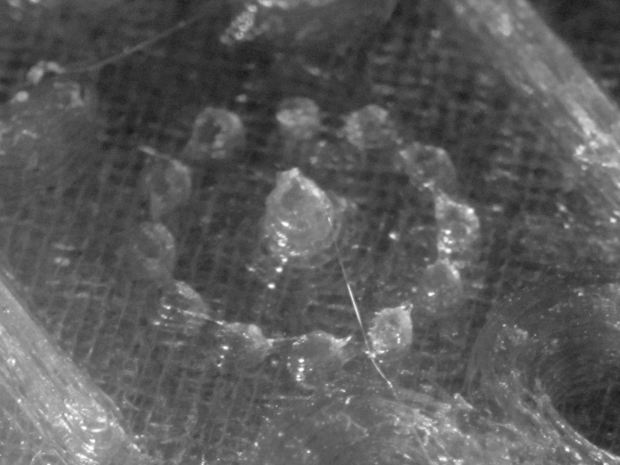
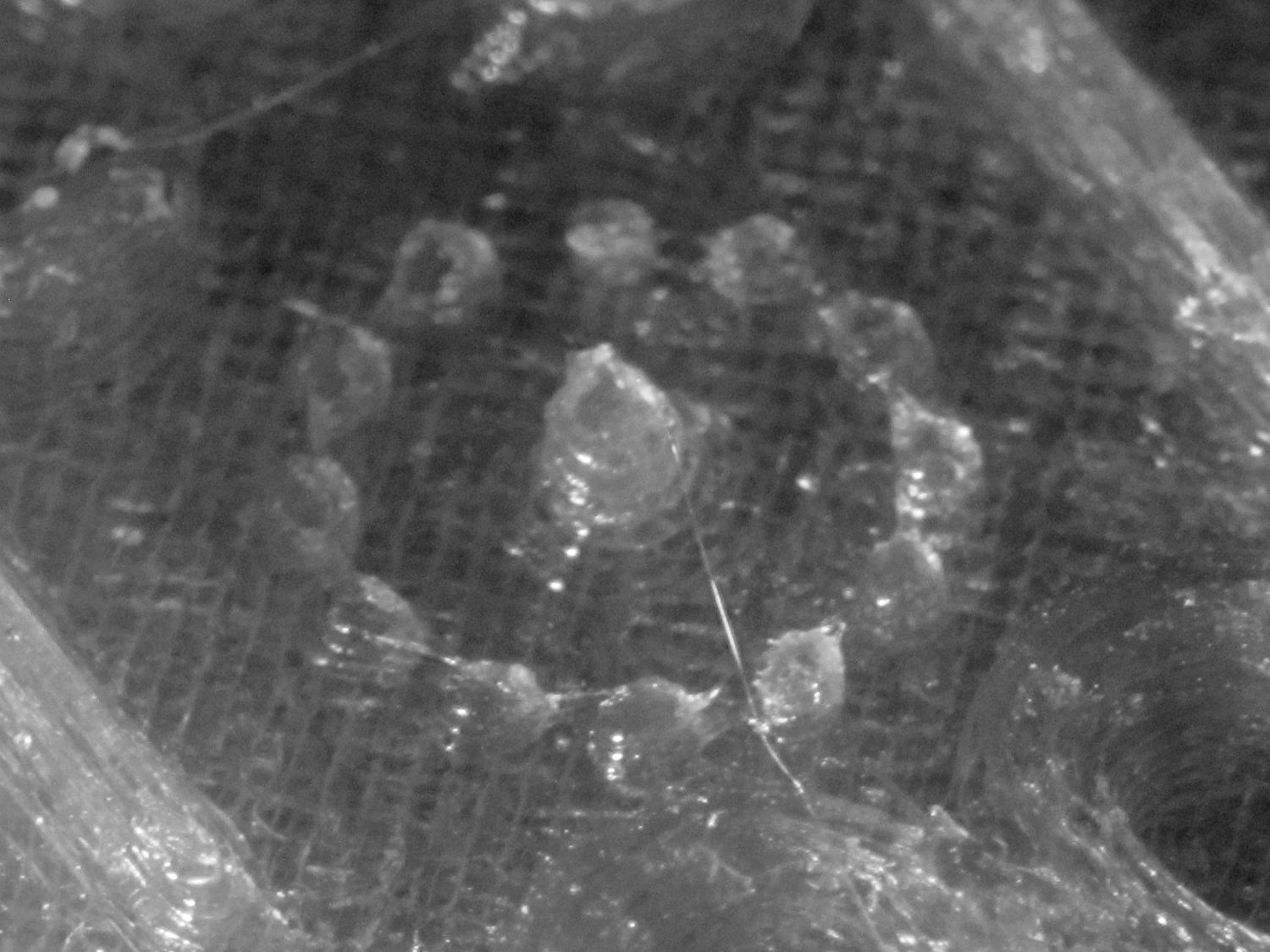
Necklace Heart – circle detail It’s taken through the macro adapter with the LEDs turned off and obviously benefits from better lighting, with an LED flashlight at grazing incidence. You can even see the Hilbert Curve top infill.
The object of the exercise was to see if those tiny dots would print properly, which they did:
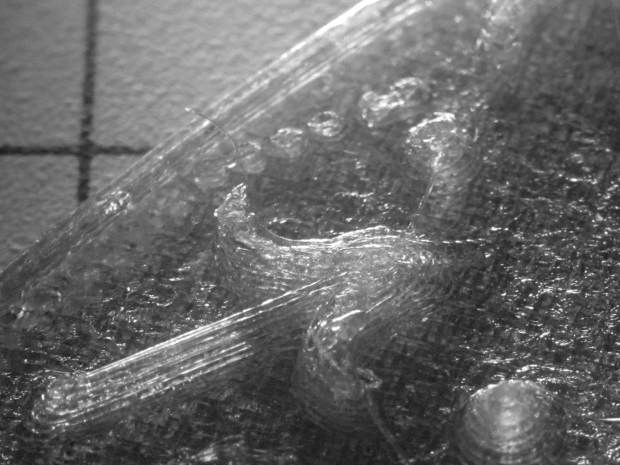
Necklace Heart – dots detail Now, admittedly, PETG still produces fine hairs, but those dots consist of two layers and two thread widths, so it’s a harsh retraction test.
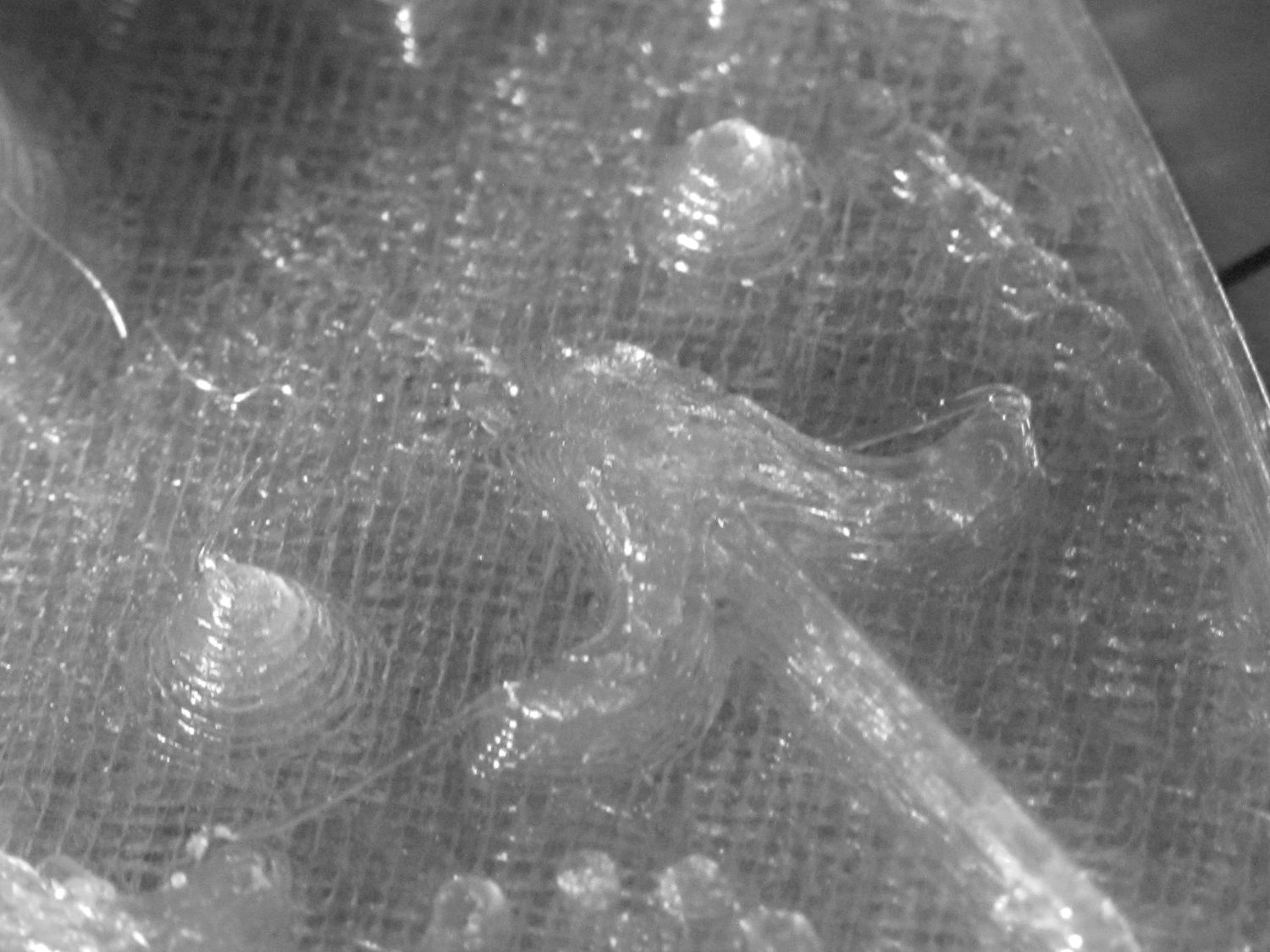
A look at the other side:
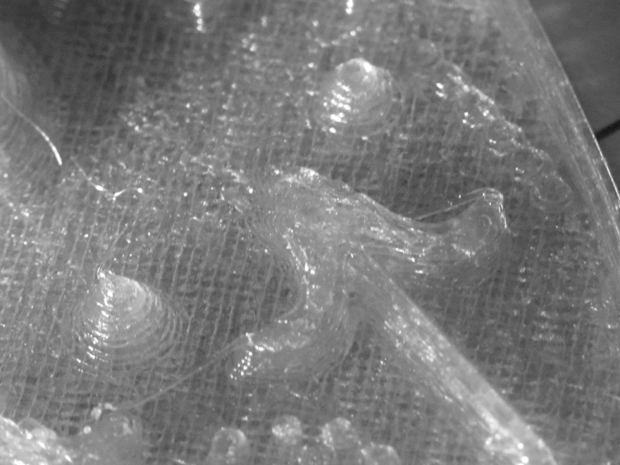
Necklace Heart – detail All in all, both the object and the pix worked out much better than I expected.
Leaving the camera in full color mode and processing the images in The GIMP means less fiddling with the camera settings, which seems like a net win.



-
Subscribe
Subscribed
Have a WordPress.com account? Log in now.

