-
Raspberry Pi: OLED Display
These cute displays have barely enough dots for the job:
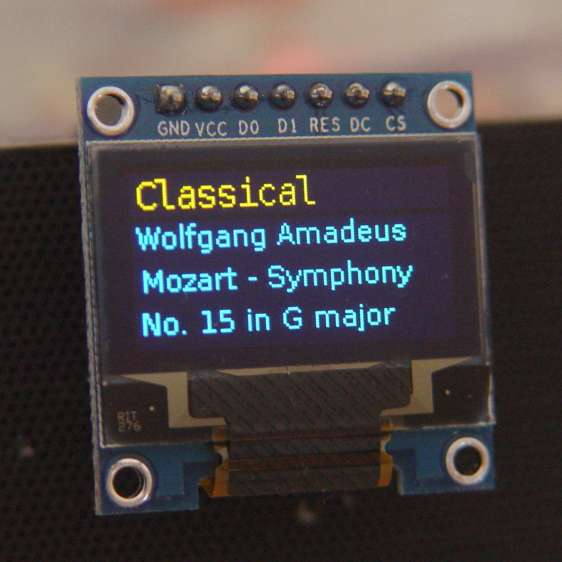
RPi OLED Display – Classical That’s a 0.96 inch = 24.4 mm OLED display, measured diagonally, with a breathtaking 8192 = 128×64 dots. It’s a binary display: on or off pixels, nothing in between. This is not a color display: what you see is what it does, with a two-pixel void between the yellow and blue sections.
The void is a physical separation that does not affect the display addressing: the yellow section has 16 rows, the blue section has 48. It’s your responsibility to keep things where they belong; a character descender from the yellow section will appear in the blue section.
They’re three bucks each, shipped halfway around the planet: search eBay / Amazon for
oled 128x64 yellow. The all-blue and all-white versions do not have the two-pixel void. I have some white 1.3 inch versions on the way for those applications requiring 35% more visibility.The SPI interface uses all seven wires, peeled from a premade 100 mm 40-pin cable with female pin connectors:
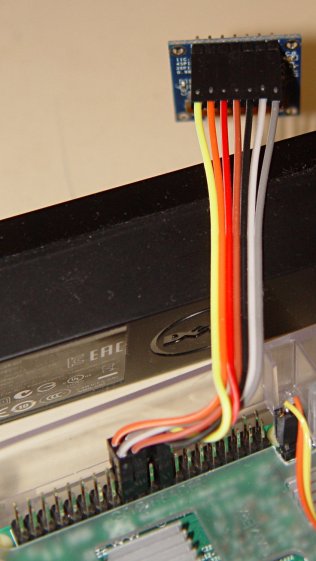
RPi OLED Display – Wiring Other OLED versions have a four-wire I2C interface. The boards have option jumpers on the back, but the pin header along the edge will have 7 holes for SPI or 4 holes for I2C .
Caveat emptor for online buyers: the item picture(s) may not match the title or the description text. The low-end sellers carrying beach balls, cookware, MOSFETs, cheap consumer electronics, and OLEDs do not understand the tech on a small board that’s Just Another SKU among thousands.
For cables, search eBay or Amazon for
ribbon dupont "female to female" 10cm. Amazon has sets of male-female, male-male, and female-female jumpers for ten bucks in various lengths. The insulation seems rather stiff and I may be forced to build better cables with fine wire inside PET braid.The SPI interface soaks up a tidy block of pins on the RPi’s big header:
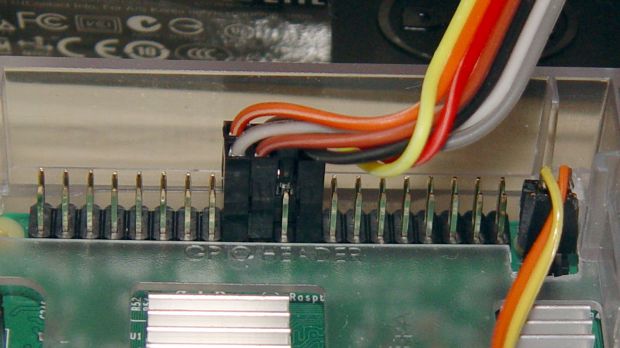
RPi OLED Display – RPi connector detail The LUMA-OLED Python driver doc gives a useful summary of those connections, herewith extracted for future reference:
- 17 VCC – 3.3 V works for sure, 5 V might not
- 18 DC – Data/Command
- 19 D1 (“dee one”) – Data to display = MOSI
- 20 GND
- 21 not used, that’s the pin in the midst of the block
- 22 RST – Reset
- 23 D0 (“dee zero”) – clock to display = SCLK
- 24 CS – Chip Select = CE0 (“cee ee zero”)
Pin 1 is in front on the left end of that picture, closest to the MicroSD card slot, and proceeds 1-2, 3-4, and so forth along the length of the connector: odds toward the CPU, evens toward the PCB edge.
The LUMA-OLD maintainter must have OLED boards with a slightly different SPI pinout than mine: VCC and GND are interchanged. Caveat emptor!
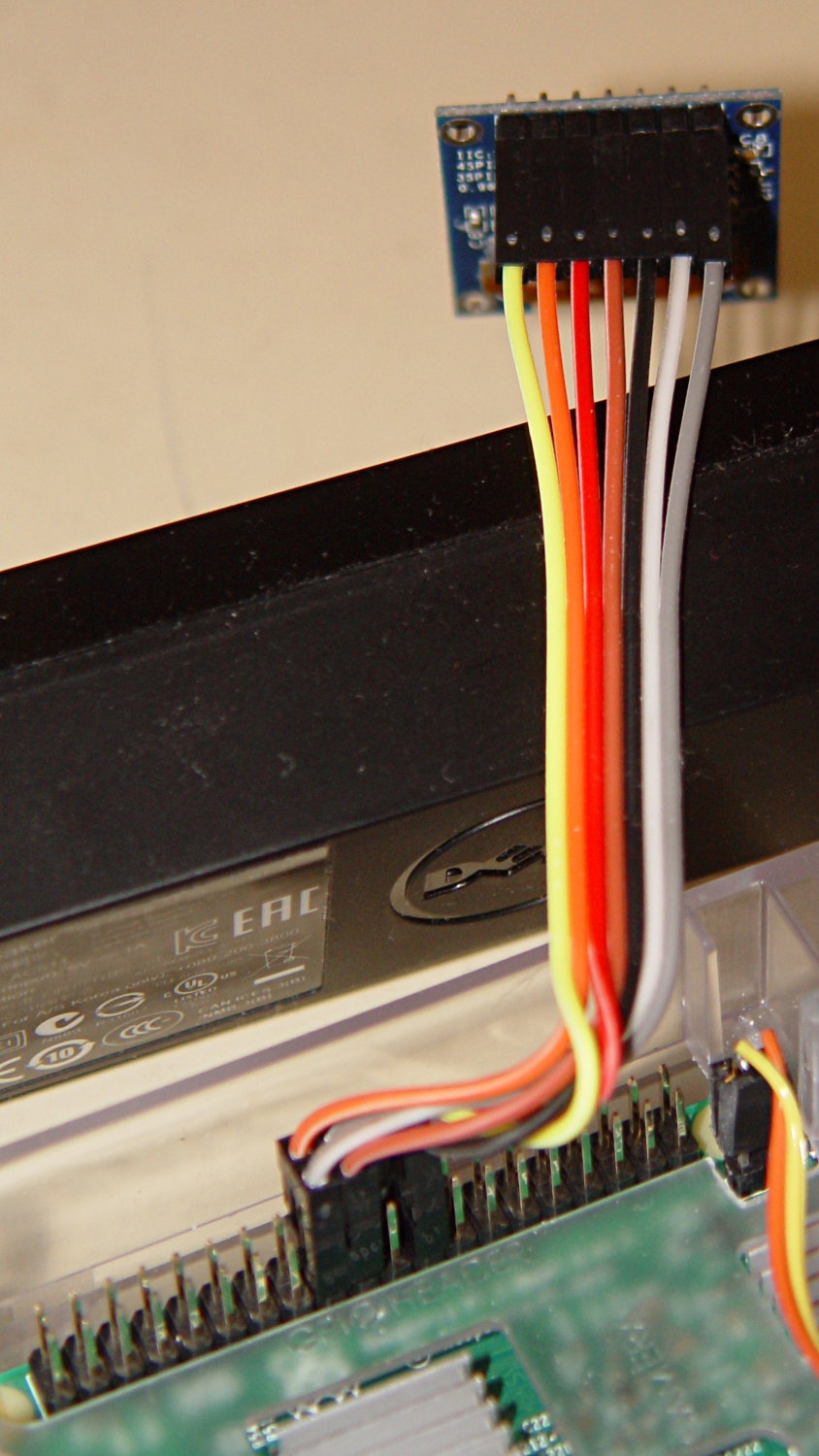
Obviously, it’s desperately in need of a cute little case, which is in the nature of fine tuning.


-
Subscribe
Subscribed
Have a WordPress.com account? Log in now.

