-
Siglent SDS2304X Screen Shot File
Poking the
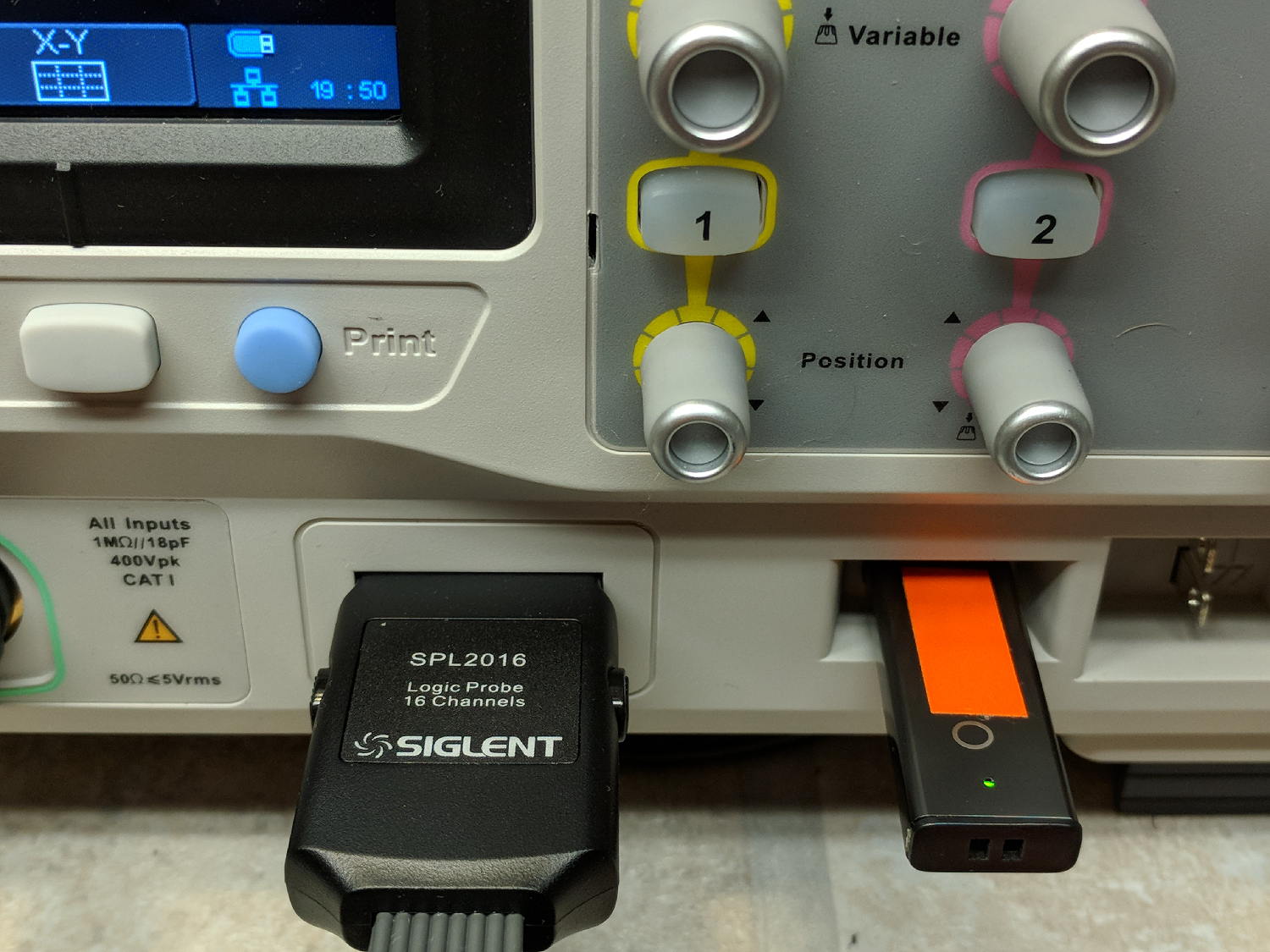
Printbutton on the front of the Siglent SDS2304X scope saves the screen to a BMP file (in the/BMPdirectory) on a USB flash drive plugged into its front-panel port: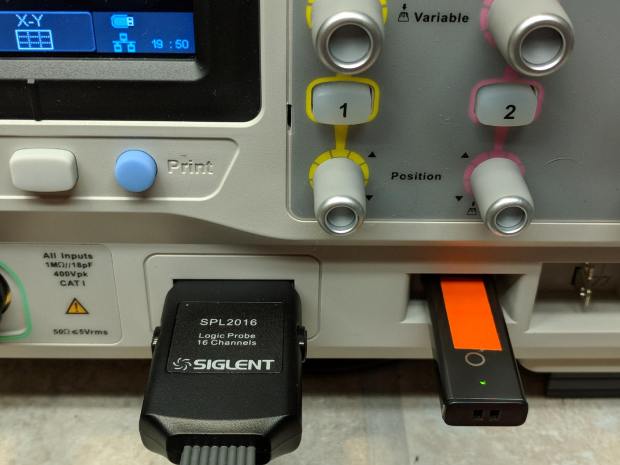
Siglent SDS2304X Front Panel – Print Button – USB port Which produces files like these:
ll --block-size=1 /path-to-USB-stick/BMP/
total 2318336
drwxr-xr-x 2 ed ed    4096 May 23 13:13 ./
drwxr-xr-x 4 ed ed    4096 Dec 31  1969 ../
-rw-r--r-- 1 ed ed 1152054 May 23 13:13 SDS00001.BMP
-rw-r--r-- 1 ed ed 1152054 May 23 13:13 SDS00002.BMP
The files are 1152054 bytes long, as specified by the BMP header inside the file:
hexdump -C /path-to-USB-stick/BMP/SDS00001.BMP | head
00000000  42 4d 36 94 11 00 00 00  00 00 36 00 00 00 28 00  |BM6.......6...(.|
00000010  00 00 20 03 00 00 e0 01  00 00 01 00 18 00 00 00  |.. .............|
00000020  00 00 00 94 11 00 00 00  00 00 00 00 00 00 00 00  |................|
00000030  00 00 00 00 00 00 01 01  01 01 01 01 01 01 01 01  |................|
00000040  01 01 01 01 01 01 01 01  01 01 01 01 01 01 01 01  |................|
*
00000880  01 01 01 01 01 01 01 01  01 01 01 01 01 01 1e 1e  |................|
00000890  1e 1e 1e 1e 1e 1e 1e 1e  1e 1e 1e 1e 1e 1e 1e 1e  |................|
*
00000990  1e 1e 1e 1e 1e 1e 01 01  01 01 01 01 01 01 01 01  |................|
The first 14 bytes contain the
Bitmap file header, with the file size in Little-Endian order in the four bytes at offset +0x02: 0x00119436 = 1152054.The four bytes at offset +0x0A give the offset of the pixel data: +0x36. That’s the series of 0x01 bytes in the fourth row. Unlike most images, BMP pixel arrays start at the lower left corner of the image and proceed rightward / upward to the last pixel at the upper right corner.
The data between the
Bitmap file headerand the start of the pixel data contains at least aDevice Independent Bitmapheader, identified by its length in the first four bytes at offset +0x0E. In this case, the length of 0x28 = 40 bytes makes it a Windows (no surprise) header.The two bytes at +1C give the bits-per-pixel value: 0x18 = 24 = 3 bytes/pixel, so parse the pixels in RGB order.
The four bytes at +0x12 give the bitmap width in pixels: 0x320 = 800. Each pixel row must be a multiple of 4 bytes long, which works out fine at 2400 bytes.
The tail end of the file shows one dark pixel at the upper right:
hexdump -C /path-to-USB-stick/BMP/SDS00001.BMP | tail
00118330  00 cc 00 00 cc 00 00 cc  00 00 cc 00 00 cc 00 00  |................|
00118340  cc 00 00 cc 00 00 cc 00  00 cc 00 00 cc 00 00 cc  |................|
00118350  00 00 cc 00 00 cc 00 00  cc 0f 0f 75 1e 1e 1e 1e  |...........u....|
00118360  1e 1e 1e 1e 1e 1e 1e 1e  1e 1e 1e 1e 1e 1e 1e 1e  |................|
*
00118ad0  1e 1e 1e 01 01 01 1e 1e  1e 1e 1e 1e 1e 1e 1e 1e  |................|
00118ae0  1e 1e 1e 1e 1e 1e 1e 1e  1e 1e 1e 1e 1e 1e 1e 1e  |................|
*
00119430  1e 1e 1e 01 01 01                                 |......|
Which looks like this, expanded by a factor of eight (clicky for more dots to reveal the situation):

Screenshot – upper right corner – 8x expansion The scope can also transfer a screenshot over the network:
lxi screenshot -a 192.168.1.42 /tmp/lxi-shot.bmp
Loaded siglent-sds screenshot plugin
Saved screenshot image to /tmp/lxi-shot.bmp
Which has the same header:
hexdump -C /tmp/lxi.bmp | head
00000000  42 4d 36 94 11 00 00 00  00 00 36 00 00 00 28 00  |BM6.......6...(.|
00000010  00 00 20 03 00 00 e0 01  00 00 01 00 18 00 00 00  |.. .............|
00000020  00 00 00 94 11 00 00 00  00 00 00 00 00 00 00 00  |................|
00000030  00 00 00 00 00 00 01 01  01 01 01 01 01 01 01 01  |................|
00000040  01 01 01 01 01 01 01 01  01 01 01 01 01 01 01 01  |................|
*
00000880  01 01 01 01 01 01 01 01  01 01 01 01 01 01 1e 1e  |................|
00000890  1e 1e 1e 1e 1e 1e 1e 1e  1e 1e 1e 1e 1e 1e 1e 1e  |................|
*
00000990  1e 1e 1e 1e 1e 1e 01 01  01 01 01 01 01 01 01 01  |................|
But the resulting file is three bytes = one pixel (!) too large:
ll --block-size=1 /tmp/lxi.bmp
-rw-rw-r-- 1 ed ed 1152057 May 23 19:09 /tmp/lxi.bmp
The tail end of the file:
hexdump -C /tmp/lxi.bmp | tail
00118330  00 cc 00 00 cc 00 00 cc  00 00 cc 00 00 cc 00 00  |................|
00118340  cc 00 00 cc 00 00 cc 00  00 cc 00 00 cc 00 00 cc  |................|
00118350  00 00 cc 00 00 cc 00 00  cc 0f 0f 75 1e 1e 1e 1e  |...........u....|
00118360  1e 1e 1e 1e 1e 1e 1e 1e  1e 1e 1e 1e 1e 1e 1e 1e  |................|
*
00118ad0  1e 1e 1e 01 01 01 1e 1e  1e 1e 1e 1e 1e 1e 1e 1e  |................|
00118ae0  1e 1e 1e 1e 1e 1e 1e 1e  1e 1e 1e 1e 1e 1e 1e 1e  |................|
*
00119430  1e 1e 1e 01 01 01 01 01  0a                       |.........|
Because the file header doesn’t include those three bytes, they don’t go into the image and the resulting screenshot is visually the same.
Which looks like a picket-fence error, doesn’t it? I’d lay long odds the erroneous loop runs from 0 to NUMPIXELS, rather than 0 to NUMPIXELS-1. Raise your hand if you’ve ever made that exact mistake.
I have no practical way to determine whether the error is inside the scope or the LXI network code, but given Siglent’s overall attention to software fit-and-finish, I suspect the former.
One can convert BMP files to the much more compact PNG format:
convert /tmp/lxi.bmp /tmp/lxi.png
convert: length and filesize do not match `/tmp/lxi.bmp' @ warning/bmp.c/ReadBMPImage/829.
Yes. Yes, there is a mismatch.
The space savings is impressive, particularly in light of PNG being a lossless format:
ll /tmp/lxi.*
-rw-rw-r-- 1 ed ed 1.1M May 23 19:09 /tmp/lxi.bmp
-rw-rw-r-- 1 ed ed  14K May 23 19:17 /tmp/lxi.png
You can eliminate the nag by truncating the file:
truncate --size=1152054 /tmp/lxi.bmp
One could wrap it all up in a script:
#!/bin/bash
lxi screenshot -a 192.168.1.42 /tmp/"$1".bmp
truncate --size=1152054 /tmp/"$1".bmp
convert /tmp/"$1".bmp "$1".png
echo Screenshot: "$1".png
And then It Just Works:
getsds2304x.sh "Test Shot Starfish"
Loaded siglent-sds screenshot plugin
Saved screenshot image to /tmp/Test Shot Starfish.bmp
Screenshot: Test Shot Starfish.png
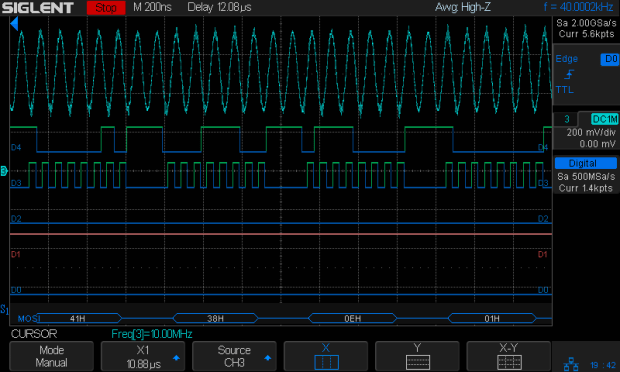
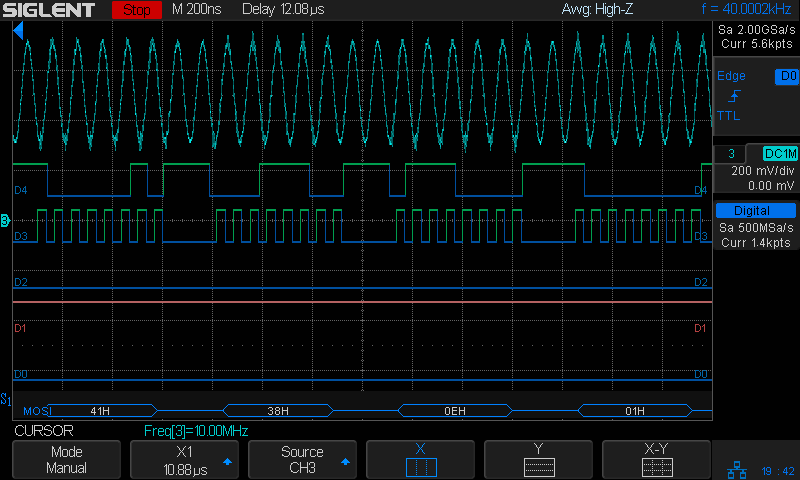
Test Shot Starfish SpaceX uses Test Shot Starfish tracks for pre-launch background music; the actual test shot was spectacular.
-
Subscribe
Subscribed
Have a WordPress.com account? Log in now.

