Ed Nisley's Blog: Shop notes, electronics, firmware, machinery, 3D printing, laser cuttery, and curiosities. Contents: 100% human thinking, 0% AI slop.
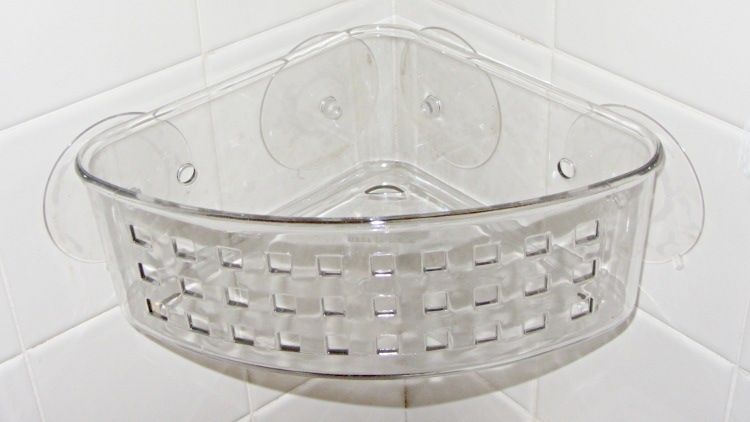
The outer suckers on the basket in the corner of the shower didn’t line up with the tiles; either tile dimensions have changed in the last half-century or it’s a hard-metric basket. It didn’t look right when I installed it (now that is a grandiose term if I’ve ever misused one), so (when the thing fell off and landed with a clatter a few days ago) I drilled two additional holes as far away from the corner as I could, using a step drill to prevent the plastic from shattering, and it’s all good.
Shower basket – redrilled
Sometimes, they’re easy…
You’ll note that I heroically resisted the urge to fire the Thing-O-Matic to print some kind of weird-ass safety-orange interposer plate, just because I could.
A week or so after I got my HP 49GX calculator, I managed to drop a vernier caliper on it. Interior points downward, of course, putting a nice divot on the non-glare plastic over the LCD panel.
A week or so after I got my HP 50g calculator, I applied a screen protector sheet harvested from the lifetime supply I bought for my original Zire 71, back in the day.
HP 50g calculator screen protector
The fact that it’s an almost perfect fit and that the calculator sports a monochrome LCD with lower resolution is a sad commentary on the state of the calculator art.
Taking that picture in low-angle full sunlight makes the protector sheet look awful. In actual use, it’s nearly invisible. Haven’t dropped anything on it yet, either.
And, yes, I did cut it out around the HP logo button in the upper right corner.
Found this relic while I was looking for something else.
The M1 Radiac calculator, which produces your expected radiation dose, given the reading from a Geiger counter or one of those, the elapsed time since the bang, and how long you’ll be exposed:
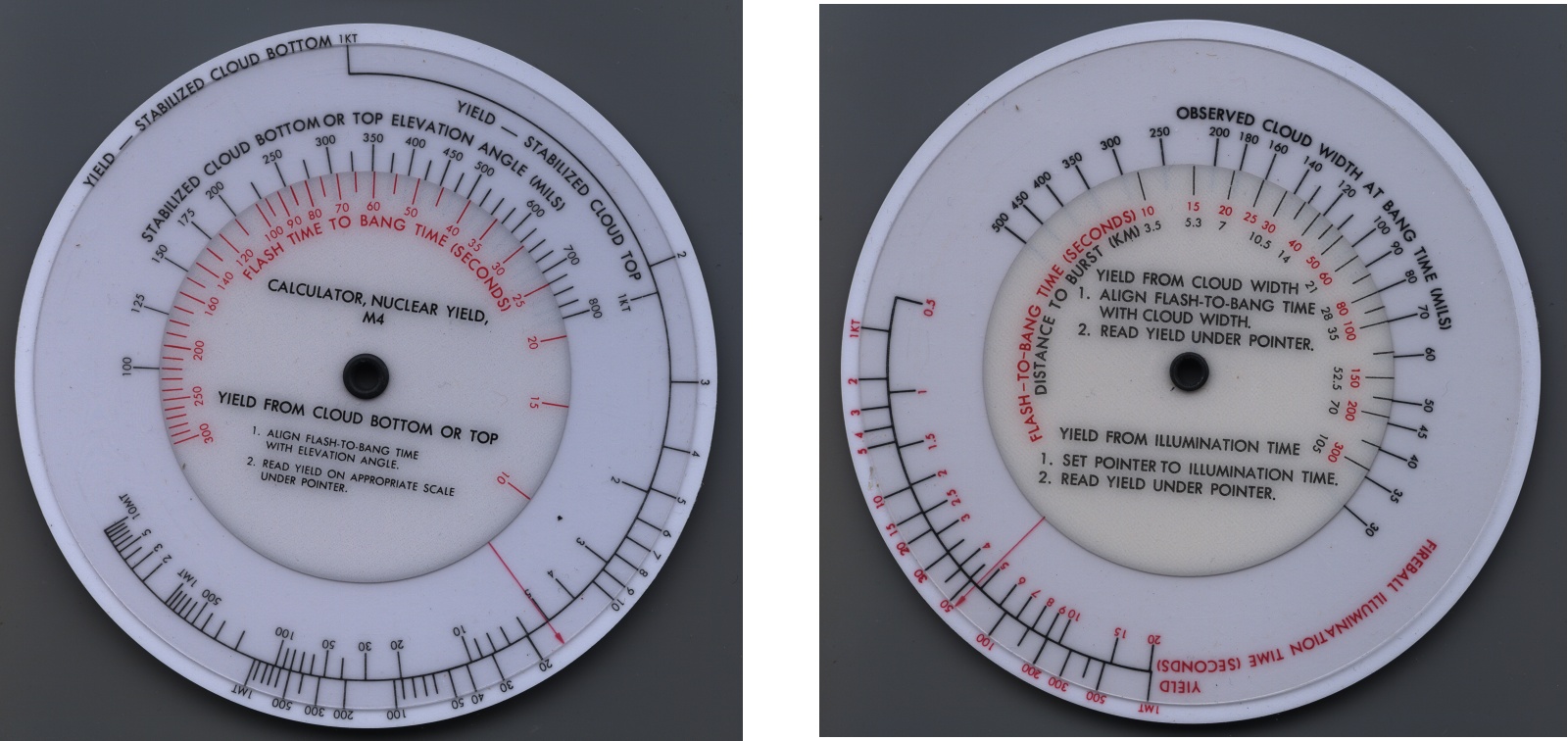
The M4 Nuclear Yield Calculator which, according to those Official Instructions[Update: dead link], gives incorrect answers and has been replaced by the M4A1:
M4 Nuclear Yield Calculator
They’re basically circular nomographs, made from stacked plastic disks, with various index lines and notations. You could use the flat nomographs with a ruler, but what’s the fun in that?
All inside a vintage plastic pouch:
M28 Pouch
Some of the stuff around here, well, I hope I never have a need for…
[Update: That comment there has a link to a DIY version. Go for it!]
Well, that fix didn’t last nearly as long as I’d hope, although I must admit whacking the pitcher lid against the refrigerator door certainly hastened its demise.
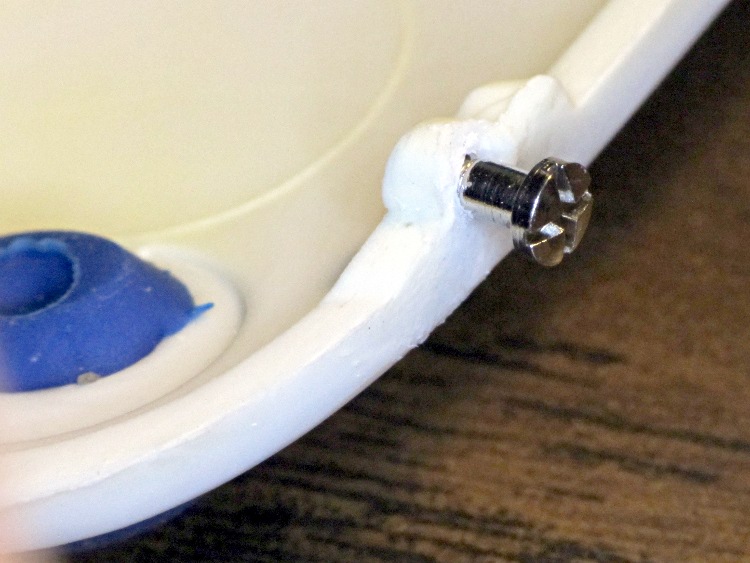
So I found a suitable screw in the Tiny Box o’ Teeny Screws (in a sub-container of eyeglass repair screws), drilled a snug hole where the plastic pin used to be (entirely by hand on the drill press, feeding the lid into the drill), and snapped everything together again:
Brita pitcher lid hinge – screw
The remaining plastic pin had a fracture at its base, but I just glued it and will defer installing a screw until it finishes disintegrating. At some point we’re going to be forced to buy a new pitcher…
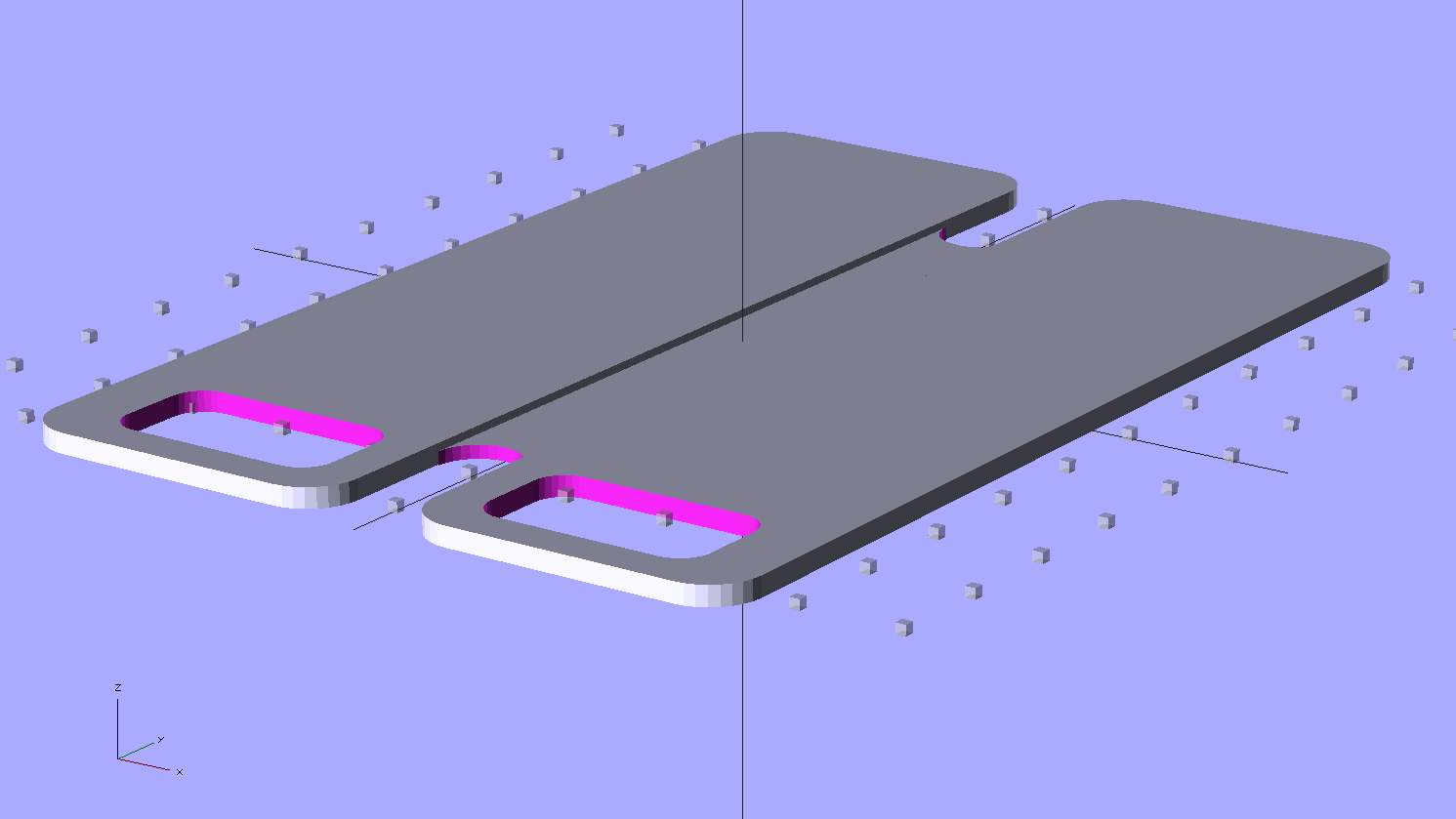
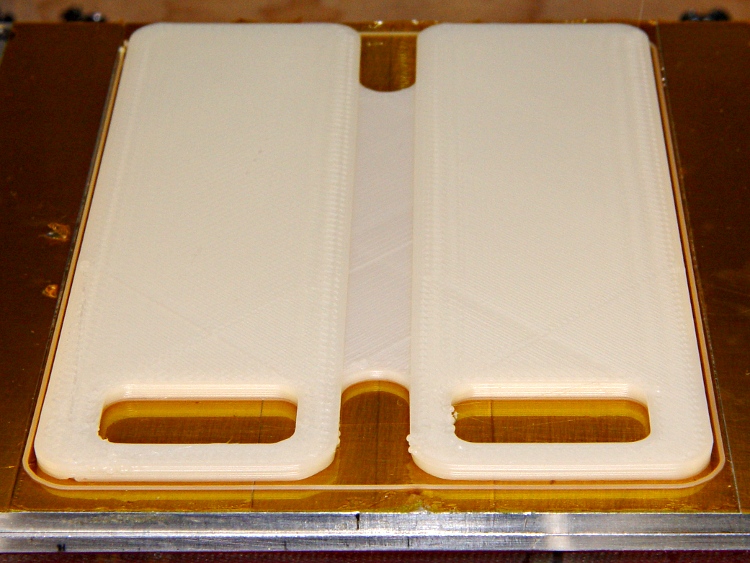
It’s printed with 100% infill to produce a solid plastic plate.
In retrospect, I think it’d work better if I put the notch on the bottom side with a bit of support, so that the glass-smooth surface faced the Zire. Maybe next time?
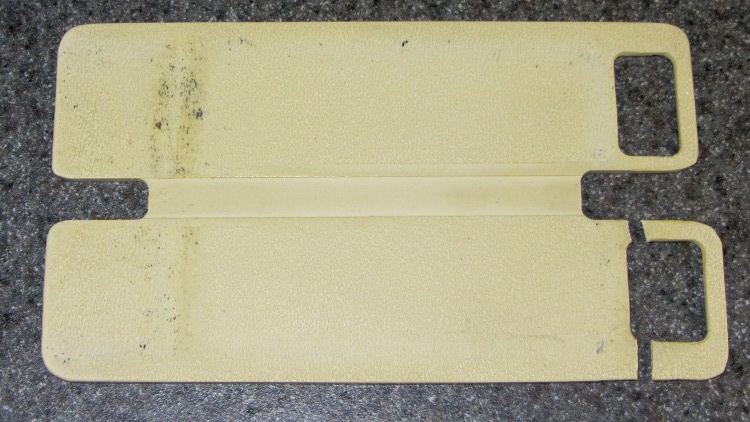
My decrepit Zire 71 PDA (remember PDAs?) has a cute little joystick dingus that, when pressed, displays the clock. That’s great, except that it stands proud of the surface by just enough to be constantly pressed by my pants fabric. Hence, the need for a button shield… which, after all these years, snapped at an obvious high-stress spot:
Broken Zire button shield
A dab of solvent glue, a few minutes of finger pressure, and let it cure overnight. That was easy.
But then it occurred to me that this was a broken plastic part and I had a 3D printer…
Although reading PDF documents on the shining screen works fine for some topics, I’d much rather curl up with a printed version for the first read-through. Adobe Reader’s print-as-booklet option does all the heavy lifting required to print a PDF document four pages to a single Letter-size sheet of paper, after which I do a little slicing & binding to get a nice comb-bound book.
So I printed out the entire EAGLE 6 manual (found in /wherever/eagle-6.1.0/doc/), which led to the discovery that page 86 is missing (at least in the 1st edition version). That screws up the pagination from page 87 onward: odd-numbered pages move to the left side of the binding, even-numbered pages to the right, and the blank space reserved for the gutter / binding appears on the outside margins. Fortunately, it’s still readable.
To avoid that problem, do this:
Print Range → Pages → [1-85,301,86-334]
That selects the first set of contiguous pages, jams a copy of a “This page has been left free intentionally” page from the back of the manual in place of the missing page 86, and then selects the rest of the book.
Print the front sides, flip the stack over, print the back sides (with the same page range), and bind as usual.
FWIW, this is much better than having the printer mis-feed about 3/4 of the way through the back sides, which it has done in the past while printing a big book. I now run off about 20 sheets at a time, with only that many pieces of paper in the feeder, just to make sure it doesn’t ruin the entire job.
One could, I suppose, use pdftk to shuffle the PDF into a complete file which would Just Work, but that seems like more trouble than it’s worth. Ditto for expecting CadSoft to re-create the PDF.
Memo to Self: Check the last page. If the logical page doesn’t match what’s shown on the PDF page, then something’s wrong.




 The Smell of Molten Projects in the Morning